📆 Revision Date:
Event Task Types Overview
Event Task Types are predefined categories that help organize and classify tasks related to an event. When creating a task, users select a Task Type to indicate the nature or purpose of the task—for example, Deposit Due, Follow-Up, or Contract Due Date. These categories make it easier to manage event-related activities, ensure important deadlines are tracked, and improve reporting by grouping similar tasks together. Using consistent Task Types helps standardize task management across the team and enhances visibility into the event workflow.
|
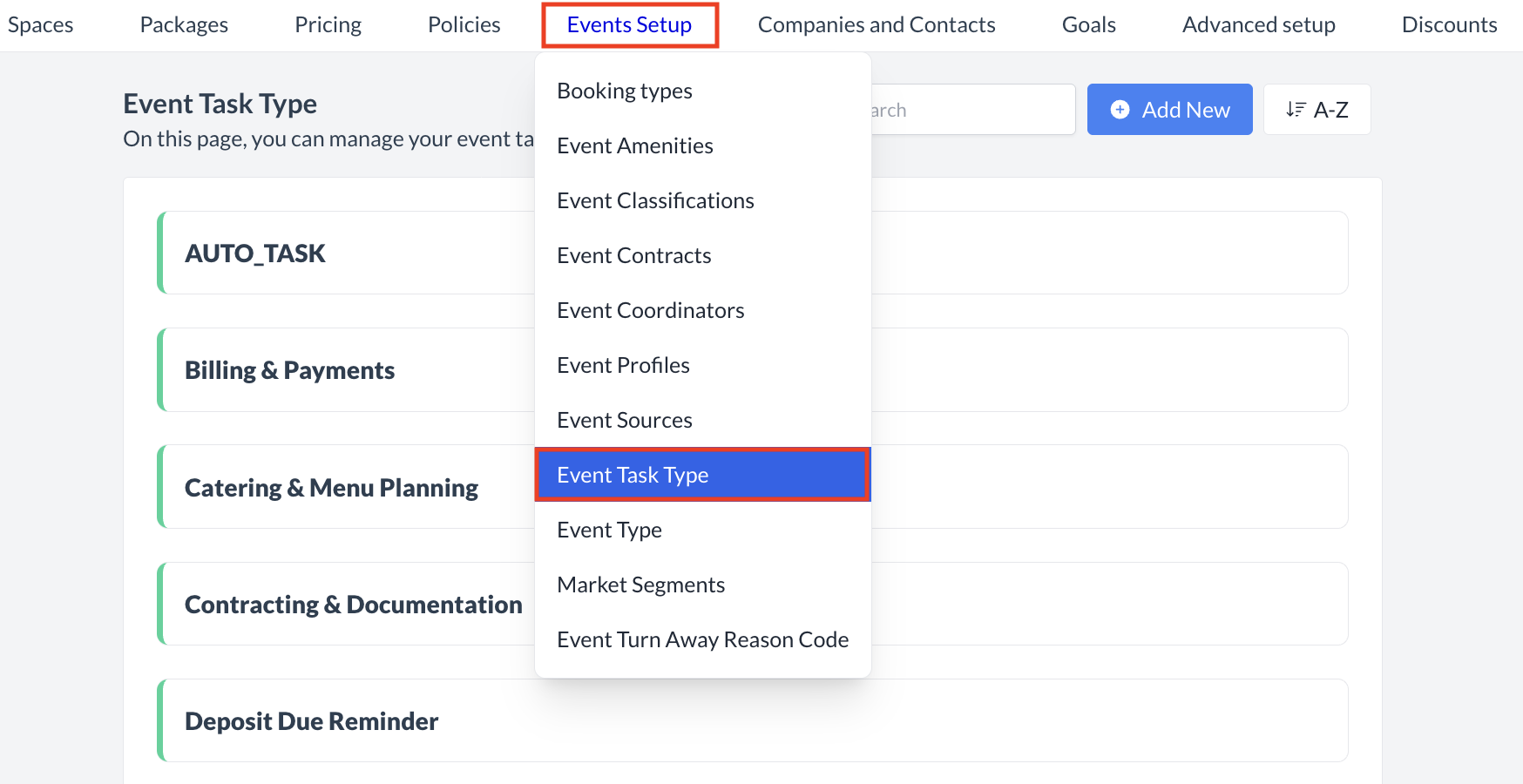
Navigate to Home > Event Administration > Event Setup > Event Task Type |
|
Accessing and Creating Event Task Types
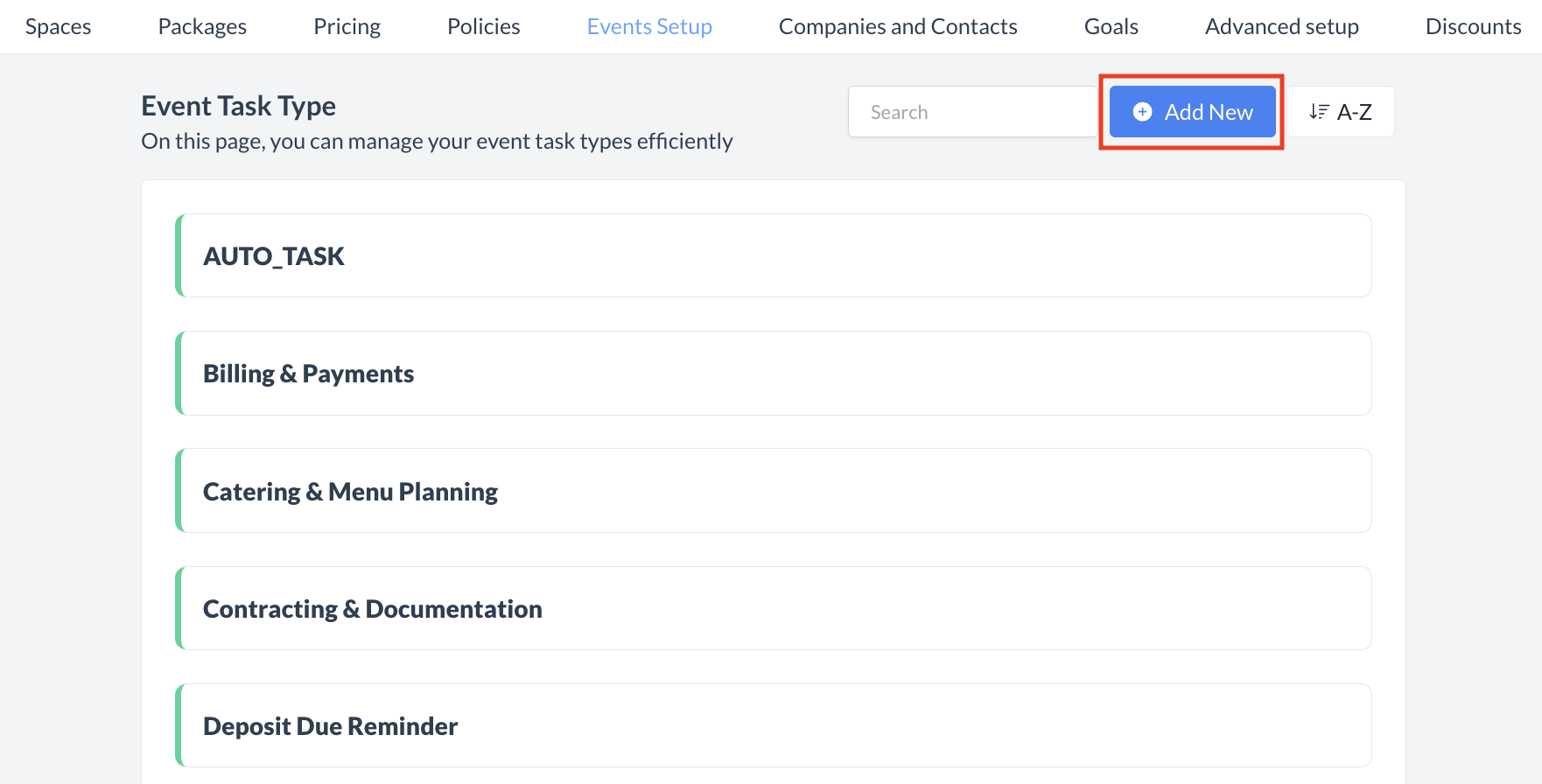
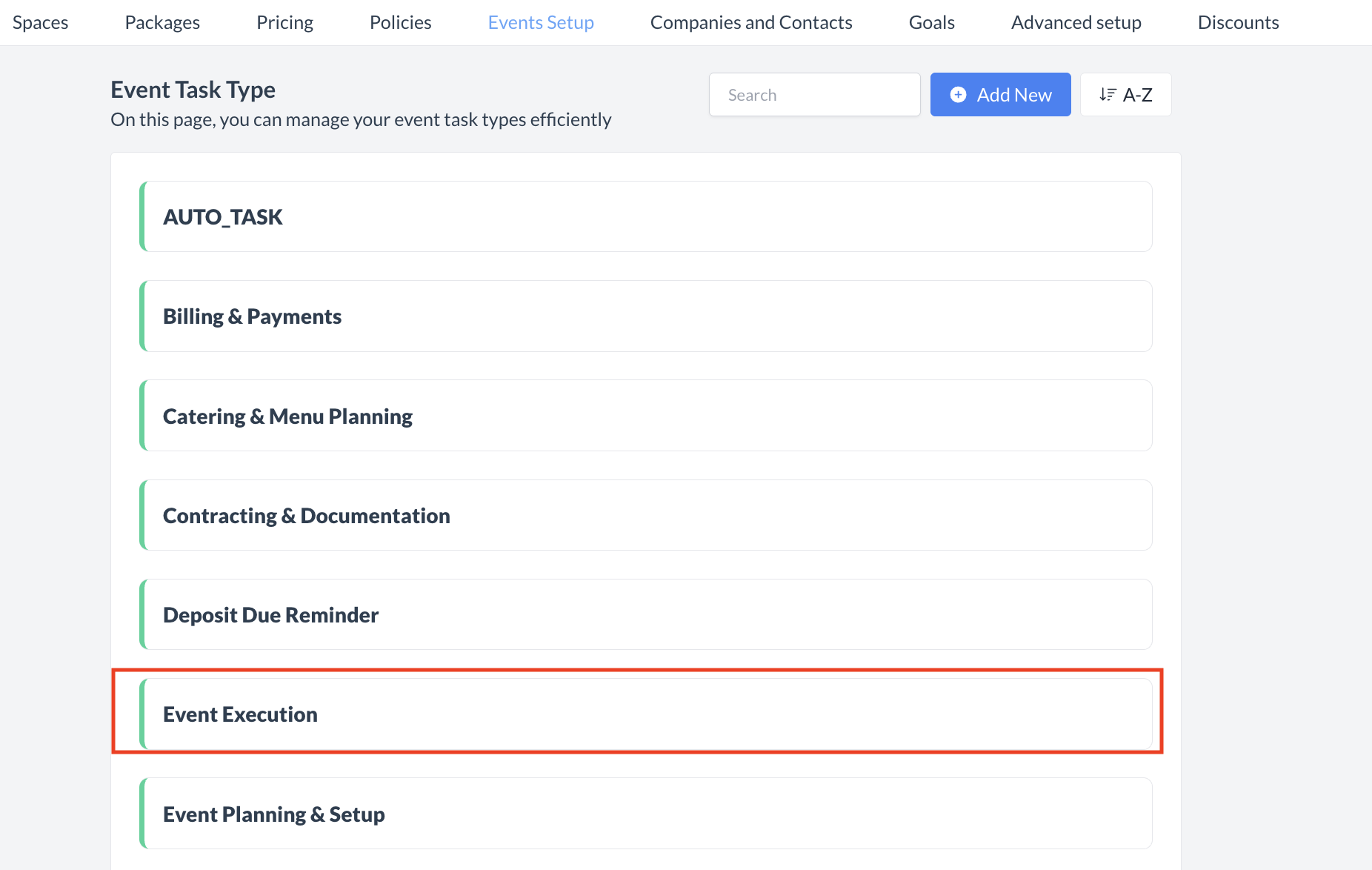
The Event Task Types screen displays a list of all existing event task types available for use with an task. To create a new event task type:
|
|
Adding a New Event Task Type
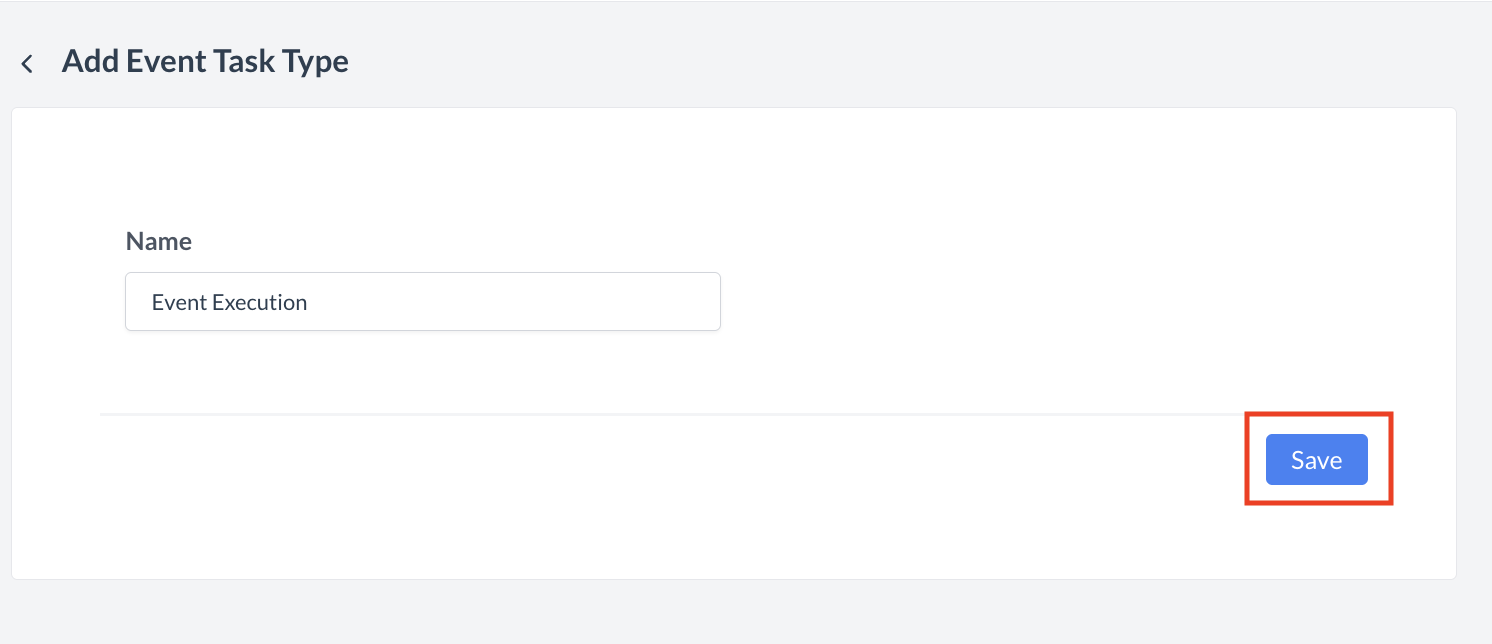
When you click Add Event Task Type, the Add Event Task Type screen will appear.
|
|
Confirmation
After saving, you will be returned to the Event Task Type listing screen.
Note: At this time, there is no option to delete or inactivate an Event Task Types once it has been created. Please plan carefully when adding new task types. However, you can edit an existing event task type if updates are needed. |
|
🖥️ Where “Event Task Type” Appears in the User Interface (UI)
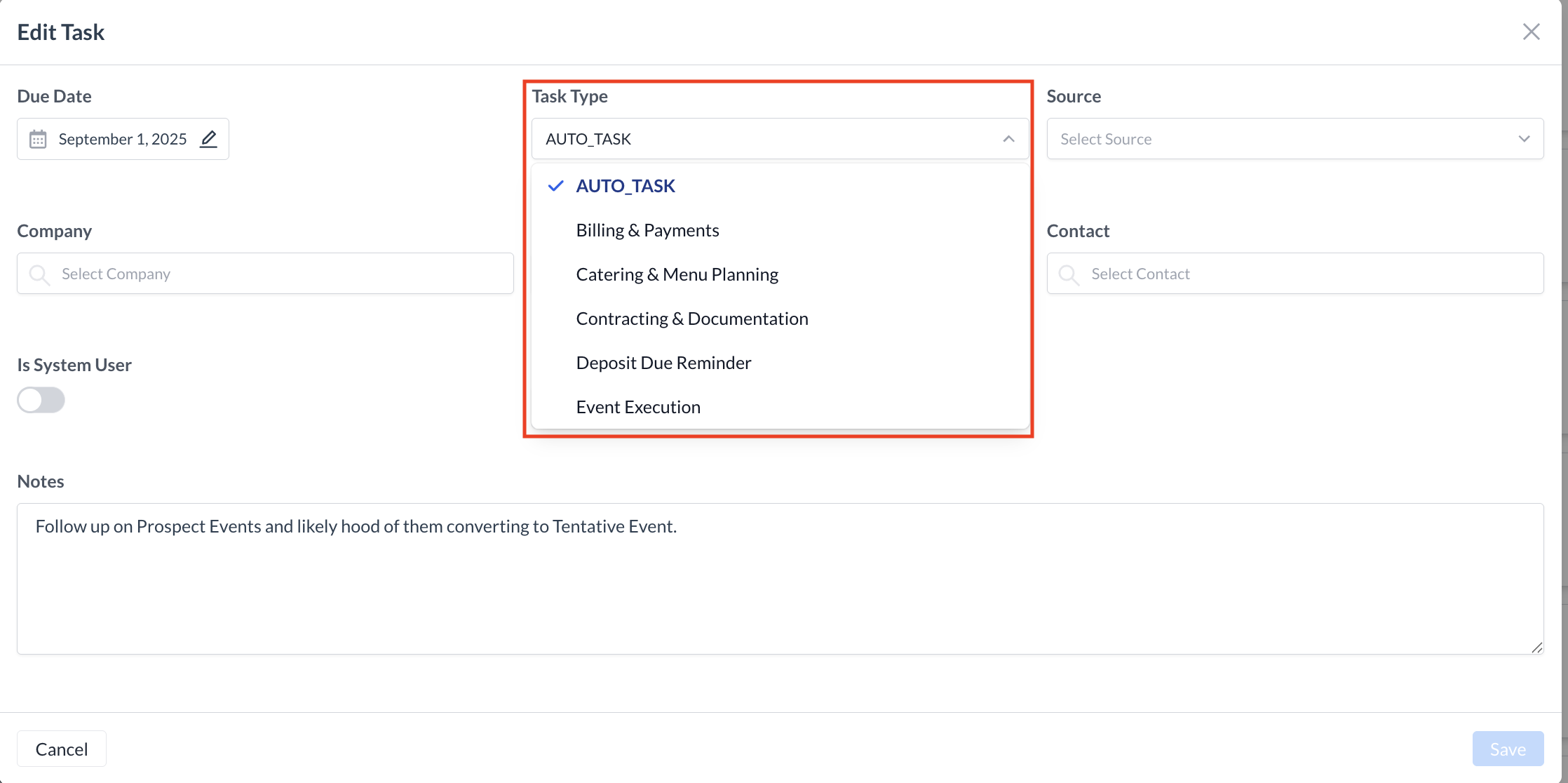
"The 'Event Task Type' field appears when creating a task in EventKey."