
📆 Revision Date:
|
Select Rate Calendar on the HK Home page |
|
|
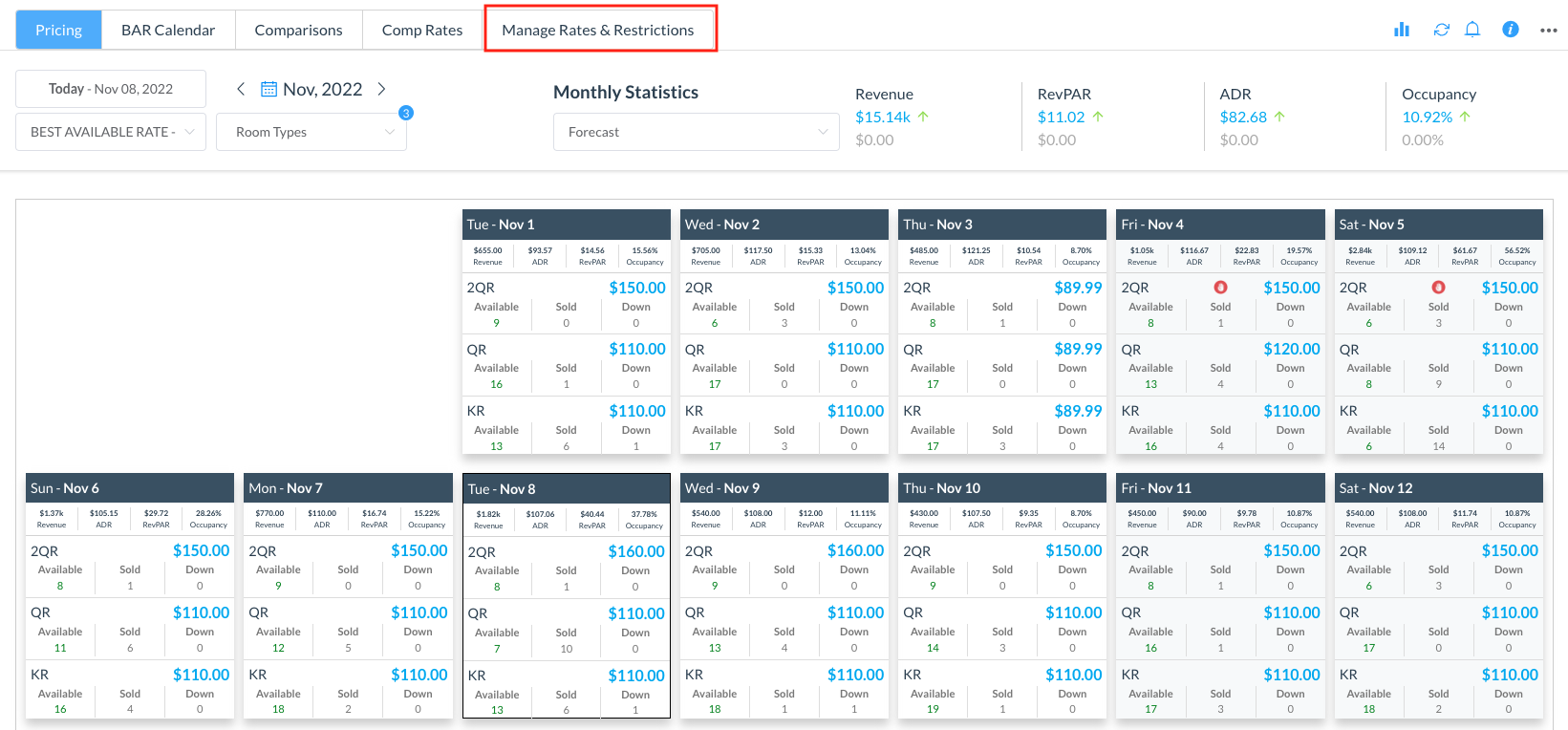
The Pricing page loads by default.
|
|
|
Select a future date from the calendar. Click on the chosen rate and type in the new rate. |
|
|
When the new rate is entered, the system will ask you to click on Confirm to proceed.
|
|
|
The resulting page will show an activity bar for the process. Once the bar reaches 100% the rate change will be completed and will reflect on the calendar for the chosen day. |
|