📆 Revision Date:
|
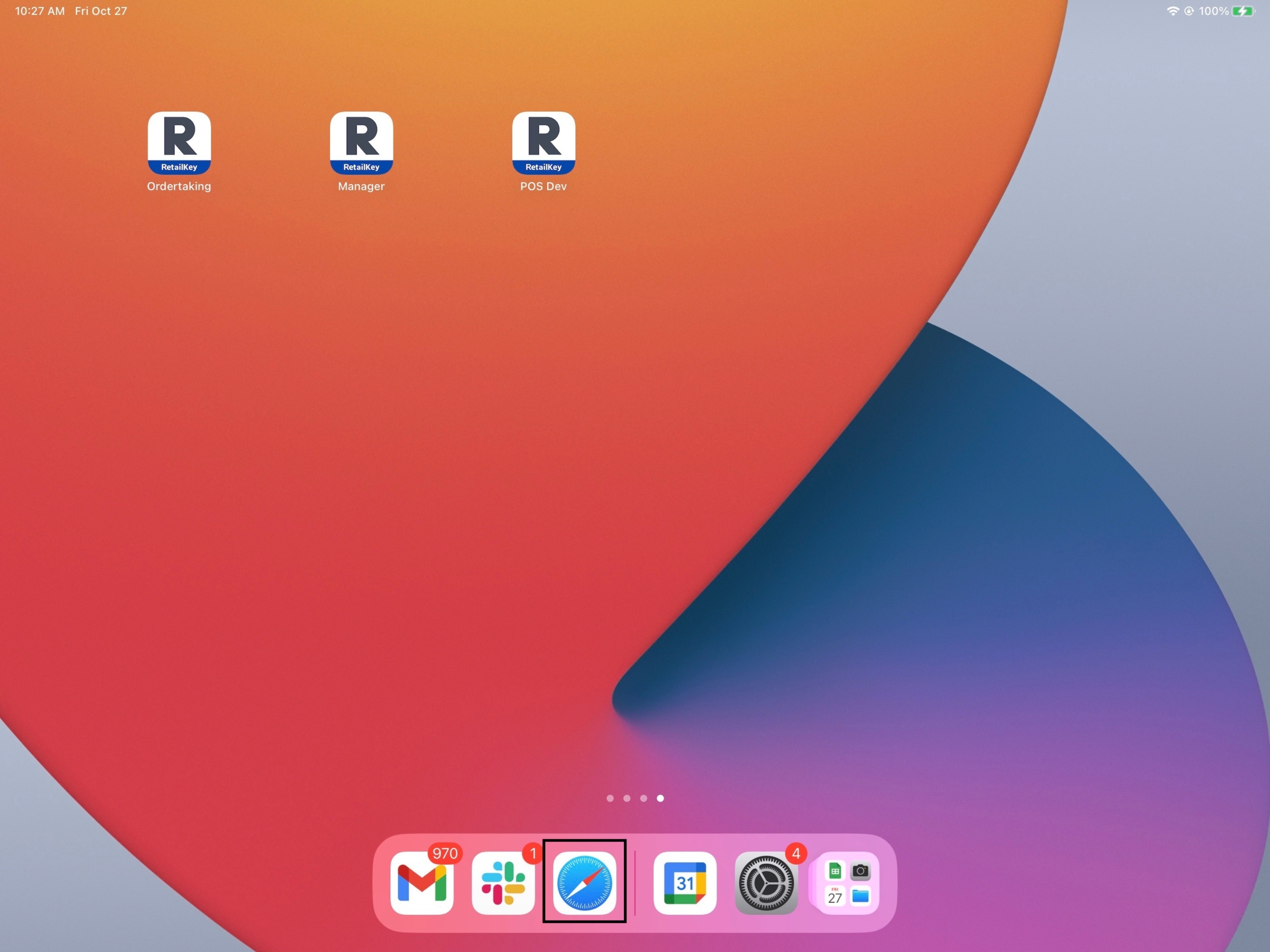
Open the Safari browser on the iPad where RetailKey is to be installed. |
|
|
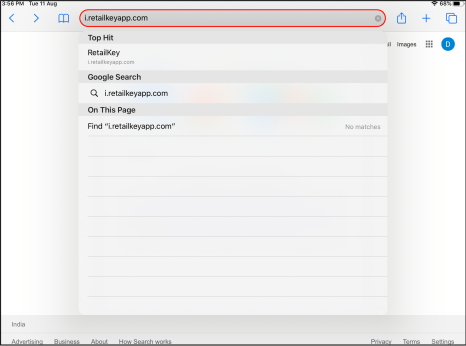
Enter http://i.retailkeyapp.com in the search bar. |
|
|
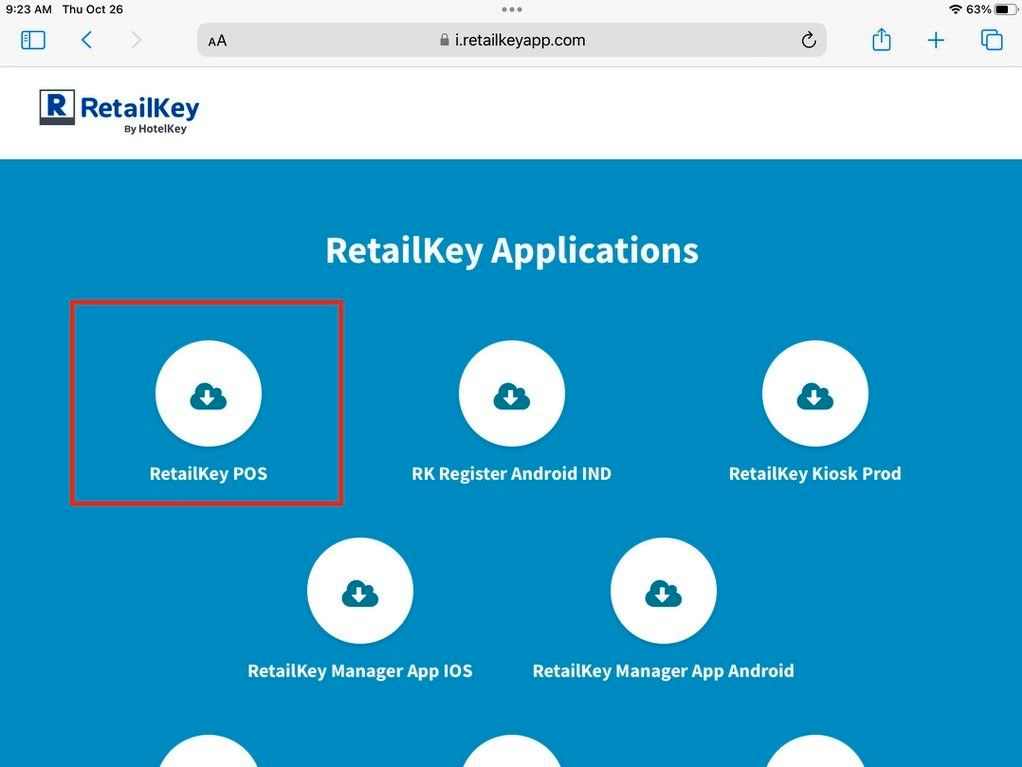
All available RetailKey Applications are listed. Select RetailKey POS. |
|
|
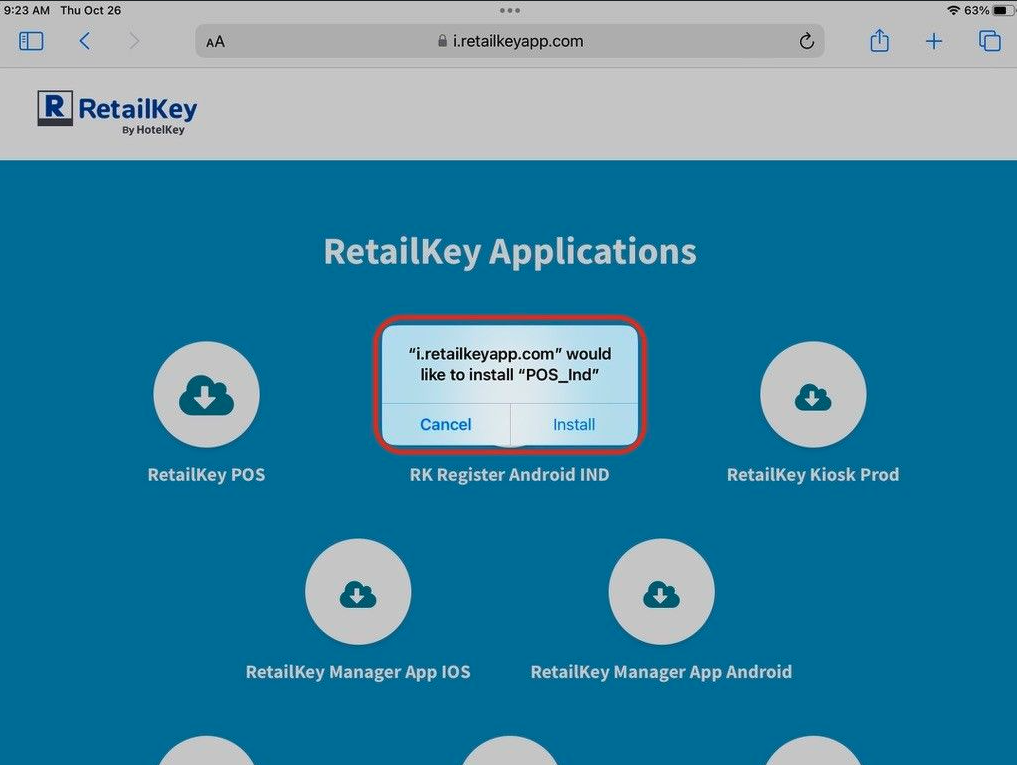
A confirmation popup activates. Select Install. |
|
|
Return to the home page of the iPad, where an installation progress wheel displays until installation is complete. |
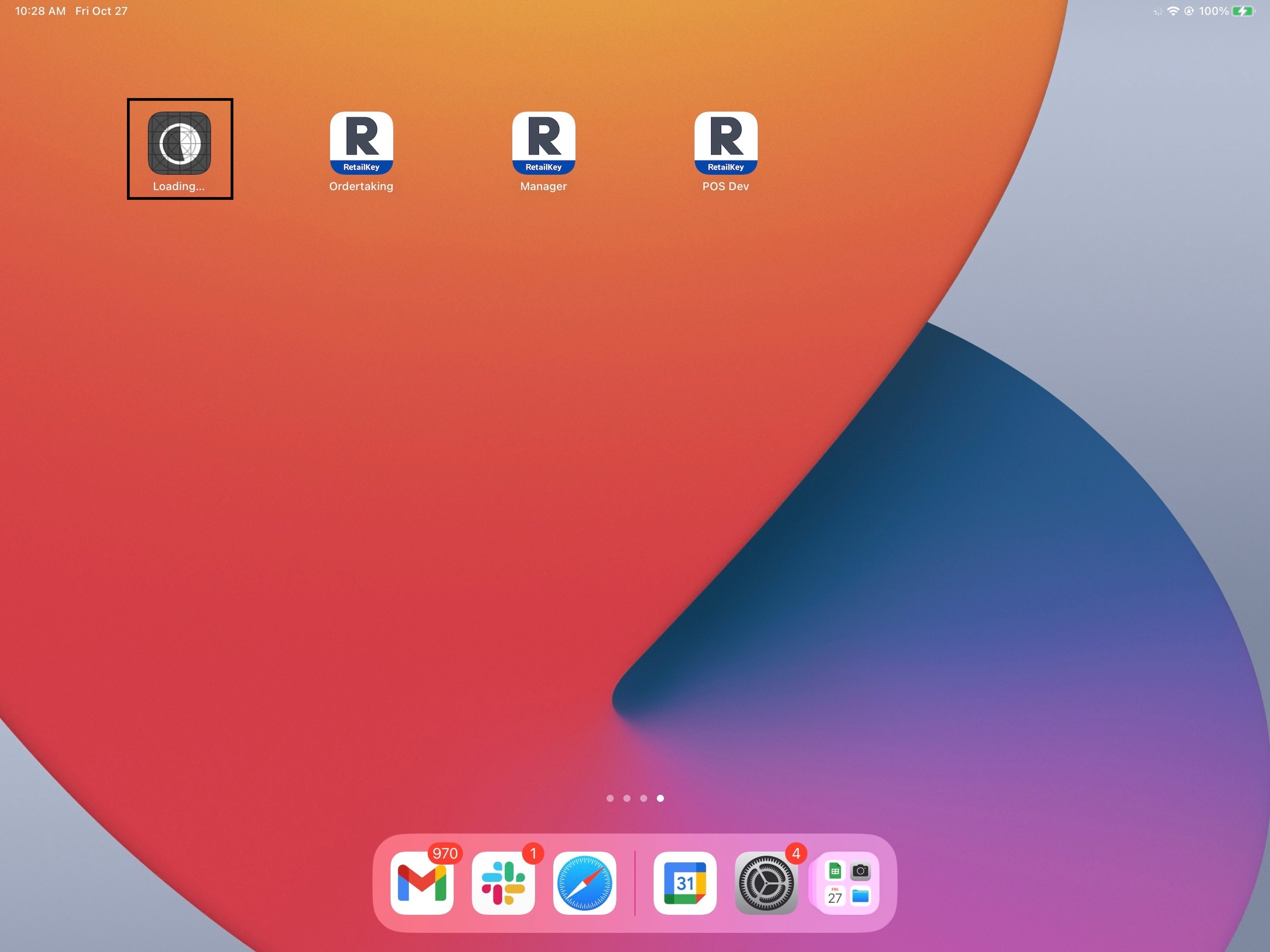
|
|
When installation is complete the progress wheel disappears and the RetailKey Point of Sale icon is added to the home page. See Device Registration and First Time Login to proceed with first time iPad setup. |
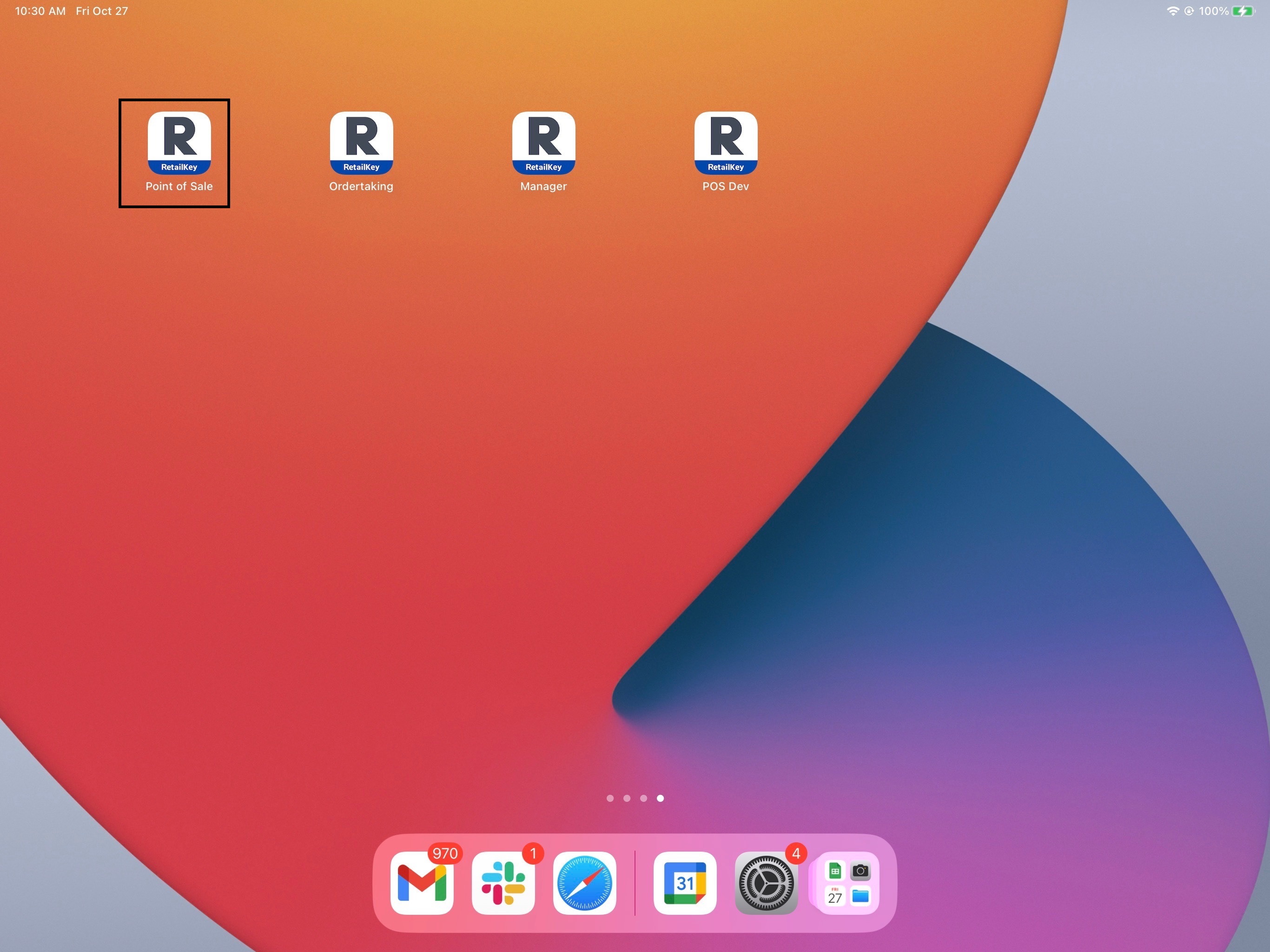
|