
📆 Revision Date:
|
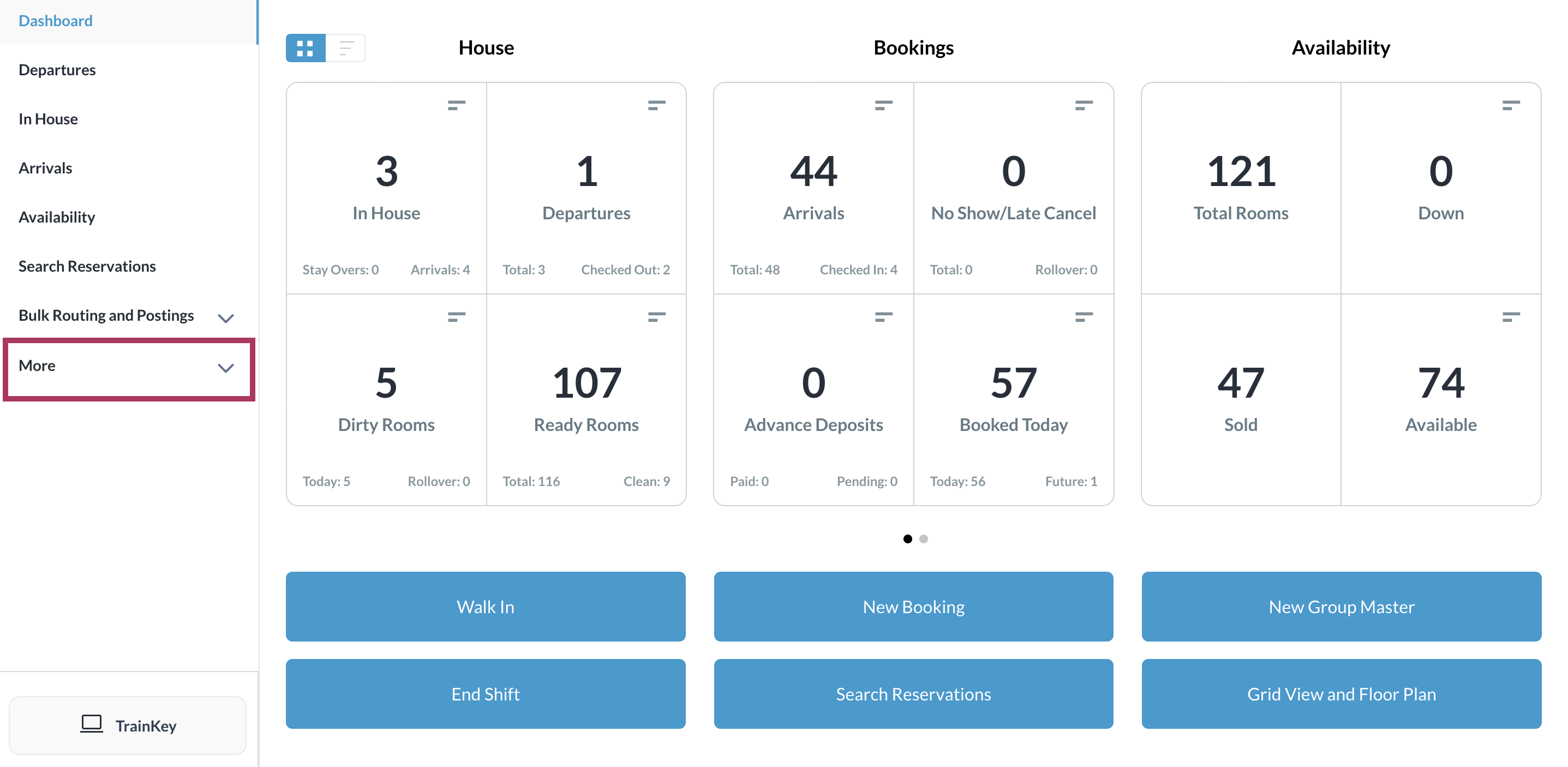
Select More from the Dashboard sidebar menu. |
|
|
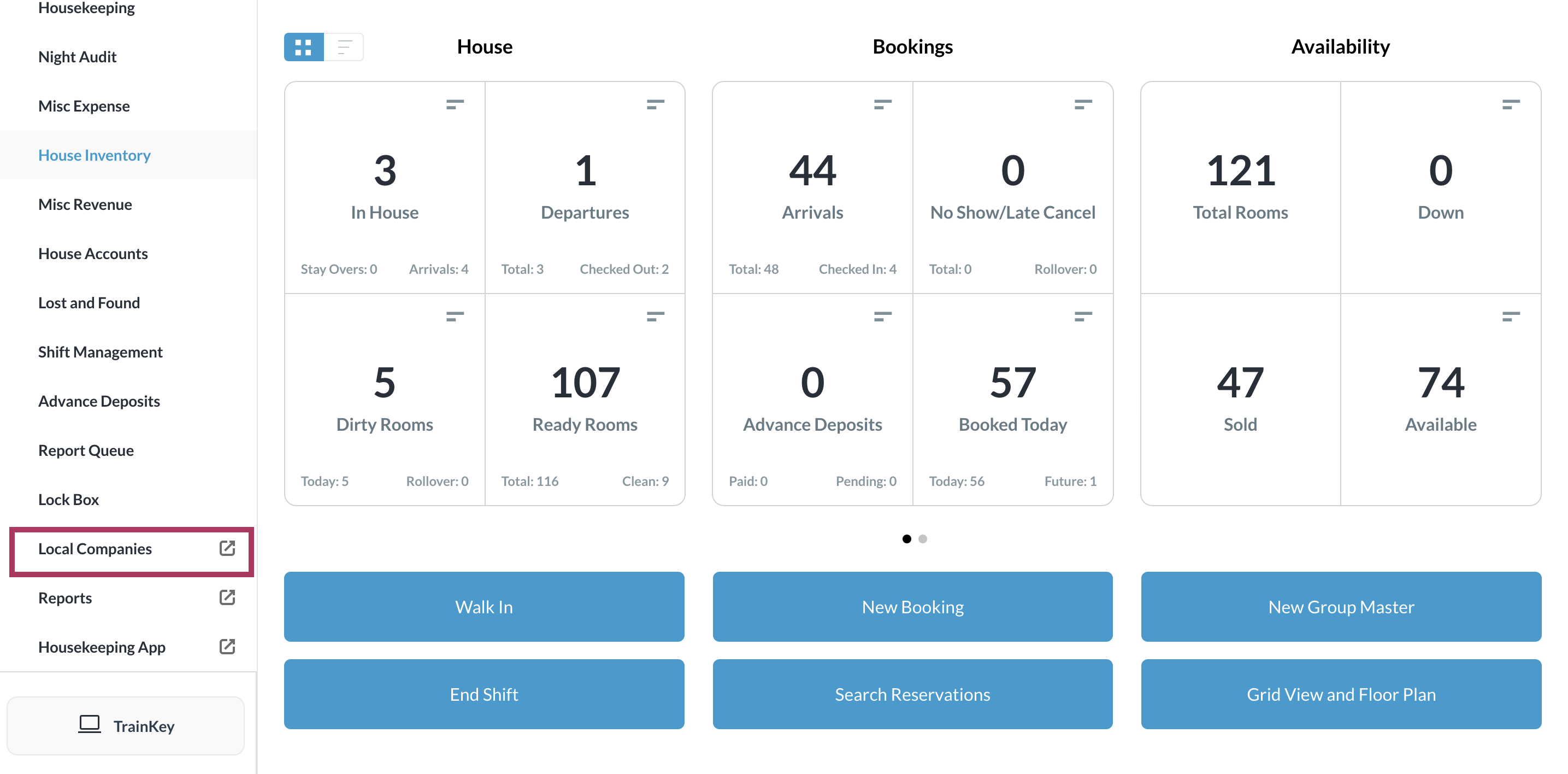
Select the Local Companies link from the expanded sidebar menu. Note that this link will open in a new tab or window, as indicated by its icon. |
|
|
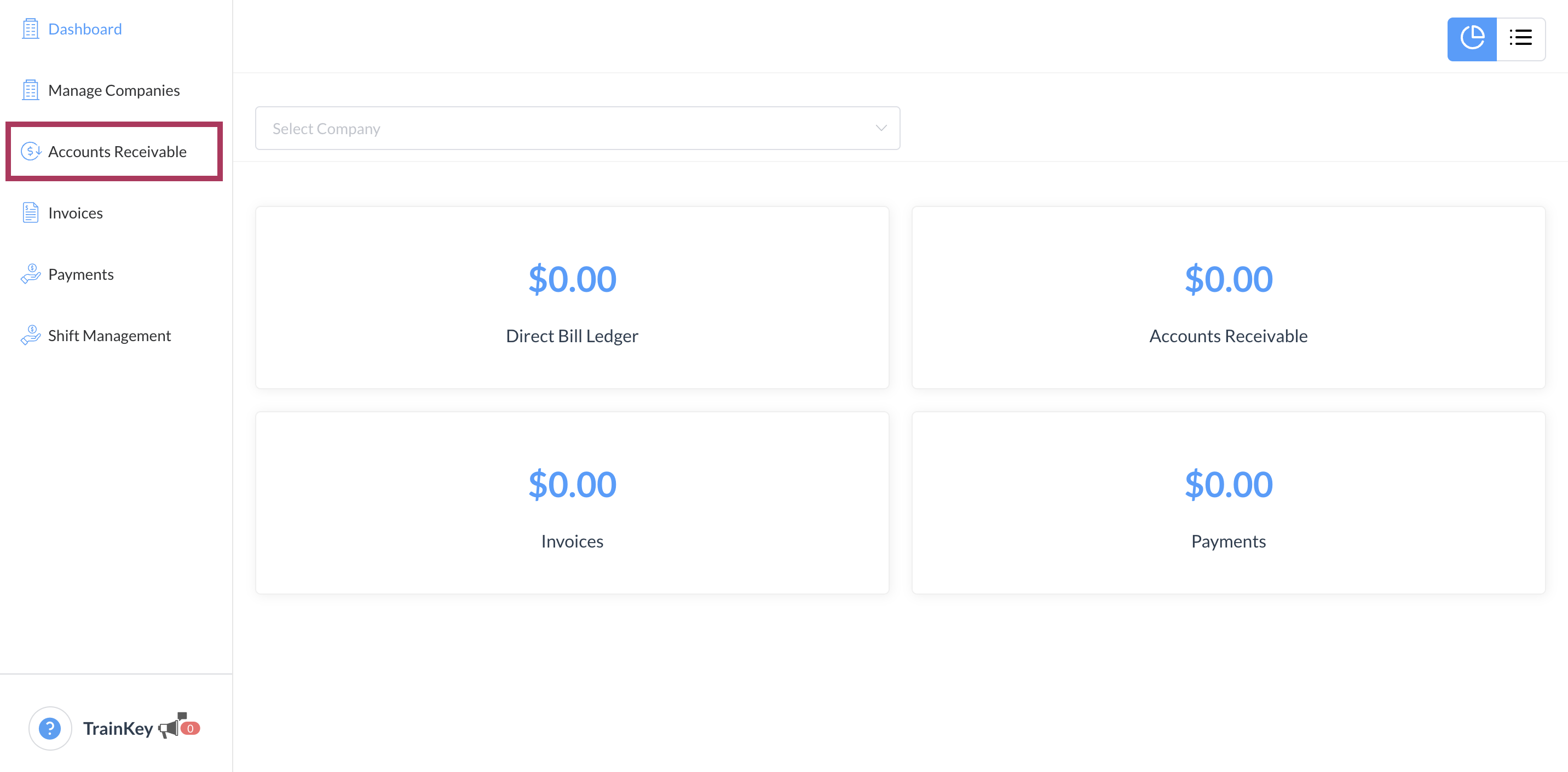
A Company and Direct Bill > Dashboard panel opens in the new tab or window. Select Accounts Receivable. |
|
|
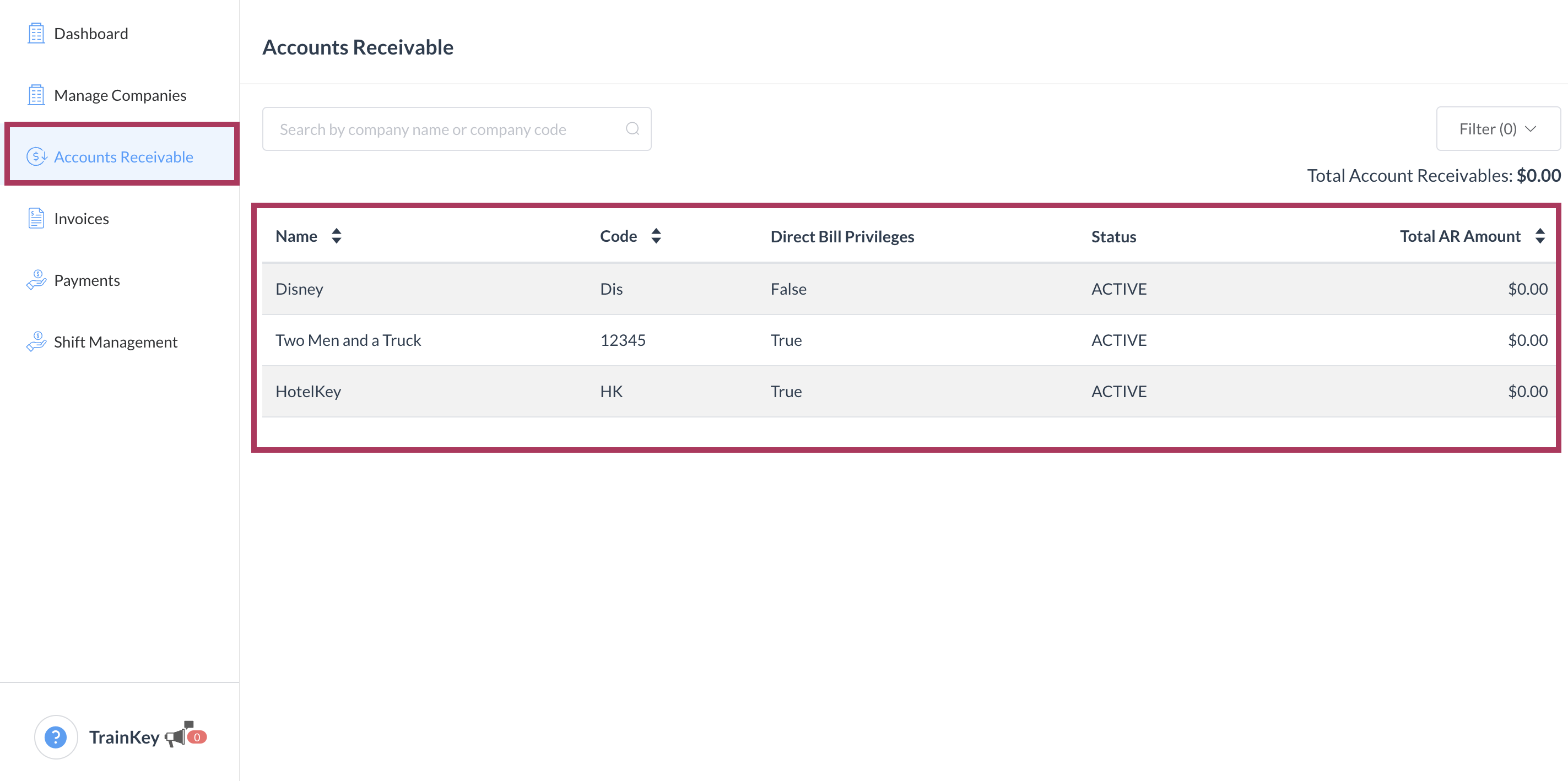
Select the Accounts Receivable tab in the sidebar menu. The Accounts Receivable page loads. On the Accounts Receivable tab, select the applicable company. |
|
|
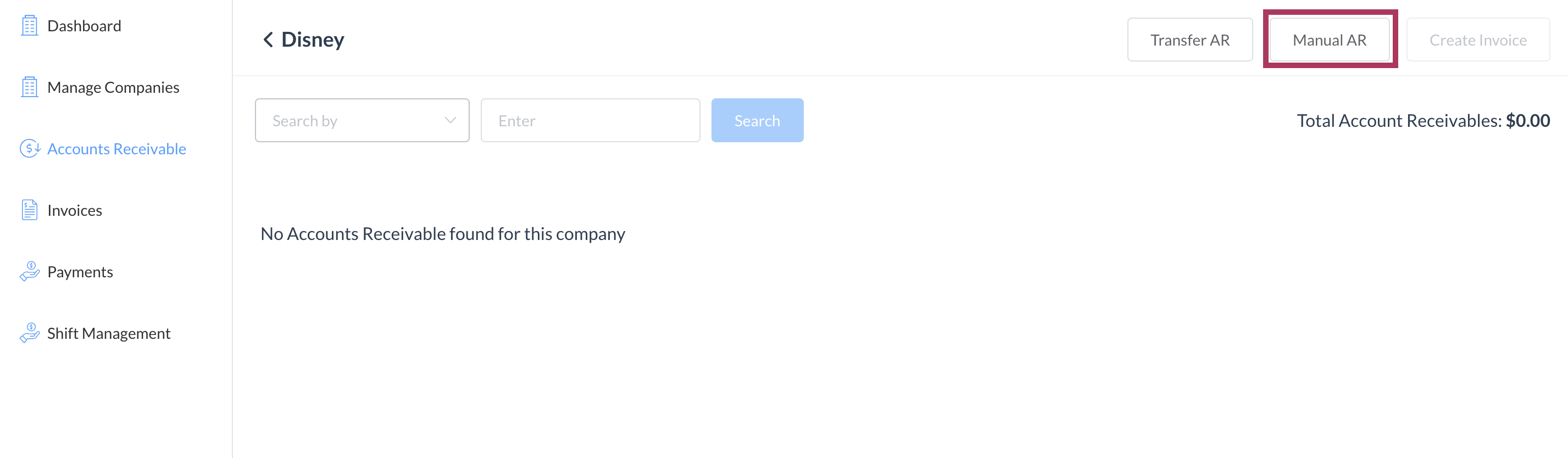
The Accounts Receivable Details page loads. Select Manual AR. |
|
|
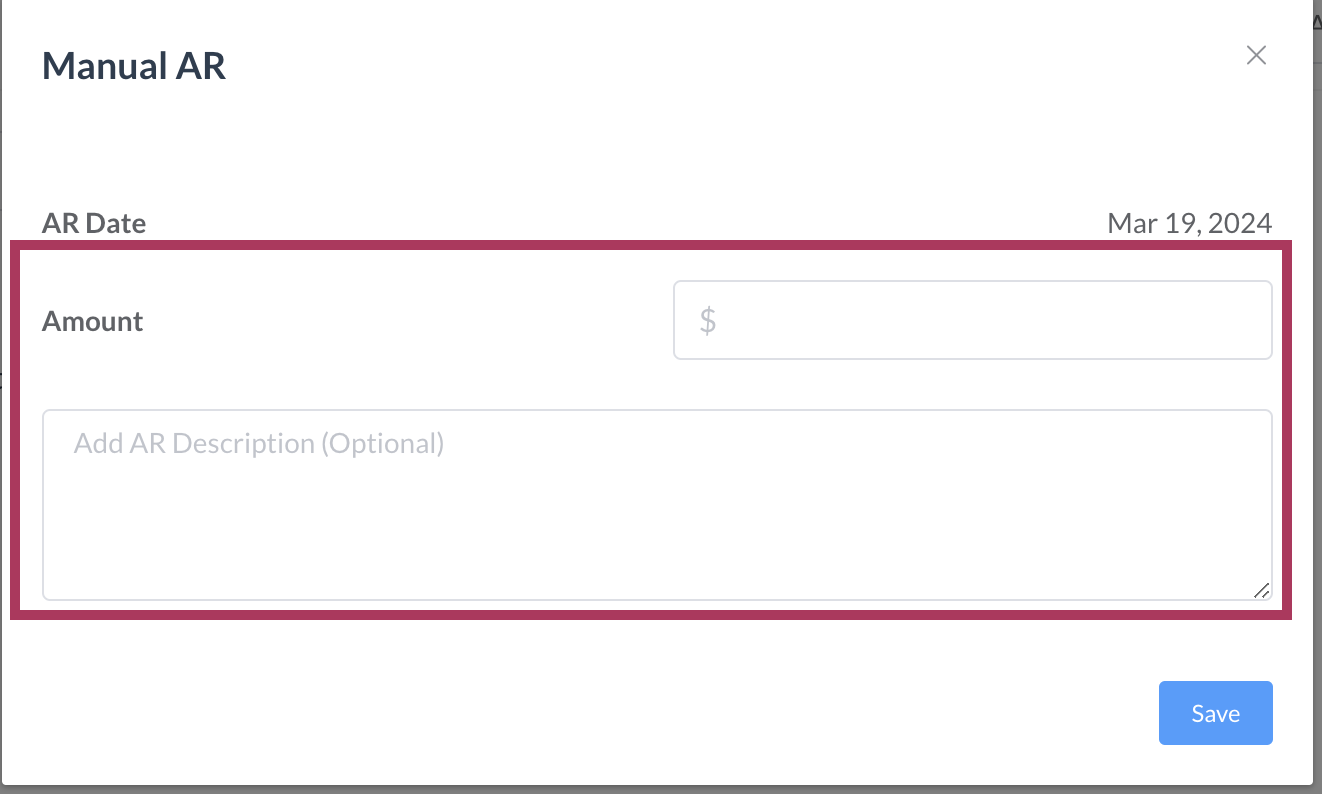
The Manual AR popup activates. Enter the Amount and remarks (optional), then select Save. |
|
|
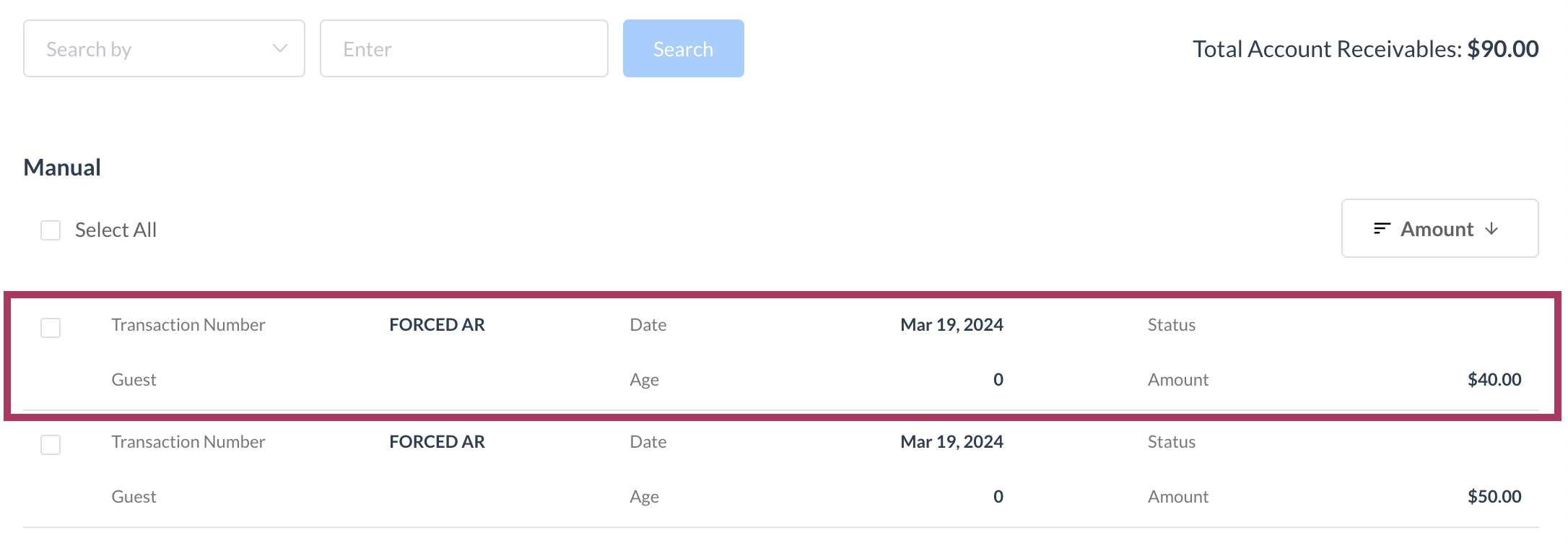
When a line item of the forced account is saved, a receivable will be generated on the Accounts Receivable Details page. |
|