
📆 Revision Date:
|
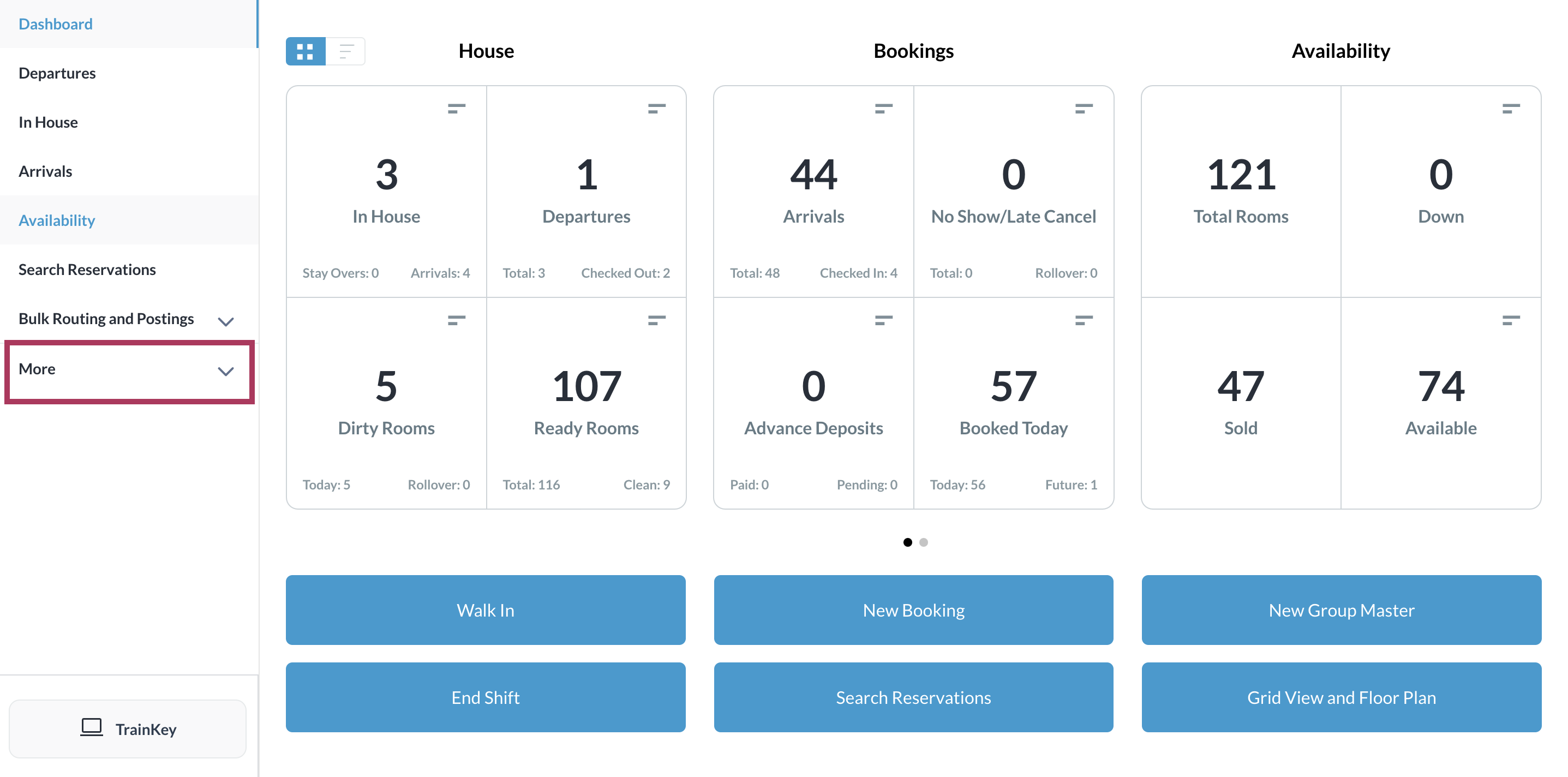
Select More from the Dashboard sidebar menu. |
|
|
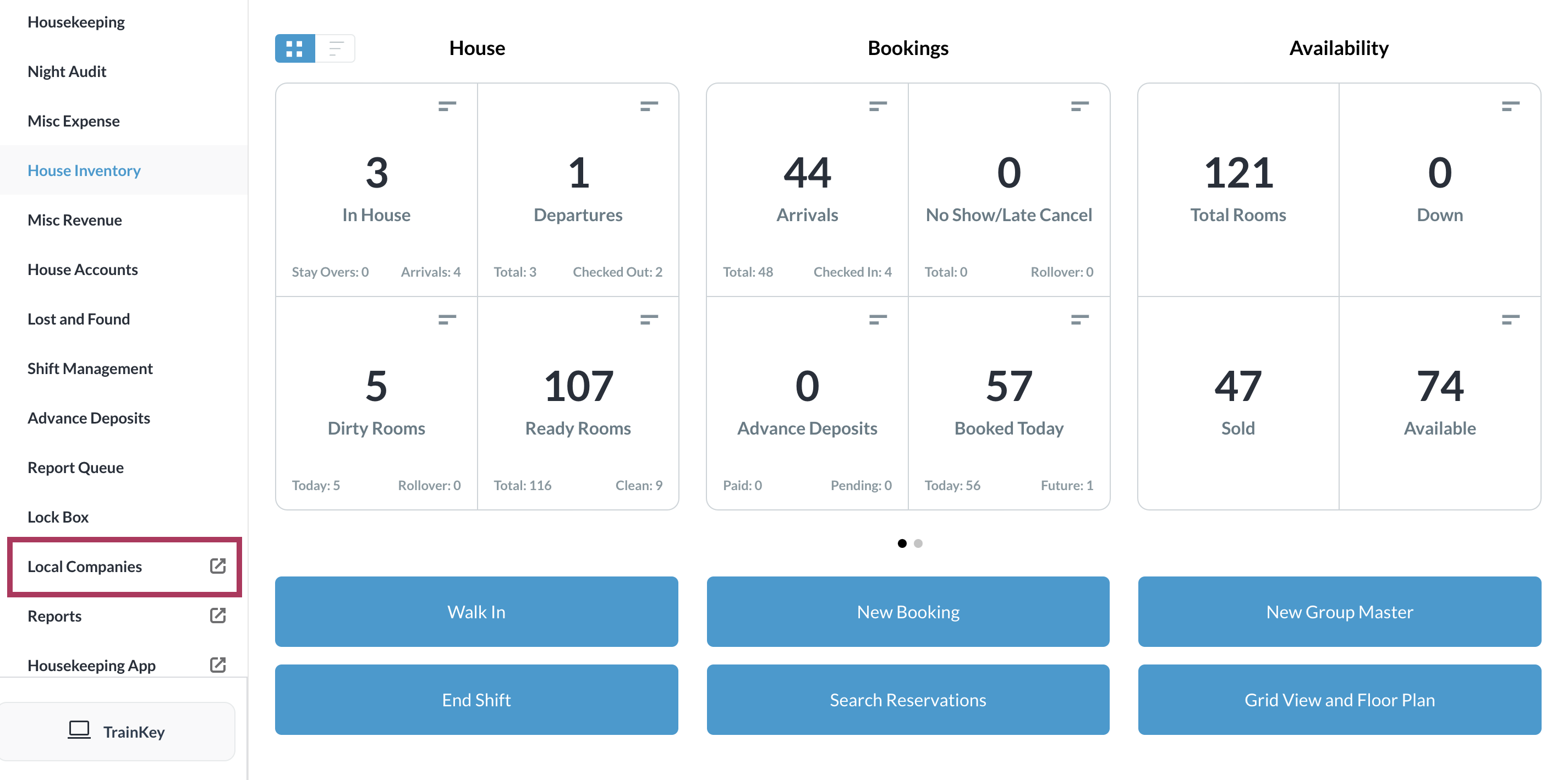
Select the Local Companies link from the expanded sidebar menu. |
|
|
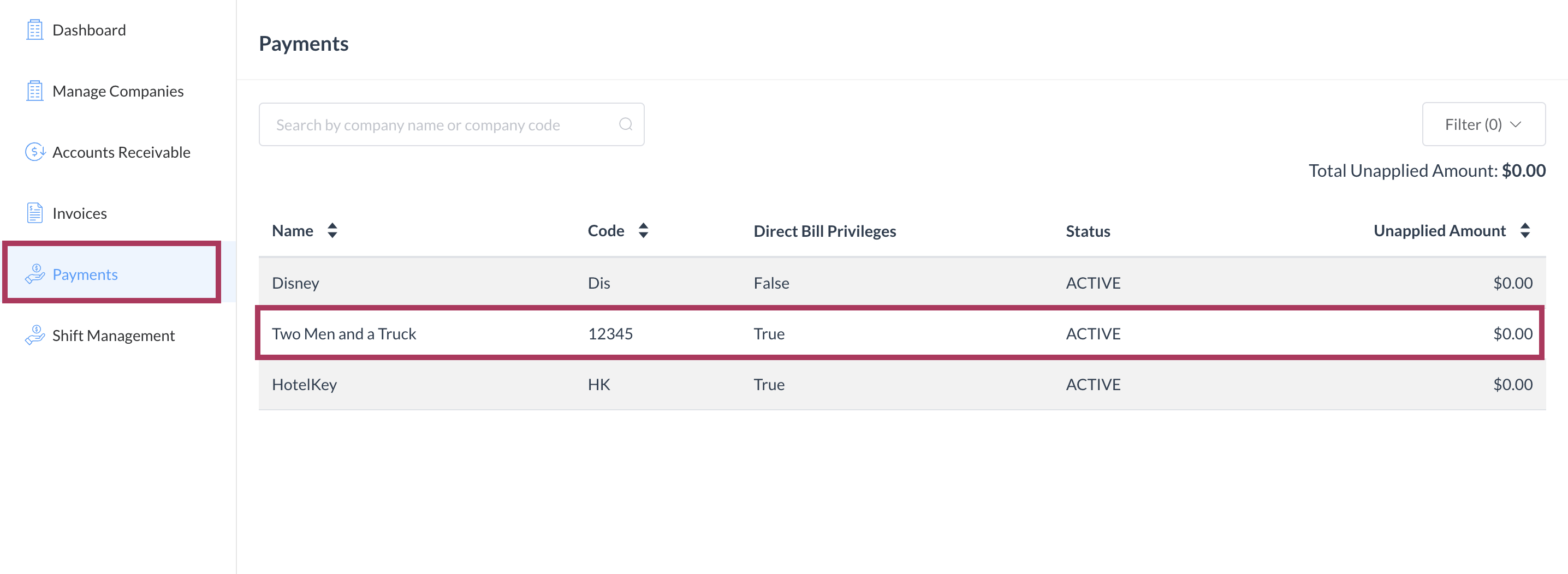
The company details page loads. Select the Payments panel. On the Payments panel, select the line item to which the refund will be applied. |
|
|
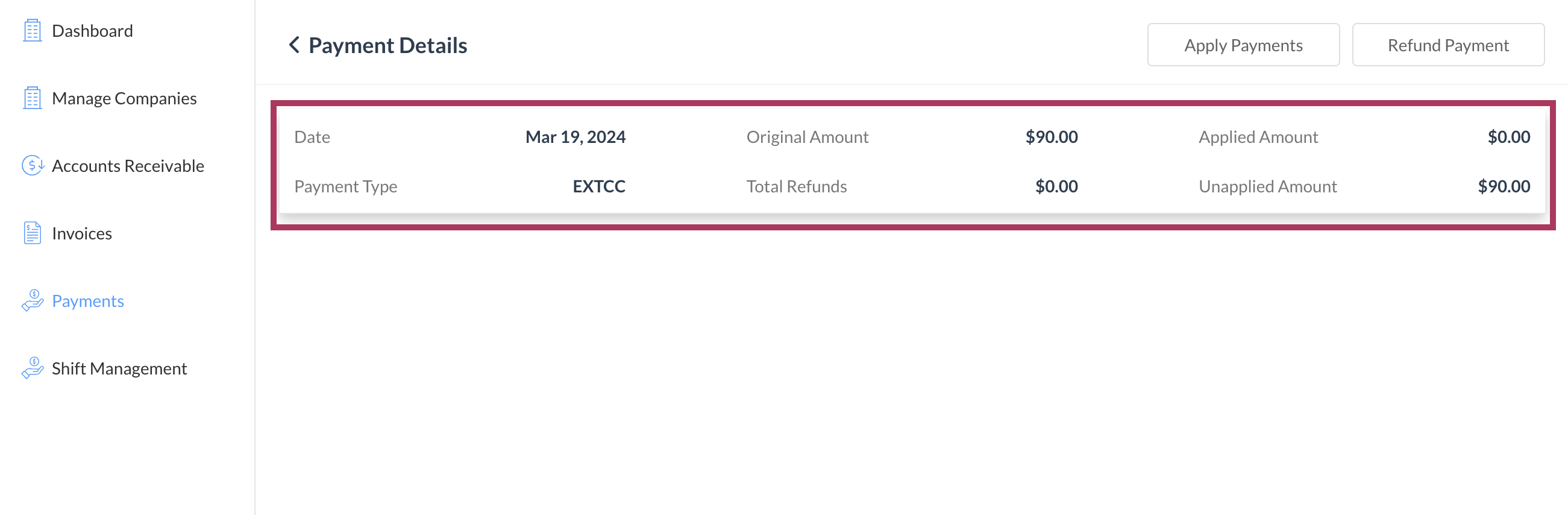
The Company Payments page loads. Select the applicable payment. |
|
|
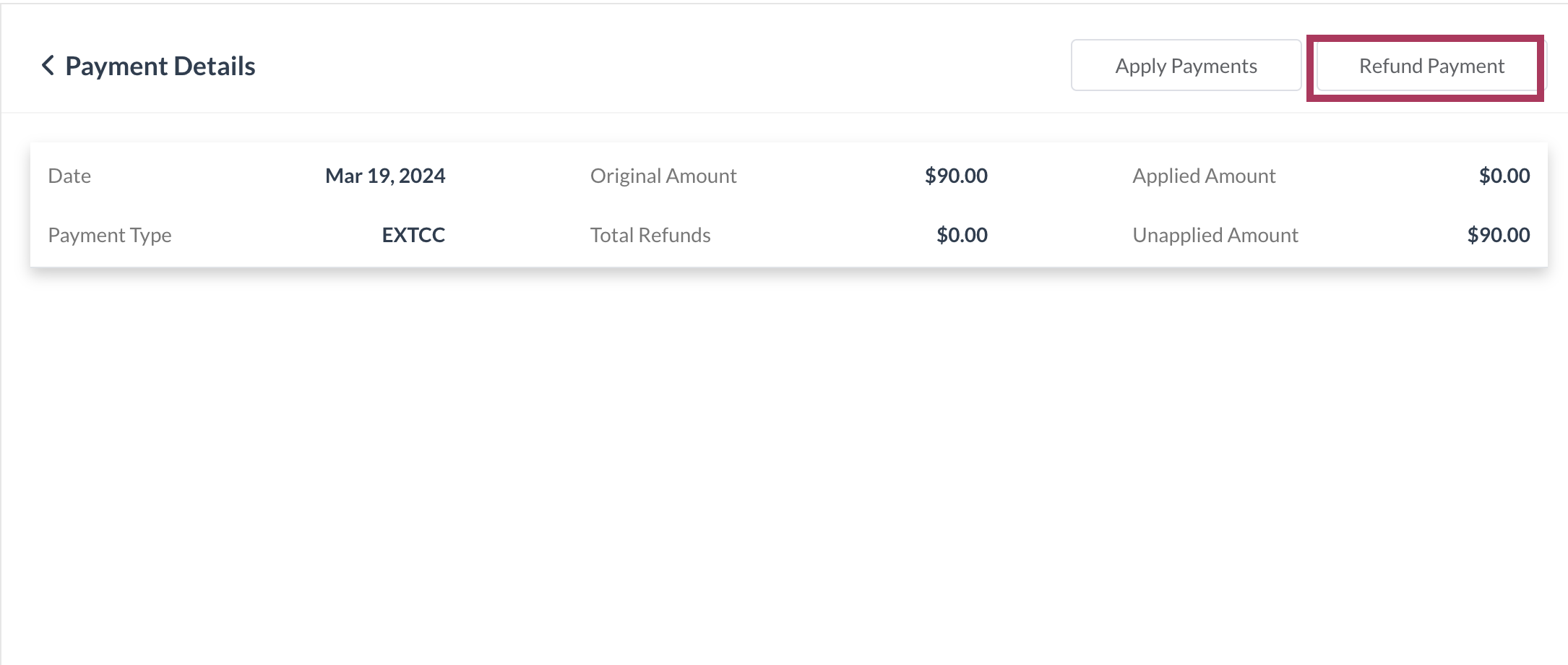
The Payment Details page loads. Select Refund Payment. |
|
|
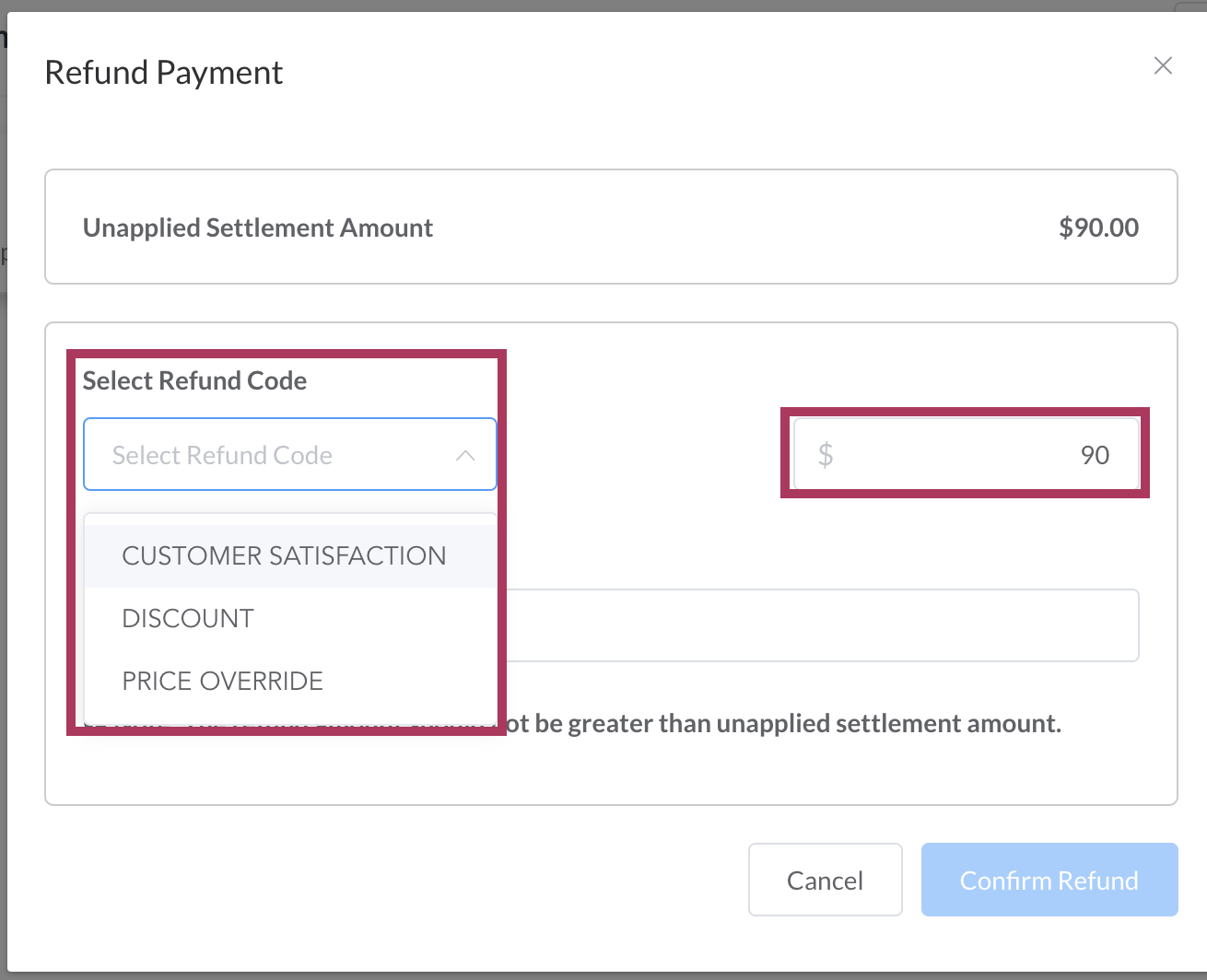
The Refund Payment popup activates. Select Refund Code and enter the refund amount. |
|
|
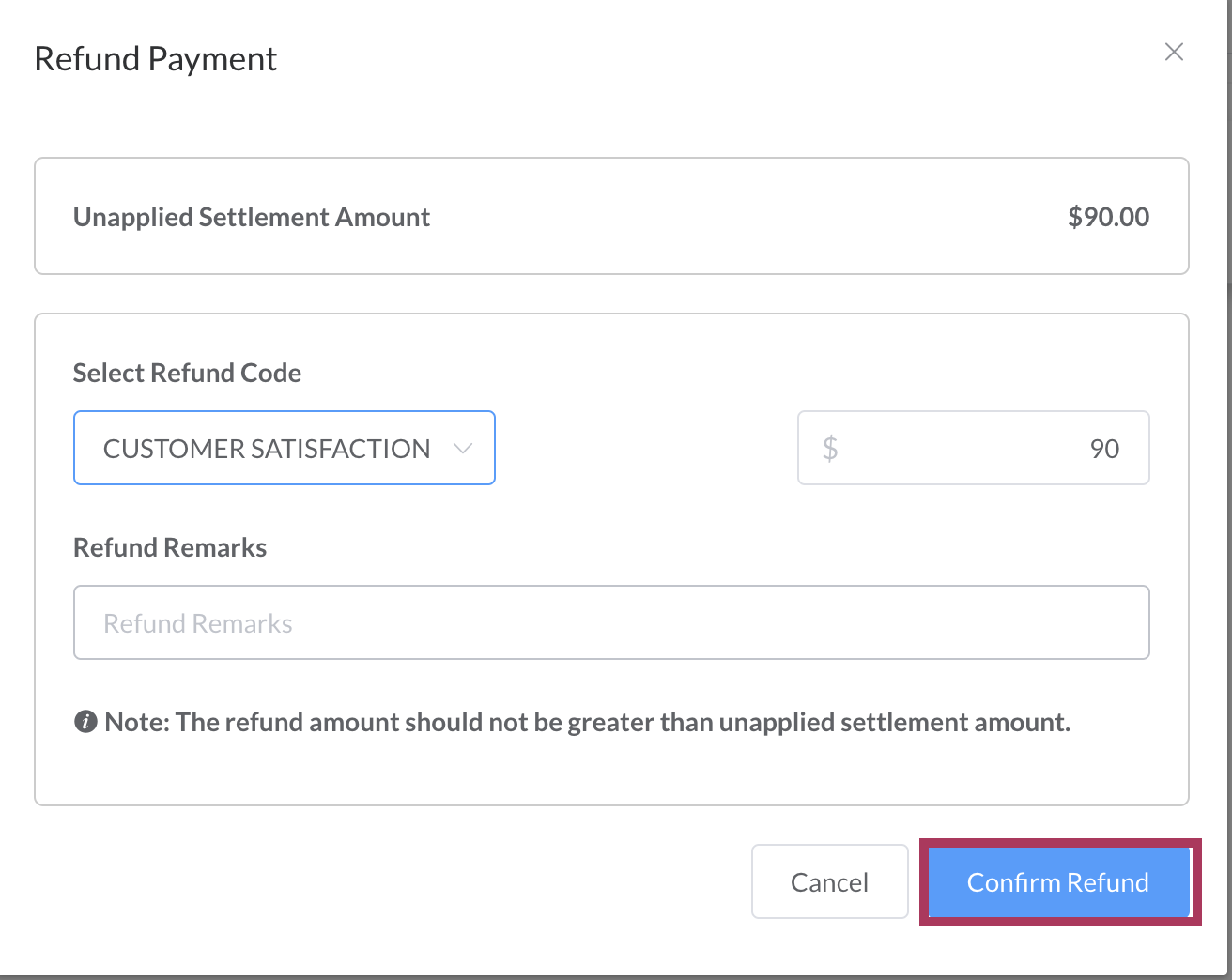
The Confirm Refund link is enabled. Optionally enter Refund Remarks, then select Confirm Refund. |
|
|
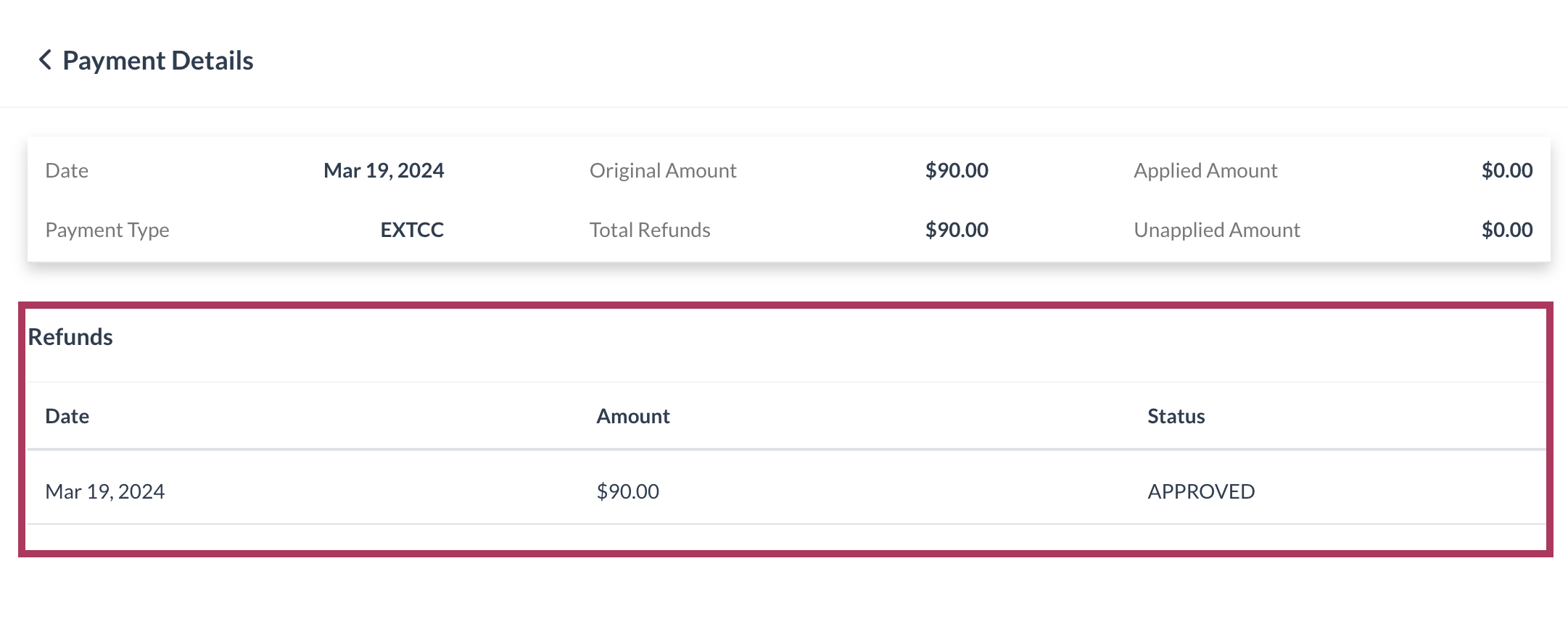
The popup closes. Back on the Payment Details page, this refund is added to the Refunds list. |
|