
📆 Revision Date:
|
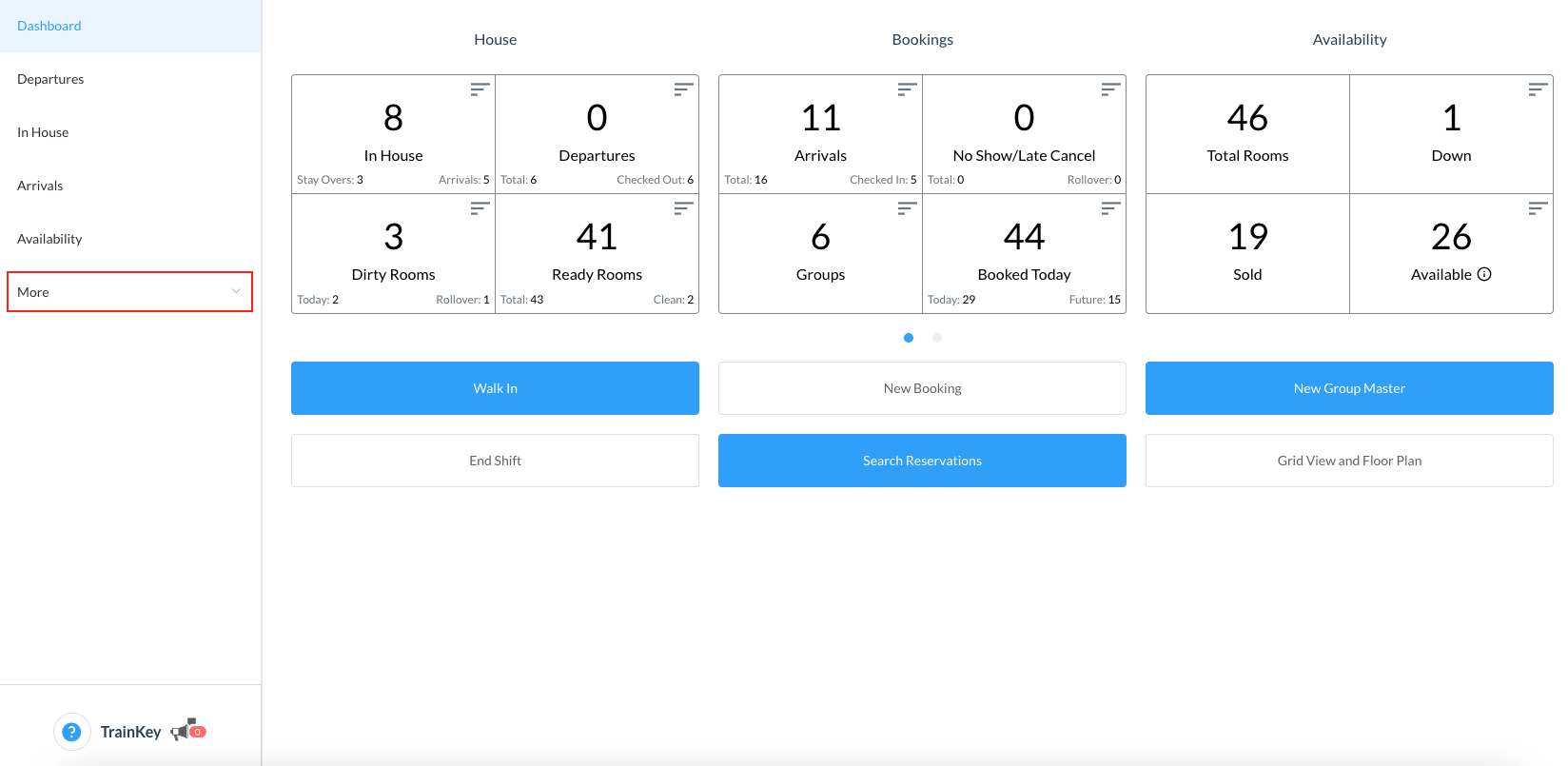
From HotelKey Home page, Select Frontdesk then from the Dashboard, select More
|
|
|
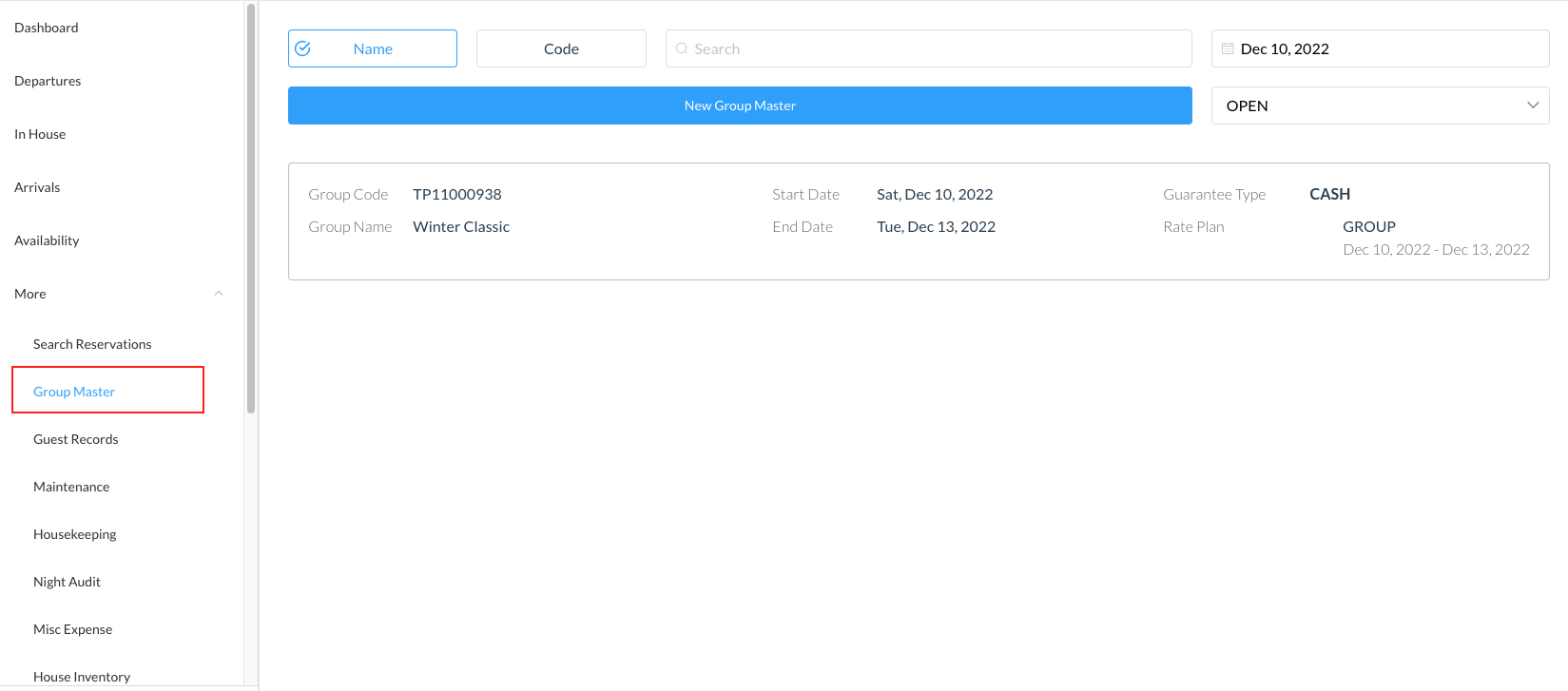
Select Group Master from the menu then search the Group Master by Name, Code, Date or its Status and click on it to open |
|
|
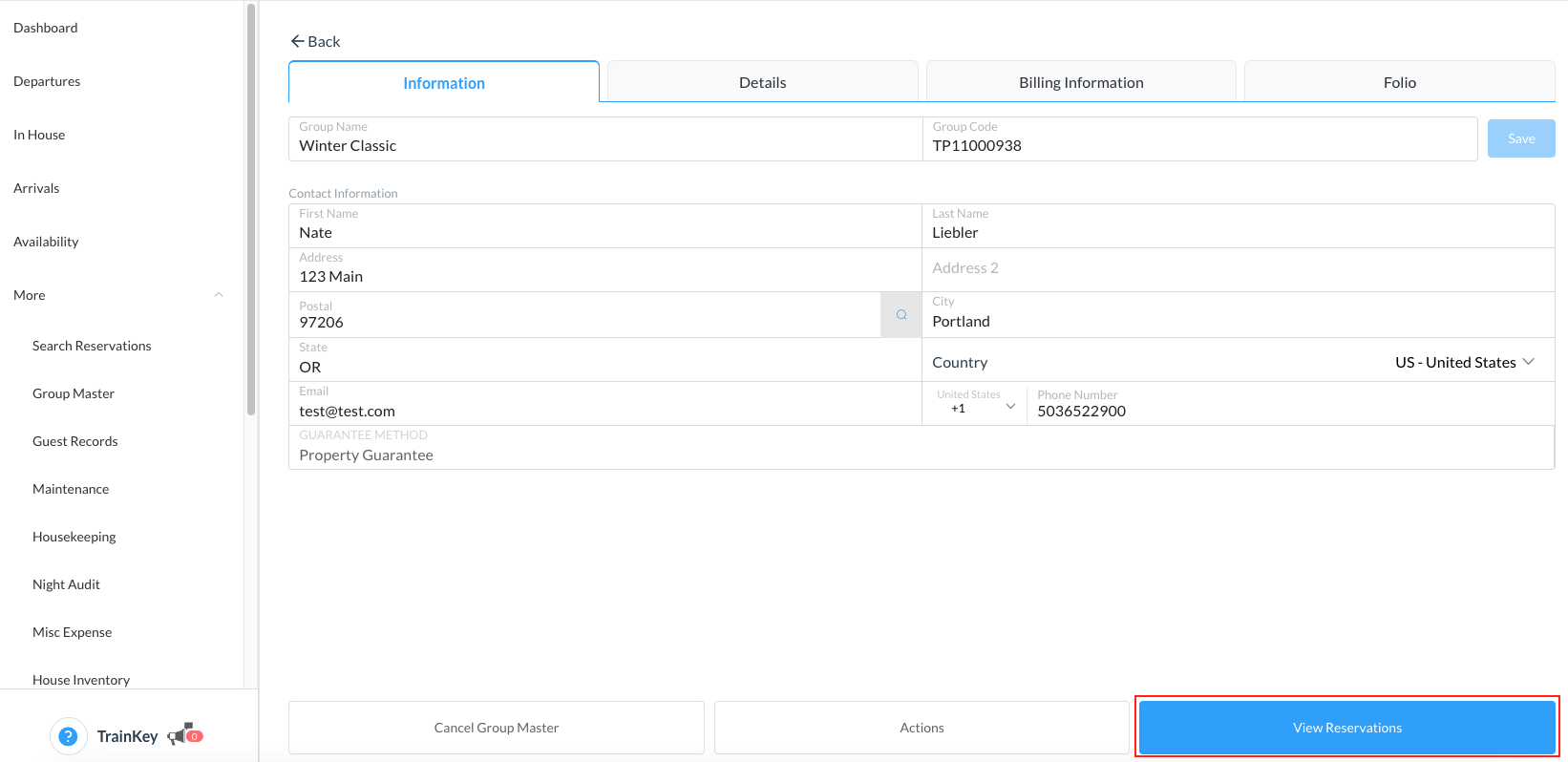
The group master opens Select View Reservations |
|
|
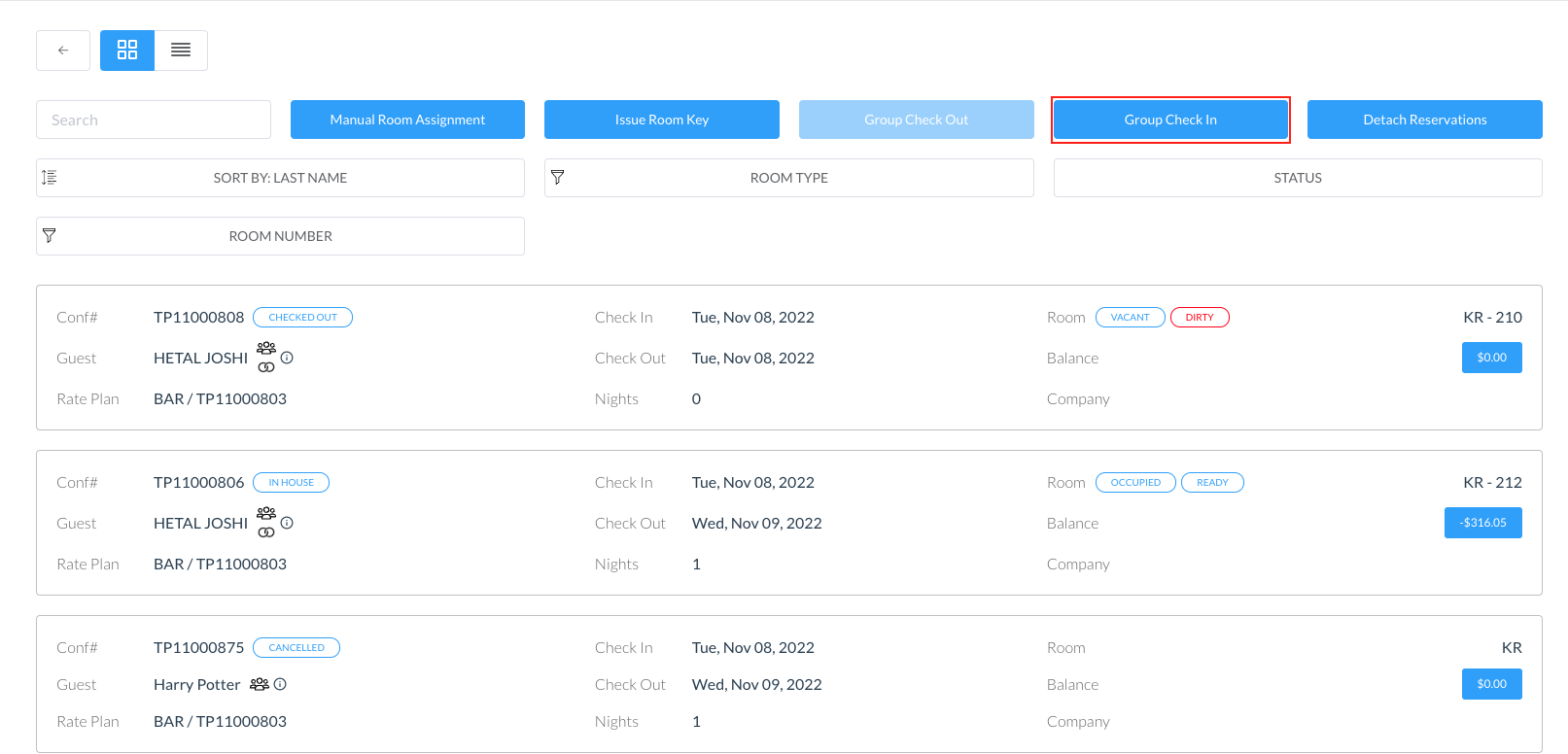
Note - Before checking in the group, verify rooms have been assigned for all or the few you wish to check in. If not, click on the Manual Room Assignment button to perform the task. Click on the Group Check In |
|
|
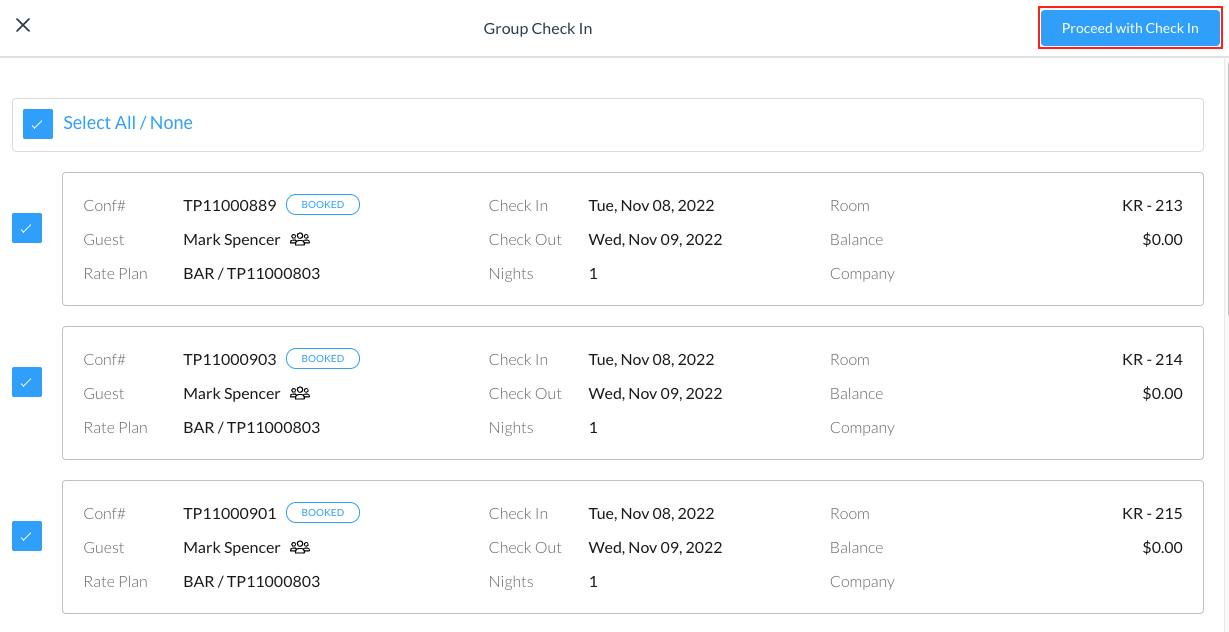
The Group Check In screen opens Select the reservations required to be checked in by using the check box Click on Proceed with Check In |
|
|
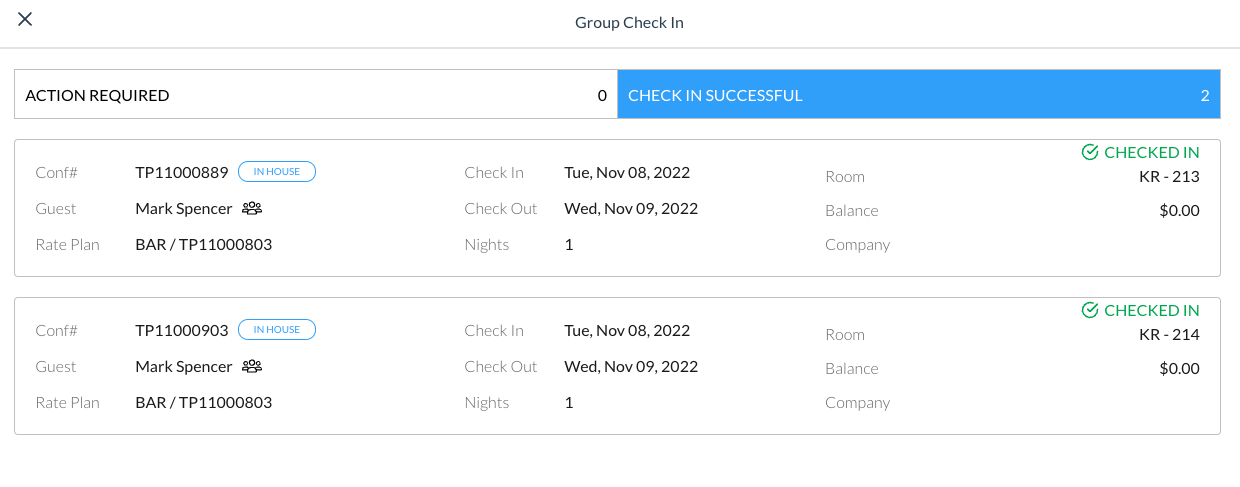
The screen will show successful reservation check in and will show which may still require some action to complete the task |
|