
📆 Revision Date:
|
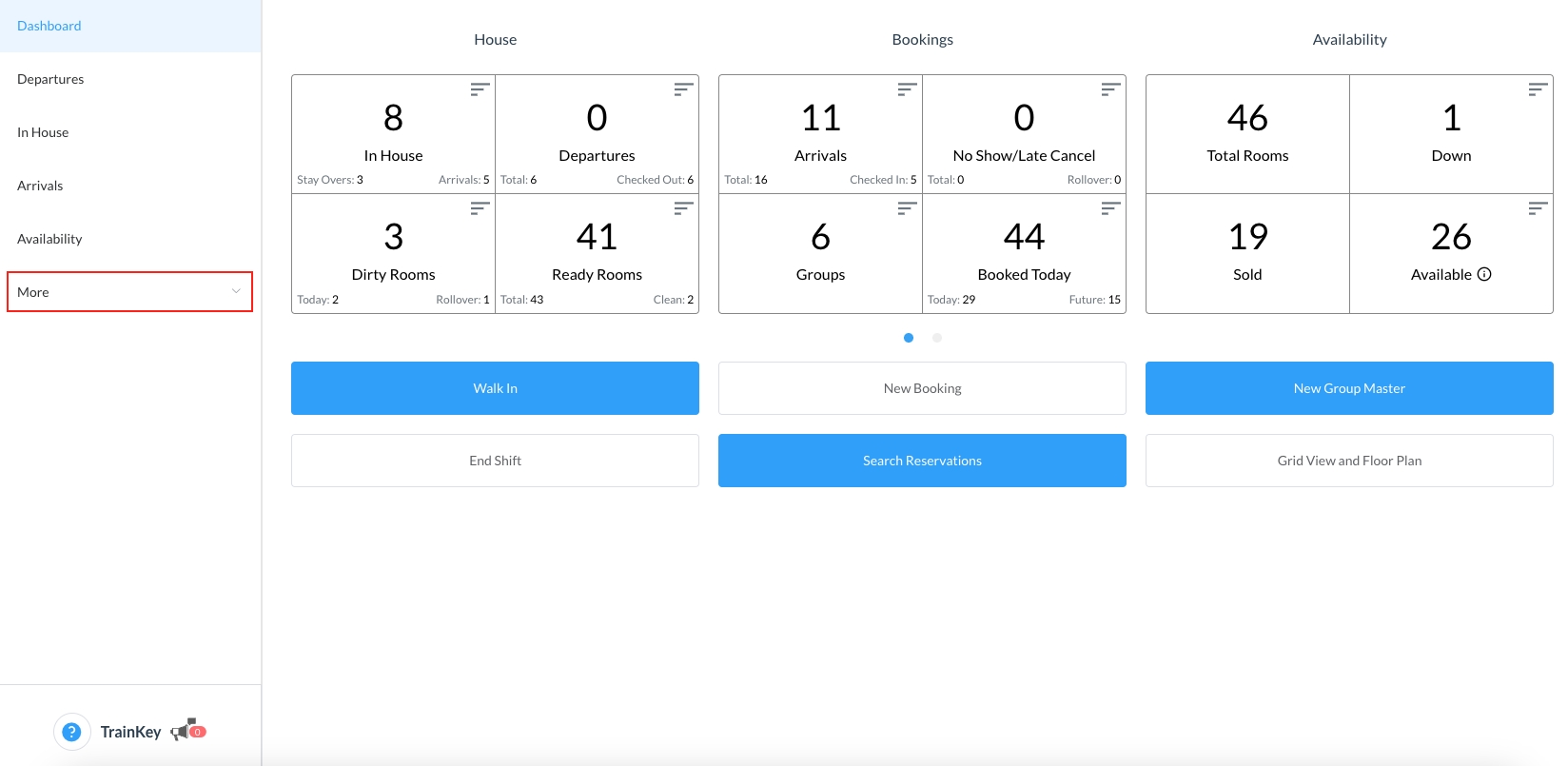
From HotelKey Home page, Select Frontdesk then from the Dashboard, select More
|
|
|
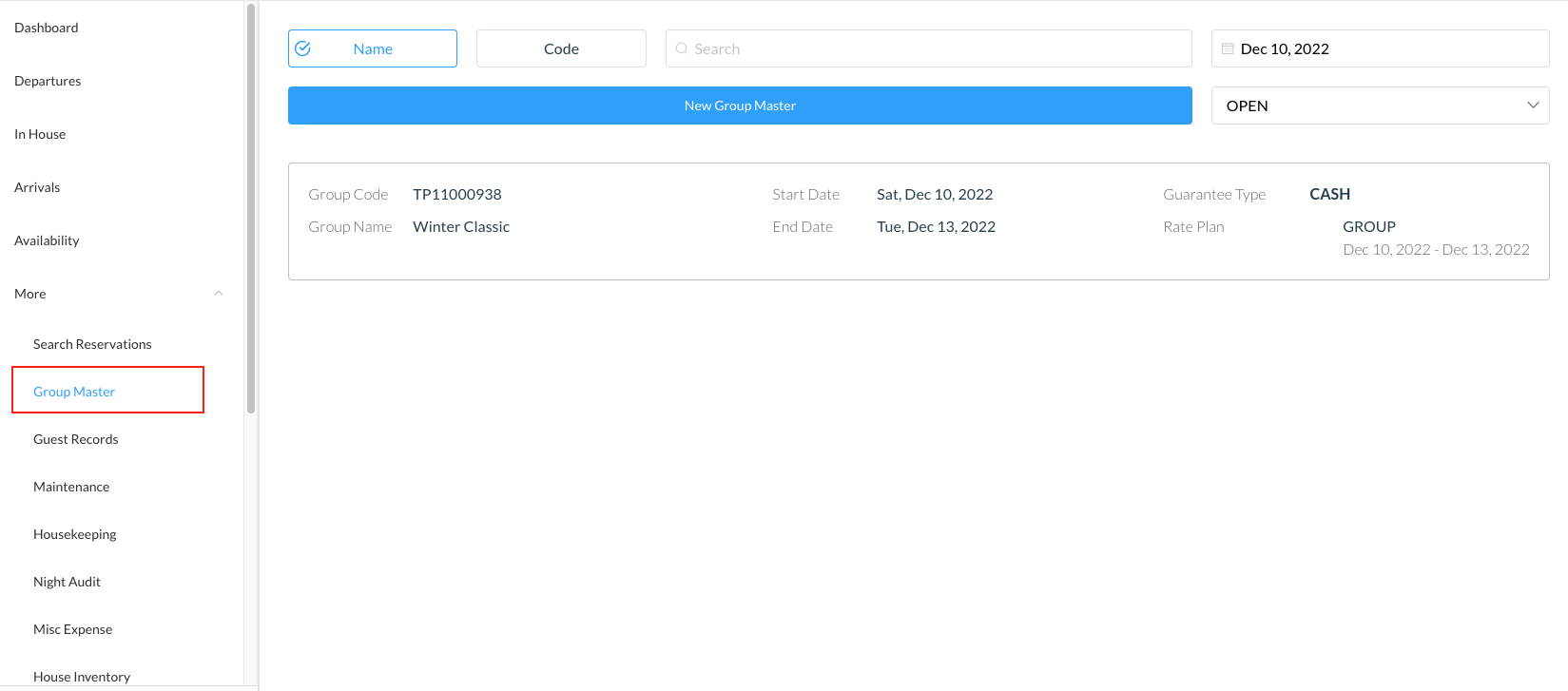
Select Group Master from the menu then search the Group Master by Name, Code, Date or its Status and click on it to open |
|
|
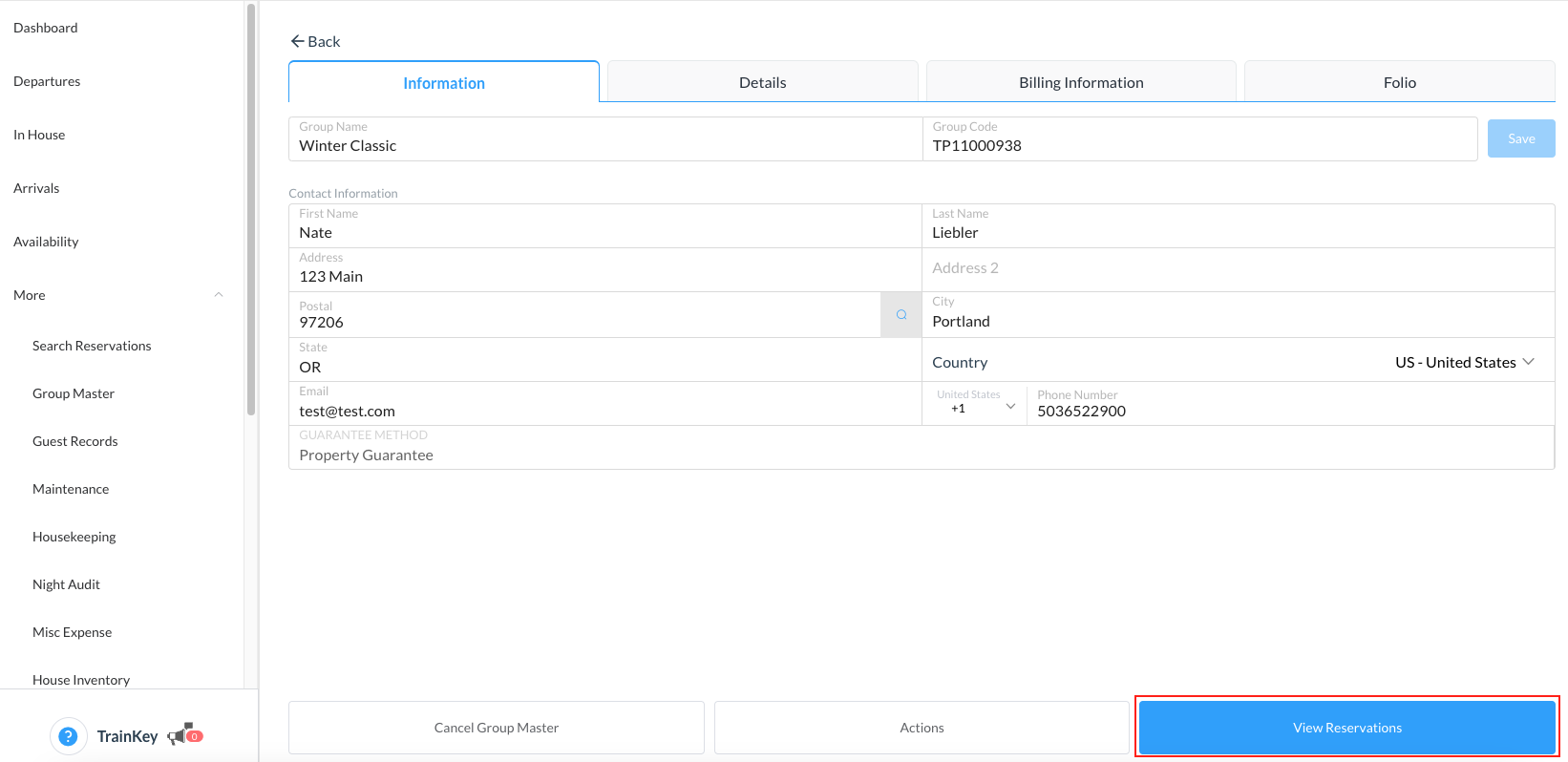
The group master opens Select View Reservations |
|
|
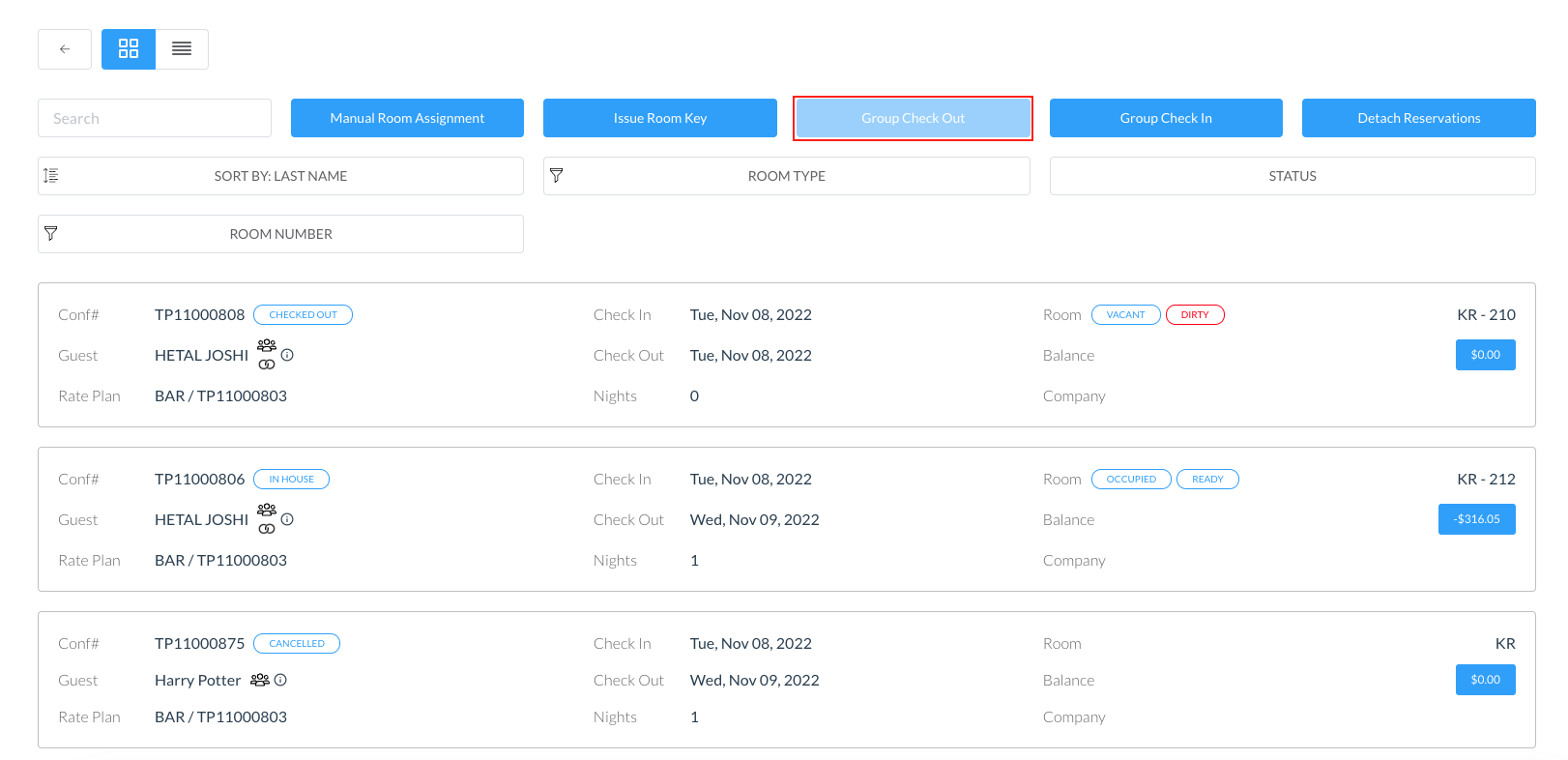
Note - all folios must be zero balance to successfully be checked out via the group check out function Click on the Group Check Out button |
|
|
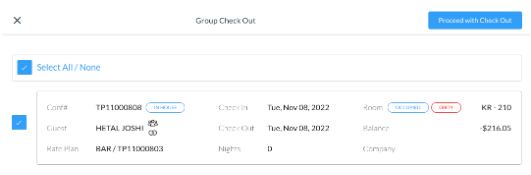
The Group Check Out screen opens Select the reservations required to be checked out by using the check box Click on Proceed with Check Out |
|
|
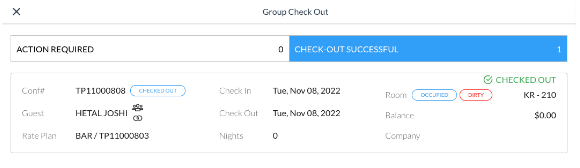
The screen will show successful reservation check out and will show which may still require some action to complete the task |
|