
📆 Revision Date:
The following three conditions must be met before a manual business day close process can be run:
-
no open orders (orders on which no payment has been collected) remaining
-
no orders with a folio balance due remaining
-
no currently active shifts
If all three prerequisites are met, follow the process below to manually close the business day.
|
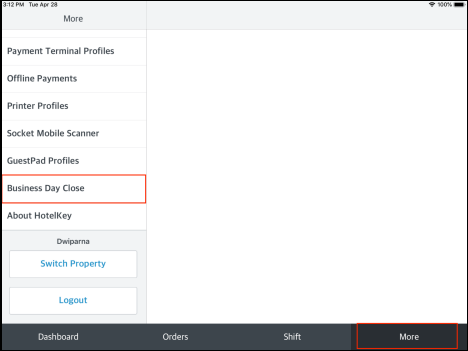
On the More tab, select Business Day Close. |
|
|
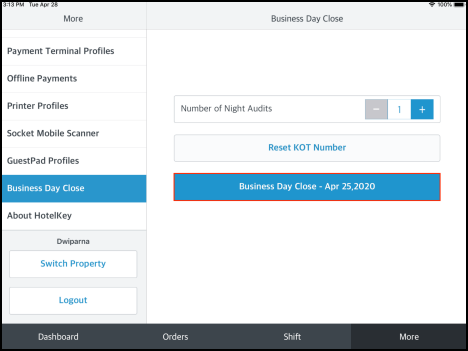
The Business Day Close page loads, with “1” preselected as the Number of Night Audits to run. Select Business Day Close [current date] to start the night audit. The process completes automatically. |
|