
📆 Revision Date:
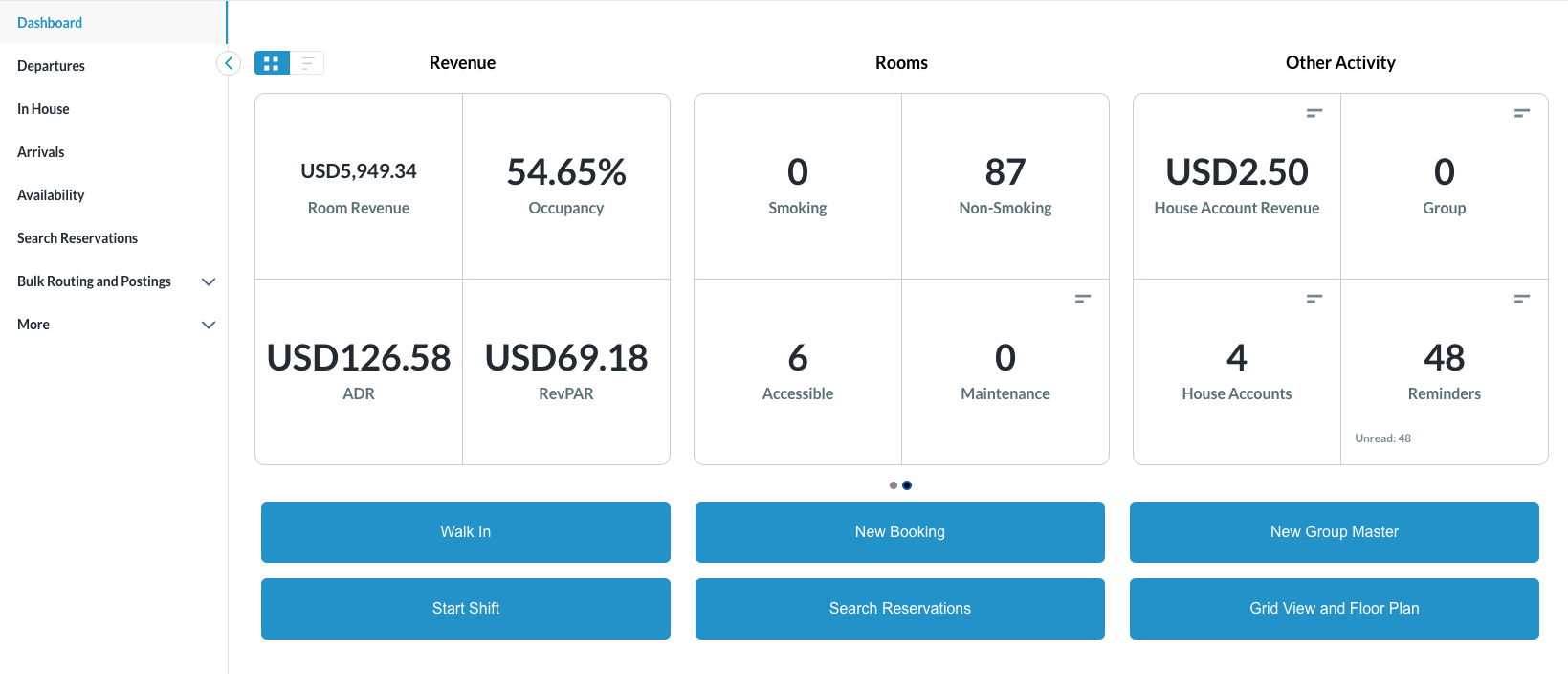
The following article will provide further details about each tile on the Dashboard for HK PMS.
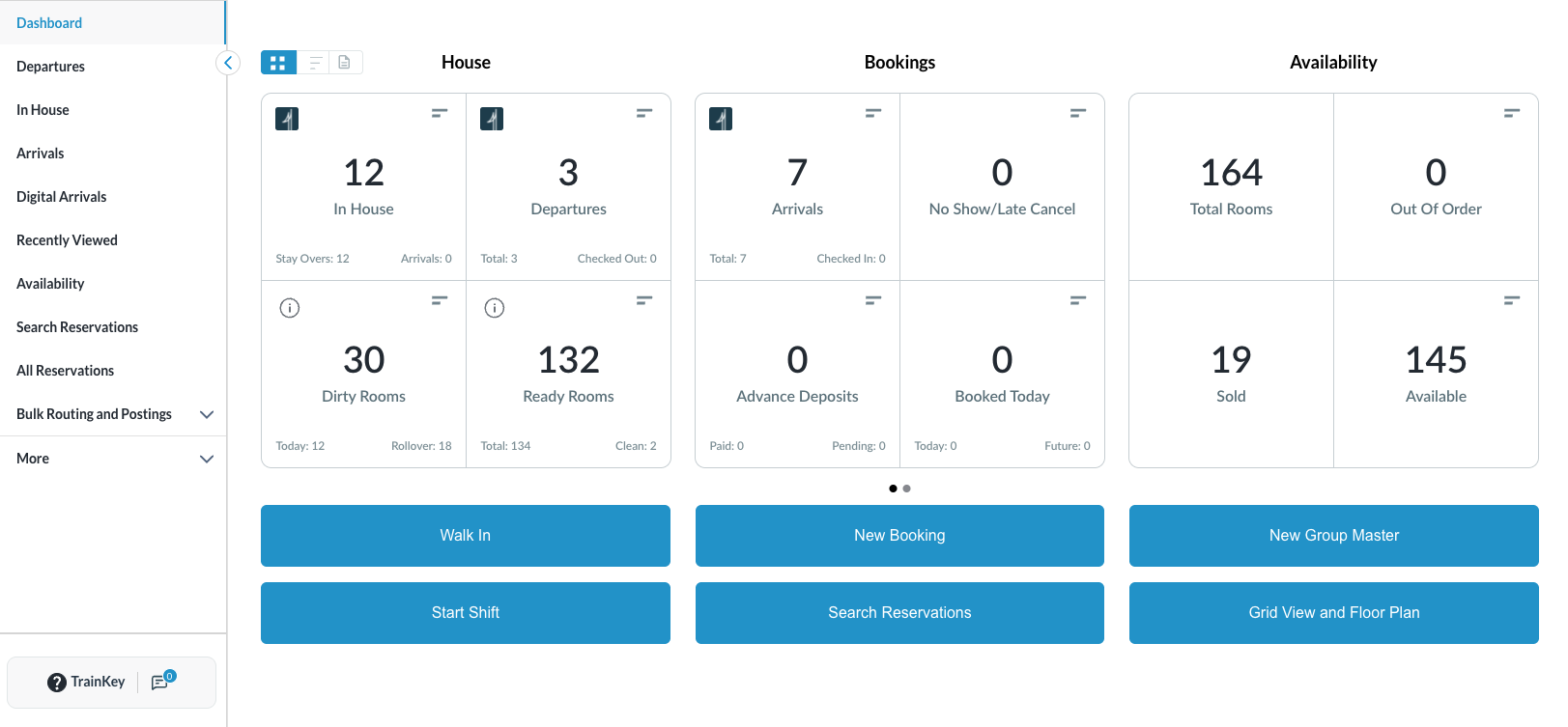
Dashboard View Page 1
|
Tile Name |
Tile Description |
Image or Calculation |
|
In House Tile 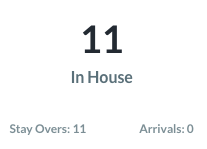
|
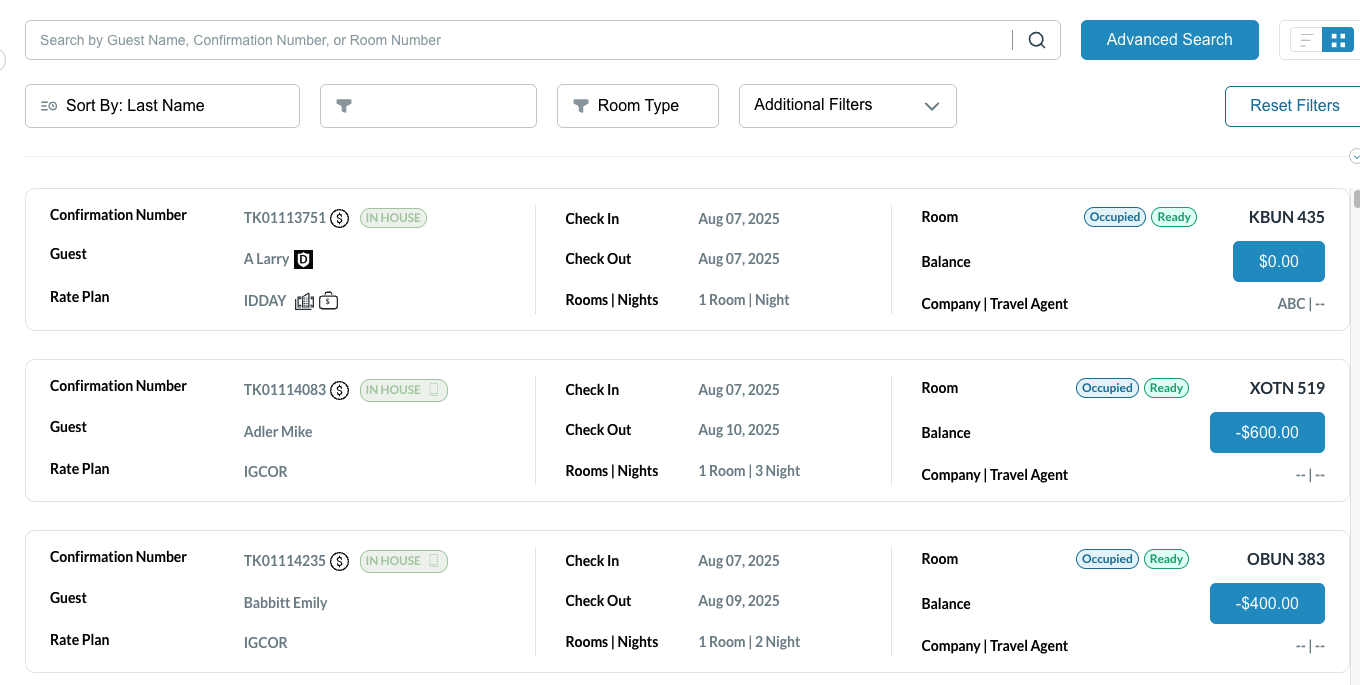
Total number of rooms currently in house. Clicking on this tile shows all rooms currently in in-house status.
Numbers along the bottom of the tile include total Stay Overs for the current business date and how many are In-House from today’s arrivals |
|
|
Departures Tile 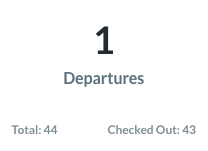
|
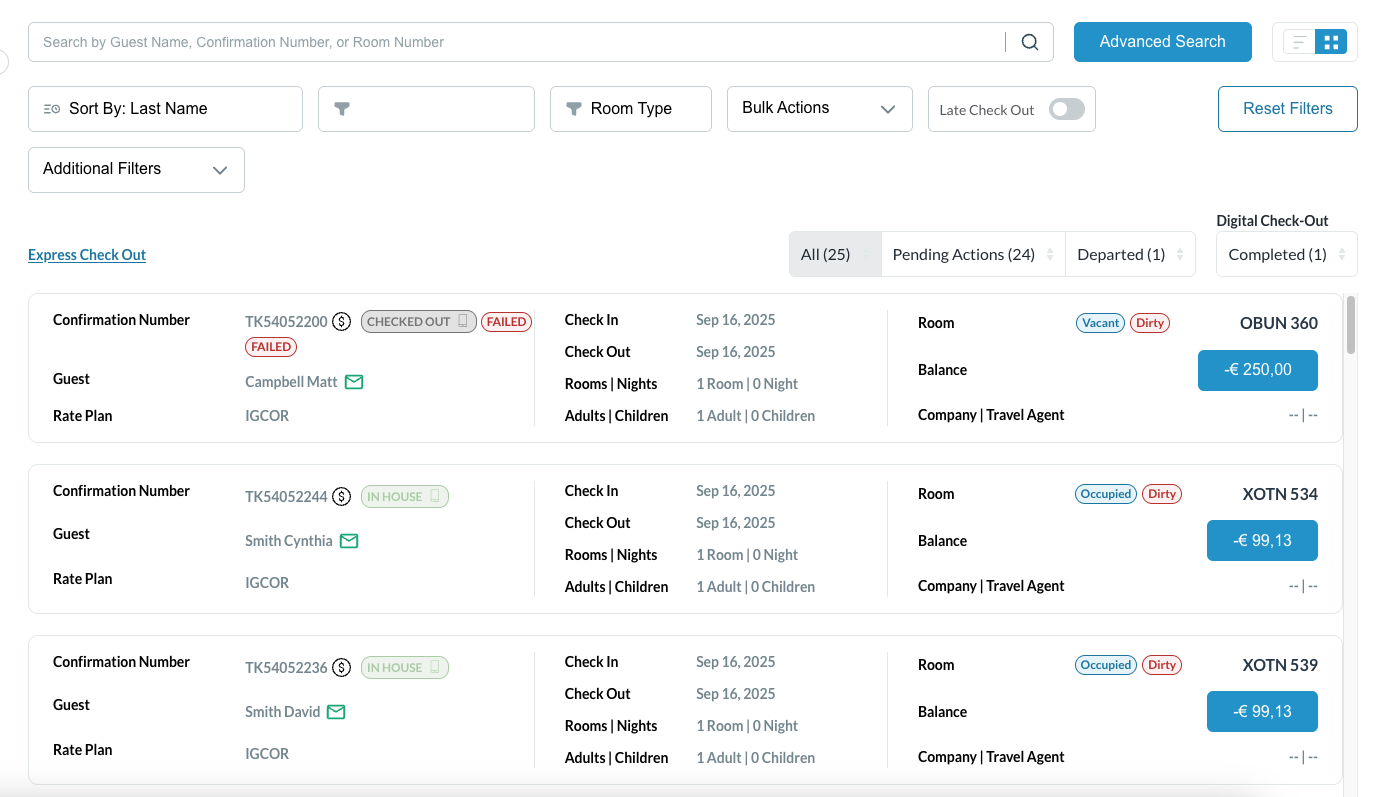
Total number of rooms in departure status. Clicking on this tile reveals rooms in checked out and pending departure status.
Numbers along the bottom of the tile include total Departures for the current business date and how many have Checked Out. |
|
|
Dirty Rooms Tile 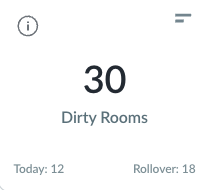
|
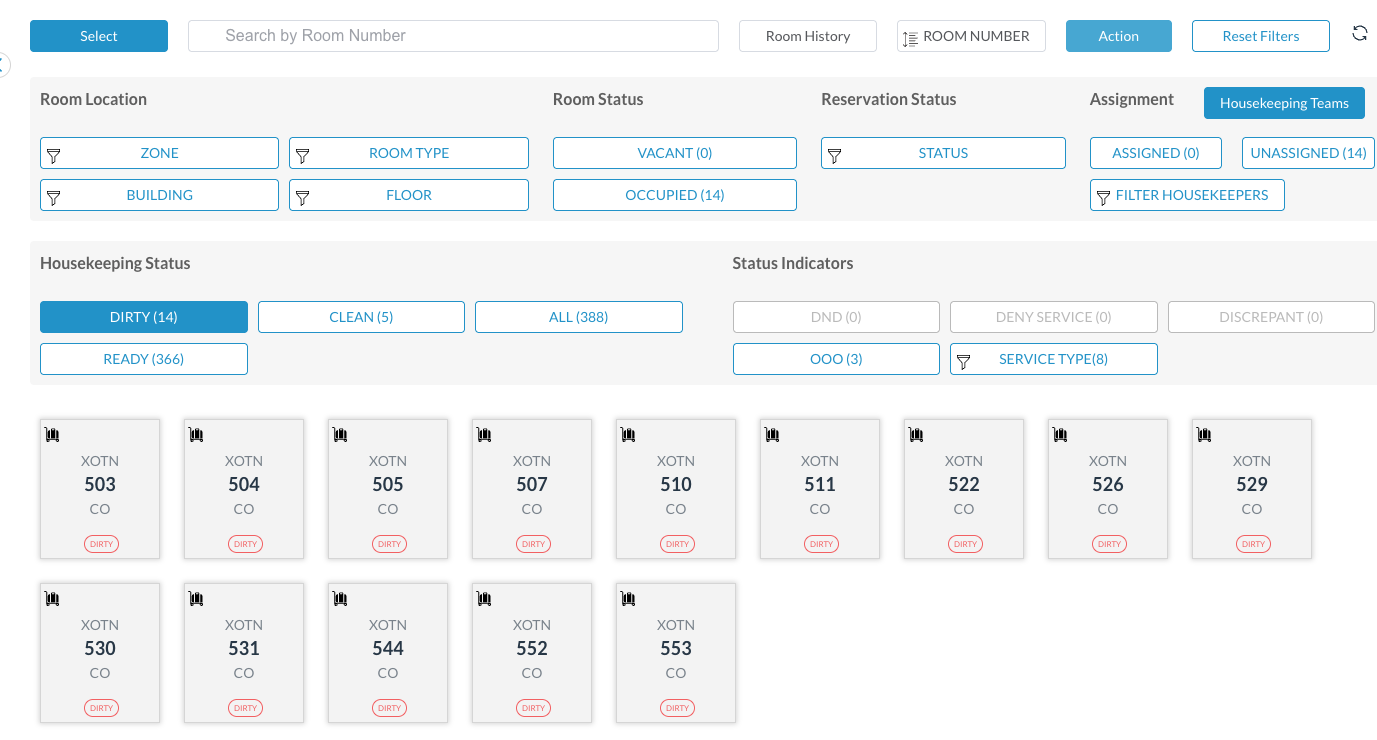
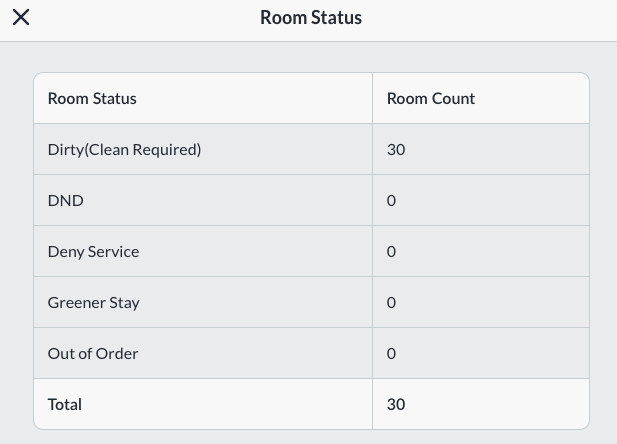
Total number of dirty rooms. Clicking on this tile opens the Housekeeping dashboard and shows status of in-house, arrival and departure rooms. Numbers along the bottom of the tile include total Dirty rooms for the current business date and how many dirty rooms were rolled over from prior day. The |
|
|
Ready Rooms Tile 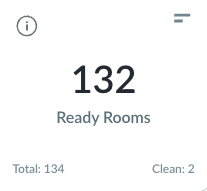
|
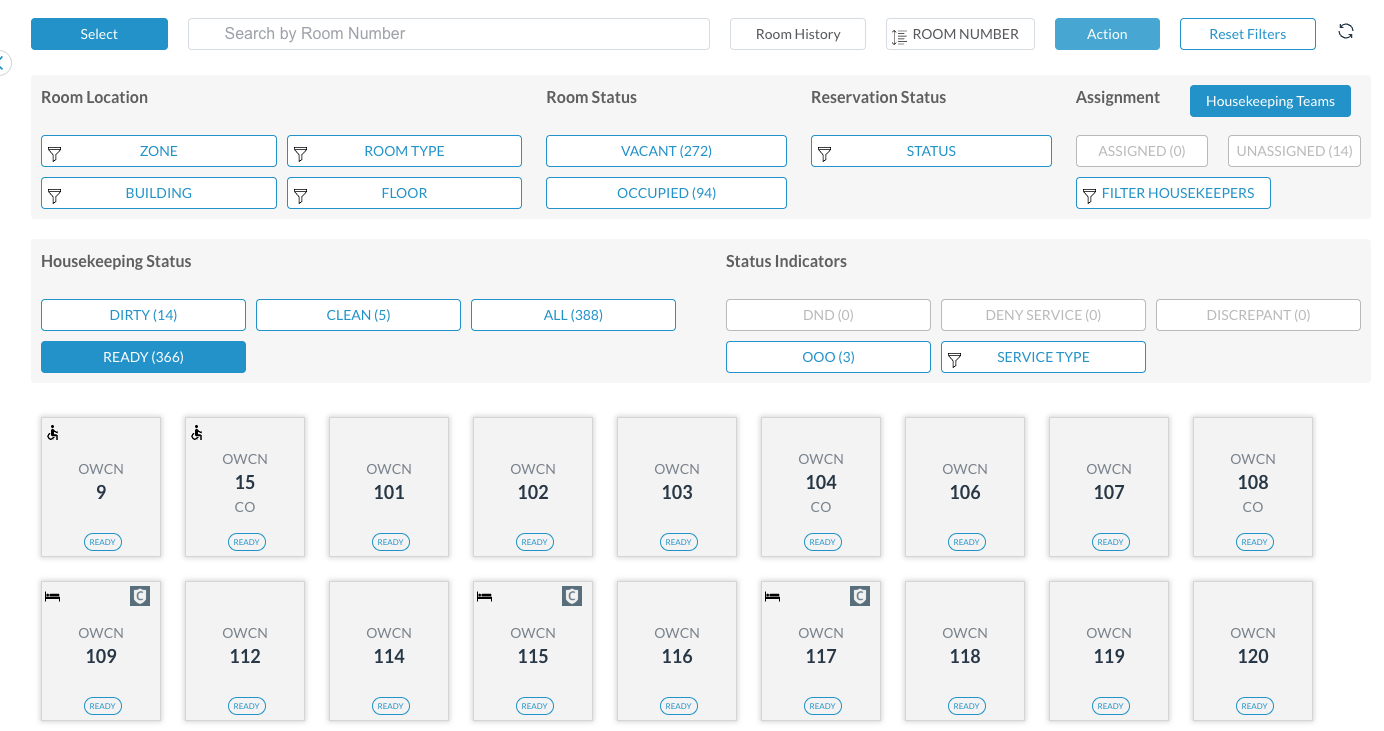
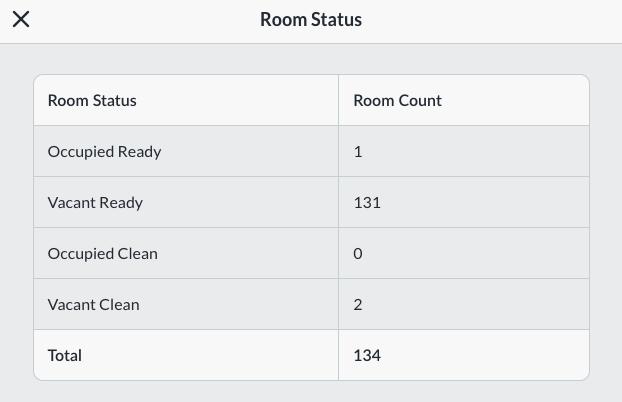
Total number of vacant and ready rooms. Clicking on this tile opens the Housekeeping dashboard and shows all ready status rooms. Numbers along the bottom of the tile include total Ready rooms for the current business date and how many rooms are Clean for the current business day. Numbers are real time. The |
|
|
Arrivals Tile 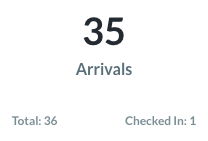
|
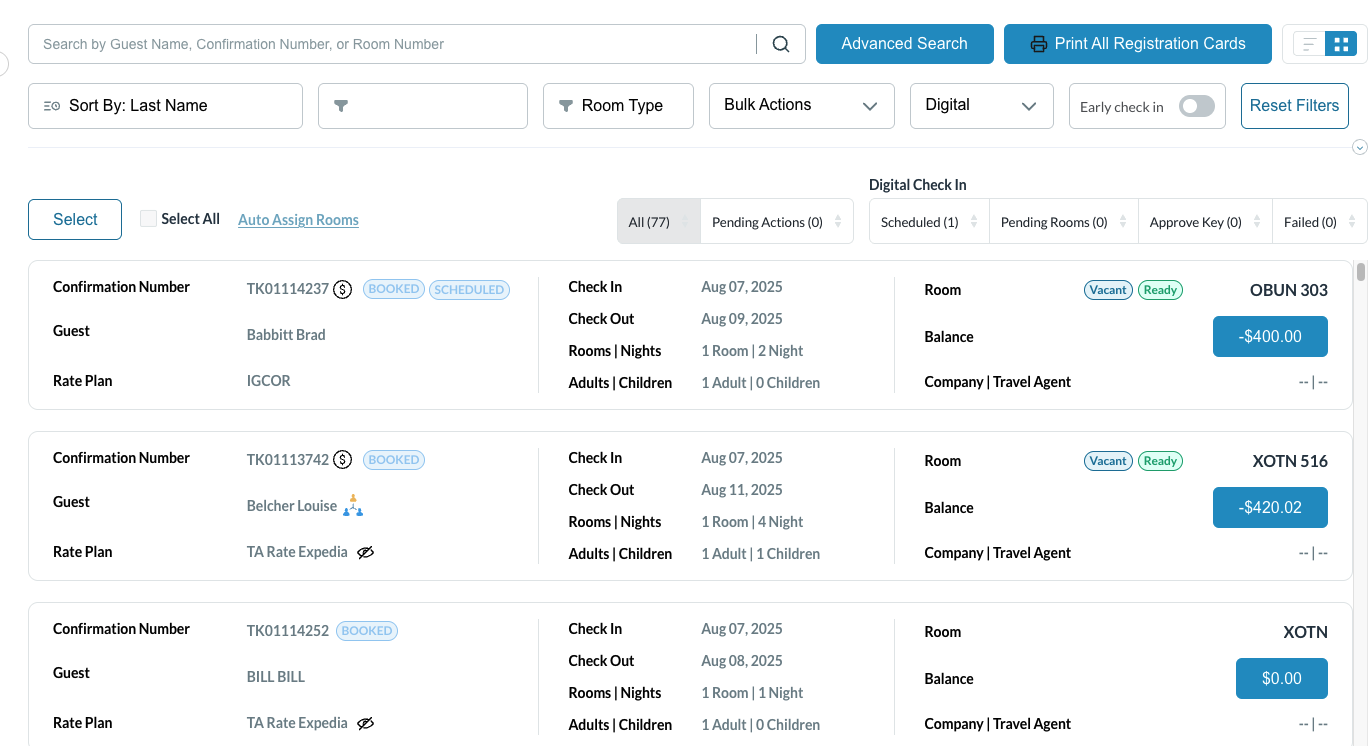
Total number of rooms in arrival status for the current business day. Clicking on this tile shows all reservations in arrival status for the current business day. Numbers along the bottom of the tile include total Arrivals for the current business date and how many rooms have Checked In for the current business day. Numbers are real time. |
|
|
No Show/Late Cancel Tile 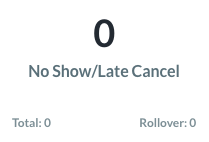
|
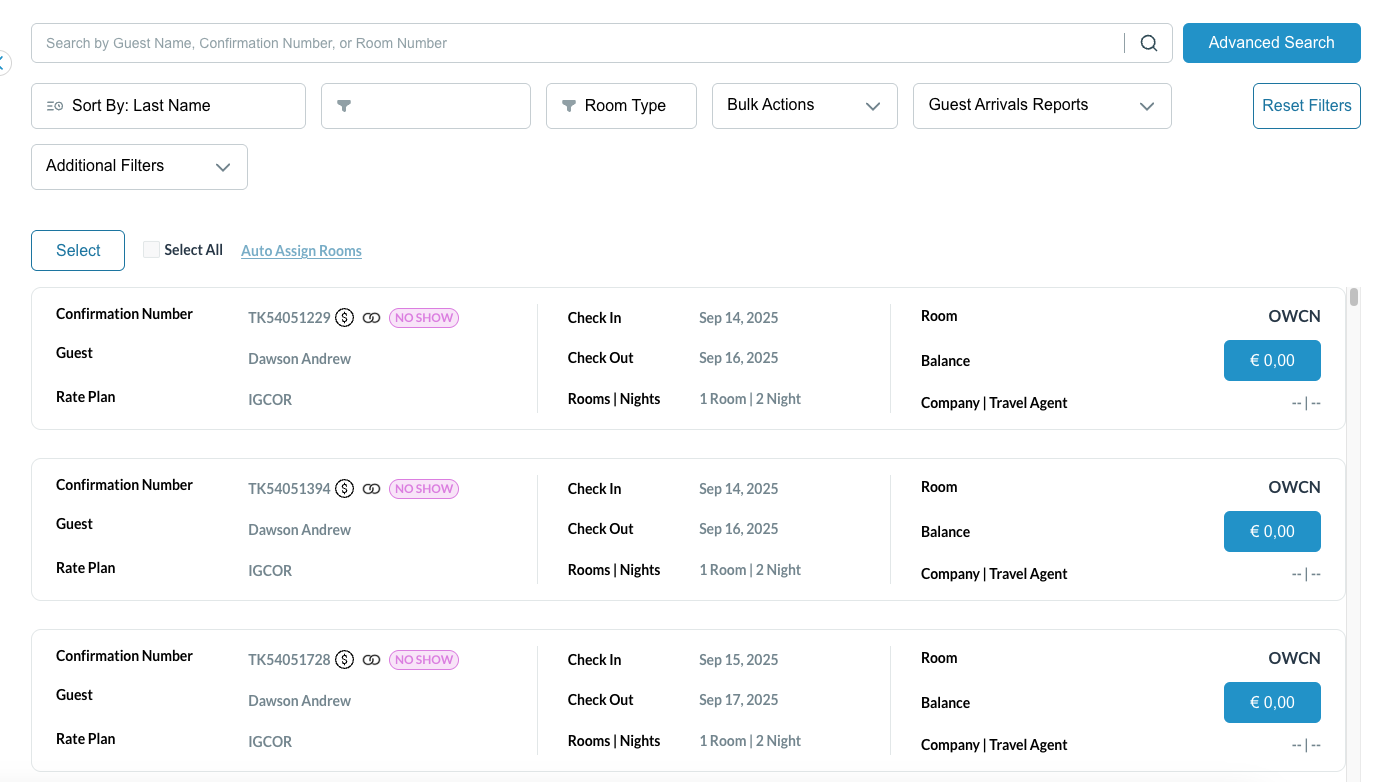
Total number of rooms in no show or late cancel status. The rooms in this tile will appear for the number of nights of the reservation. Numbers along the bottom of the tile include total reservations that were No Show or a Late Cancel for the current business date and how many have been rolled over from prior day. |
|
|
Advance Deposits Tile 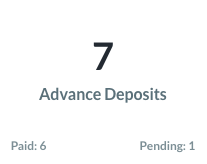
|
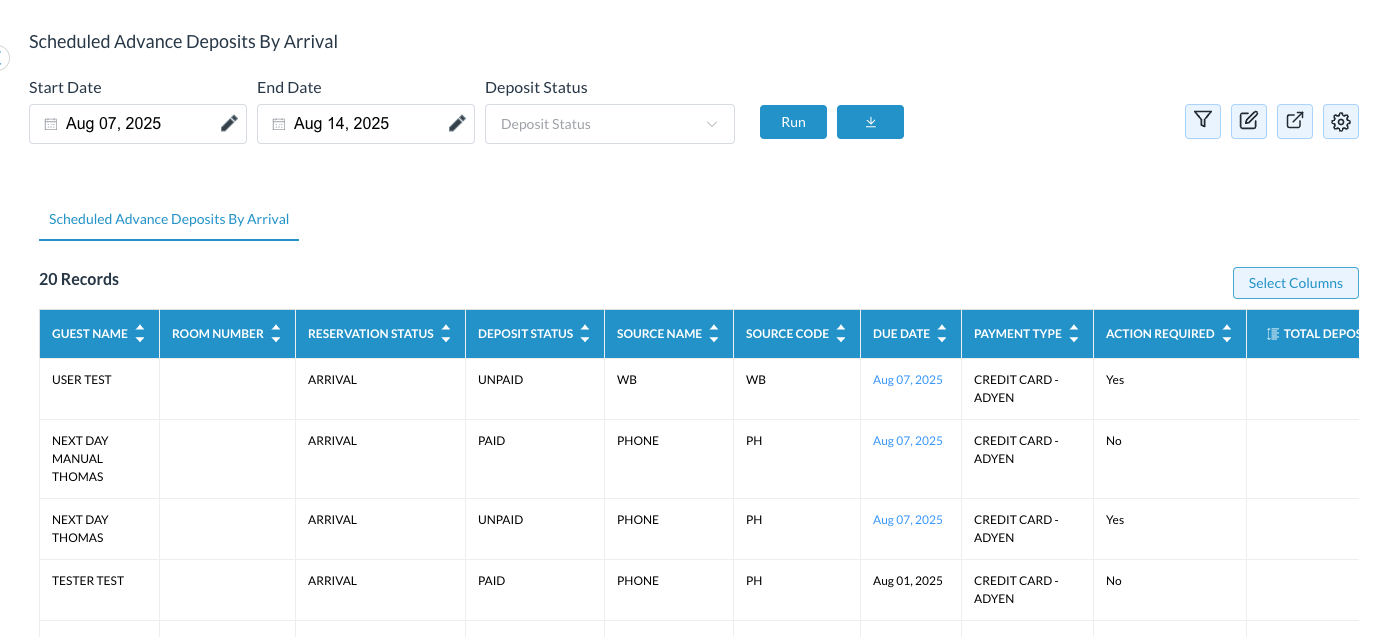
Arrival reservations with scheduled advance deposits for the date range entered. Numbers along the bottom of the tile include total Paid for the current business date and how many are still Pending. Numbers are real time. |
|
|
Booked Today Tile 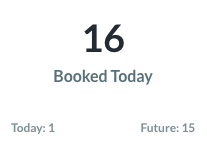
|
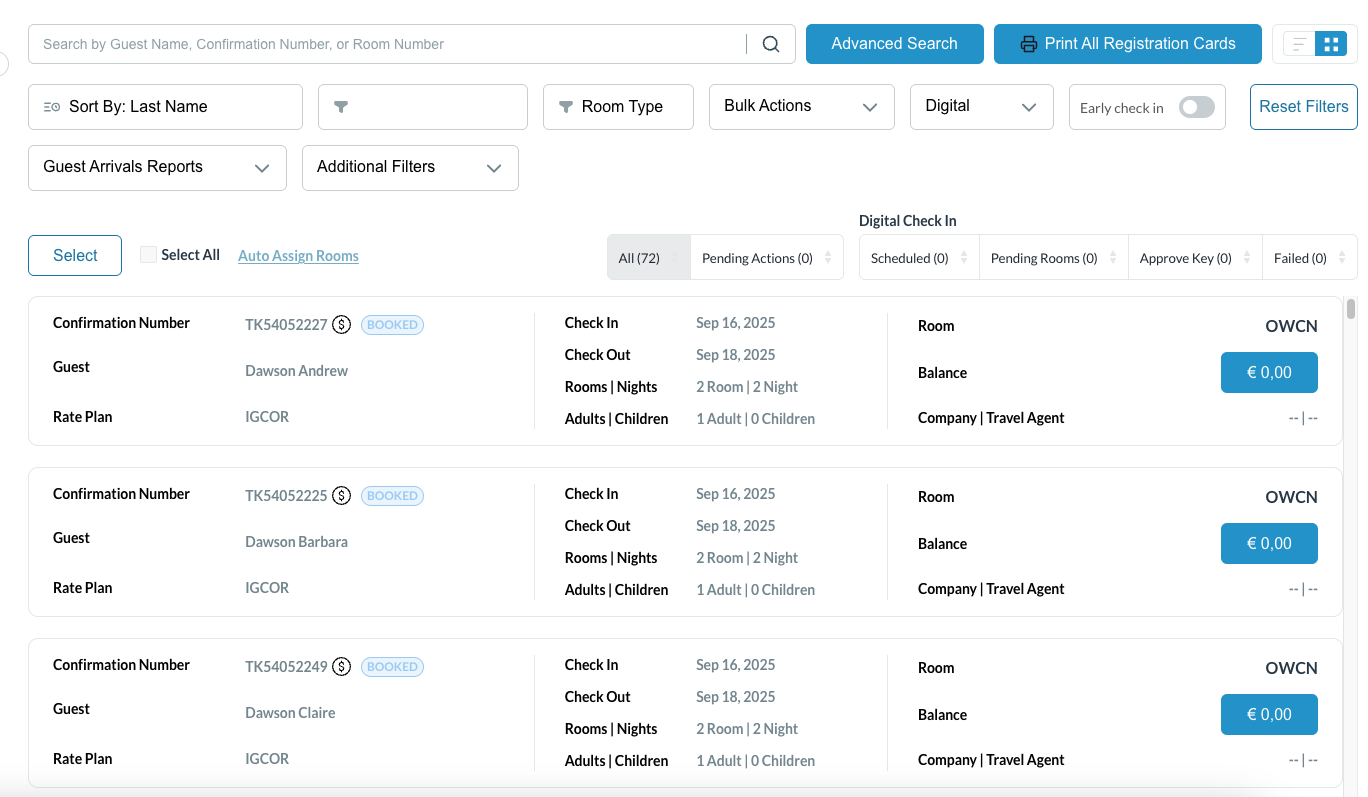
Total number of reservations booked today for today and future dates. This will also include any same day reservation. Clicking on this tile will open the arrivals page. |
|
|
Total Rooms Tile 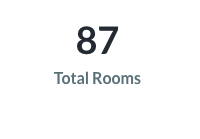
|
Total number of room inventory on the property |
=sum total inventory |
|
Out of Order Tile 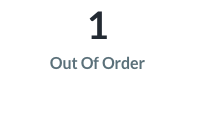
|
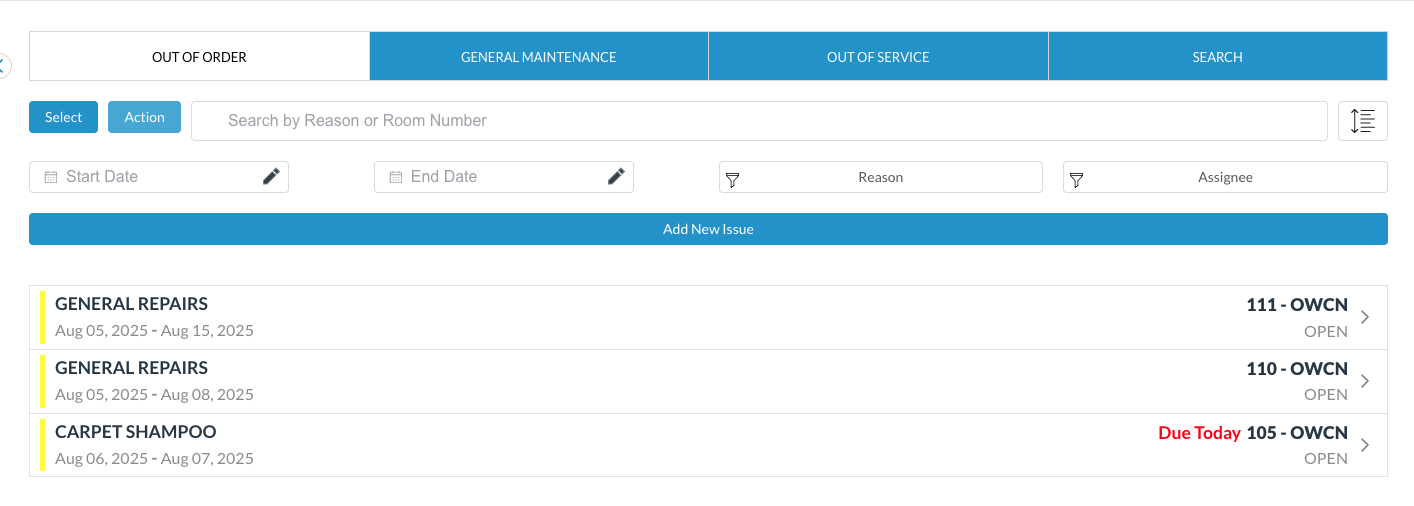
Total number of rooms in out of order status. Clicking on this tile will open the Maintenance dashboard. |
|
|
Sold Tile 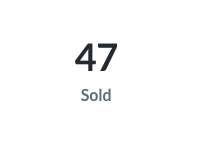
|
Total number of rooms sold for the current business day. |
=sum(arrivals + in-house) |
|
Available Tile 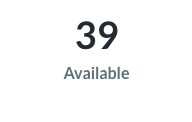
|
Total number rooms available to sell for current business day |
=sum(total rooms - sold rooms - ooo rooms) |

Dashboard View Page 2
|
Tile Name |
Tile Description |
Image or Calculation |
|
Room Revenue Tile 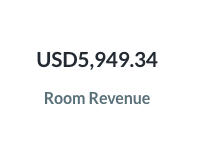
|
Total room revenue for the current business day. |
=sum(room revenue) |
|
Occupancy Tile 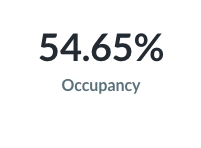
|
Total occupancy for the current business day. This will change as the rooms are sold for the current business day. |
=sum(total rooms in house / available rooms) x 100 |
|
ADR Tile 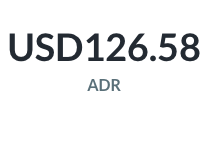
|
Average rate being charged for each occupied room. |
=sum(total room revenue / number of rooms sold) |
|
RevPAR Tile 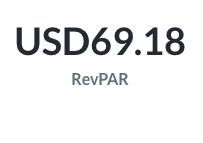
|
How much revenue the hotel makes for each room it has, whether those rooms are occupied or not. |
=sum(total revenue / number of available rooms) |
|
Smoking Tile 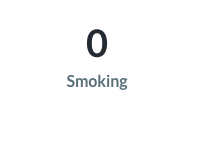
|
Number of rooms identified as smoking |
=sum(total smoking rooms) |
|
Non Smoking Tile 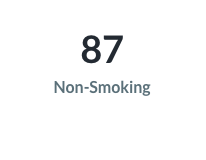
|
Number of rooms identified as non smoking |
=sum(total non-smoking rooms) |
|
Accessible Tile 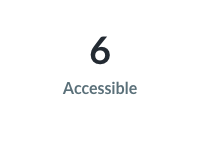
|
Number of rooms identified as accessible |
=sum(total accessible rooms) |
|
Maintenance Tile 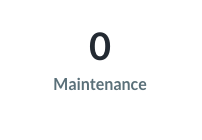
|
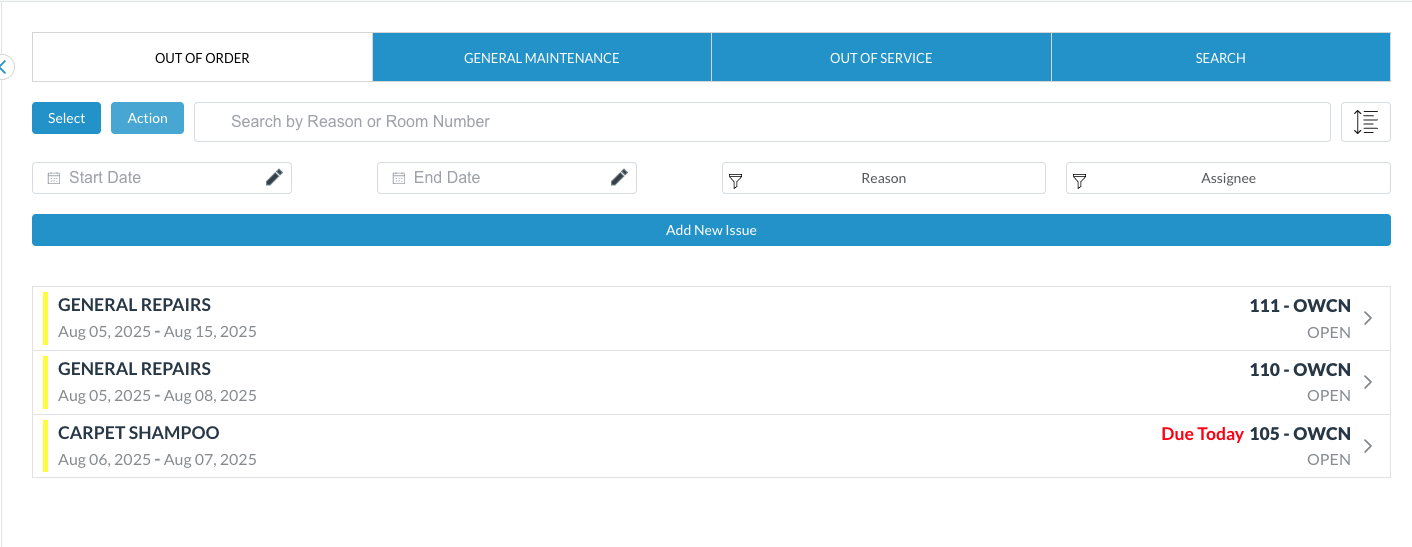
Number of rooms in General Maintenance. Clicking on this tile will open the Maintenance dashboard. |
|
|
House Account Revenue Tile 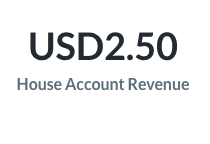
|
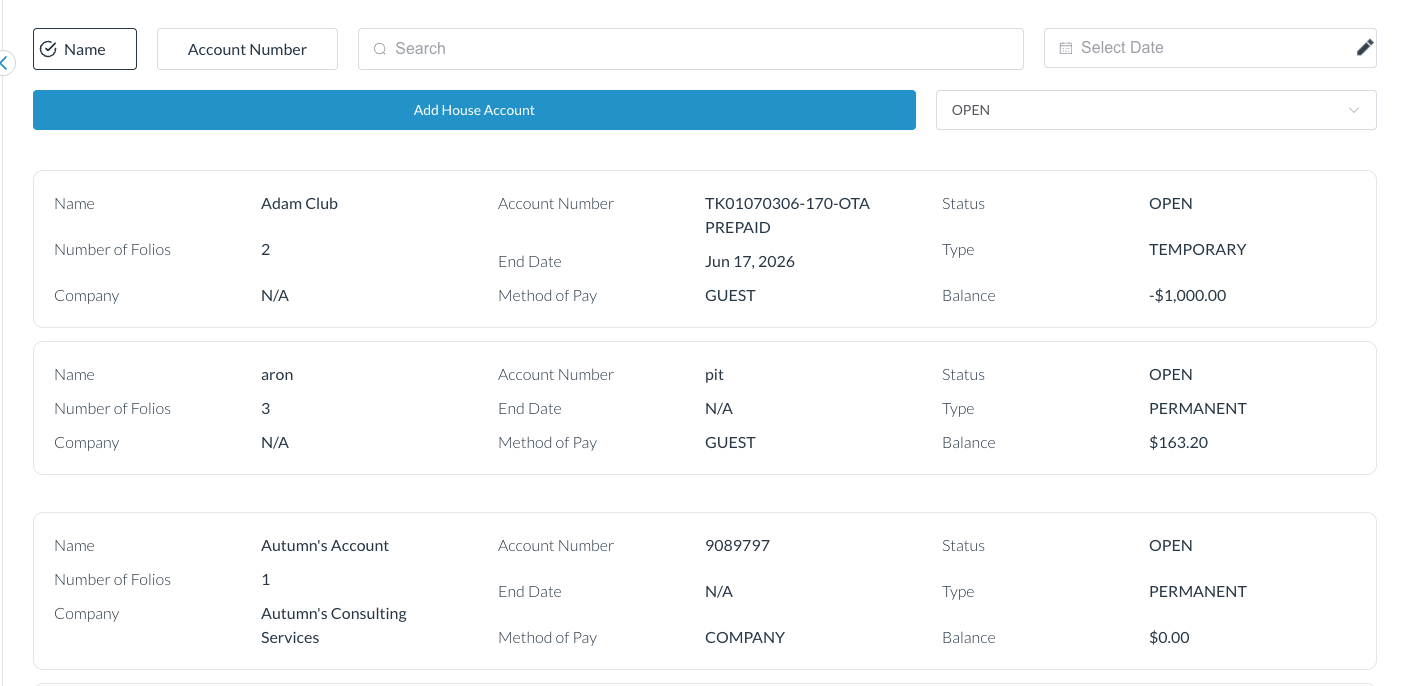
Total revenue from house account for the current business day. Clicking on this tile will open the House Accounts menu. |
|
|
Group Tile 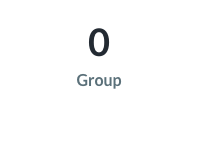
|
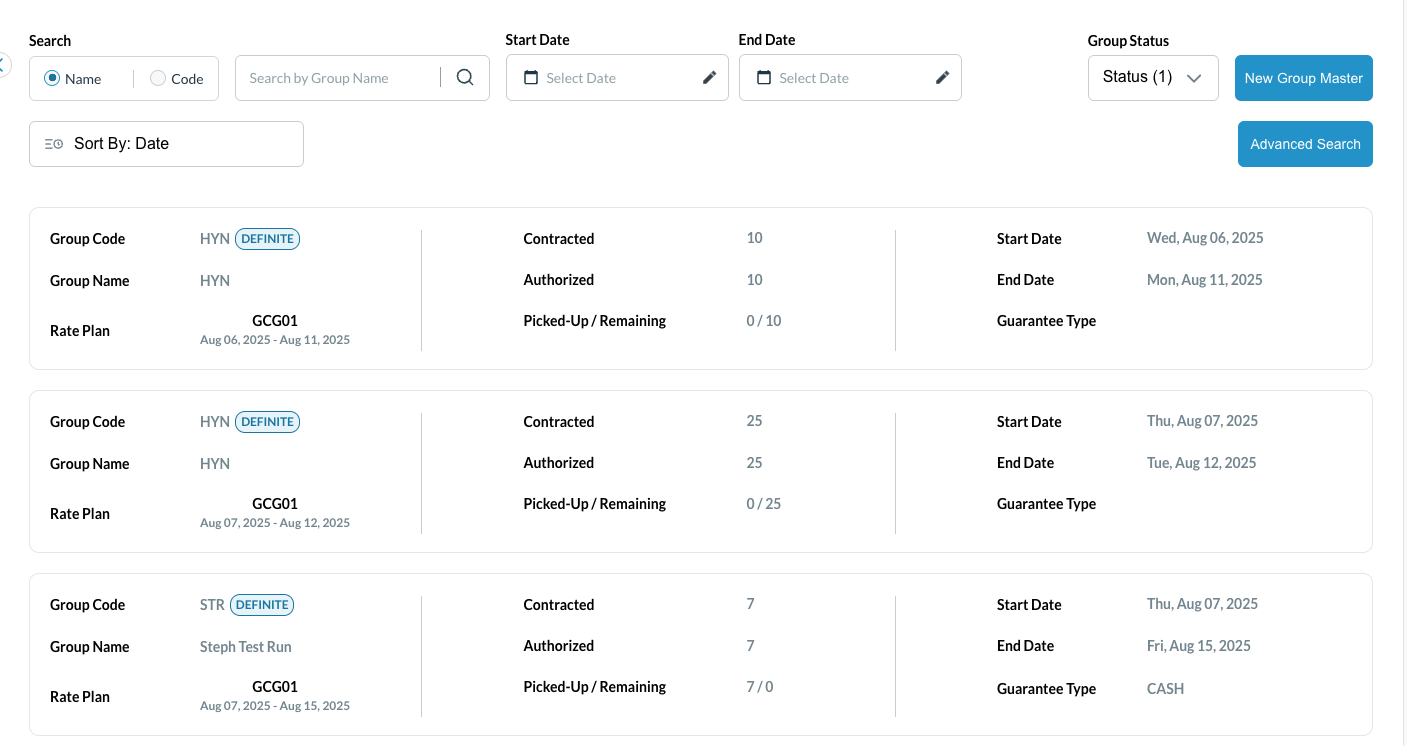
Total Groups currently in house. Clicking on this tile will open the Group Master menu. |
|
|
House Accounts Tile 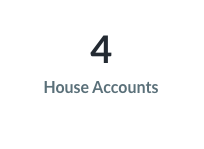
|
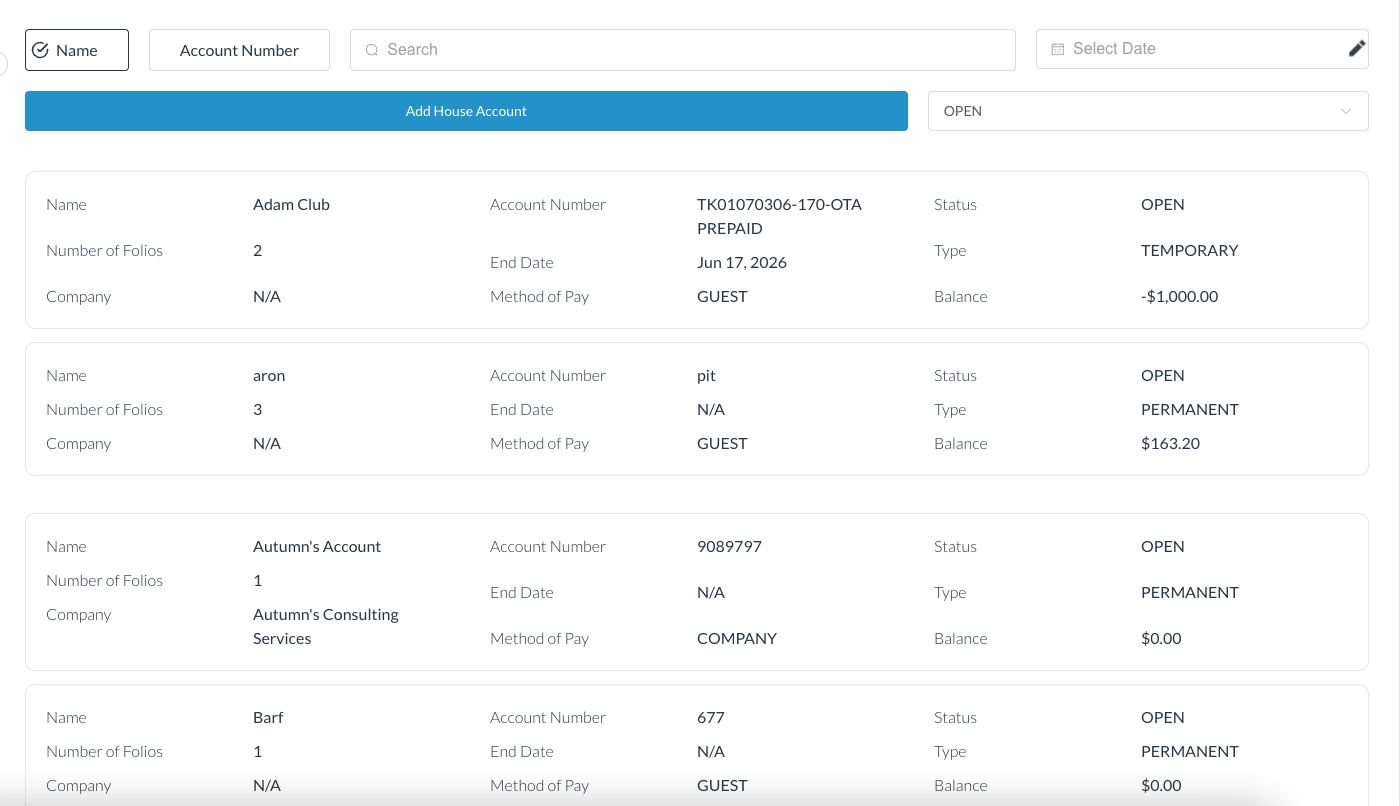
Total number of open house accounts. Clicking on this tile will open the house accounts menu. |
|
|
Reminders Tile 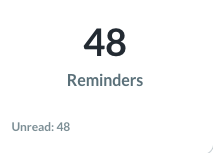
|
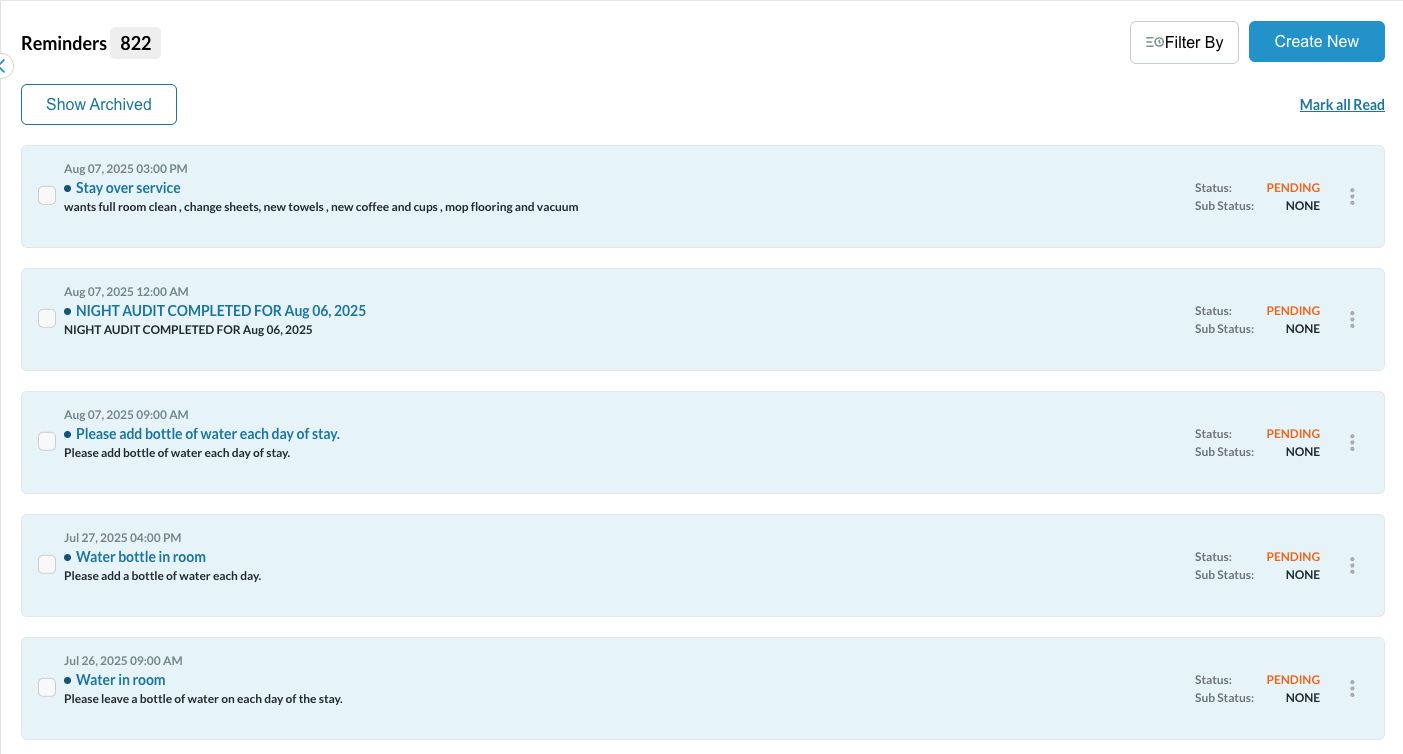
Total number of pending reminders. Clicking on this tile will open the Reminders menu and allow for user to manage all pending items. On the bottom of the tile is total of unread reminders |
|