
Revision Date:
Overview
The Search Invoice screen has been upgraded to provide a seamless, high-speed experience for your front desk team. This enhancement ensures that managing financial records is faster and more reliable than ever.
Instantaneous Navigation: Experience lightning-fast load times when accessing invoice data, regardless of the volume of records.
Steps to Efficiently Search and Filter Invoices
|
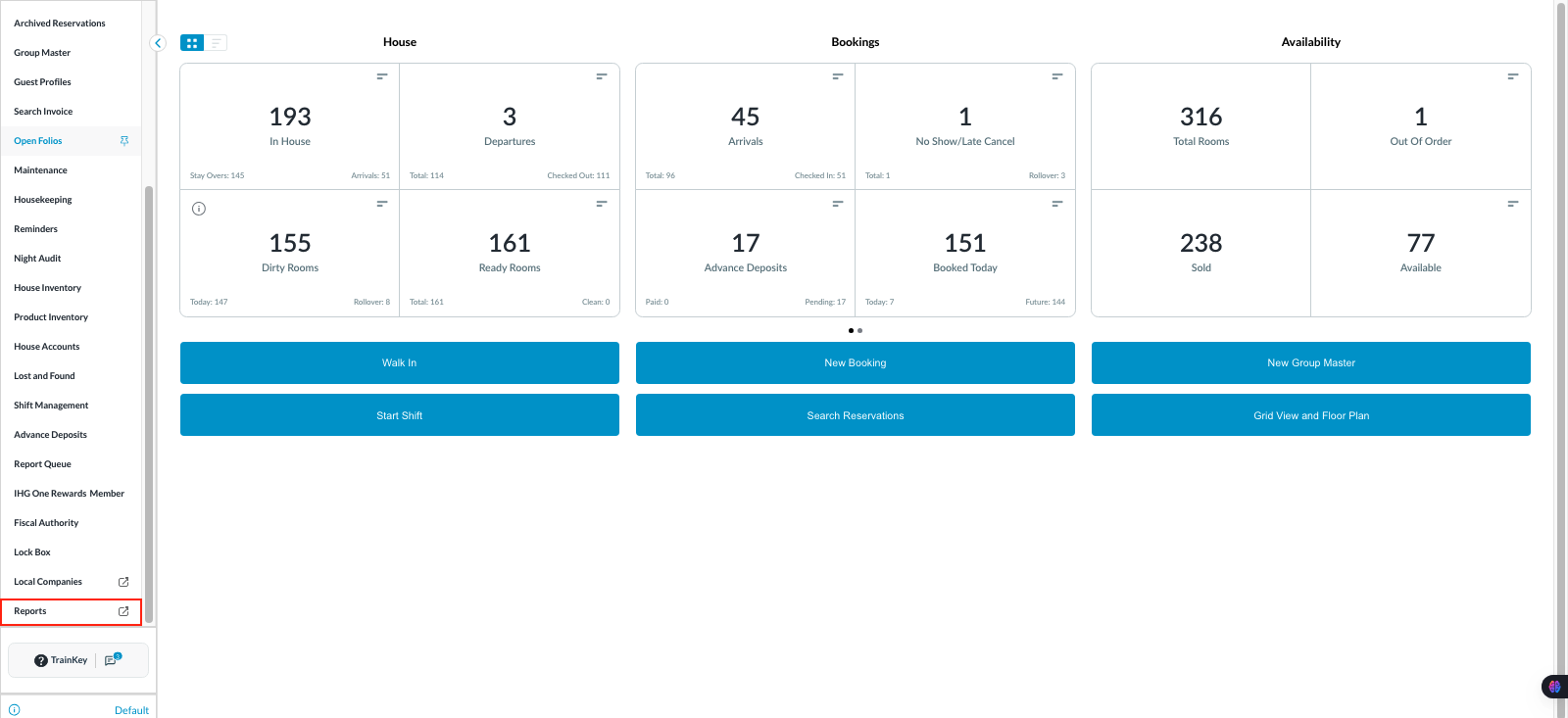
Navigate to Search Invoice: From the FrontDesk Dashboard, go to the Reports or Billing menu and select Search Invoice. |
|
|
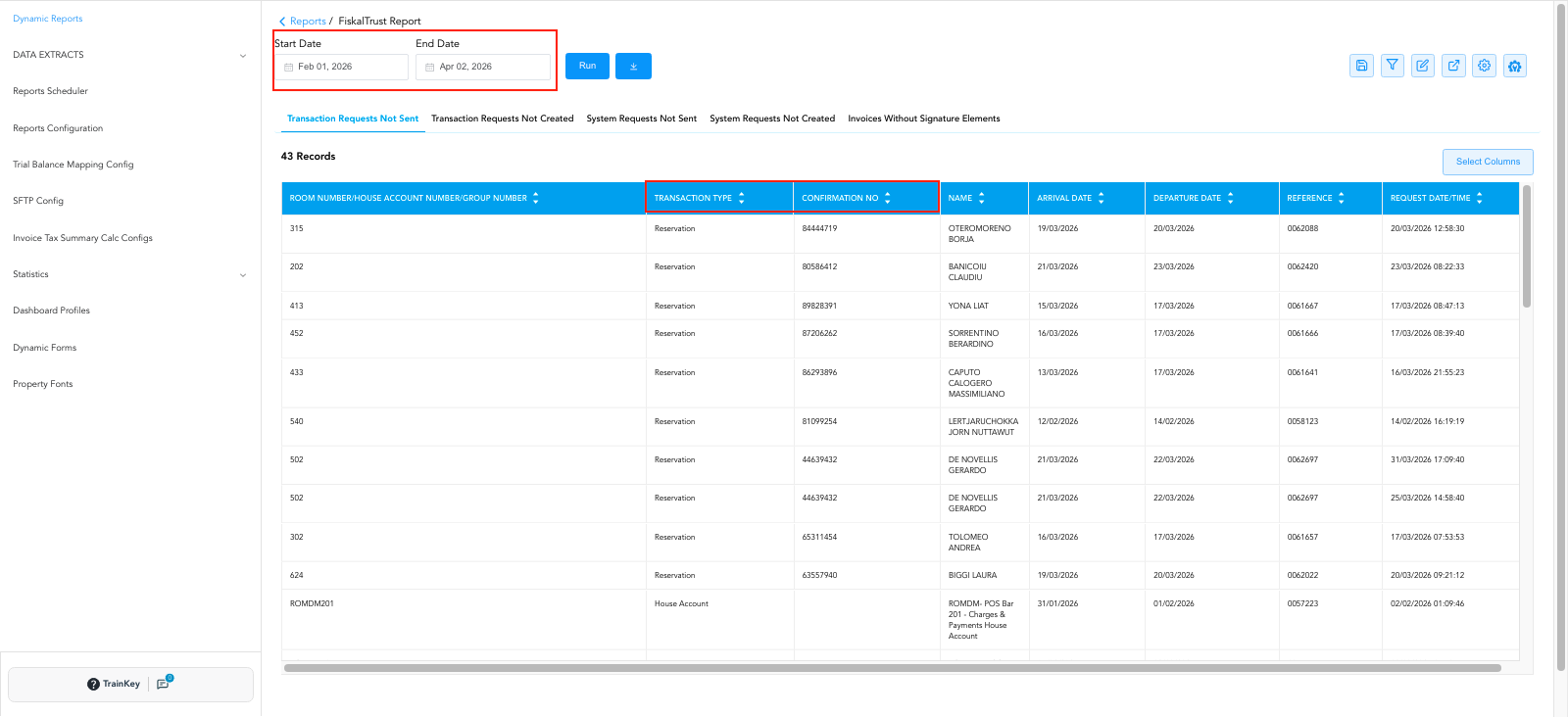
Define Your Search Criteria: Enter a Date From and Date To, or search by a specific Confirmation Number or Invoice Number. Click Run button to load the results. |
|
|
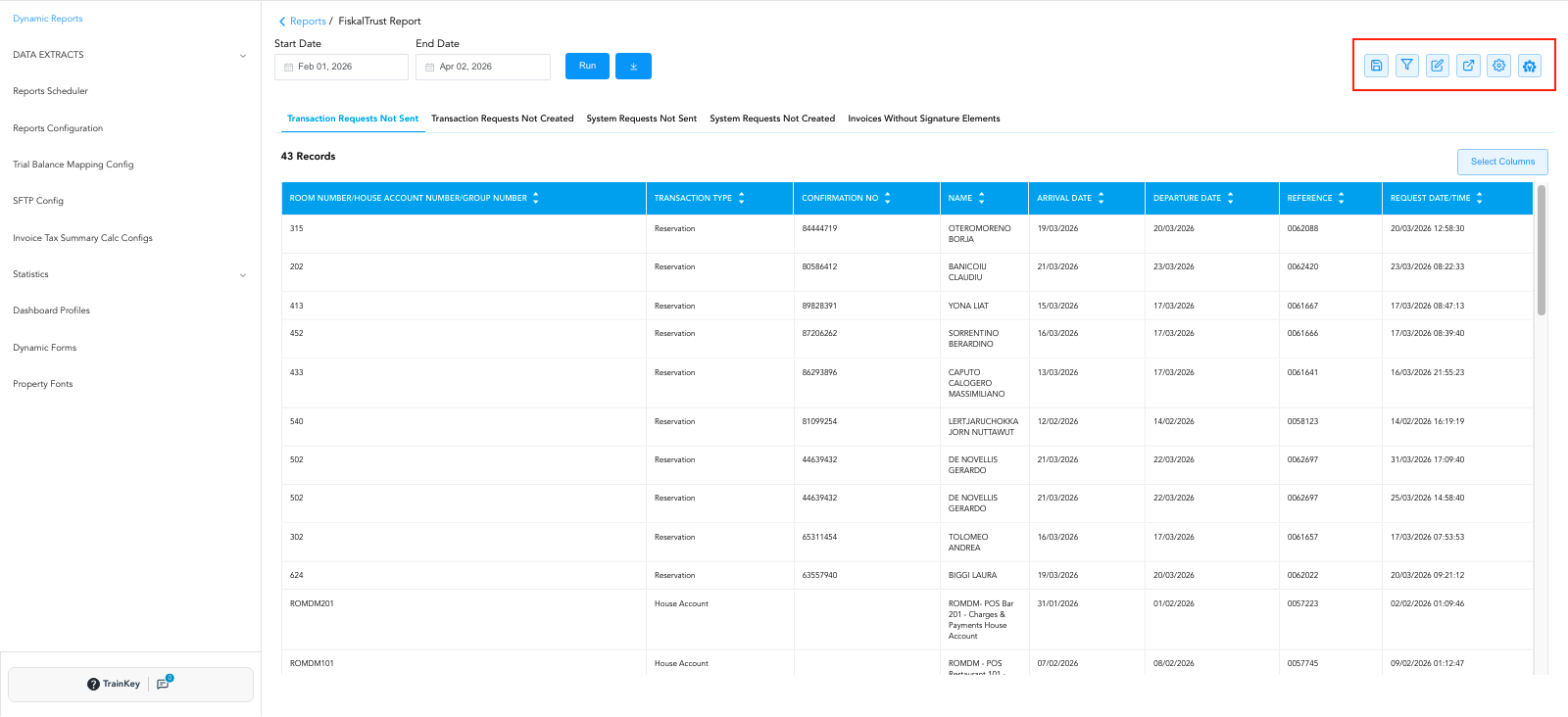
Utilise Quick Filters: Open the Filter dropdown menu. You can now rapidly toggle between different invoice categories:
|
|
|
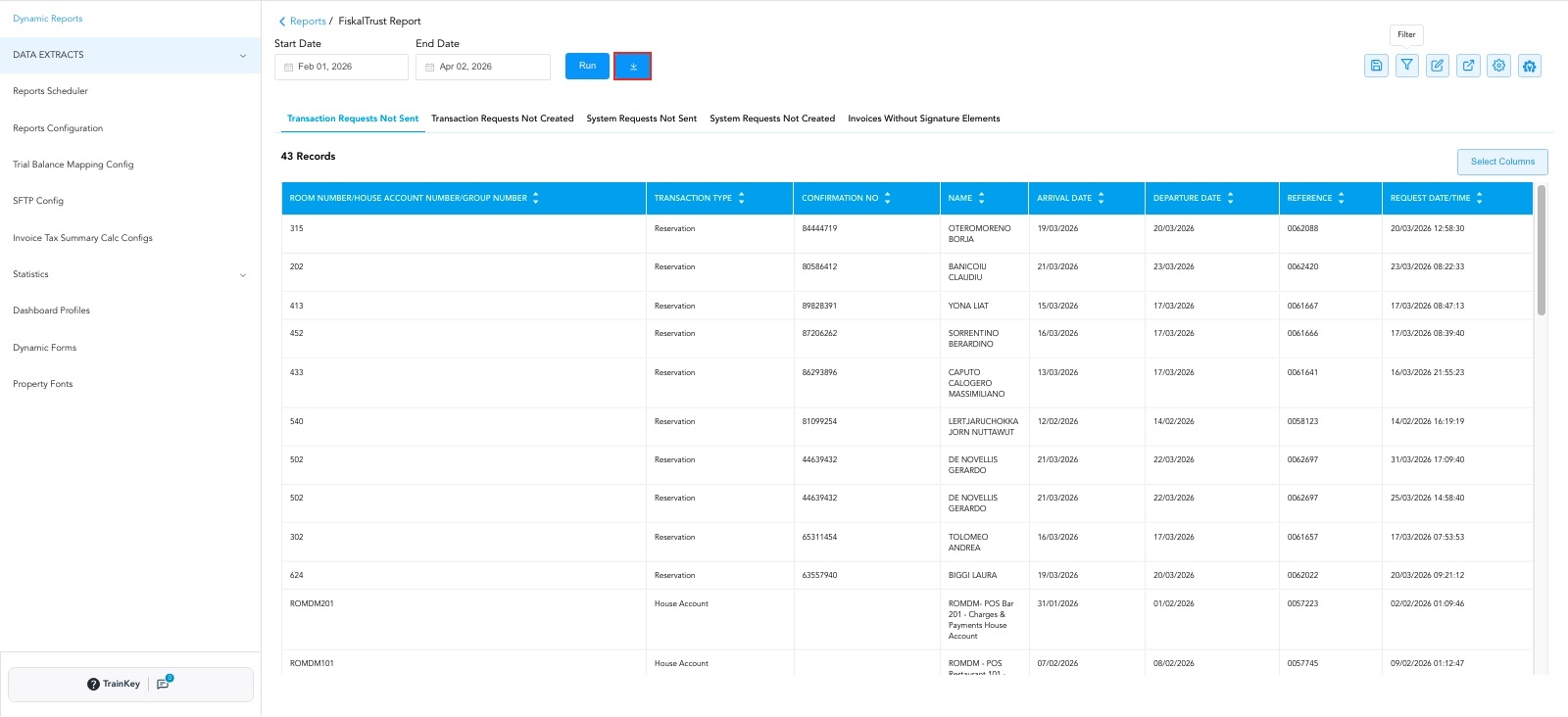
Download or View: Once you have filtered the list to the desired records, you can select individual invoices to view or use the Download All Invoices button for bulk processing. |
|