
📆 Revision Date:
|
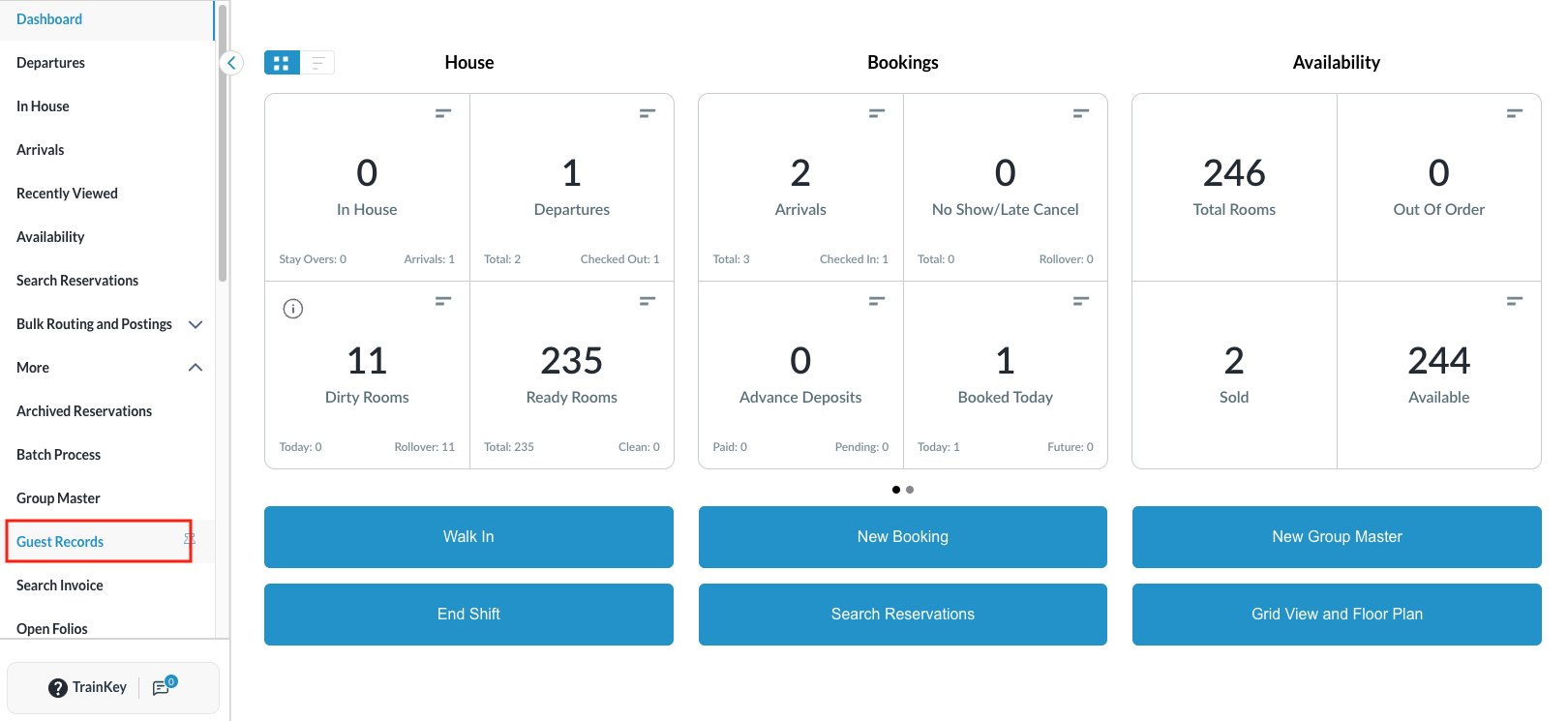
Select Guest Records on the Dashboard.
|
|
|
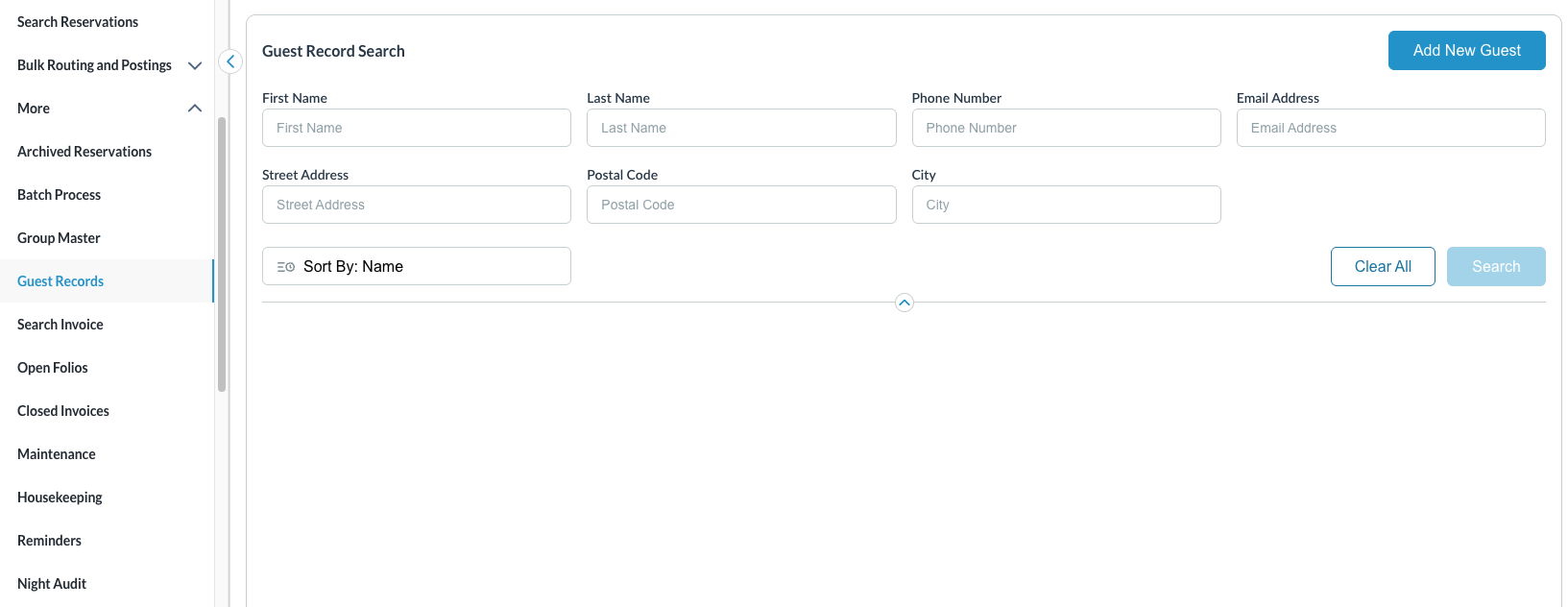
Guest Record Search screen loads. Enter any or all of the following details of the guest you wish to search for:
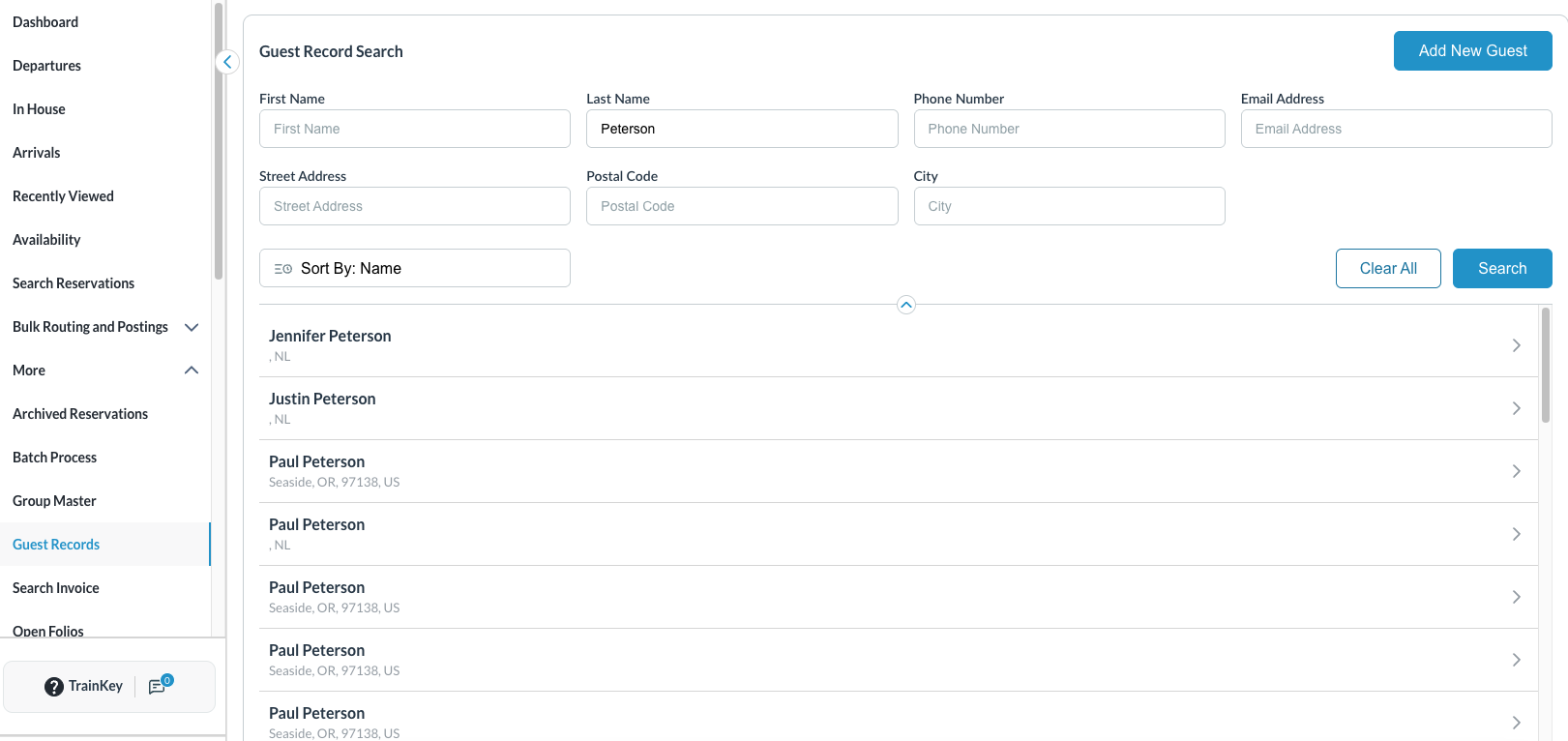
Then click on Search Records containing the entered details return for selection. |
|
|
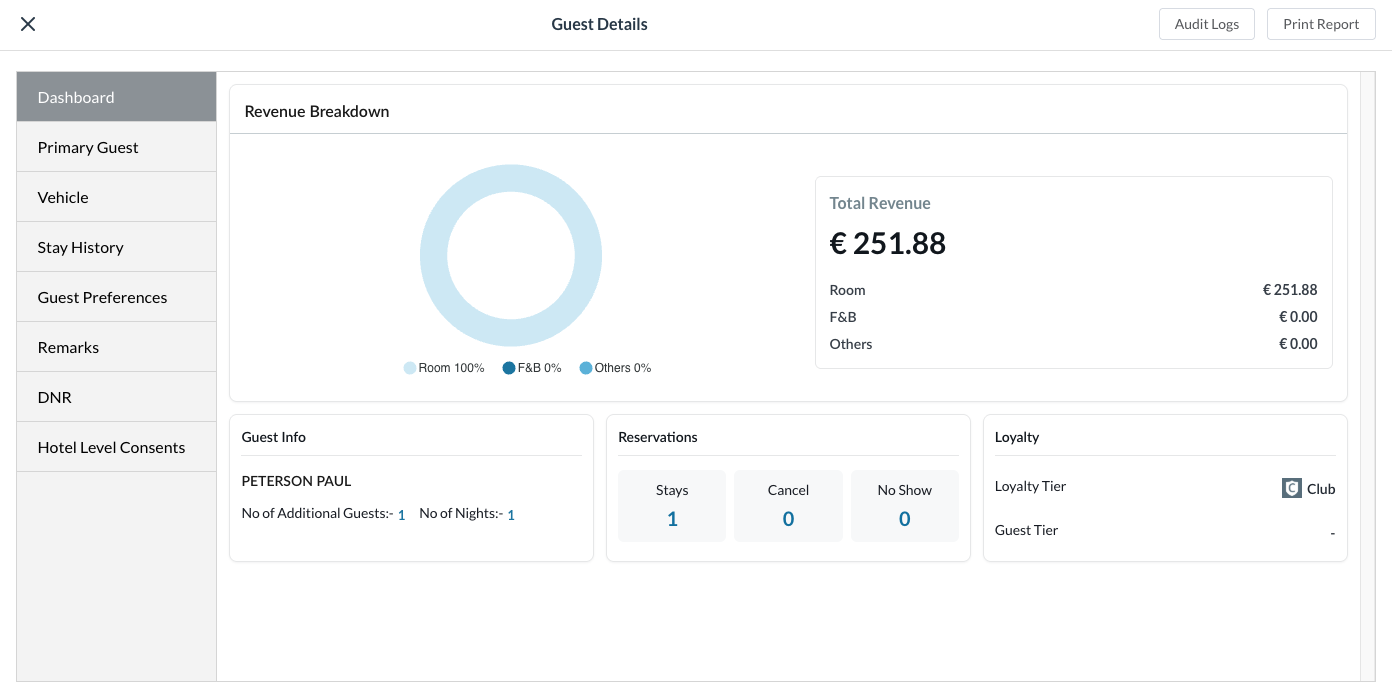
Select the guest record. The Guest Details screen loads revealing data regarding the guest’s contributing revenue breakdown. |
|
|
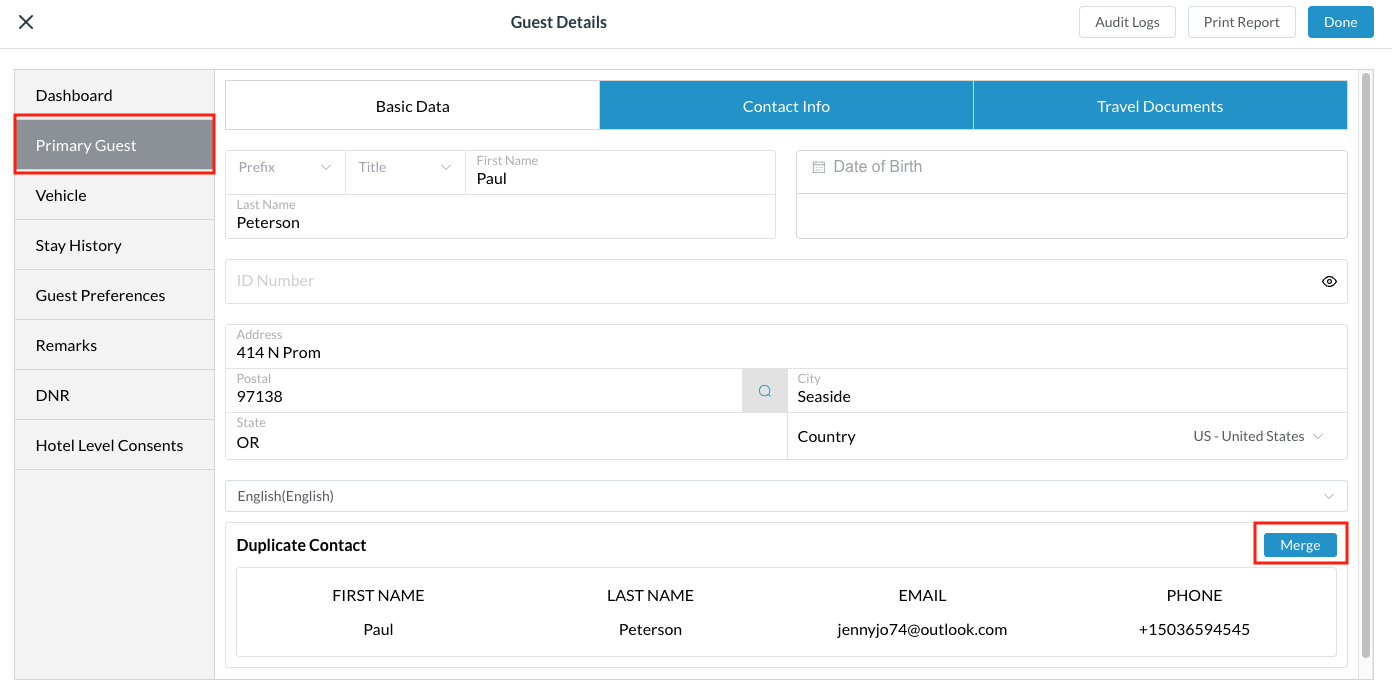
Several guest records of the same details can be merged to clean up the data. On the selected record,
A green success message will show when the merge is complete.
|
|