
Revision Date:
Purpose
The purpose of the Reinstate option is to allow staff to quickly recover and re-activate reservations that were marked as No-Show, provided the reservation’s check-in date matches the hotel’s current business date (CBD). This ensures operational flexibility by reinstating valid reservations without requiring manual intervention through the reservation actions menu.
Scope
-
Applies to Arrivals and Search Reservations listing screens.
-
Functionality is for reservations marked as No-Show.
-
Reinstate option is displayed only when the reservation’s check-in date = property’s CBD.
-
Supported as part of Quick Action buttons on each reservation record.
|
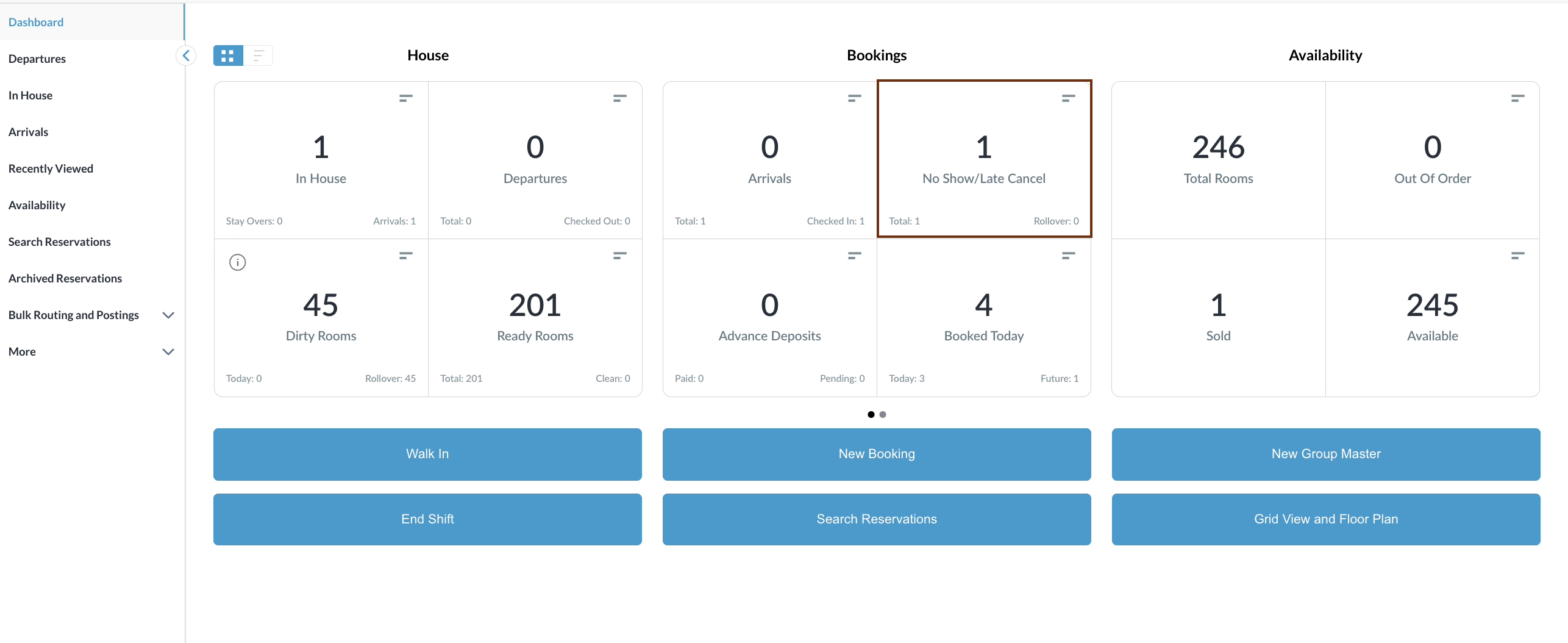
Navigate to No Show / Late Cancel From the Dashboard, go to No Show / Late Cancel |
|
|
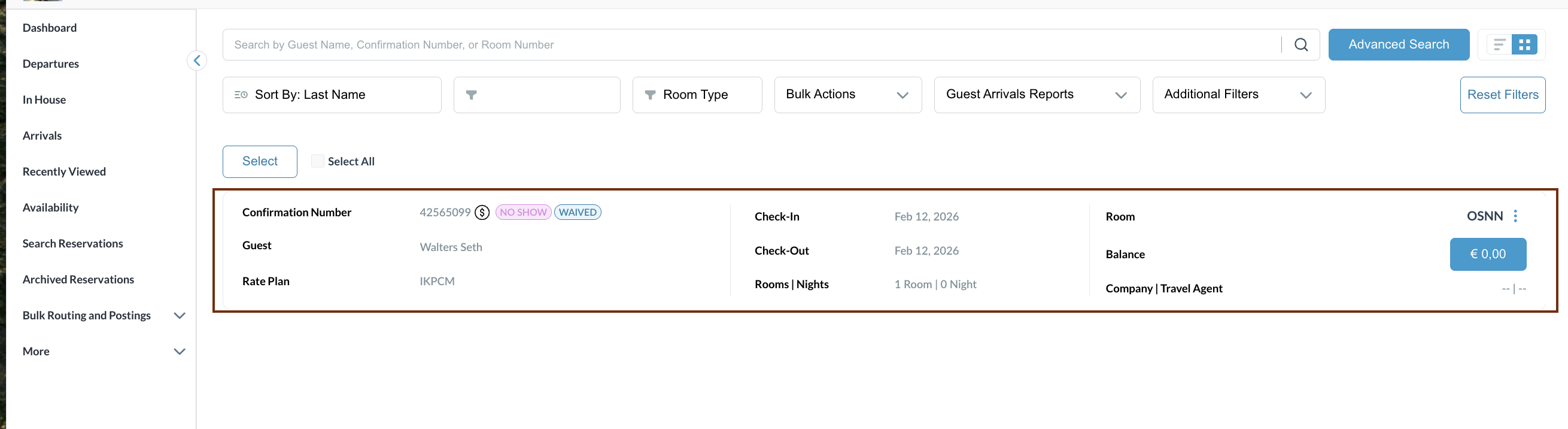
Identify Reservation
|
|
|
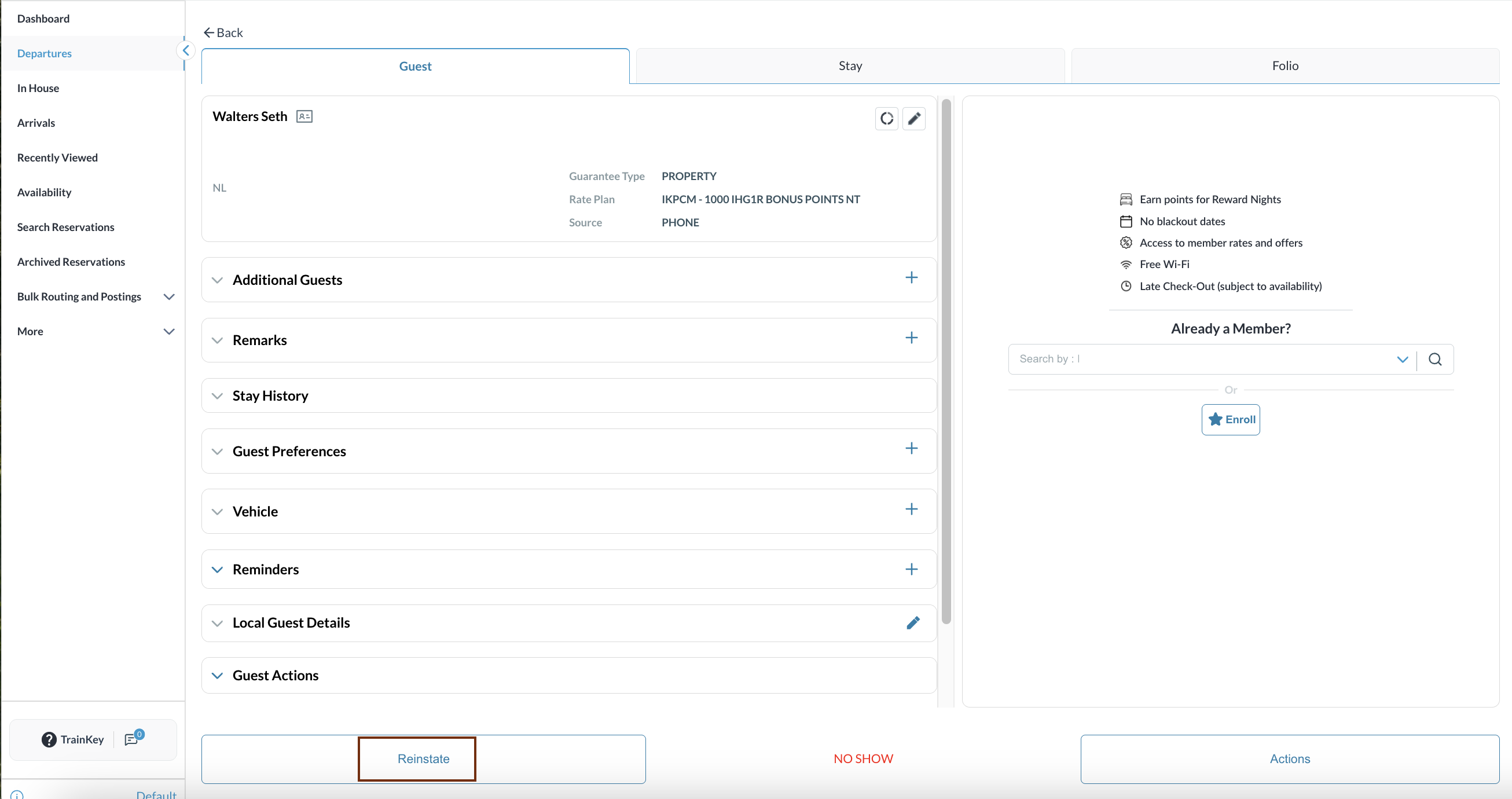
Reinstate Reservation
|
|
|
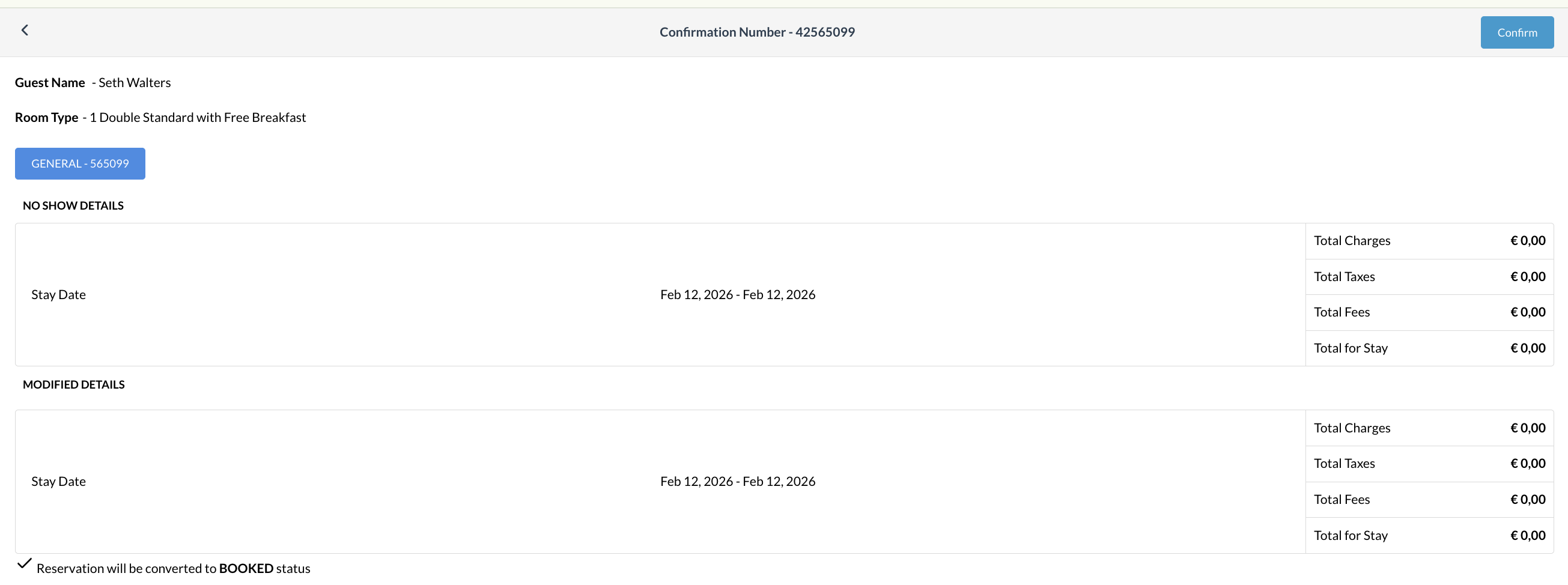
Reinstate Reservation
|
|
|
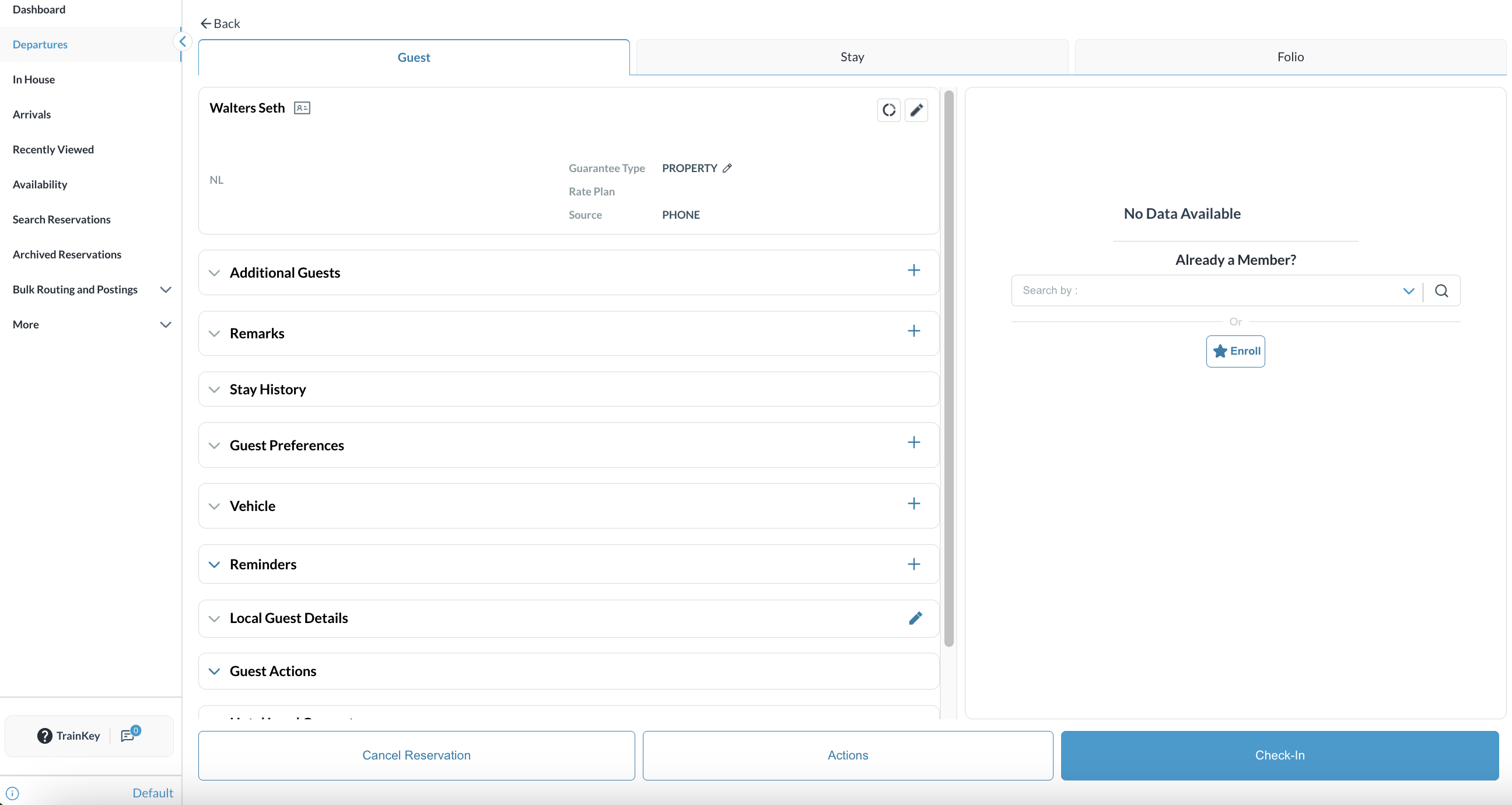
Post-Reinstatement Actions
|
|
|
Note : Validation & Restrictions Reinstate option is not available if the check-in date does not match the CBD Reinstate as Booked is not supported via Quick Actions (only through reservation actions menu). Manual No-Show marking restrictions may affect availability of the option. |
|