
📆 Revision Date:
Follow the steps below to log lost and found items.
|
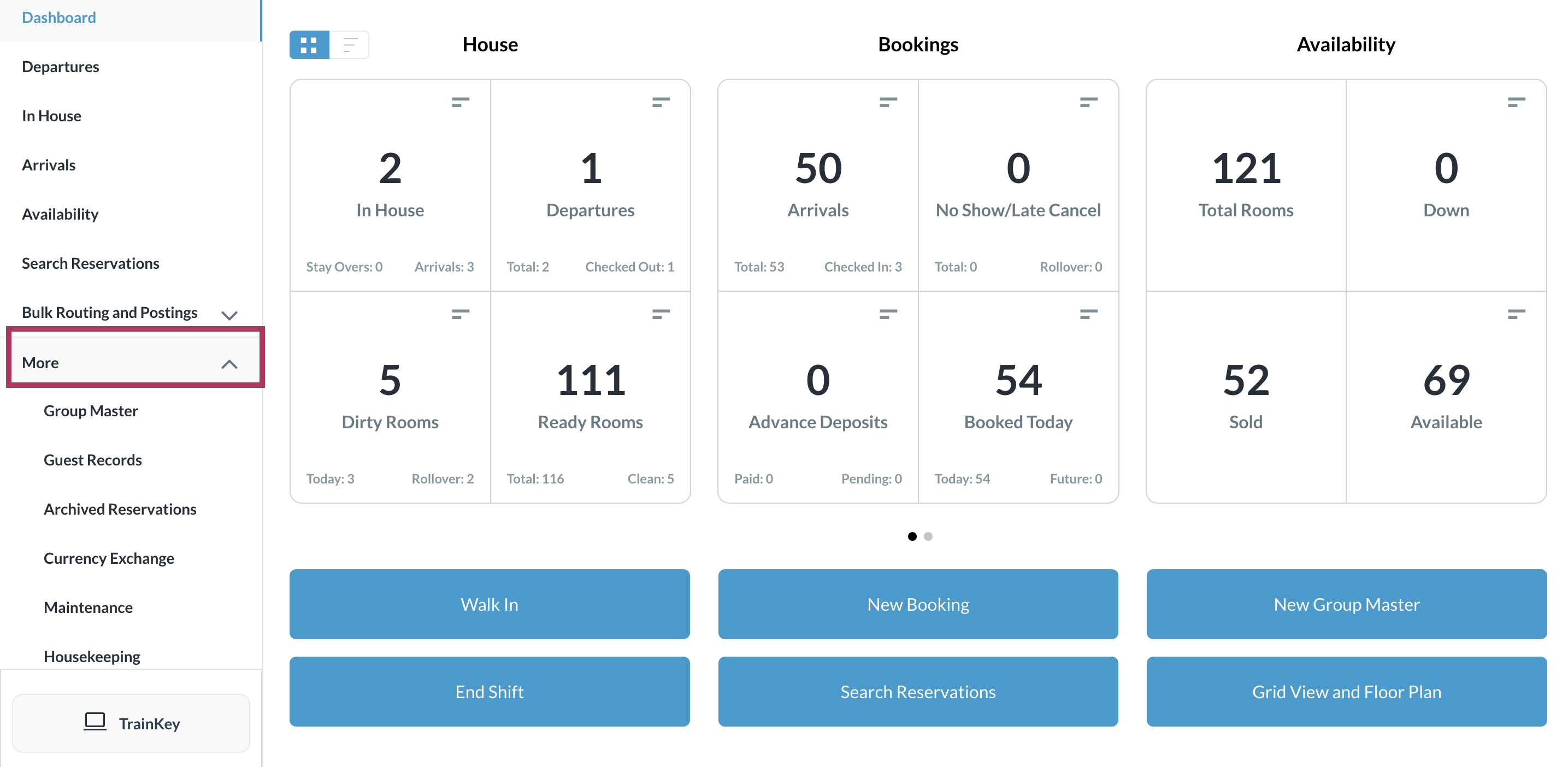
Select More in the sidebar menu. |
|
|
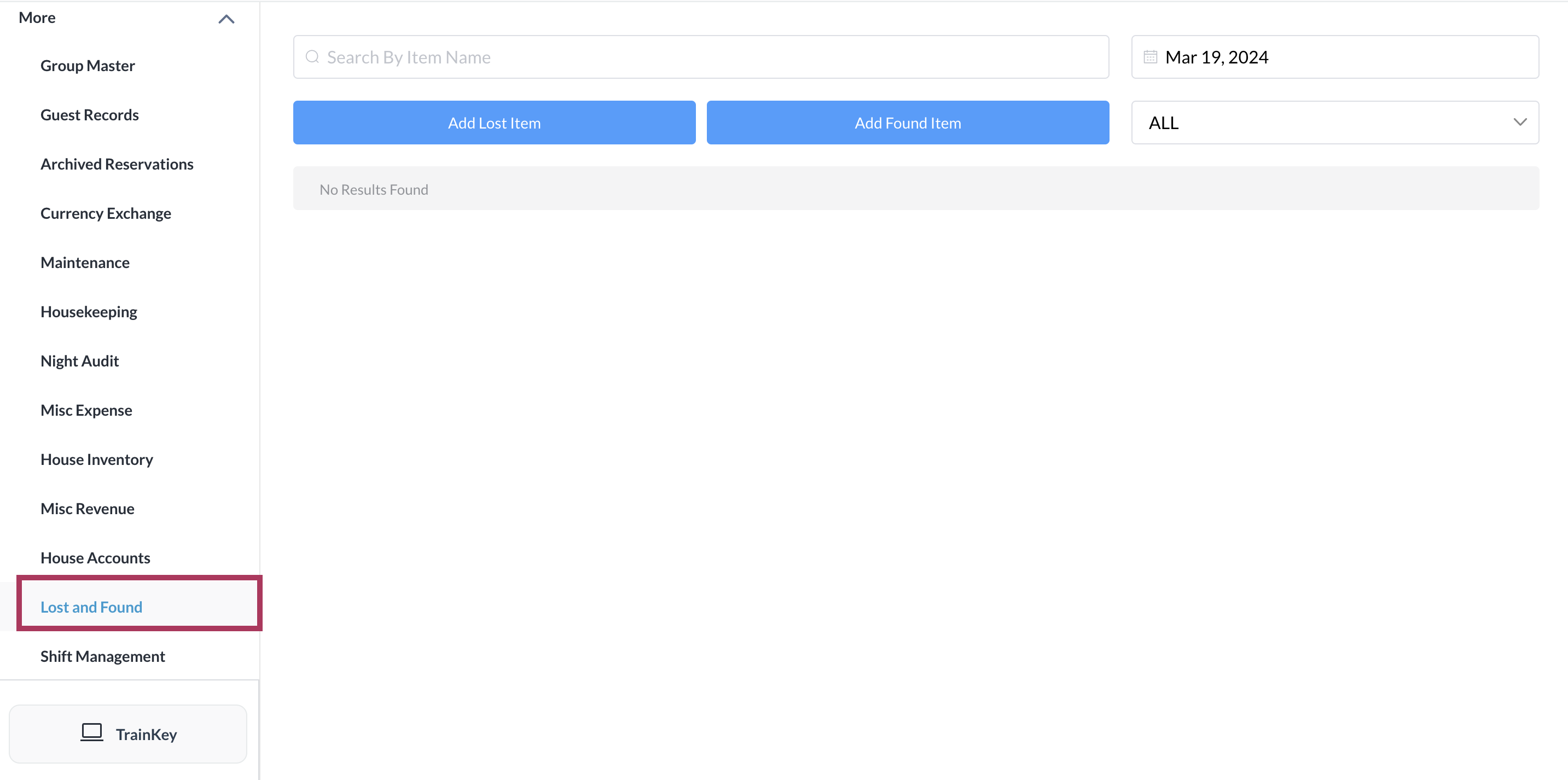
Scroll down the expanded link list to Lost and Found, and select it. The Lost and Found page loads. For lost items, select Add Lost Item. For found items, select Add Found Item. Steps continue in the table below, broken out into separate columns for lost and found. |
|
|
|
Add Lost Item |
Add Found Item |
|
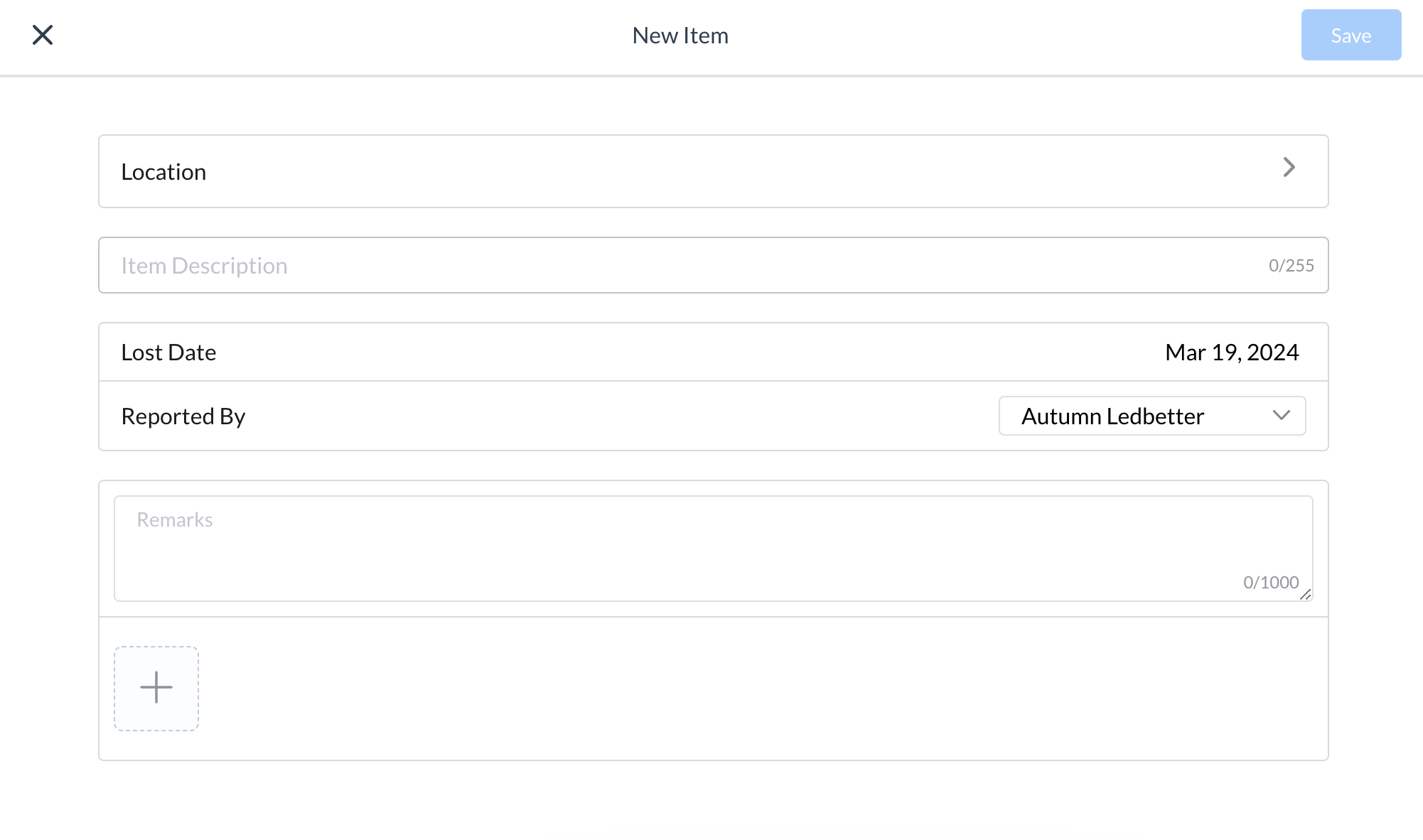
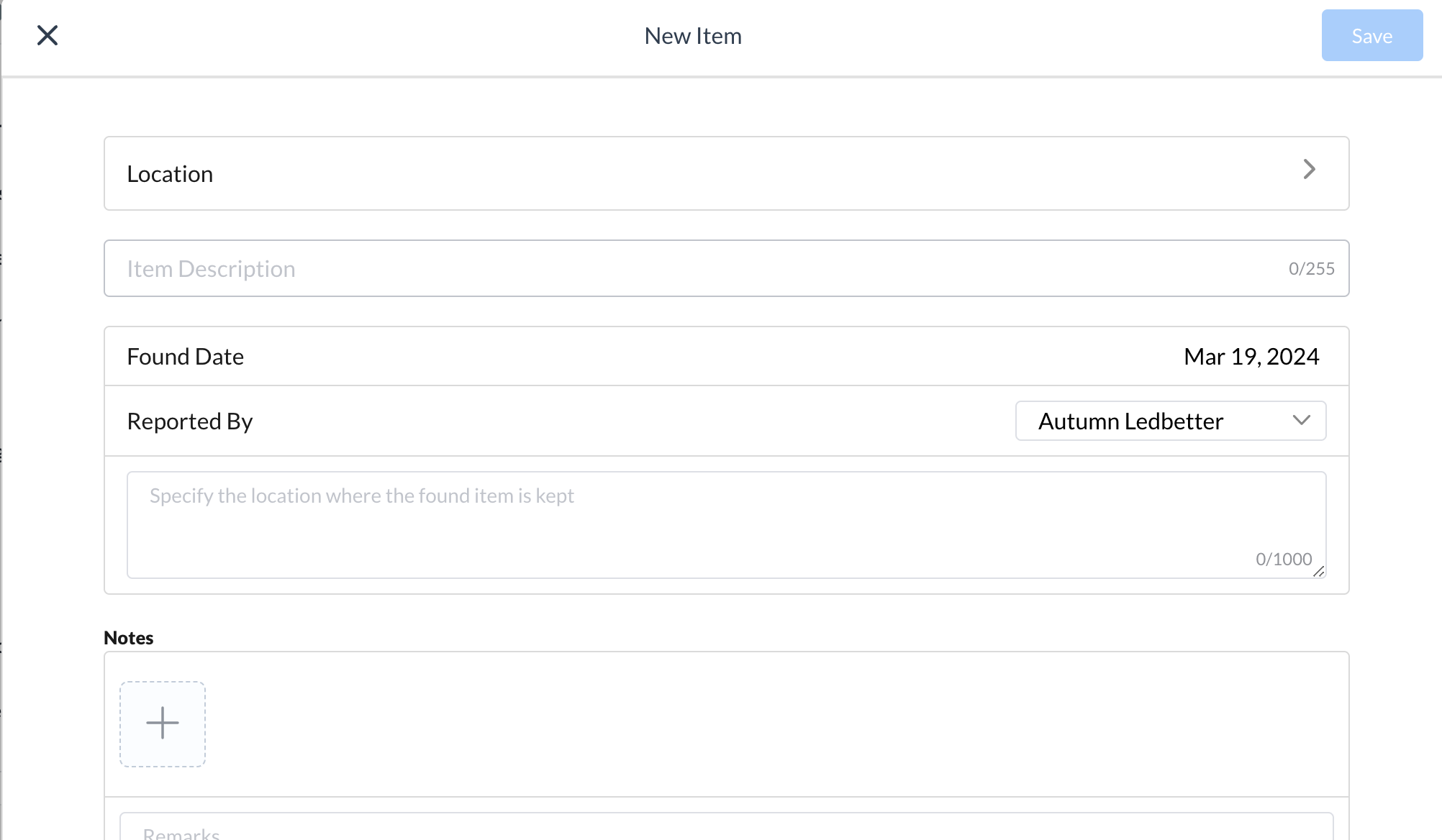
A New Item popup is activated. Enter item details. Click the plus sign at the bottom left to add more items to the same report (e.g., multiple items lost or multiple items found) and add details for each. When all item details are complete select Save. |
|
|
|
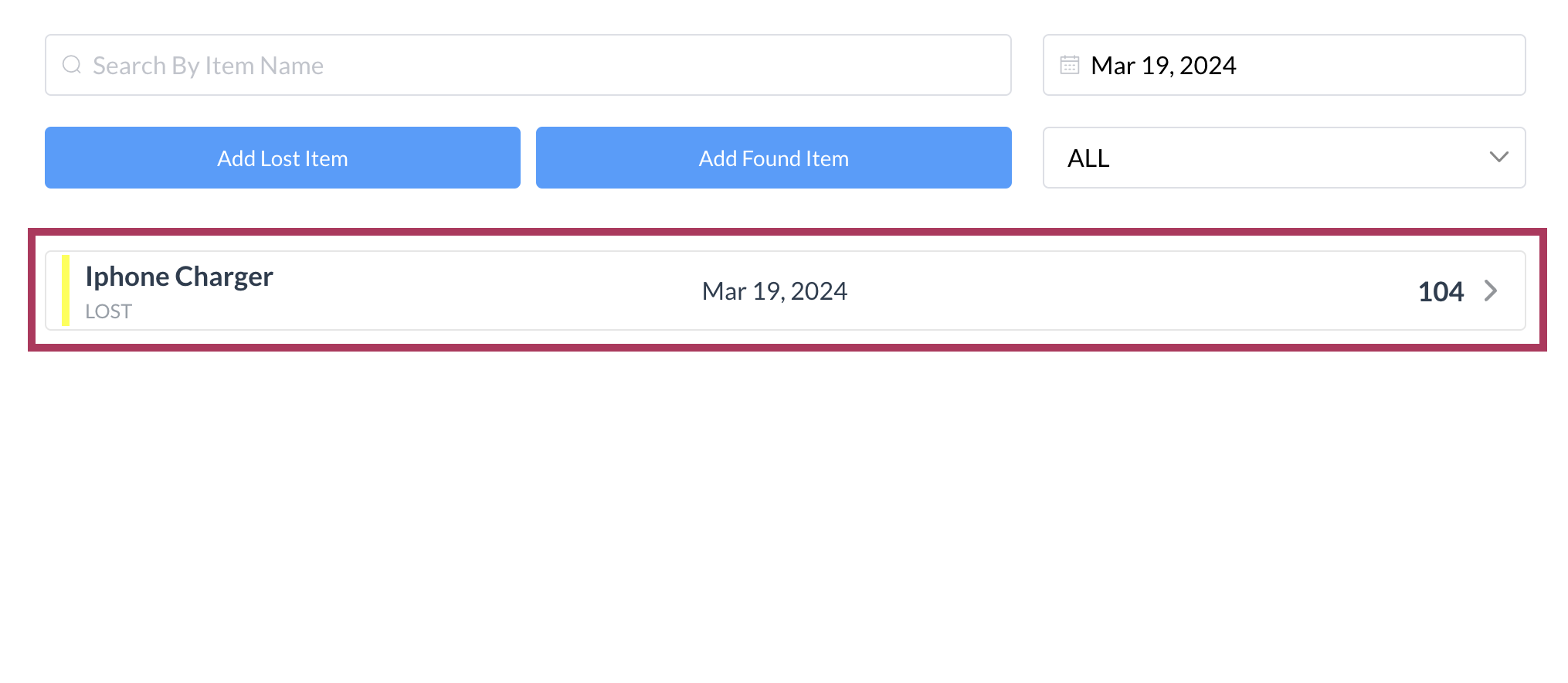
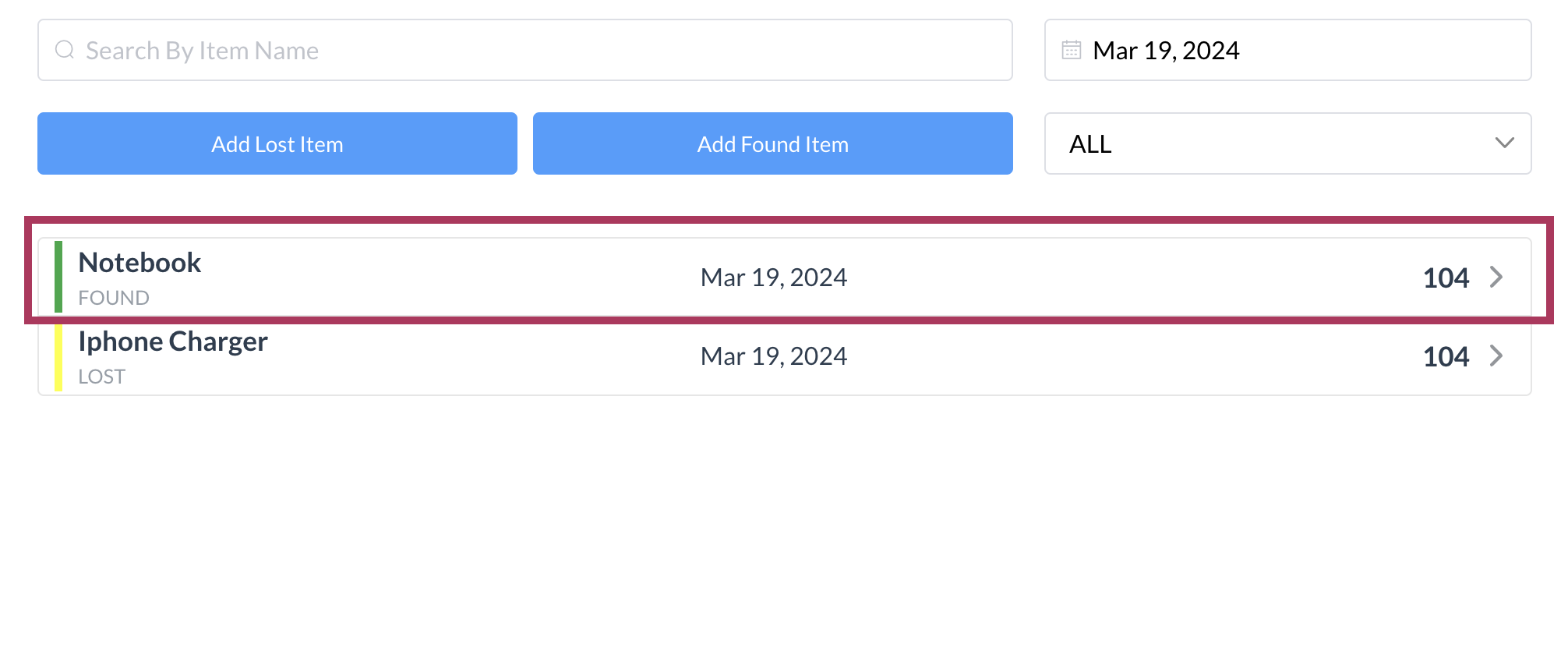
The lost or found item is added to the list on the Lost and Found page. |
|
|