
📆 Revision Date:
|
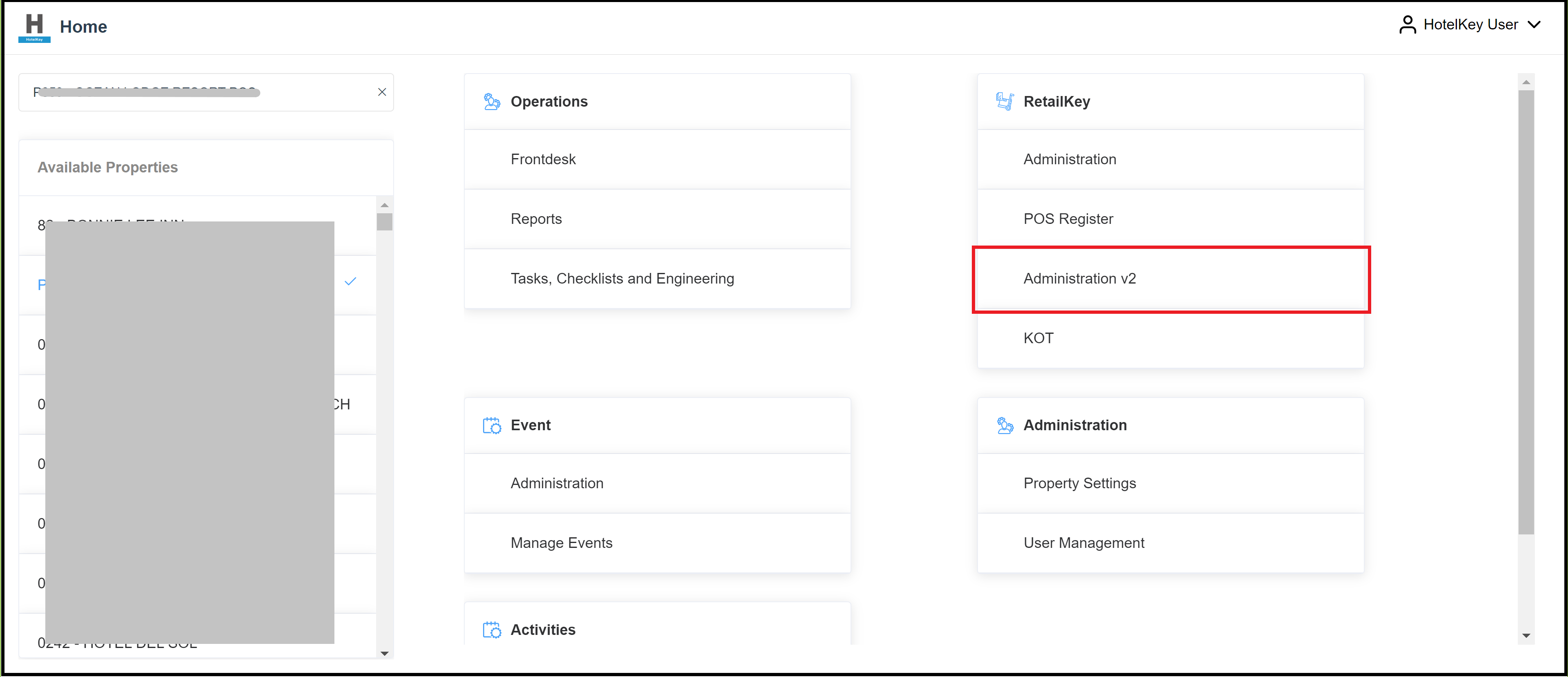
On the home page of the HotelKey administration web application (admin.hotelkeyapp.com ), select the Administration v2 link in the RetailKey section. |
|
|
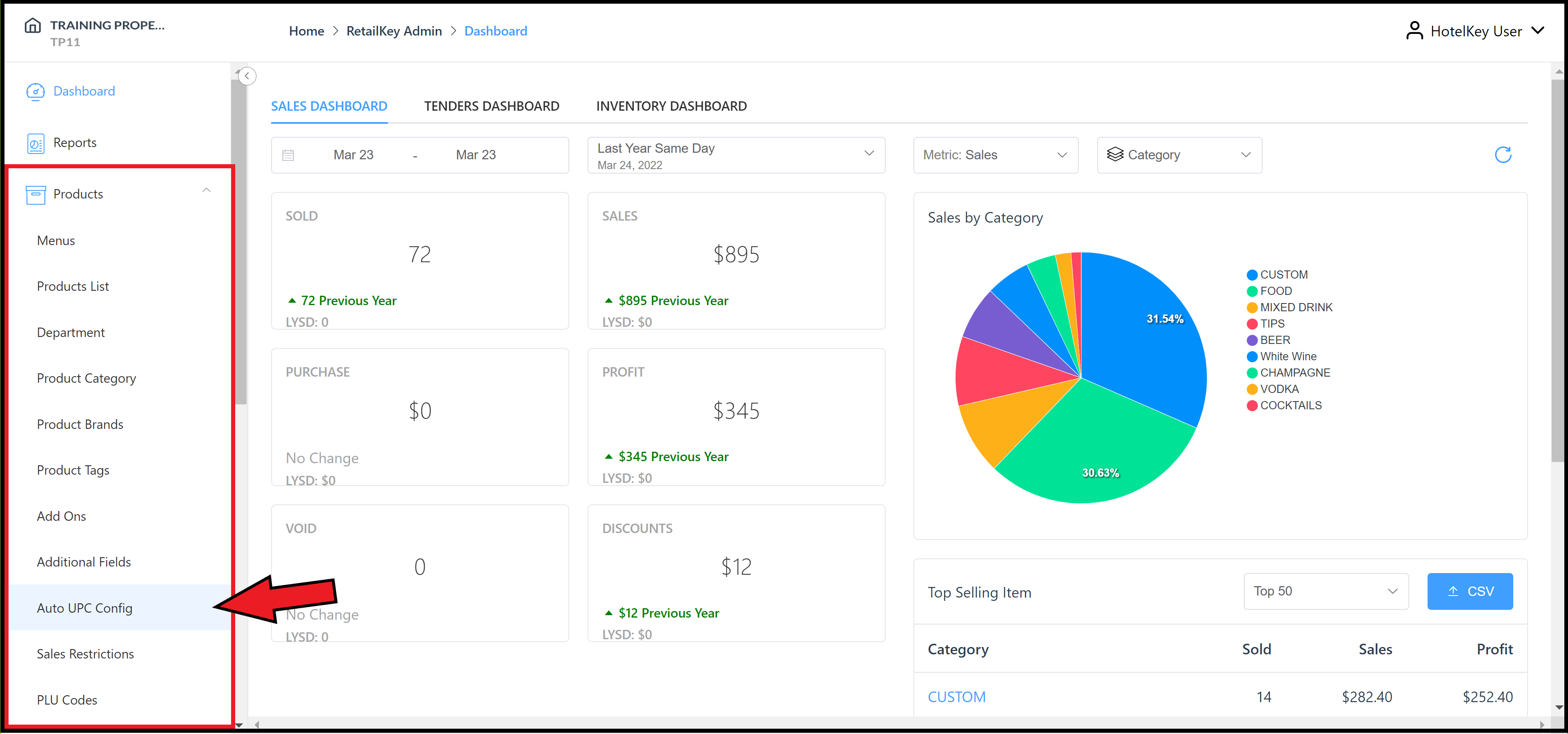
Expand the Products sidebar menu and select Auto UPC Config. |
|
|
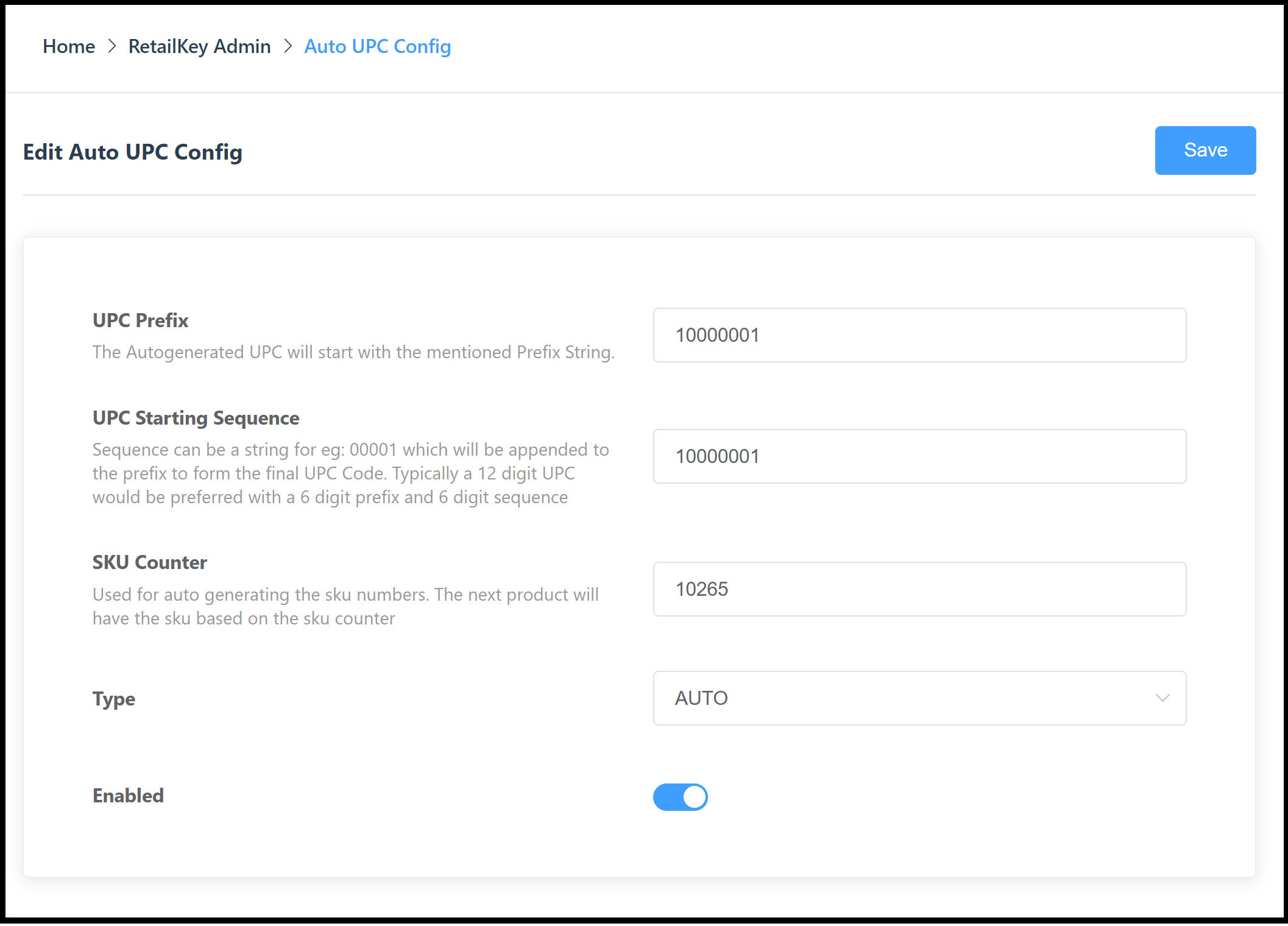
The Auto UPC Config panel opens. In the SKU Counter field, enter the desired starting number for the counter. Select Save to save changes and close the panel. |
|