
Revision Date:
The Bulk Print All Folios feature allows hotel staff to generate and print every folio or invoice associated with a specific reservation or Group Master in a single action. Previously, users had to manually open and print each folio one by one, which was inefficient during high-volume periods such as group departures or night audits.
By consolidating multiple documents into a single PDF request, this feature reduces manual effort, prevents missed documents, and ensures a faster checkout experience for guests and group organizers
|
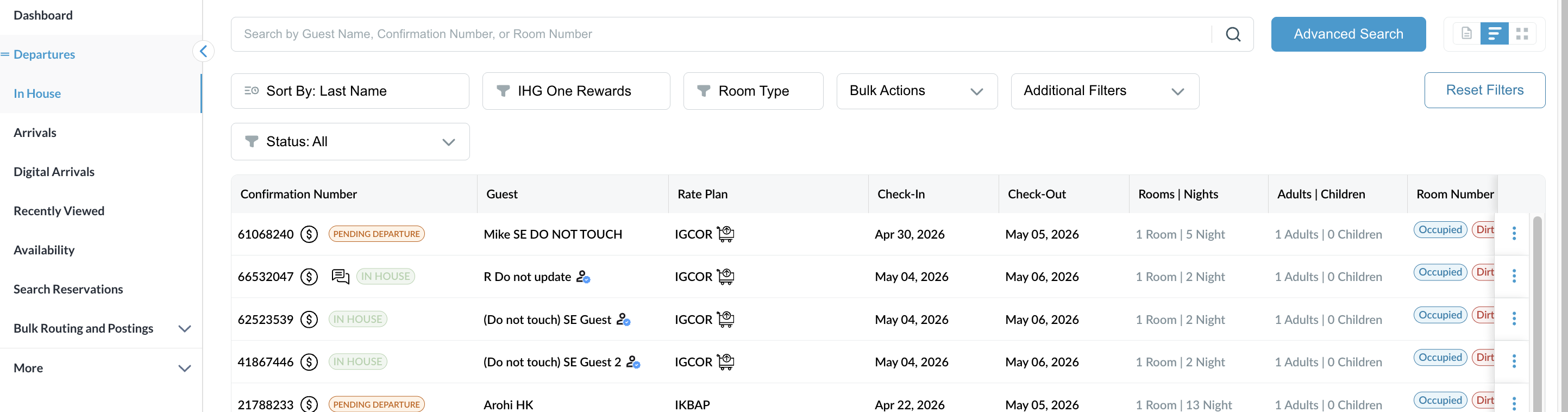
Navigate to Reservations from FrontDesk Dashboard. Applicable to all Reservations. |
|
|
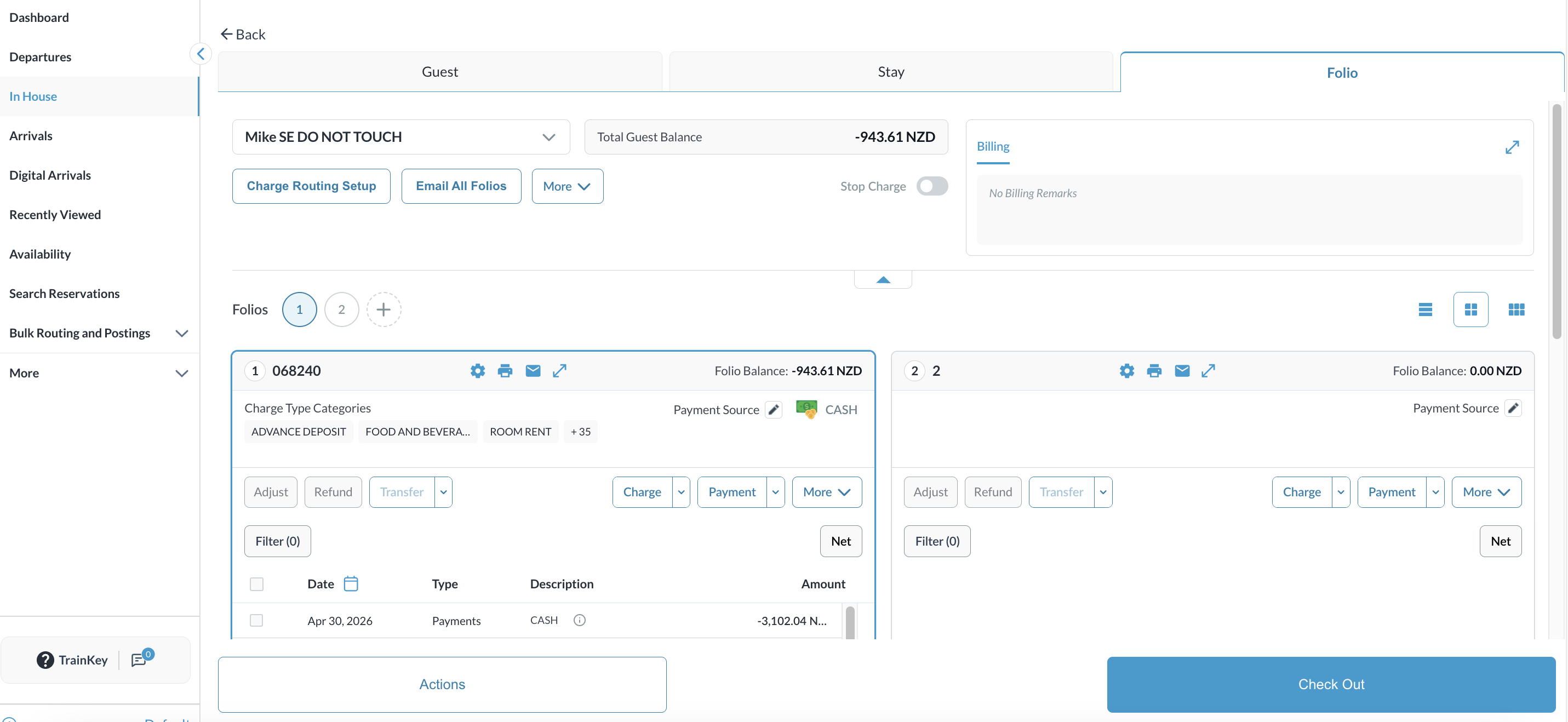
Open the desired Reservation. Navigate to the Folio tab. |
|
|
Locate the Print All Folios button in the header (situated next to "Email All Folios"). |

|
|
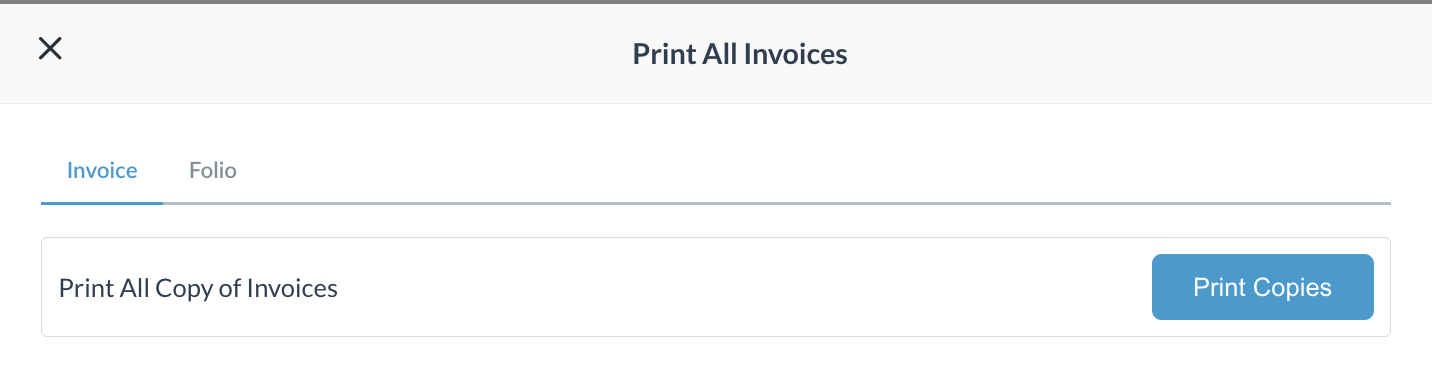
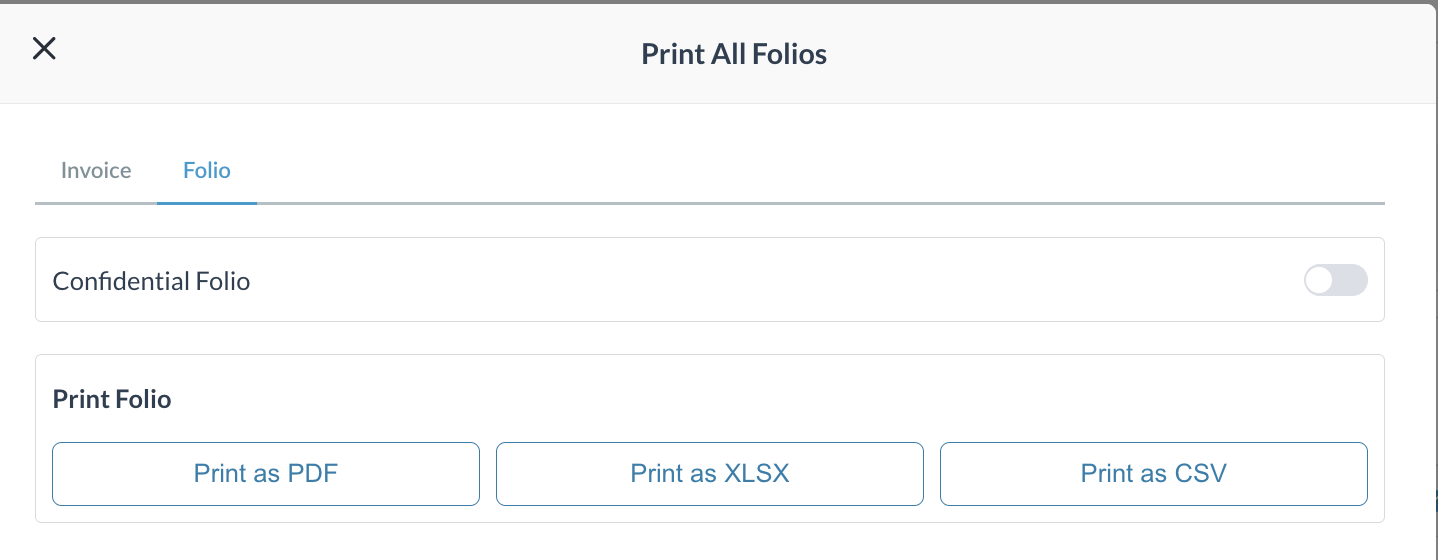
In the modal that appears, select one of the following tabs: |
|
|
|
|
|