
Revision Date:
Overview
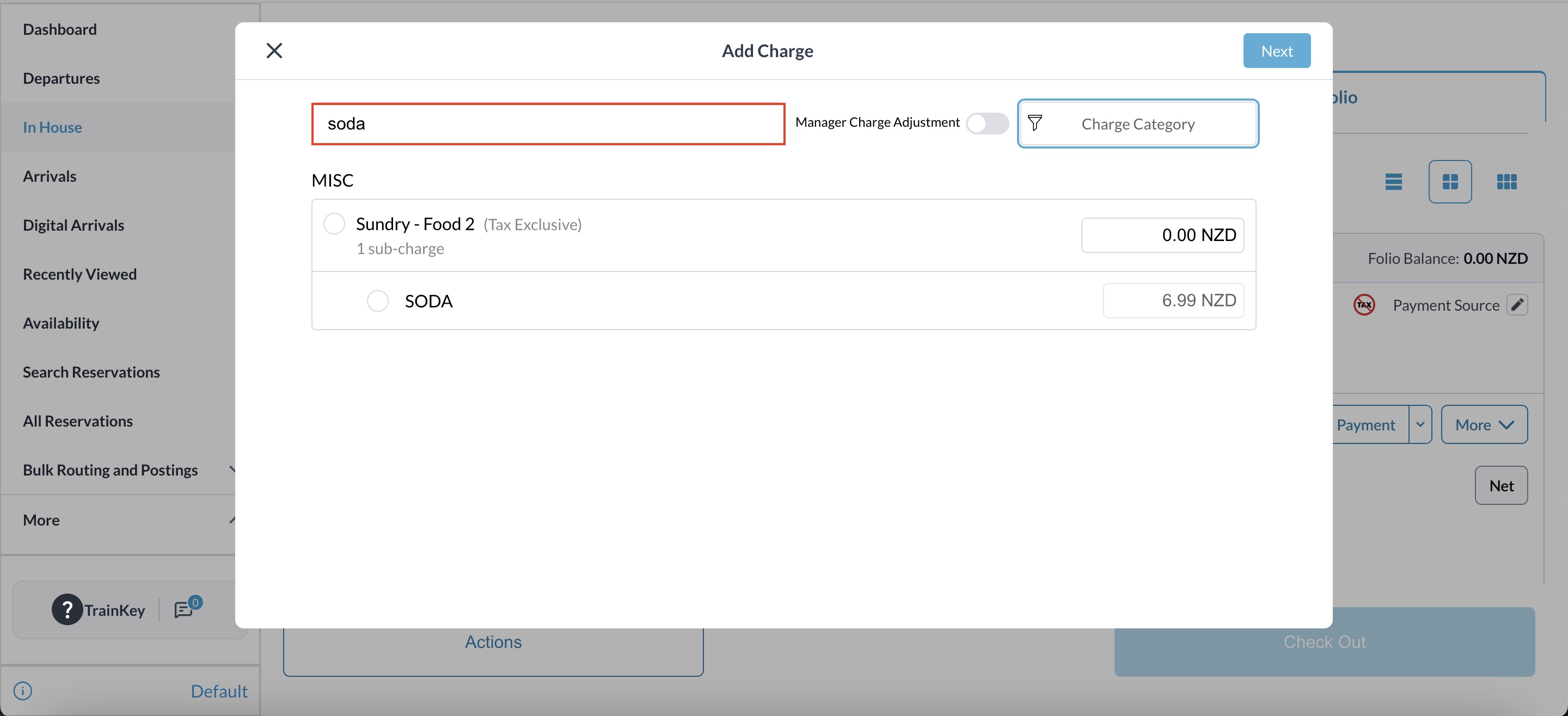
The Enhanced Sub-Charge Search feature improves the efficiency of adding charges by allowing users to filter for specific line items. Previously, searching for a sub-charge (e.g., "Soda") would return the parent category along with every other sub-charge associated with it (e.g., bottled water, snacks, mini-bar items), creating cluttered results and increasing the risk of selection errors.
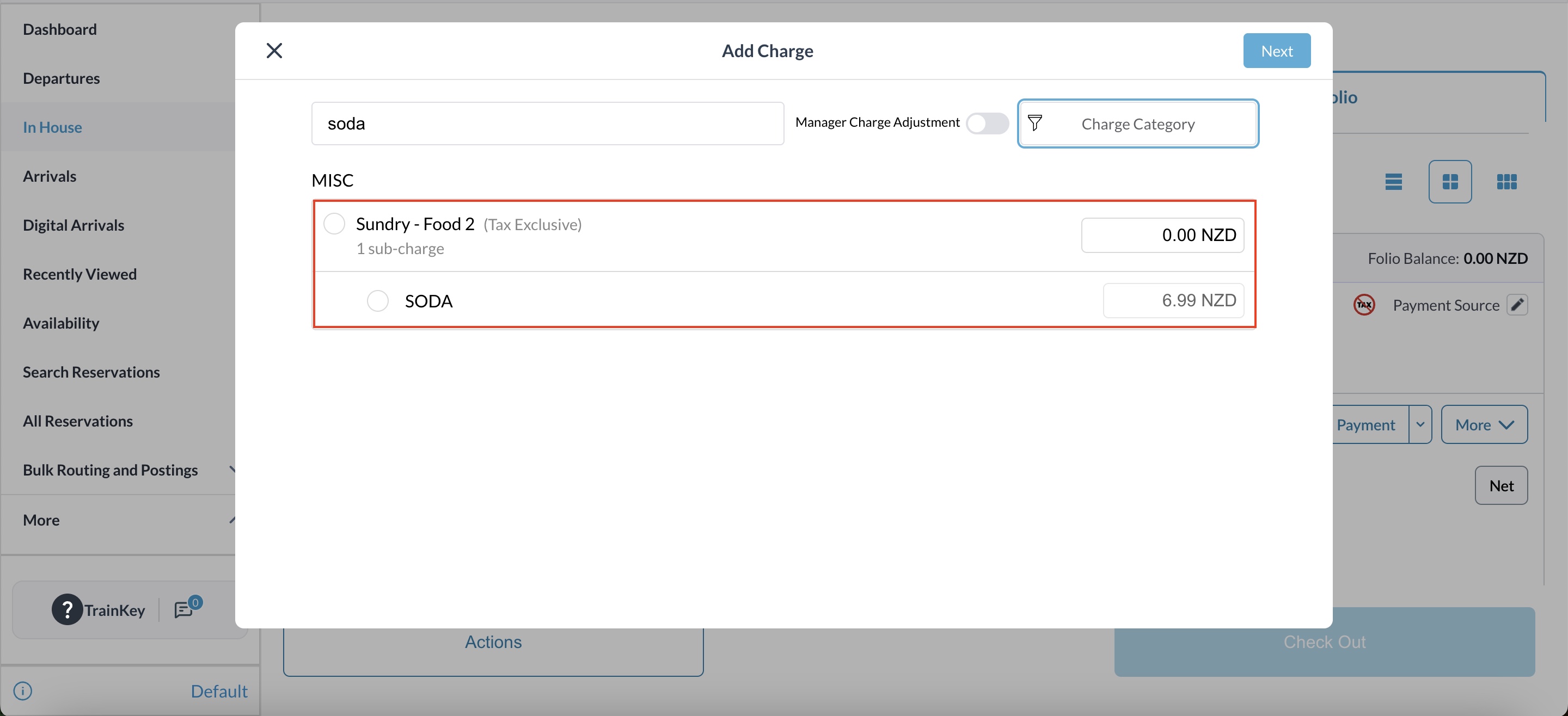
With this update, the search functionality now isolates the exact sub-charge being searched. Only the matching item and its direct parent category are displayed, while all unrelated sub-charges are filtered out. This provides a cleaner interface and faster processing time for staff handling Guest Reservations, Group Masters, and House Accounts.
Execution Steps
Follow these steps to search for and apply specific sub-charges:
|
From Dashboard Navigate to Reservation, Group Master, or House Account. |
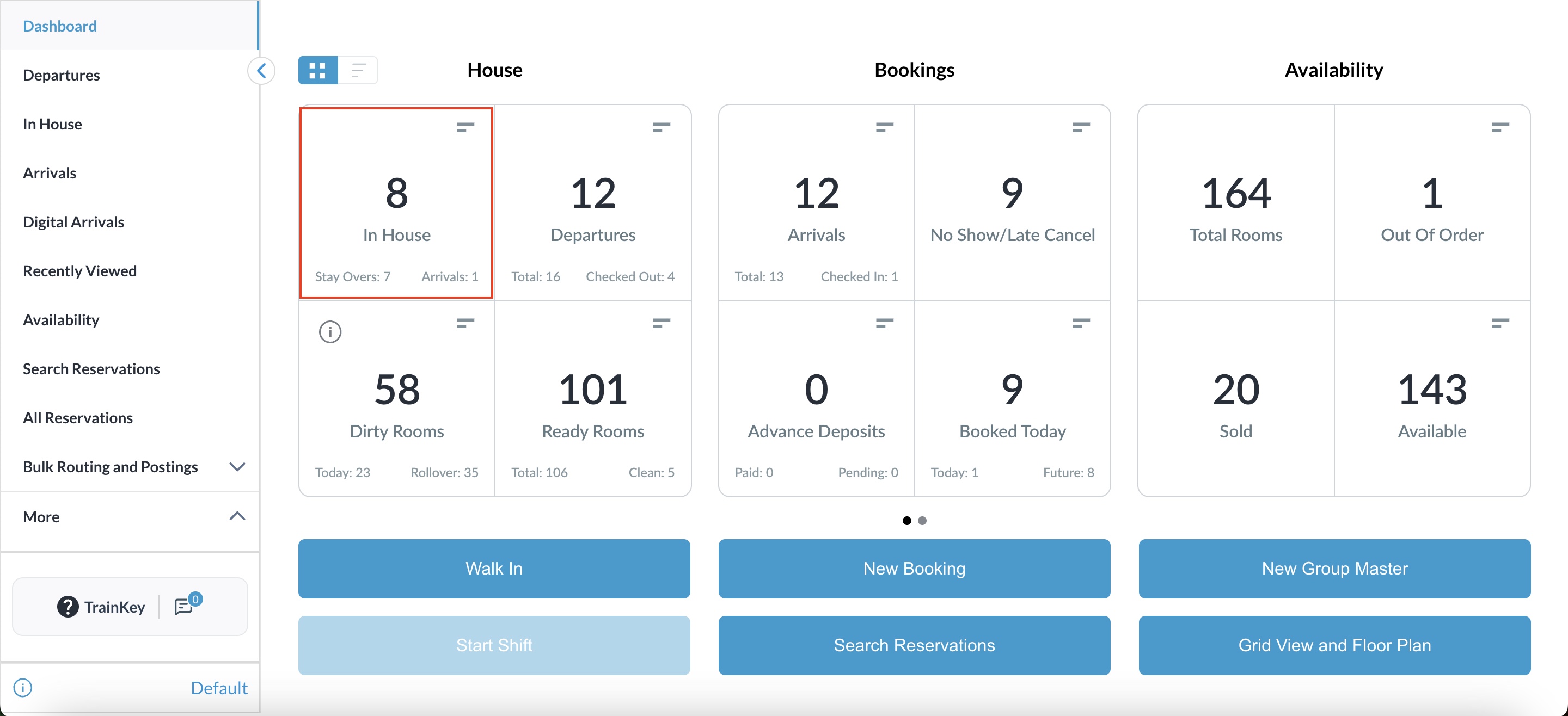
|
|
Open the desired reservation |
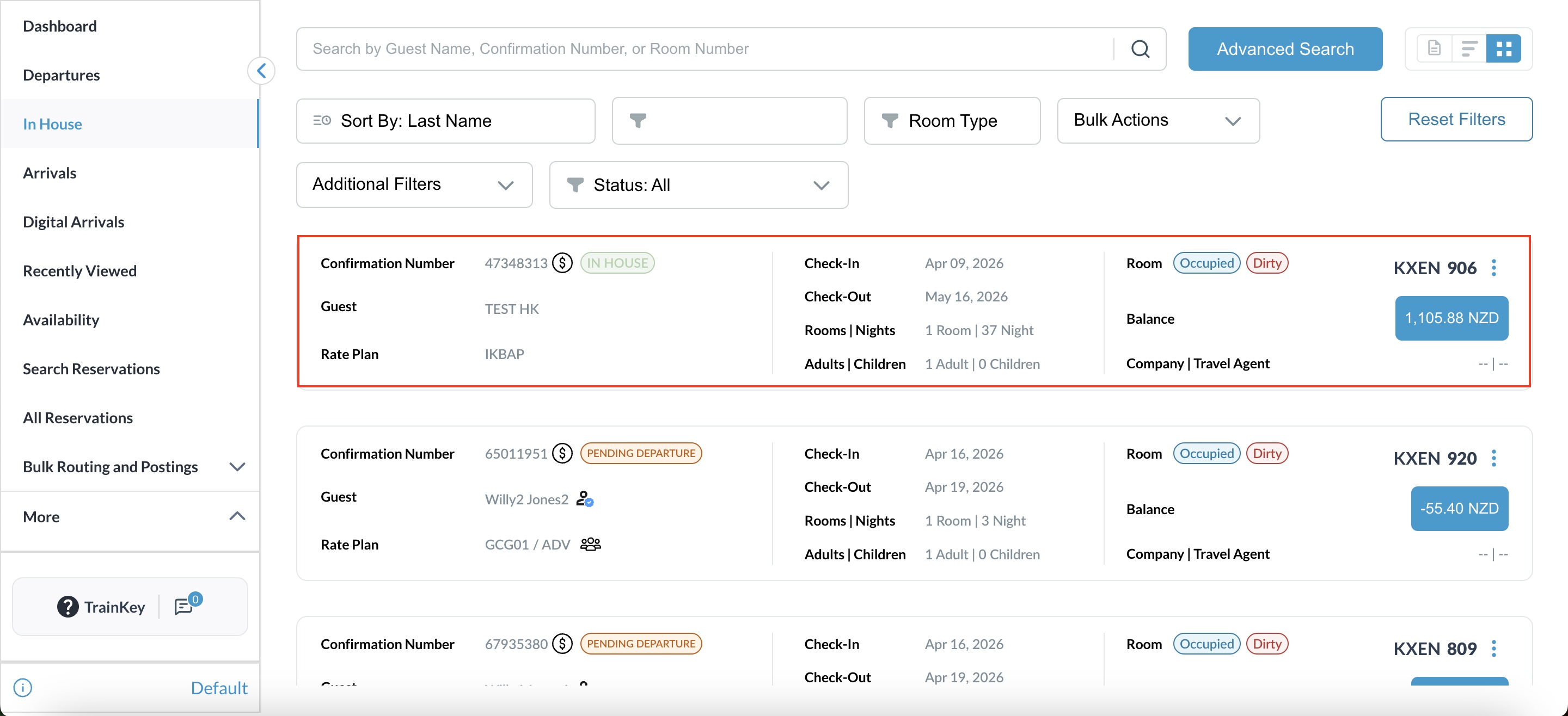
|
|
Navigate to the Folio or Charges tab within a Reservation, Group Master, or House Account. |
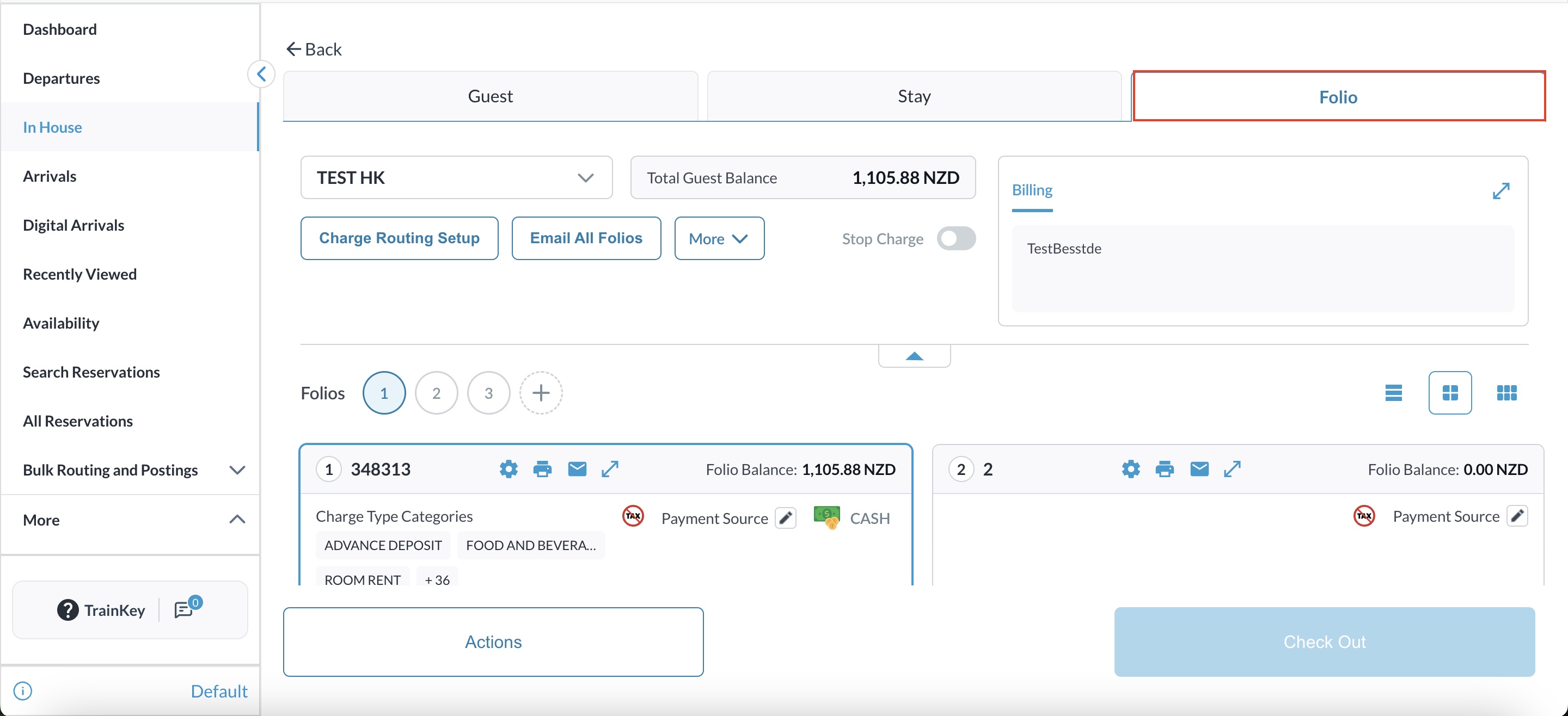
|
|
Select the Add Charge button on the folio |
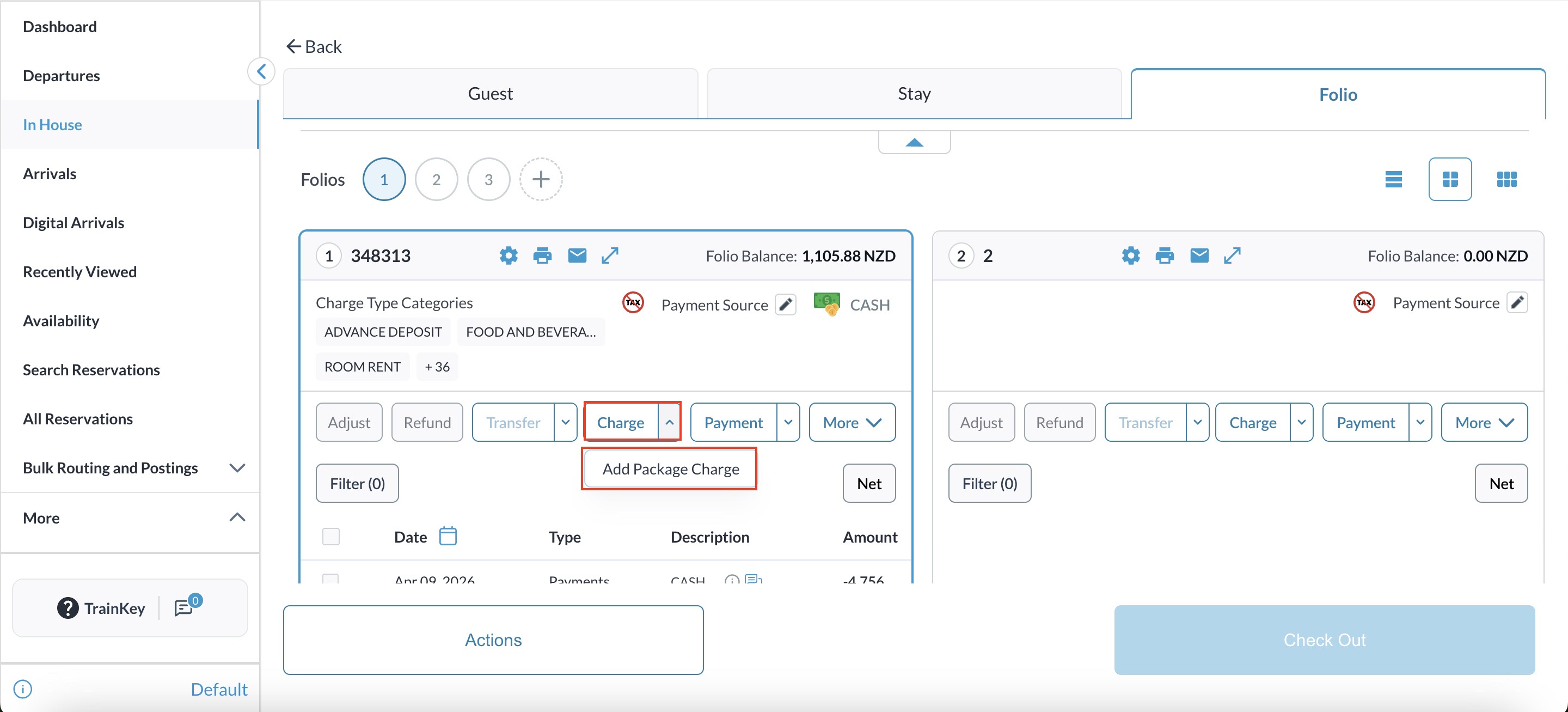
|
|
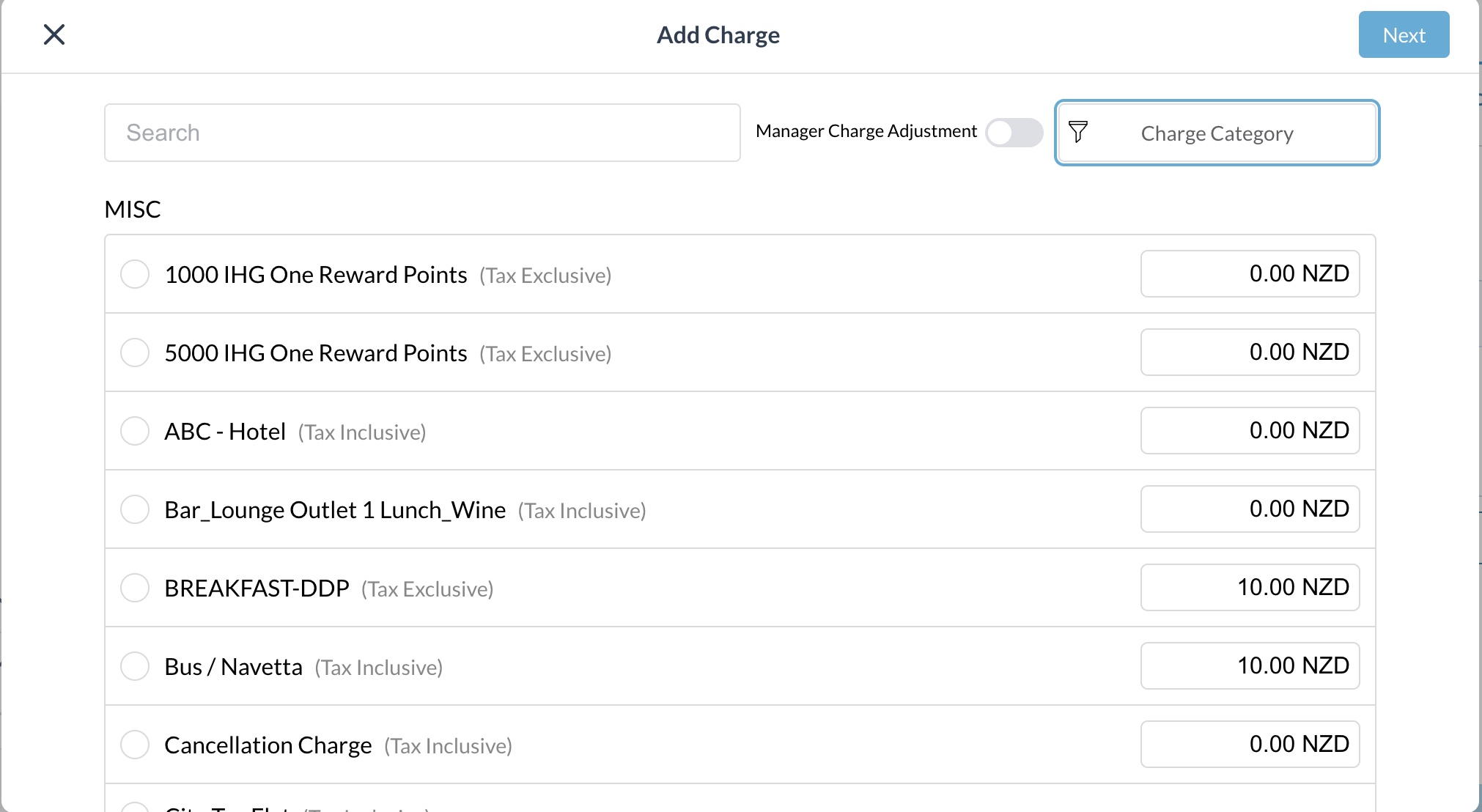
Search for a Specific Item
|
|
|
|
|
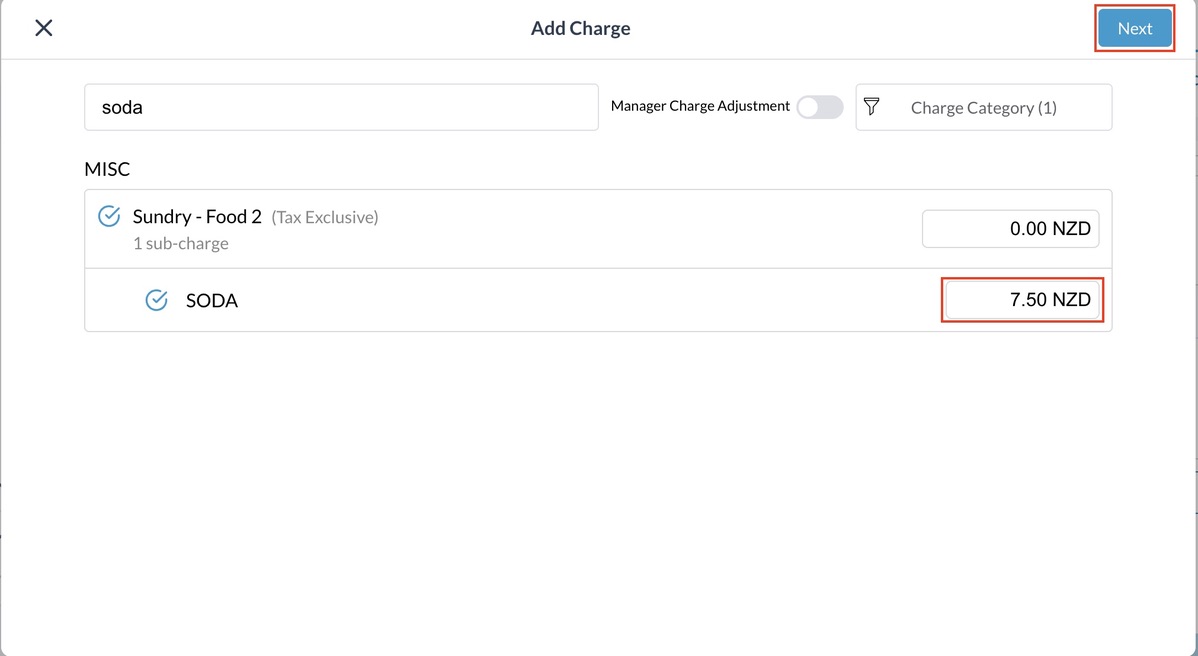
Enter Amount and Post
|
|
|
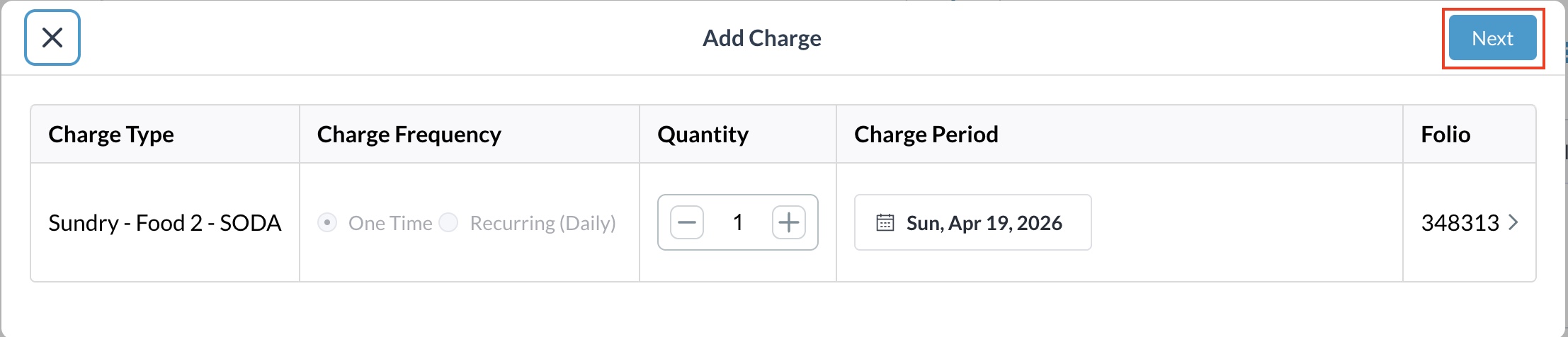
Confirm the quantity and tap on Next |
|
|
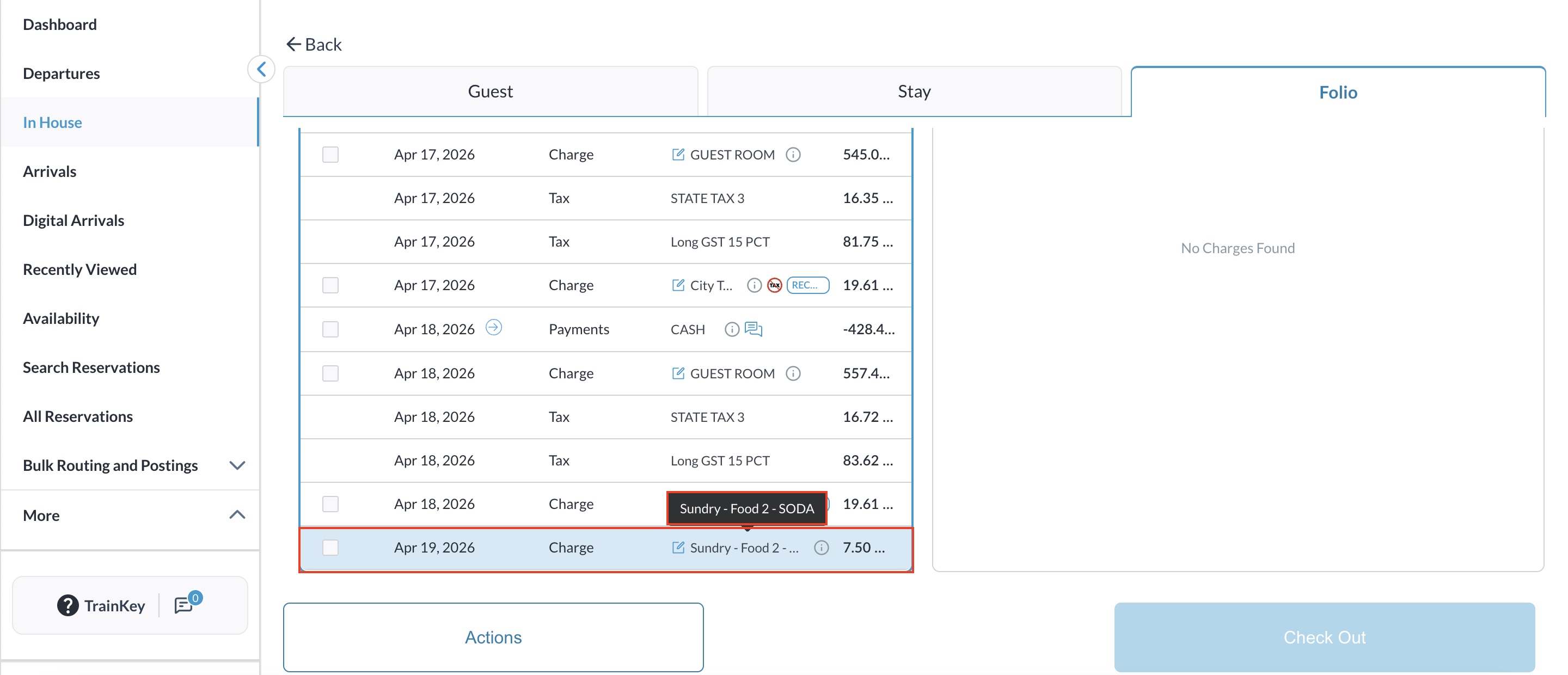
Confirm that the specific sub-charge and parent category are correctly reflected in the folio transactions. |
|