
📆 Revision Date:
A guest may prefer to see the actual adjustments made to their charges on their Folio (receipt).
This article will cover the difference between viewing adjustments made on a folio in Net View and in Detailed View.
See Adjusting Charges article to know how to make any adjustments to a folio
|
In this example, the adjustment has already been made. We are simply showing how to view the folio in Net View vs Detailed View
Note: the folio screen automatically adjusts to the most efficient layout. If a reservation contains multiple folios, the screen defaults to Side-by-Side View. If there is a single folio, the screen will open in Full Detail View. |
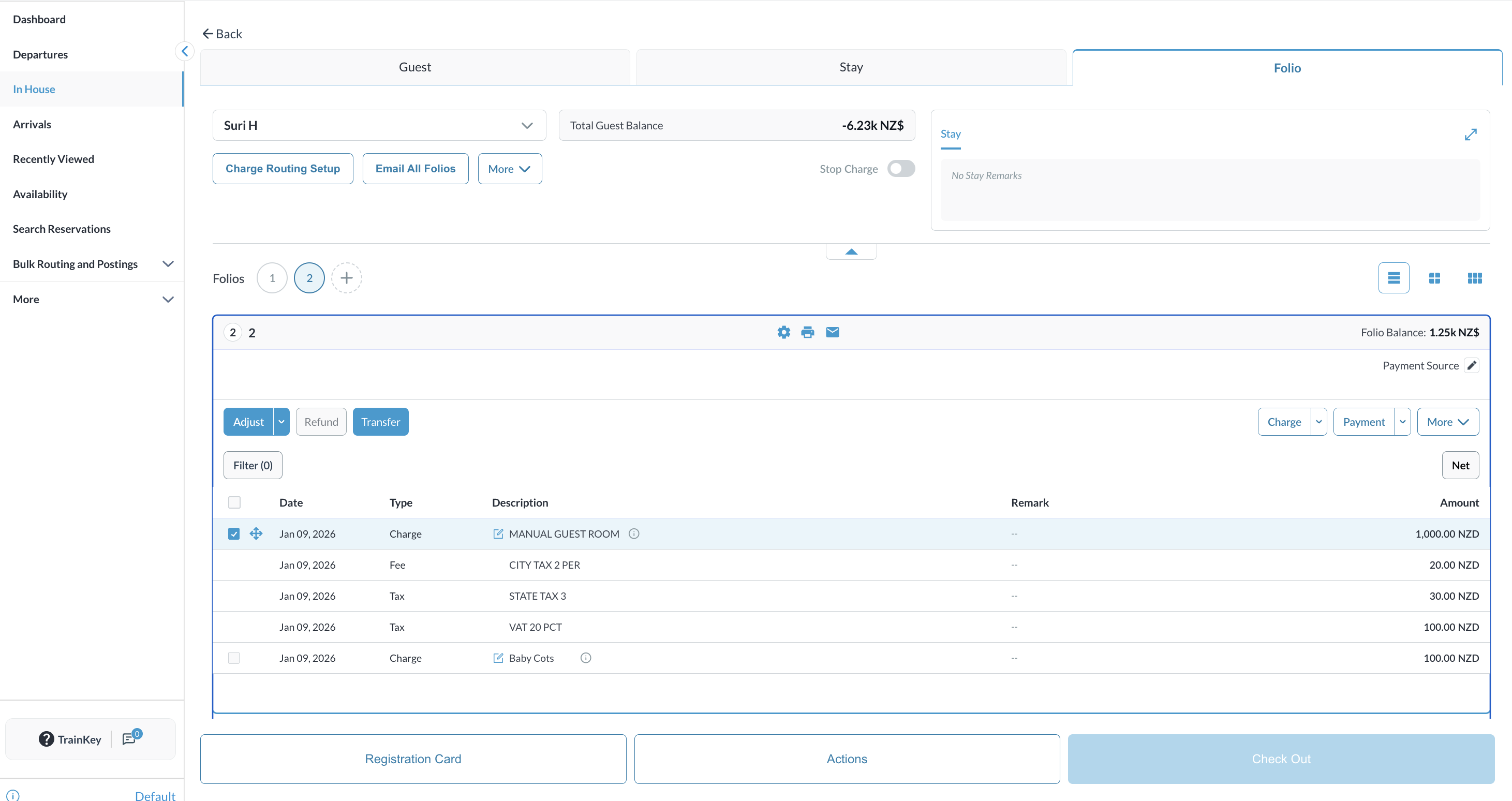
|
|
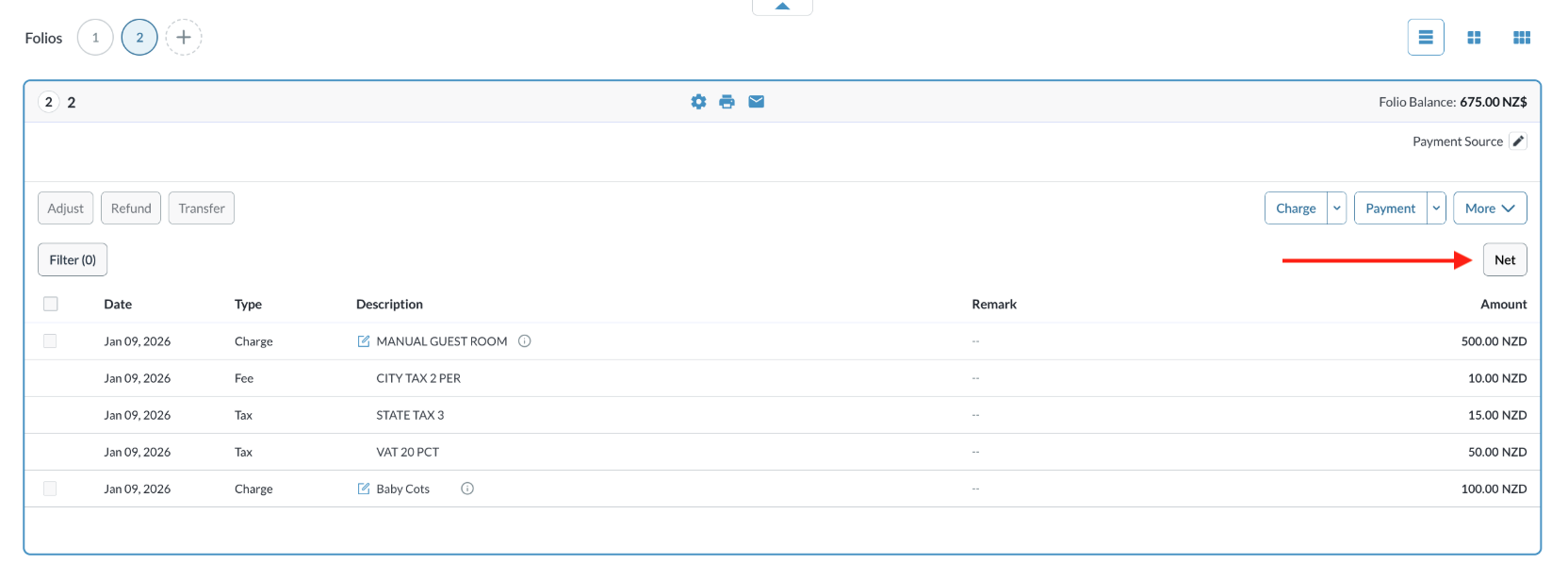
The Folio opens The NET VIEW is visible by default Notice the Guest Room Charge reflects a 50% discount applied - showing the NET view (new charge amount). |
|
|
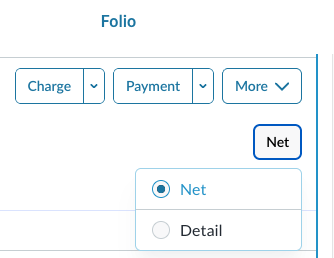
In order to see the DETAIL VIEW of the folio’s charges and adjustments,
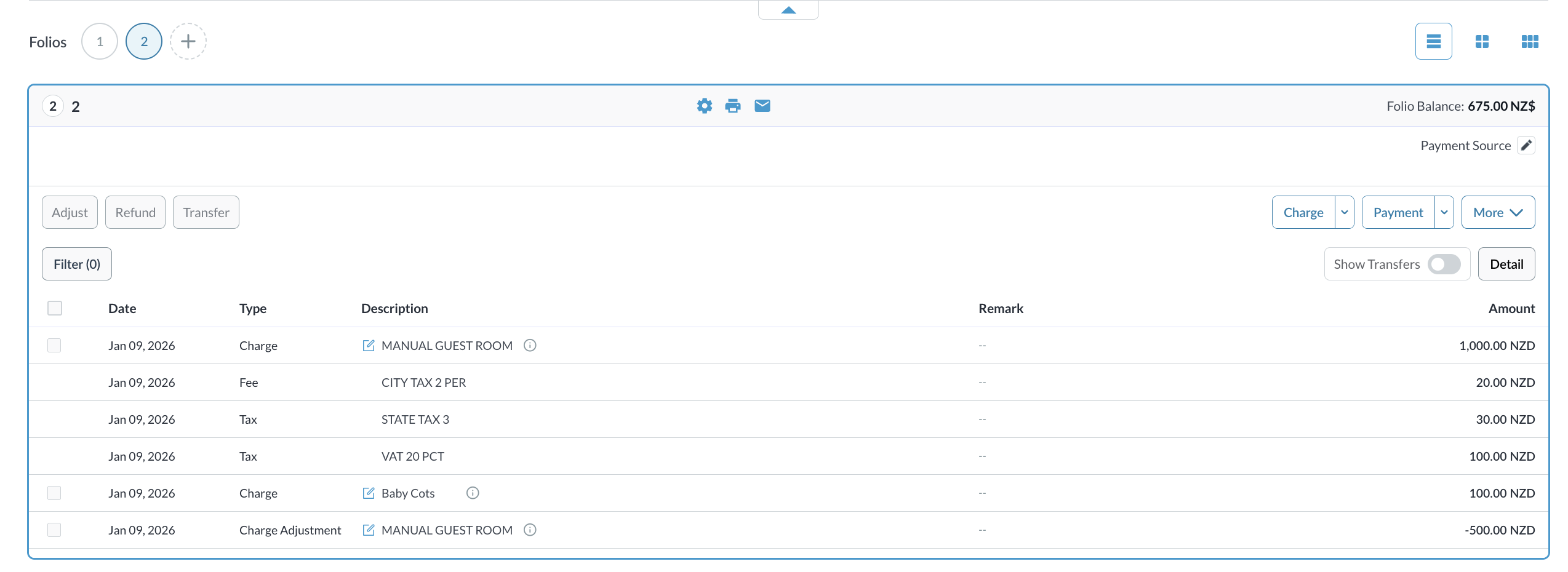
The Guest Room Charge shows in its original posting state. The Charge Adjustment reflects the negative amount to show the actual discounted amount. |
|