
📆 Revision Date:
Stay Remarks are notes or instructions recorded against a guest’s stay to guide user during the reservation lifecycle. Stay Remarks capture guest-specific preferences, requests, or instructions that are applicable for the duration of the stay.
Note that stay remarks are not actions that are triggered by the PMS automatically and they do not appear on invoices.
|
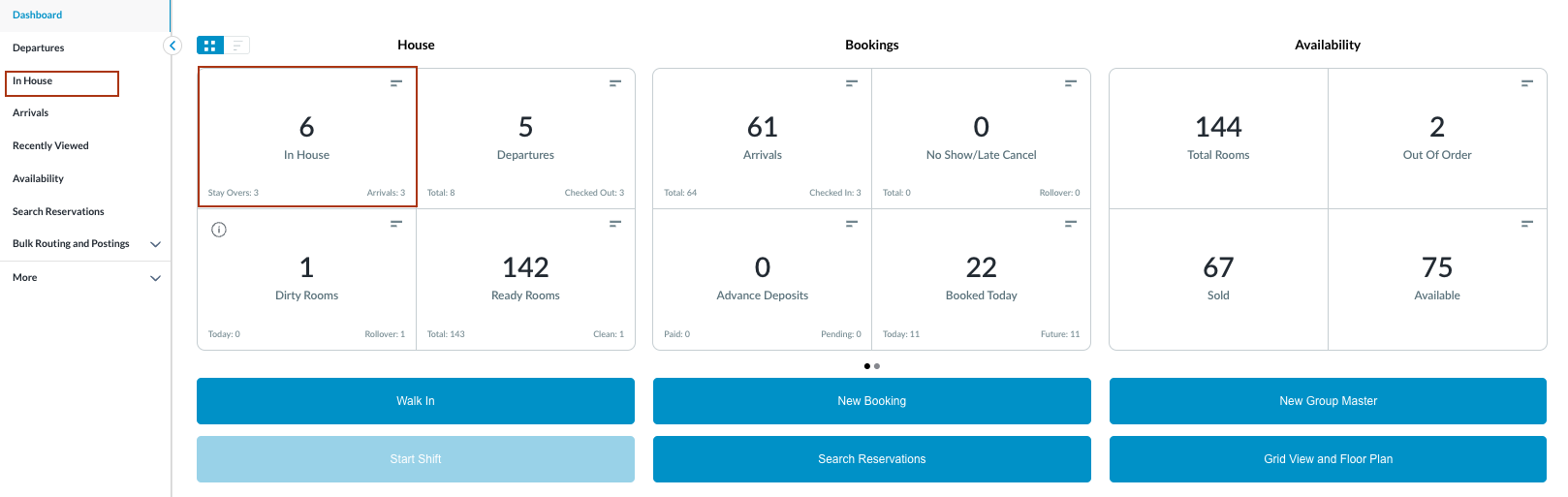
Navigate to In-house reservations from front Front Desk Dashboard You can also search for reservations using the options in the left-side menu. |
|
|
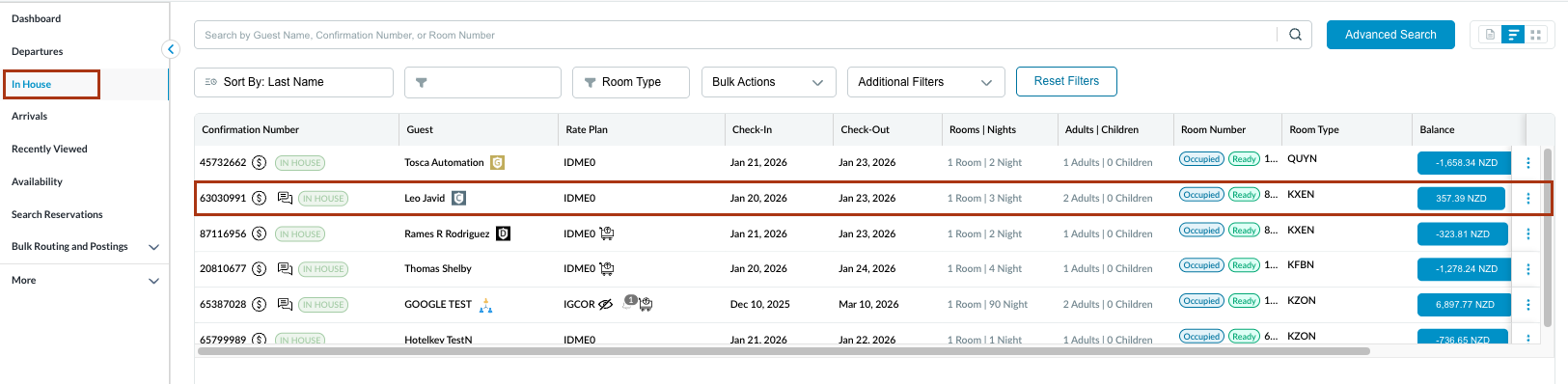
The In House listings page will load. Select the reservation on which you want to add / modify the stay remarks.
|
|
|
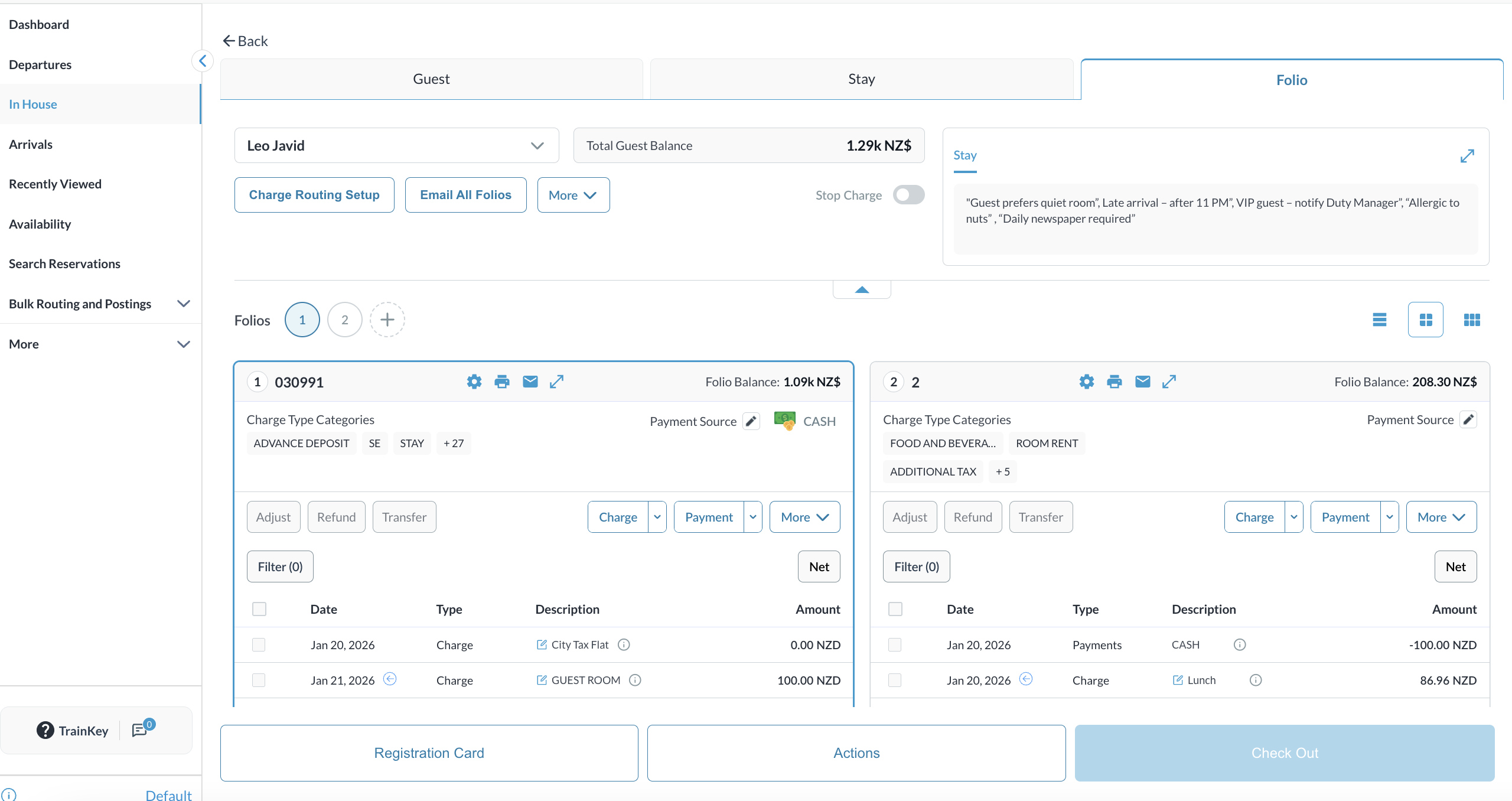
The Reservation Details page opens, displaying the Guest tab by default. Select the Folio tab. Note: the folio screen automatically adjusts to the most efficient layout. If a reservation contains multiple folios, the screen defaults to Side-by-Side View. If there is a single folio, the screen will open in Full Detail View. |
|
|
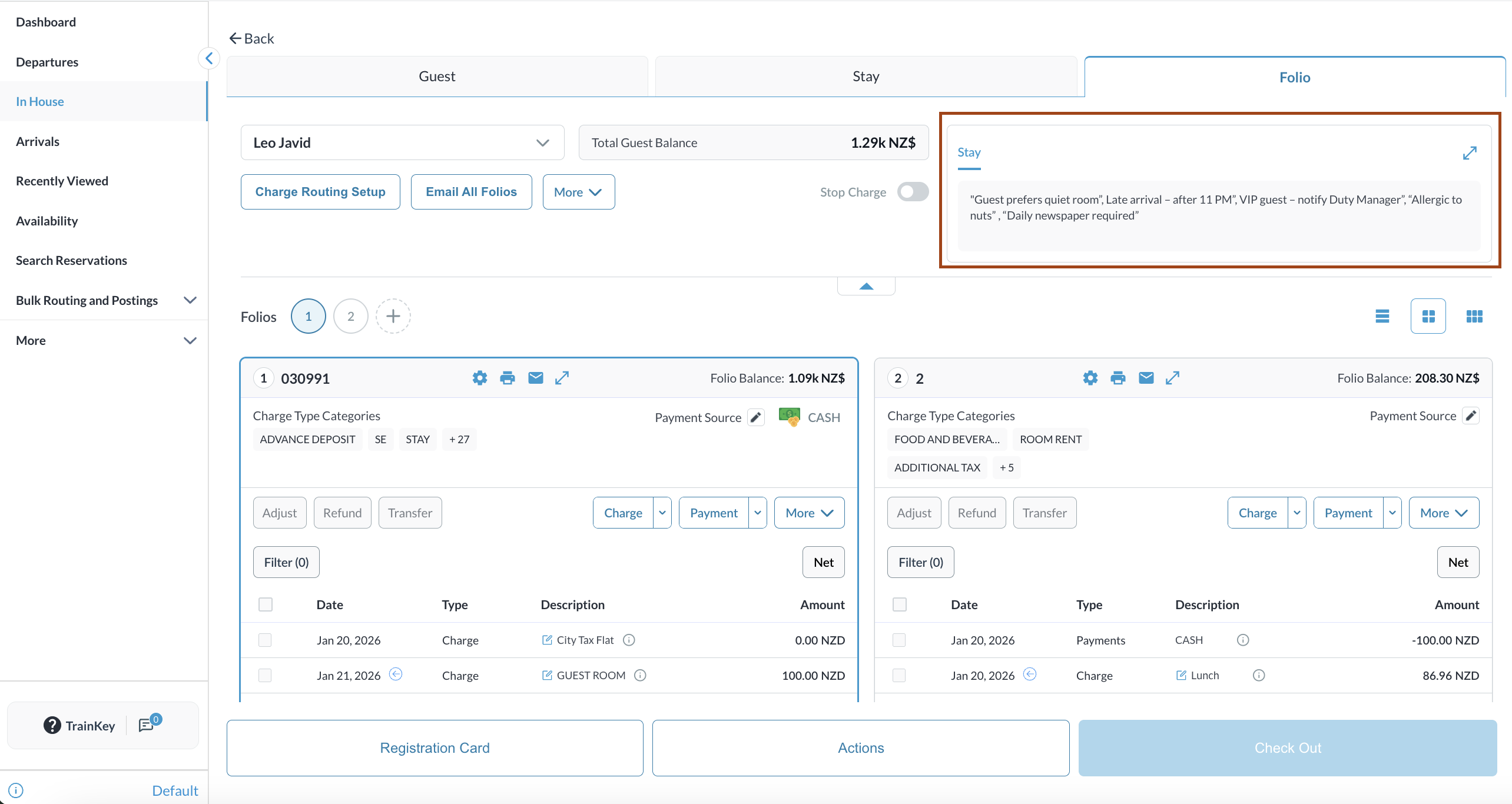
Note the Remarks box in Folio tab.
The remarks in Folio tab are only for view purpose and cannot be edited
Pro-Tip: Clicking on the expansion icon |
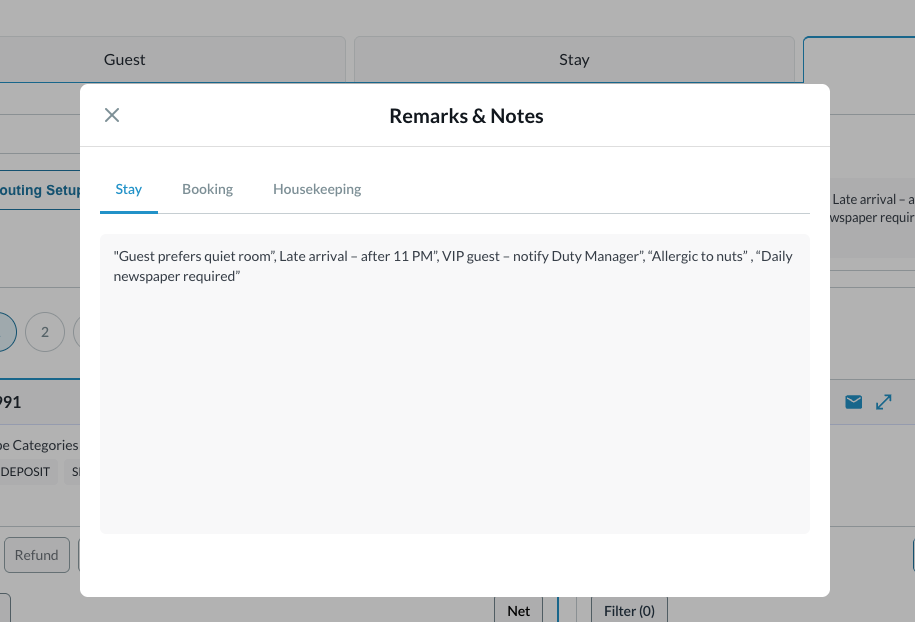
|
|
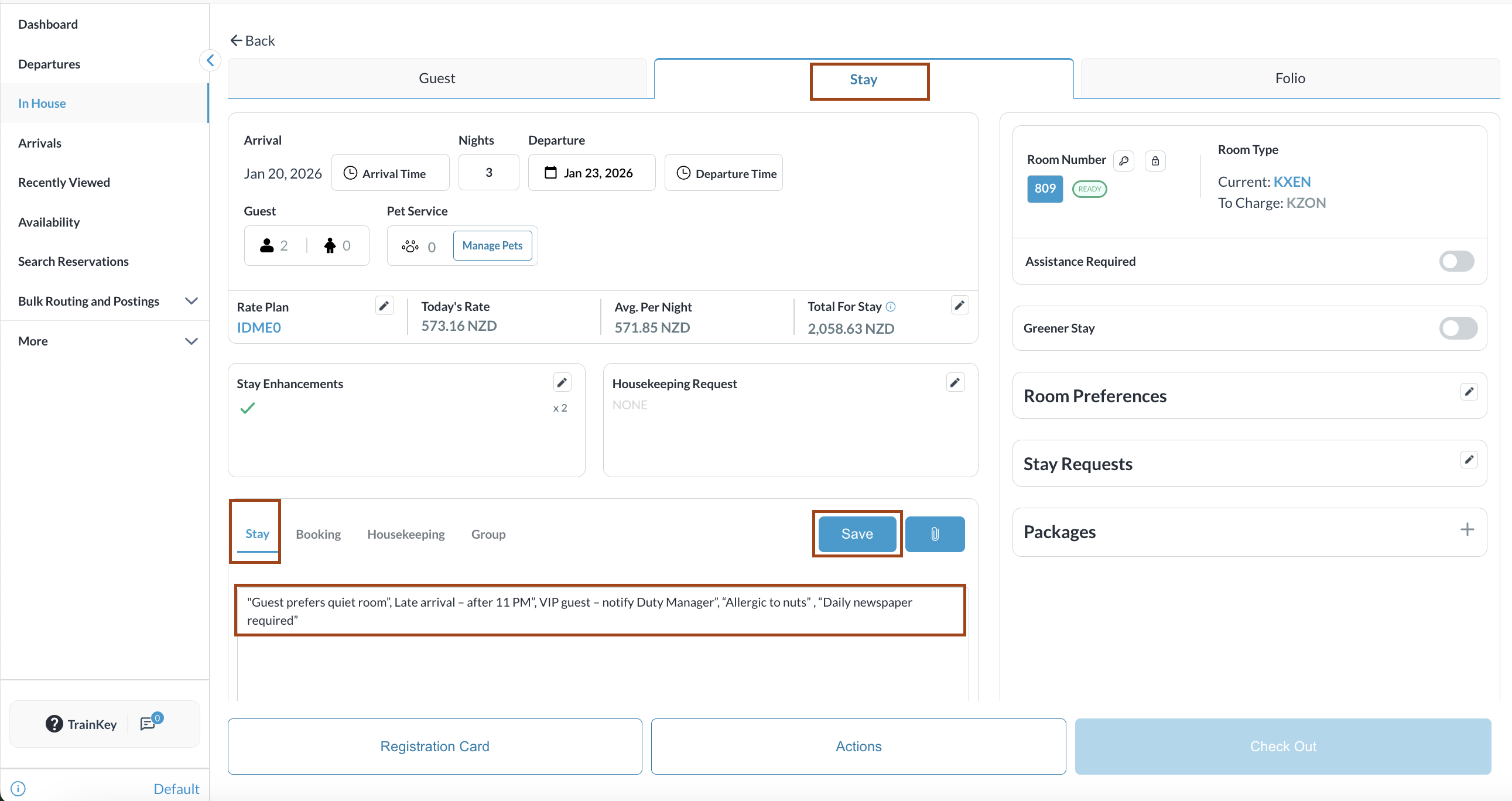
To Edit / Modify the Stay Remarks, go to Stay tab Add / Edit the remarks and click Save. Look for the changes in the Folio tab. |
|
