
Revision Date :
To provide users the ability to add or remove packages (e.g., breakfast, amenities) across multiple reservations in a group block. This eliminates the need to update each reservation individually, improving operational efficiency and ensuring package consistency for group bookings.
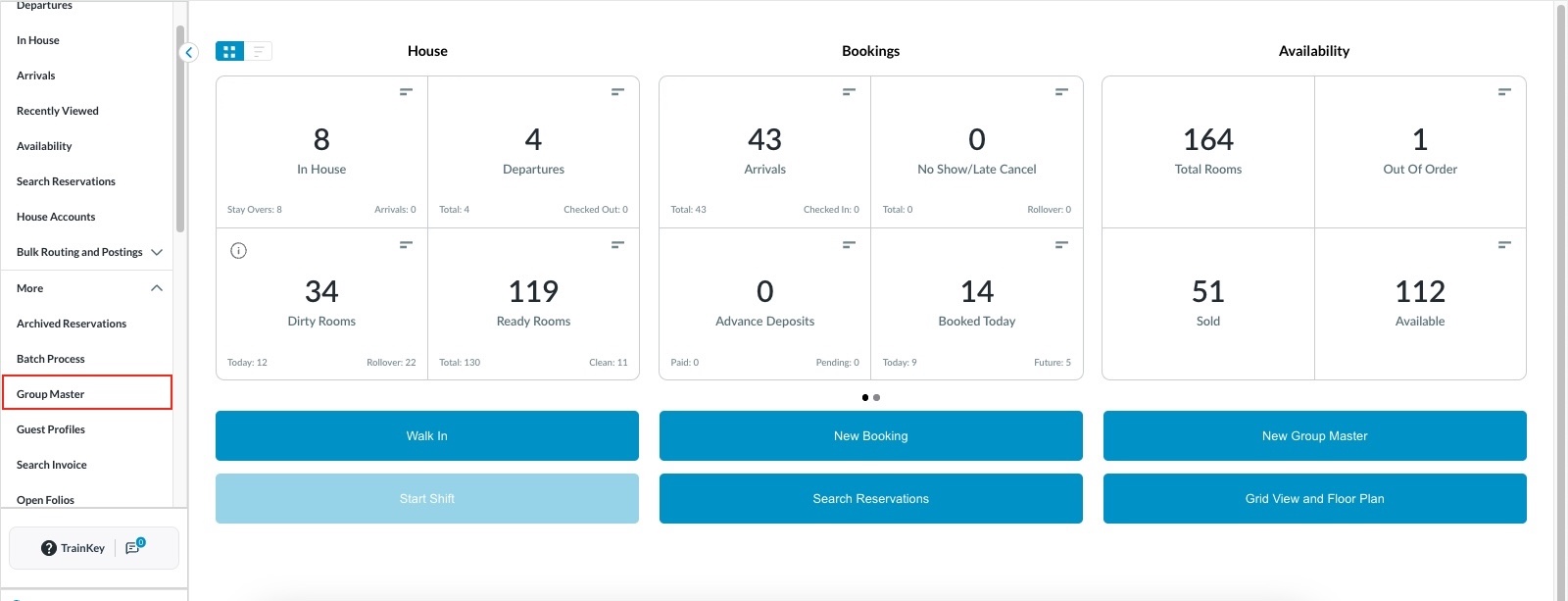
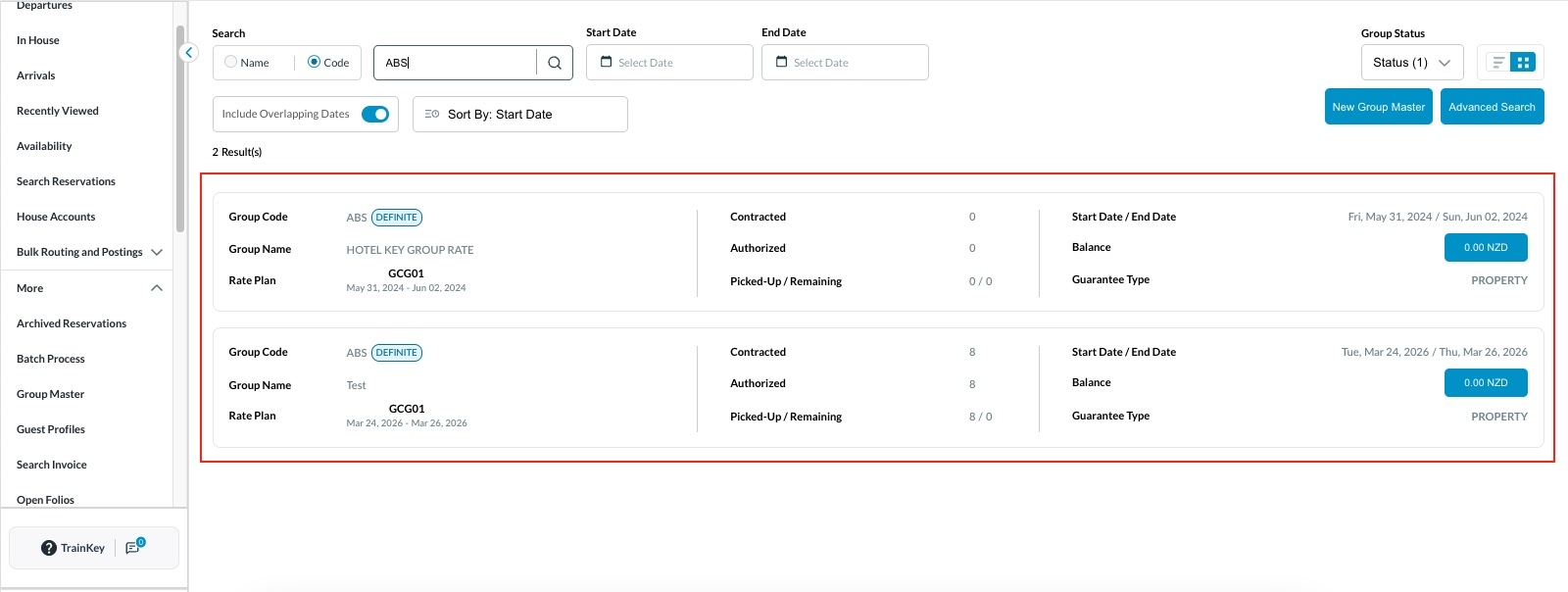
Access Group Master Reservations
|
|
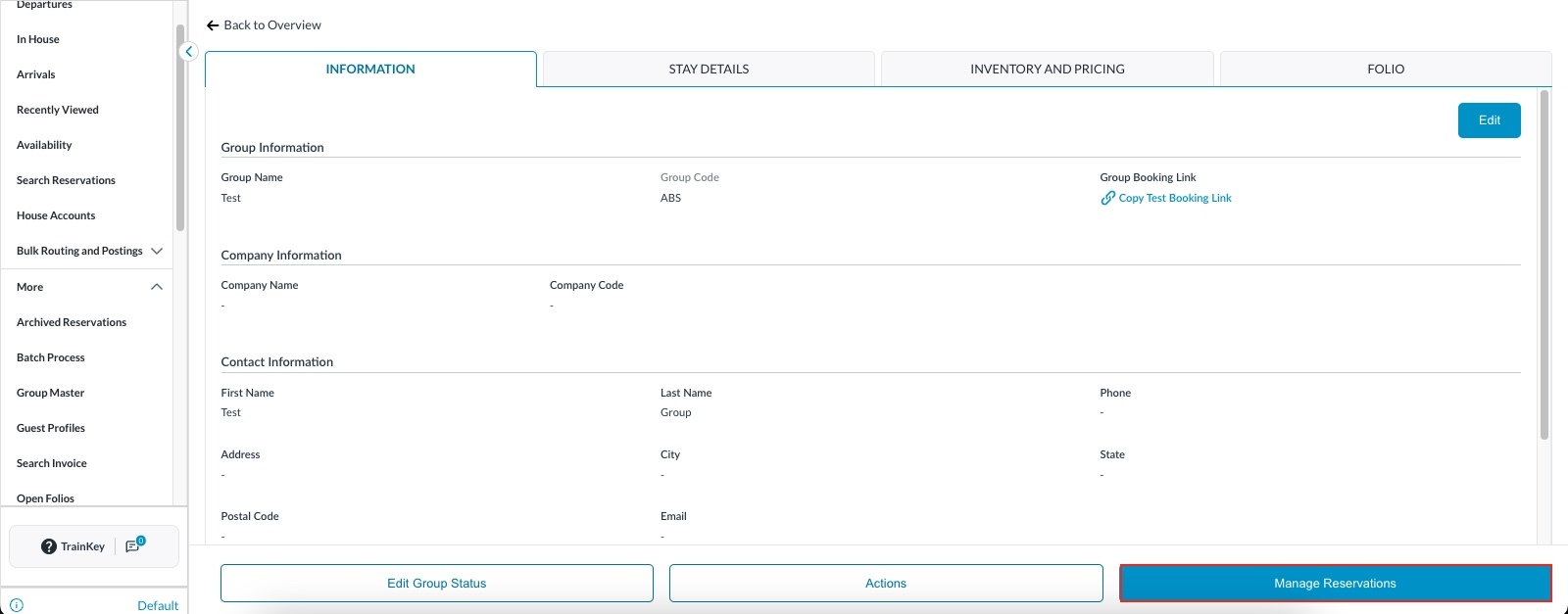
Manage Reservations
|
|
|
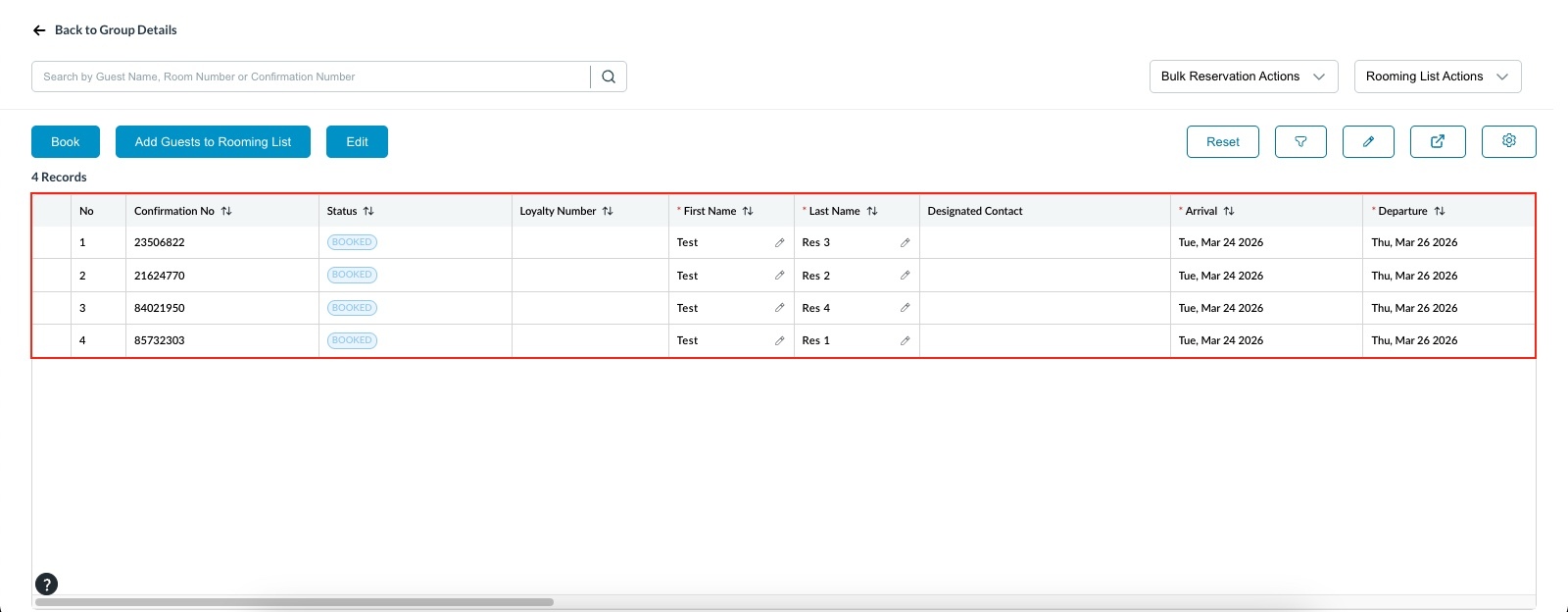
List of reservations will open up. |
|
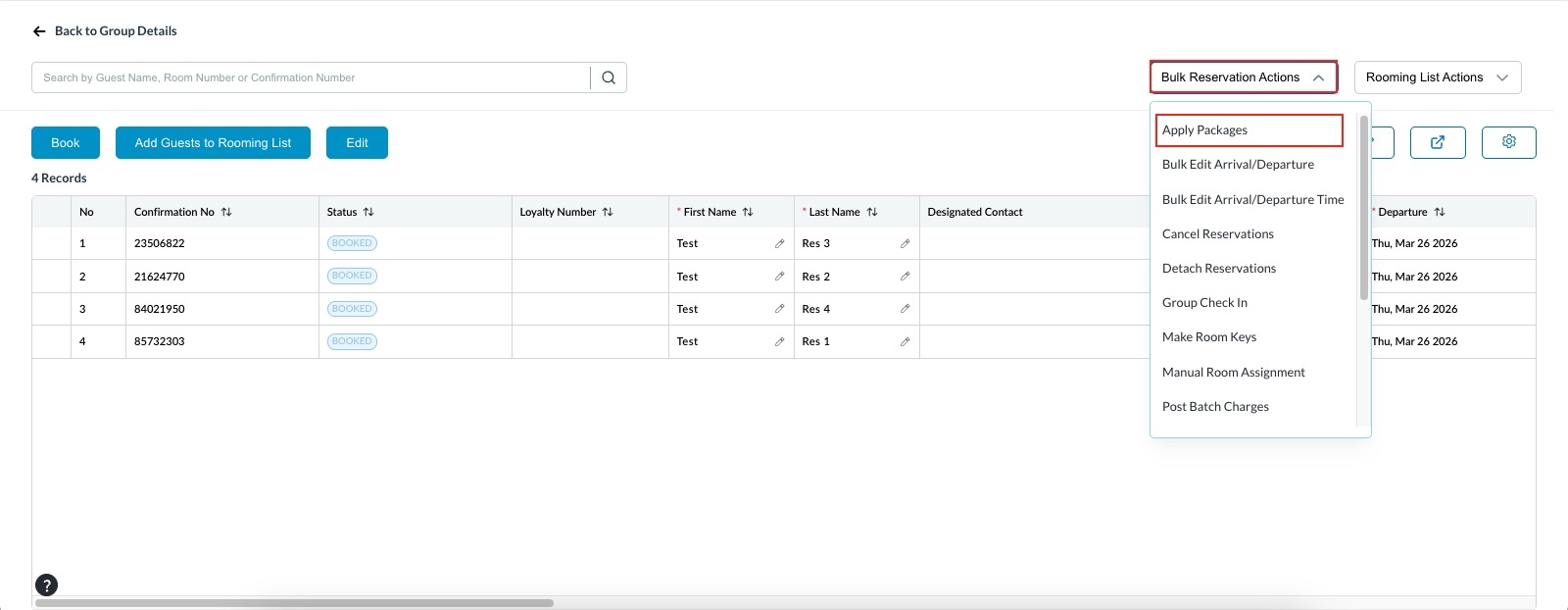
Open Bulk Reservation Actions
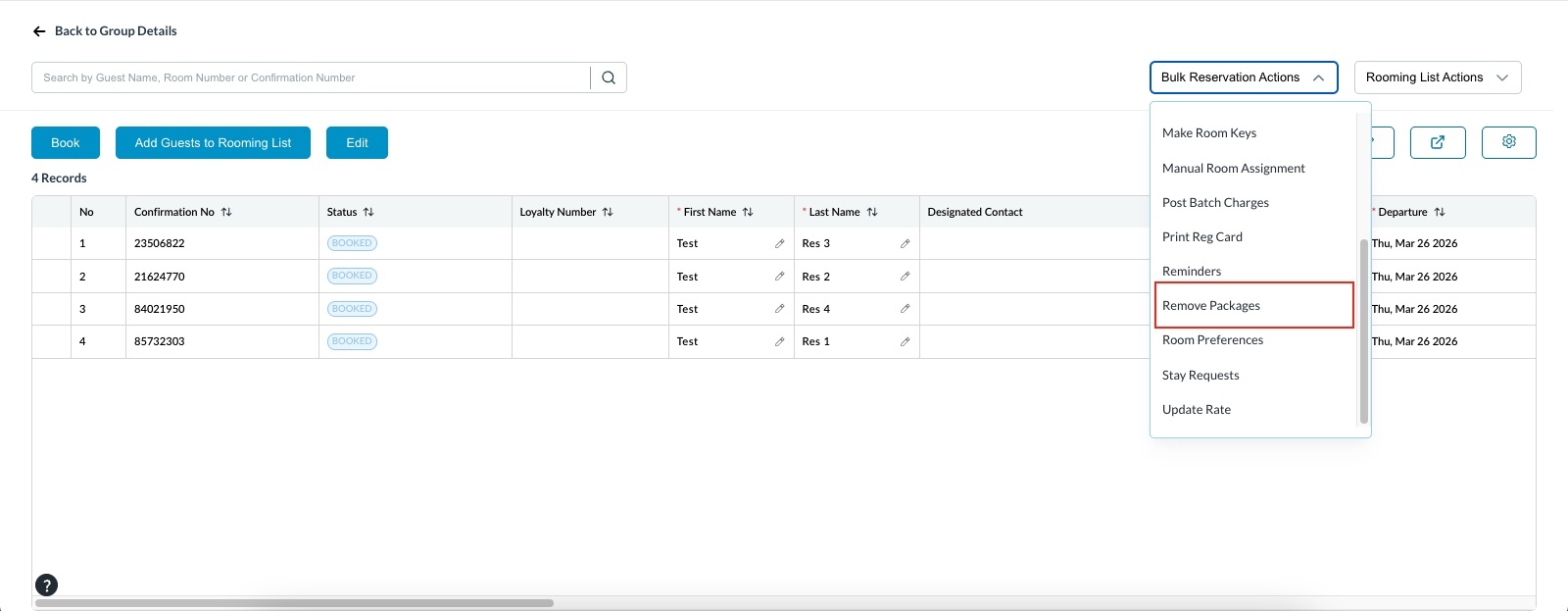
Click on the Bulk Reservation Actions menu. Options available:
|
|
Apply Package
|
.jpeg?cb=59301e2e3205ee97b883e32763f76e4f)
|
|
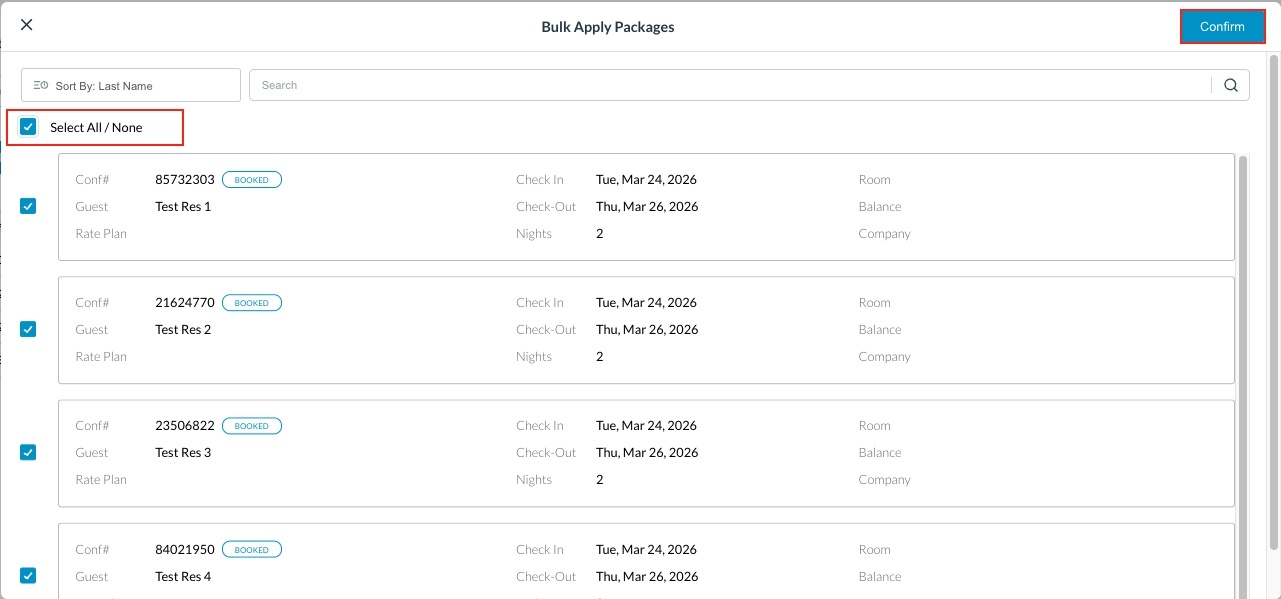
The Bulk Apply Package modal opens. Select reservations:
Click Confirm. |
|
|
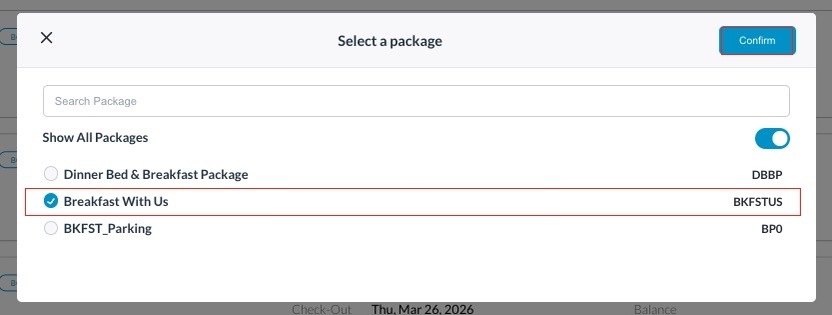
Select the applicable package from the list. |
|
|
Once applied:
|
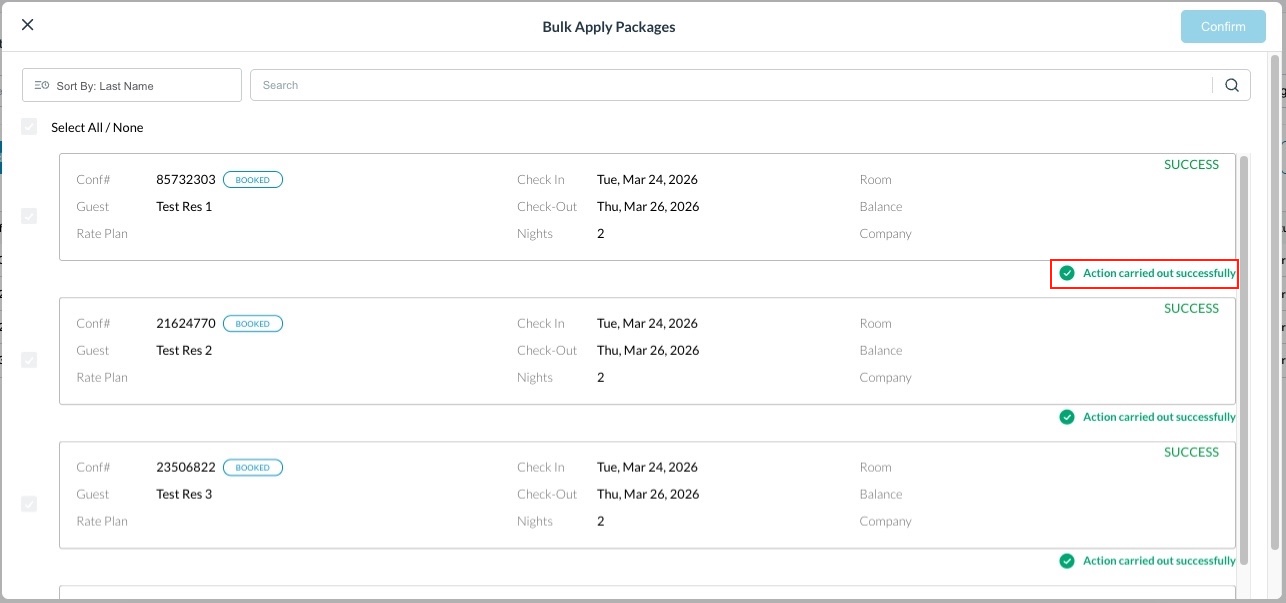
|
Remove Package
The modal displays only reservations with an existing package applied.
|
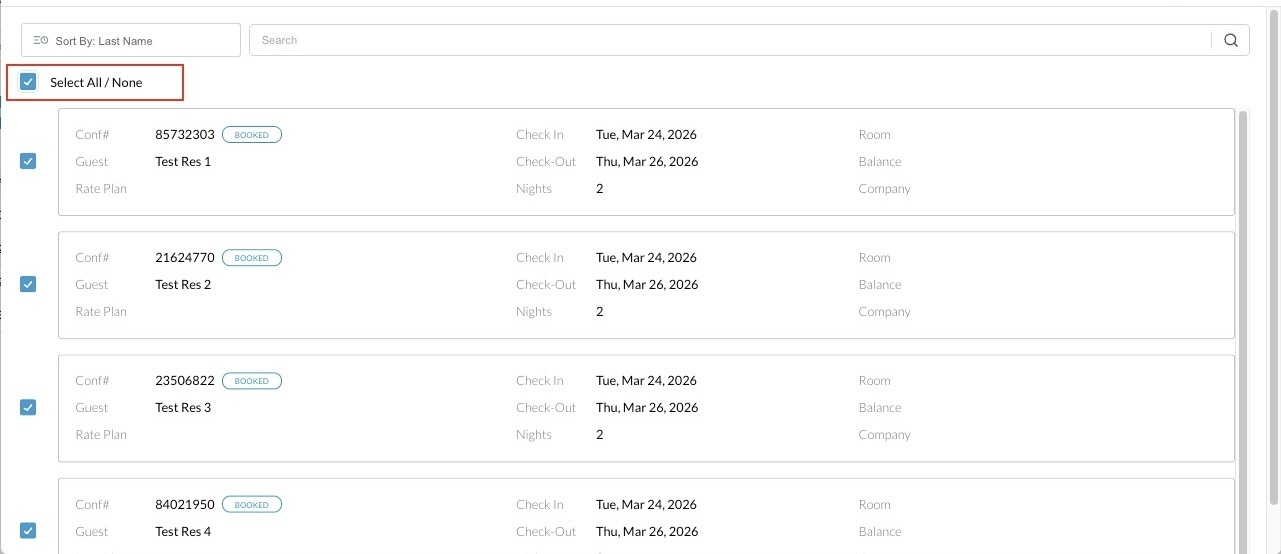
|
|
Select reservations:
|
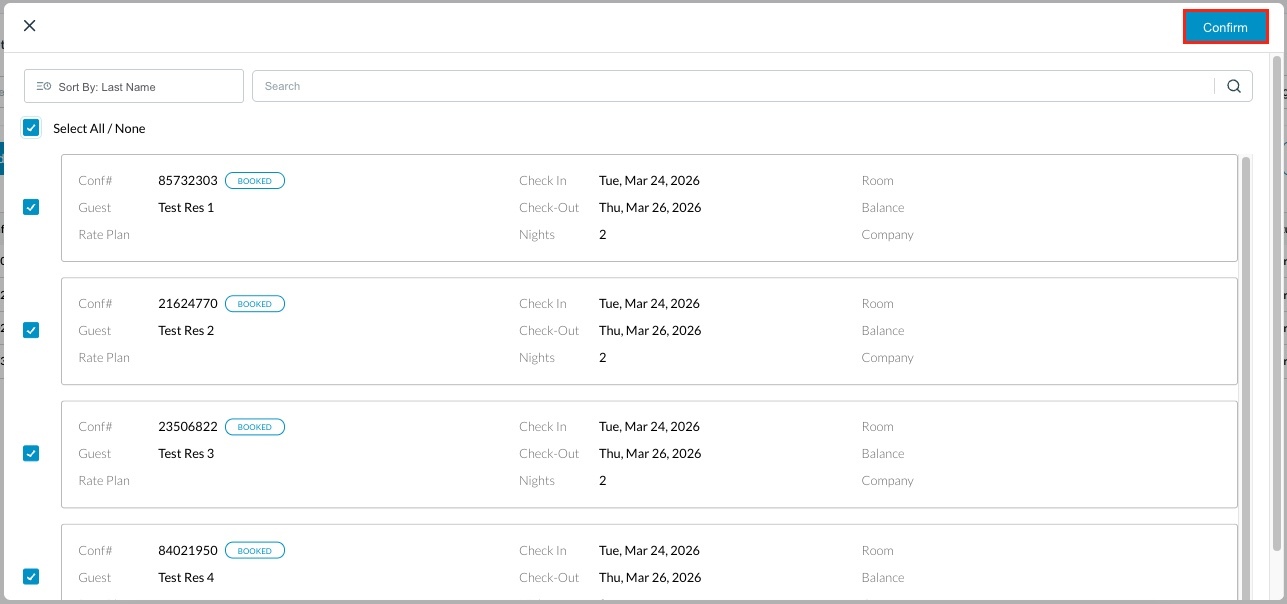
|
|
Click Confirm to remove the package. Success messages displayed per reservation: “Action carried out successfully.” |
|