
Revision Date:
The purpose of this functionality is to give Users a complete flexibility when managing company profiles attached to a booking. It gives the ability to both Remove and Replace either company type directly from the Guest Details screen on the Group Master.
|
Replacing a Corporate Company Navigate to Frontdesk Dashboard.
|
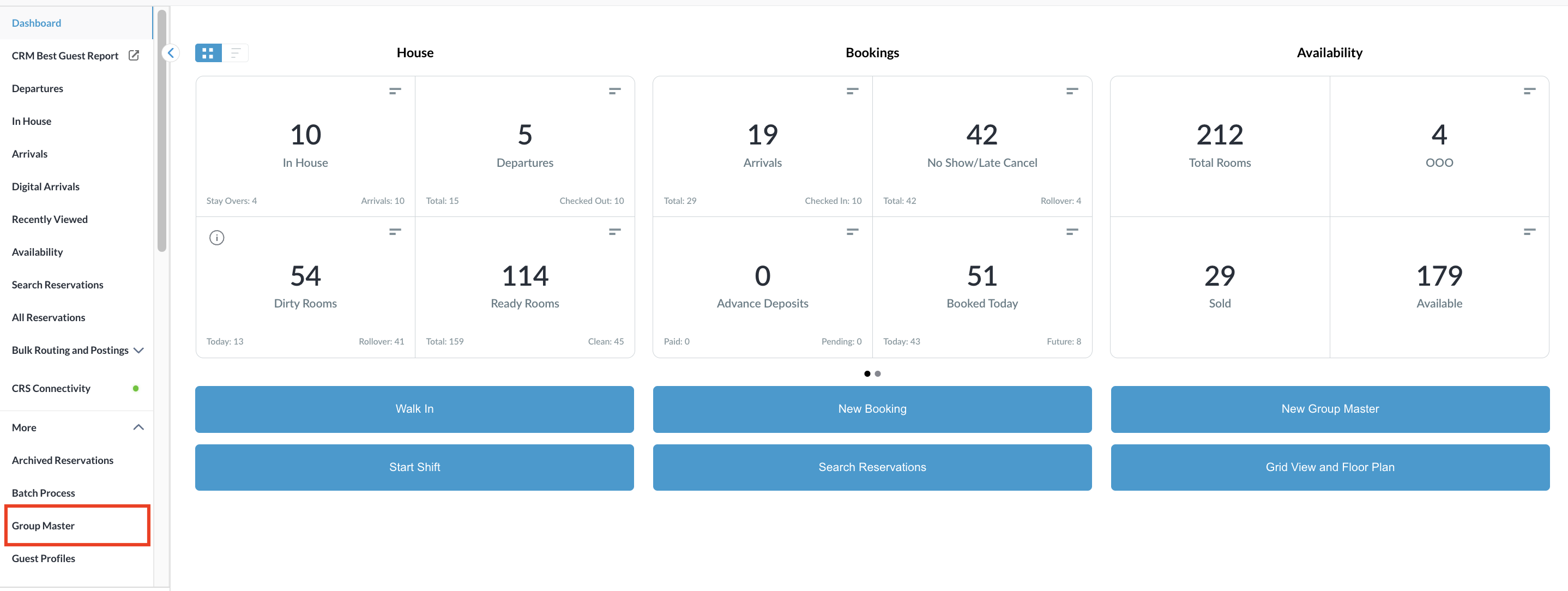
|
|
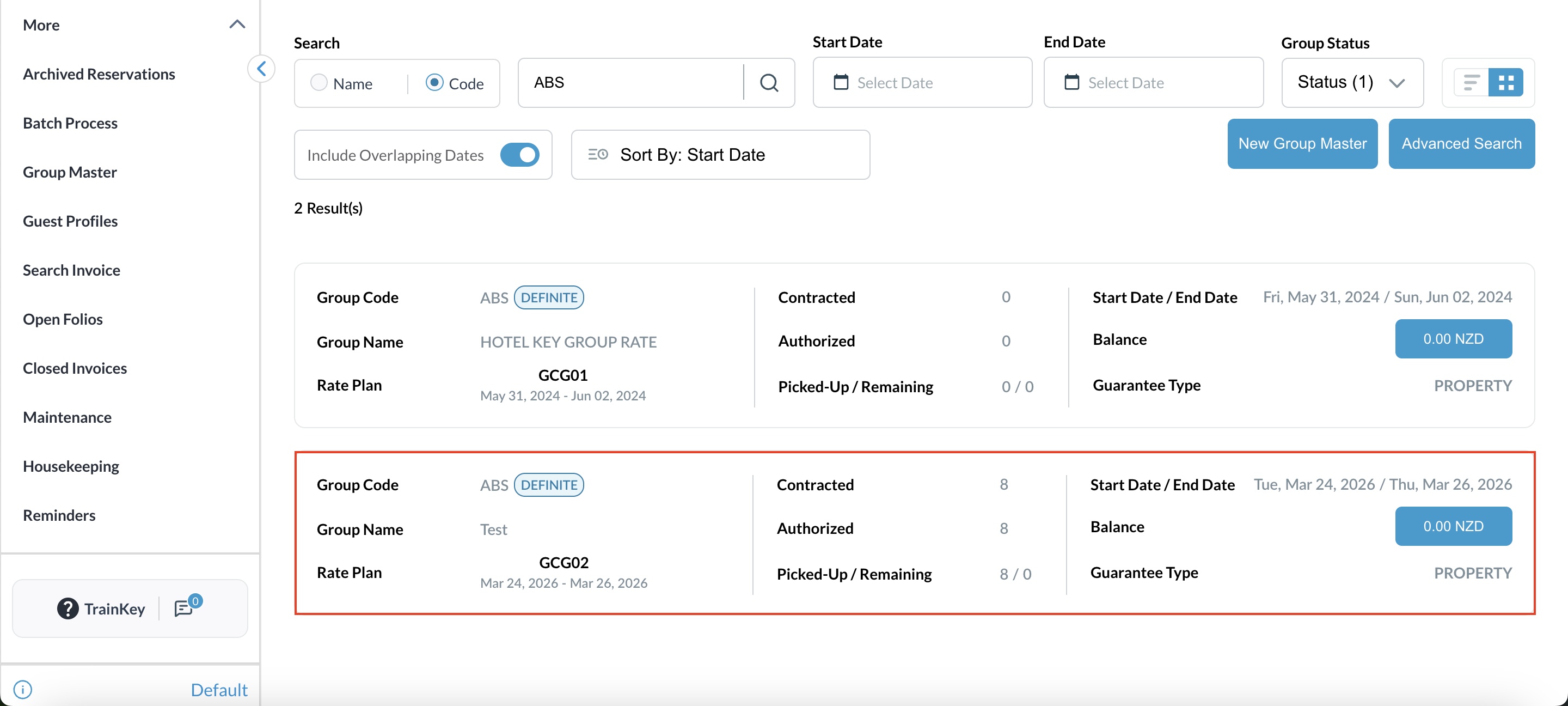
Group Reservations will be listed. Select the desired one. |
|
|
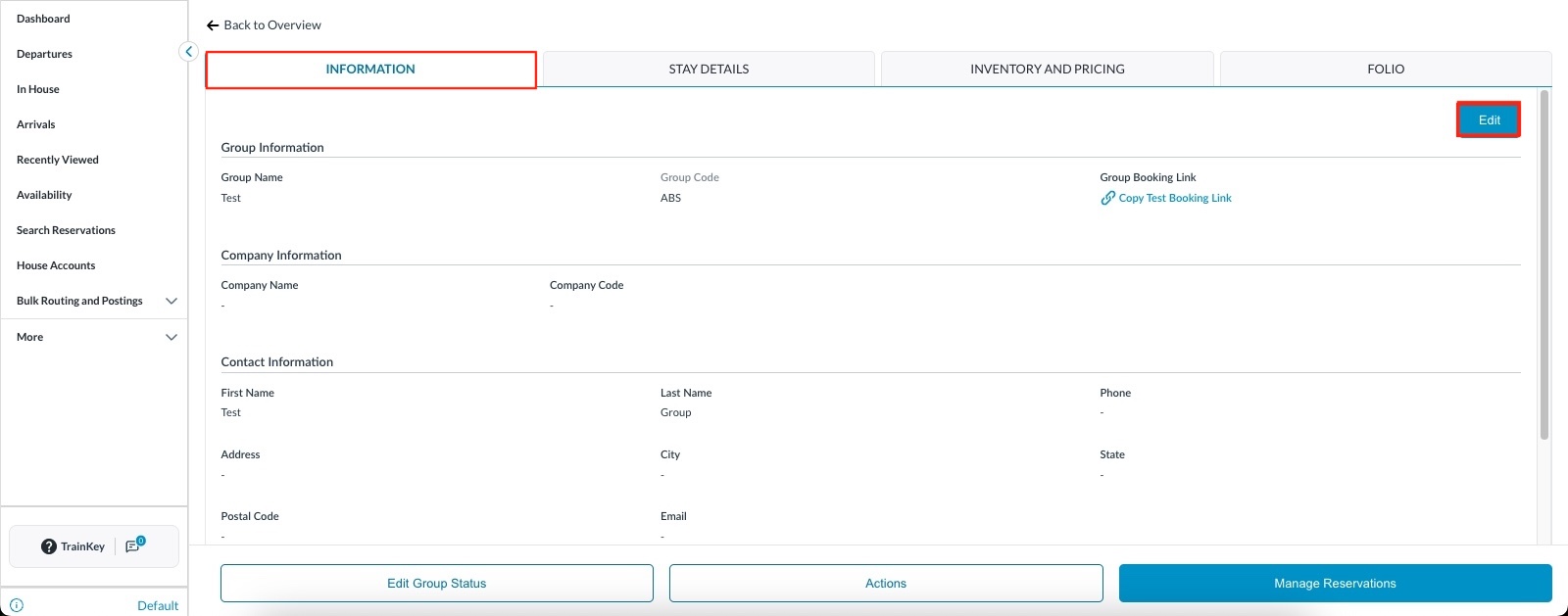
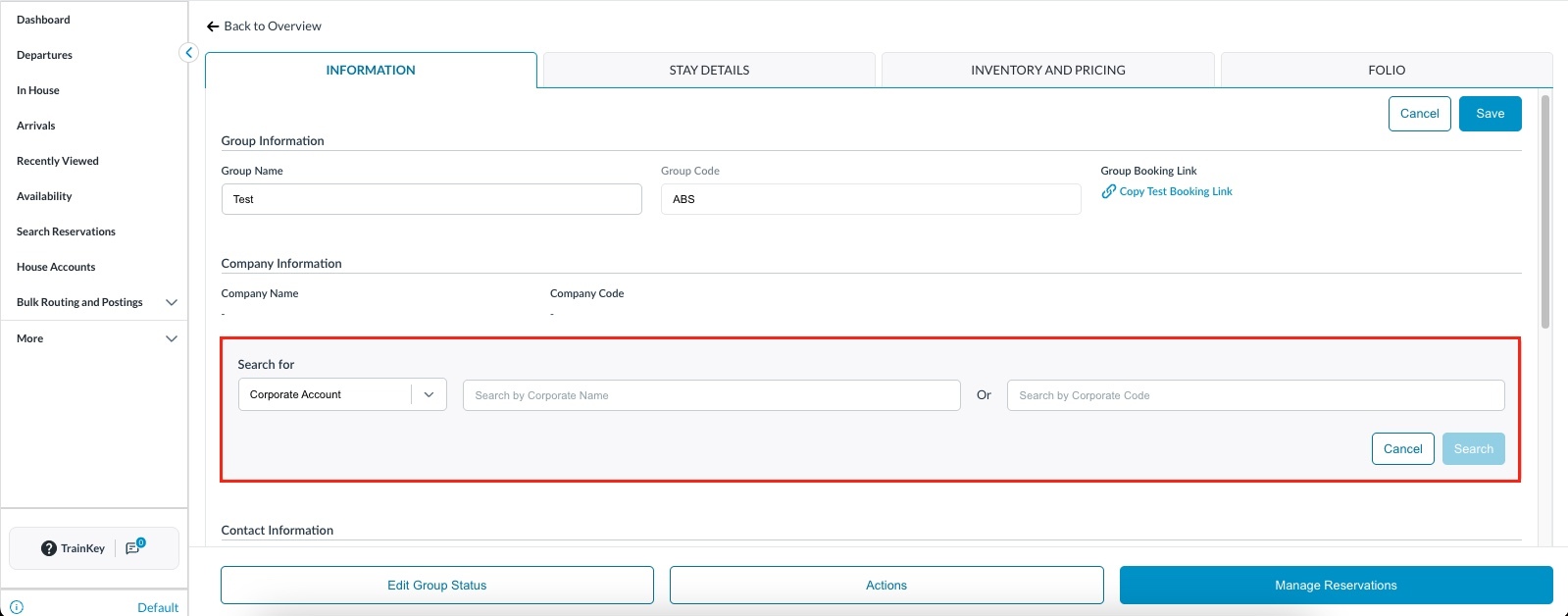
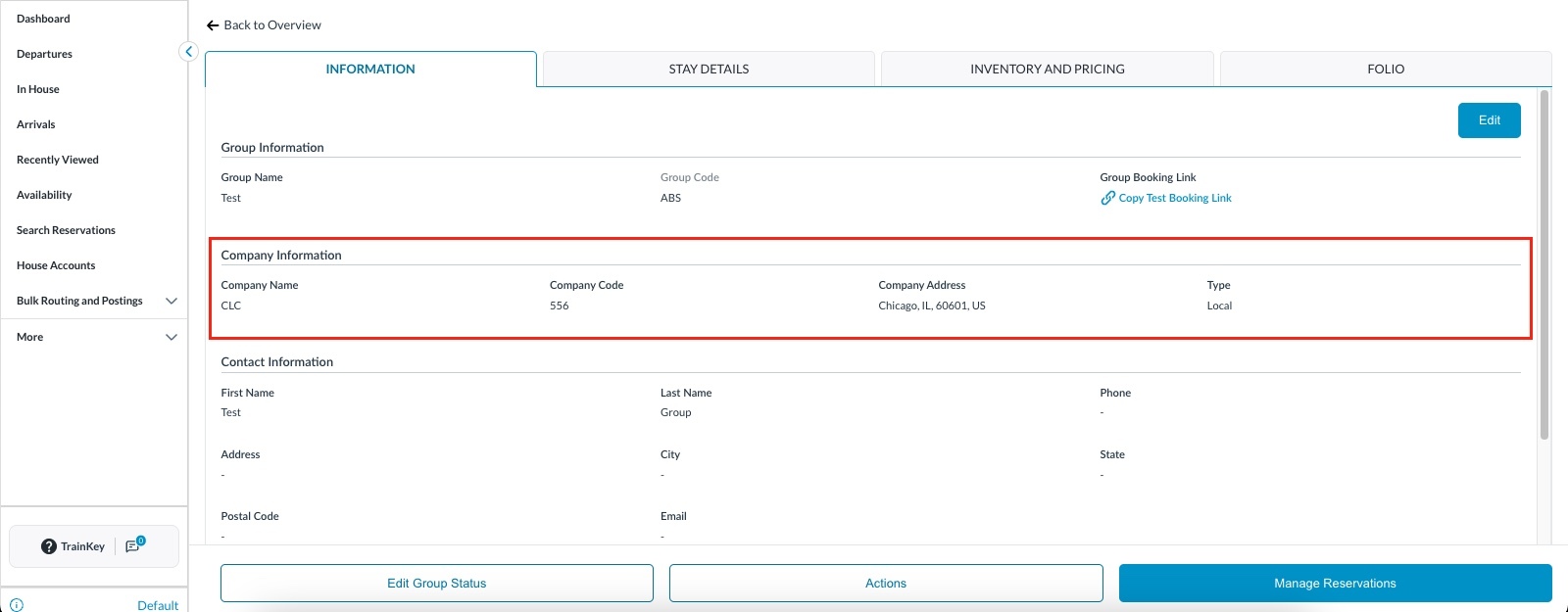
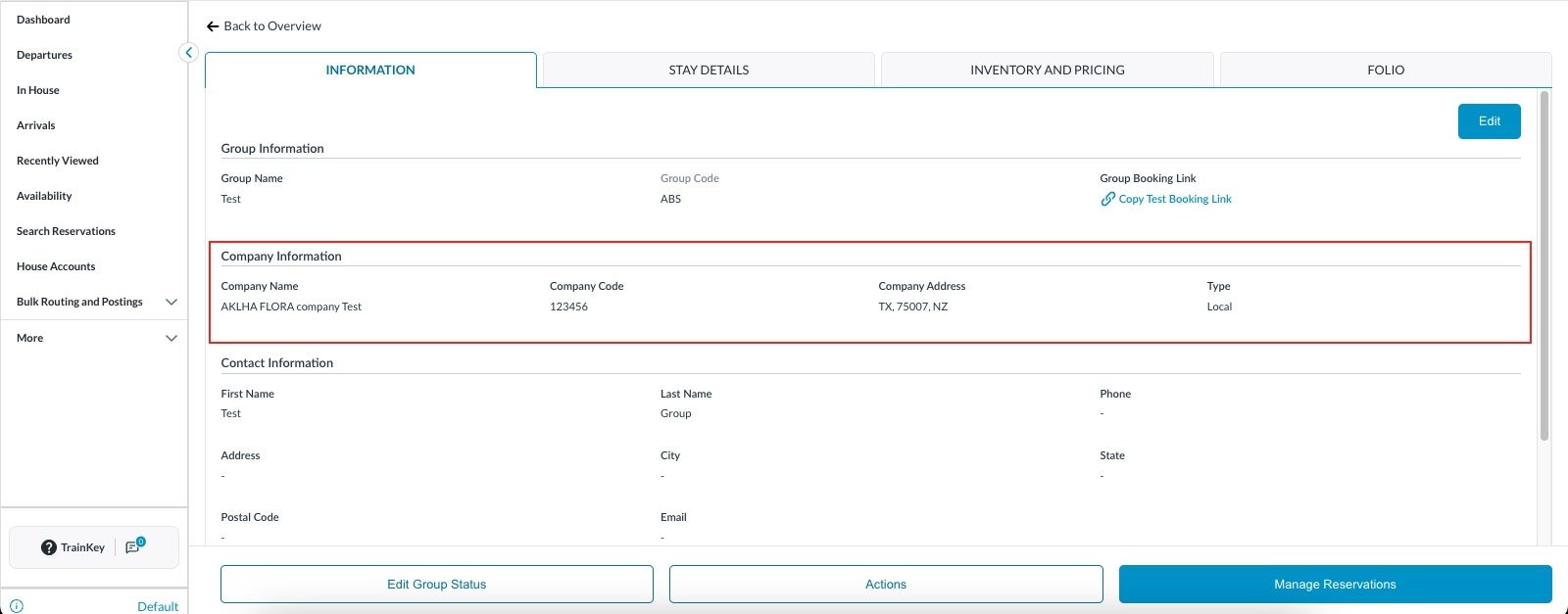
Open the reservation and by default you are in Information section. Click on Edit
|
|
|
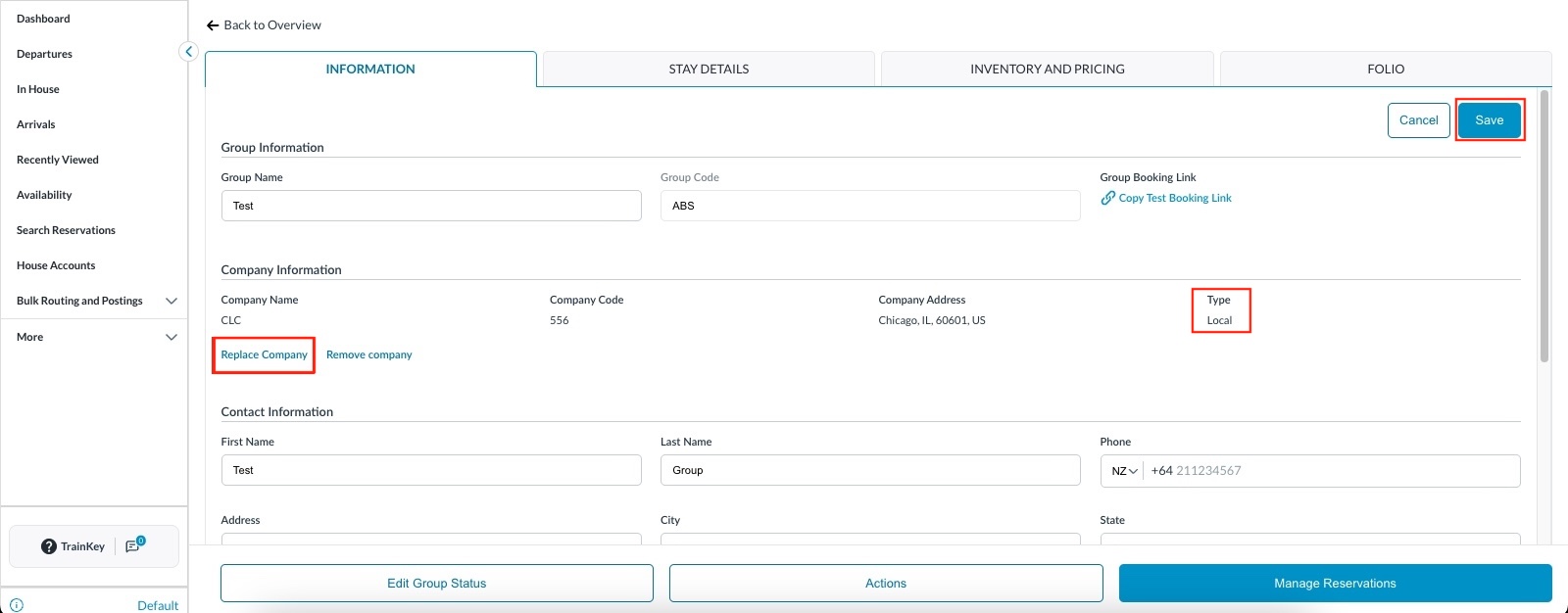
The Replace Company option will be displayed.
|
.jpeg?cb=dc0fba4a1310212d94c42adf22d2930c)
|
|
Replacing a Local Company Open the reservation and navigate to the Information section. Under the Company Edit flow, locate the currently attached Local Company. You will now see two options: "Remove Local Company" and the newly added "Replace Local Company" button. Click Replace Local Company. |
|
|
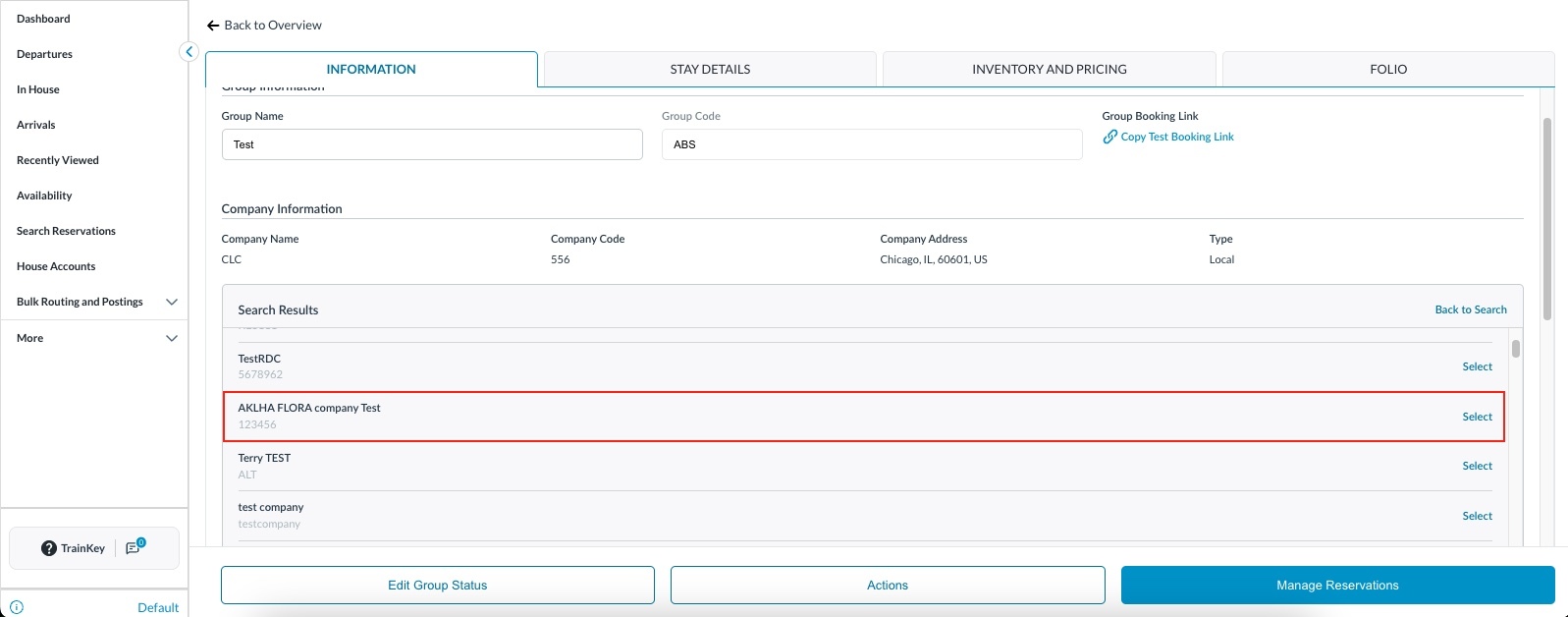
Search for and select the new Local Company to attach to the reservation.
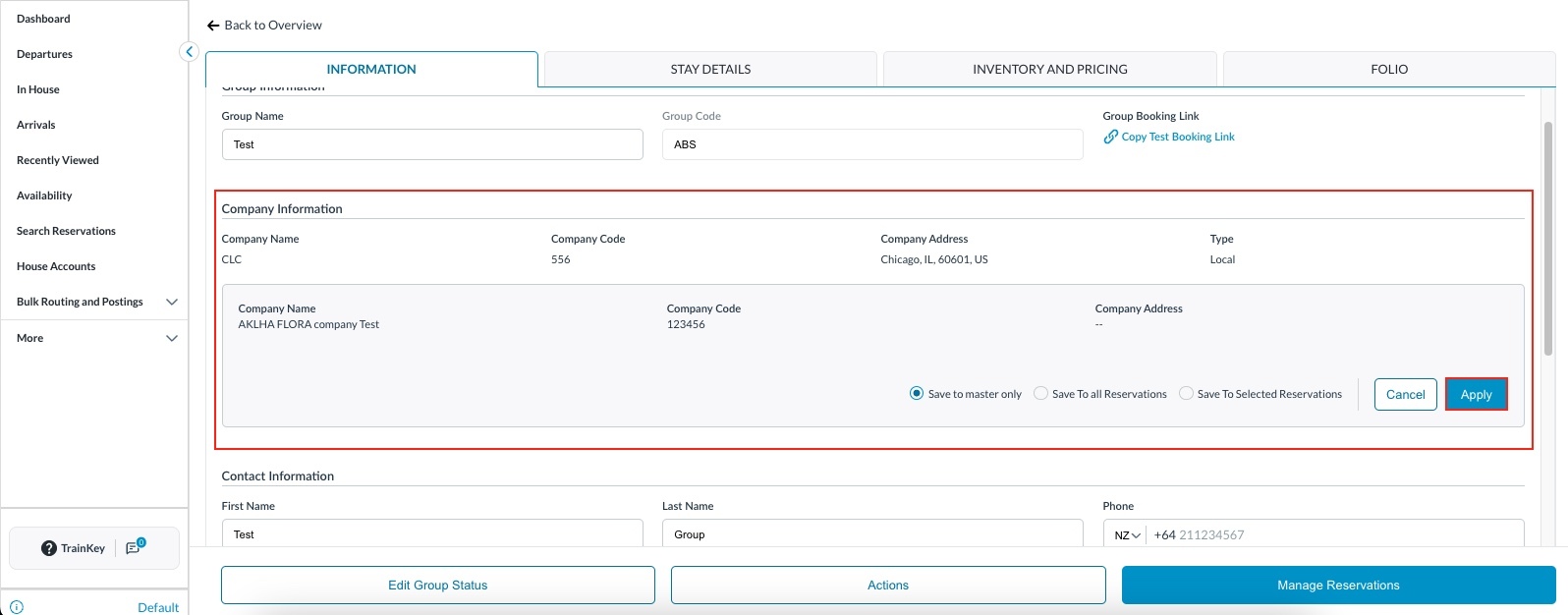
Save your options and click Apply to confirm. |
|
|
The updated company will be displayed.
|
|