
📆 Revision Date:
|
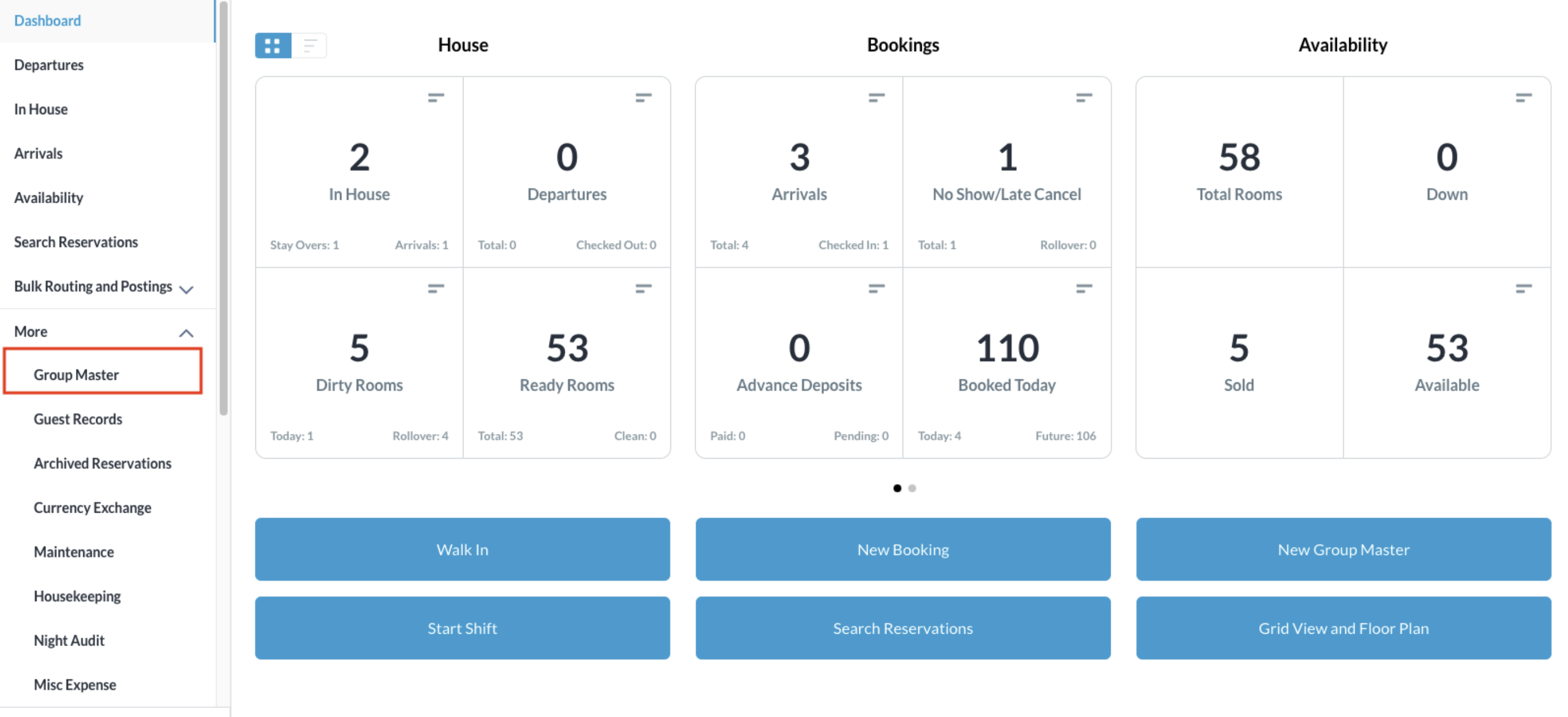
From the Dashboard, select More to expand the menu options and select Group Master
|
|
|
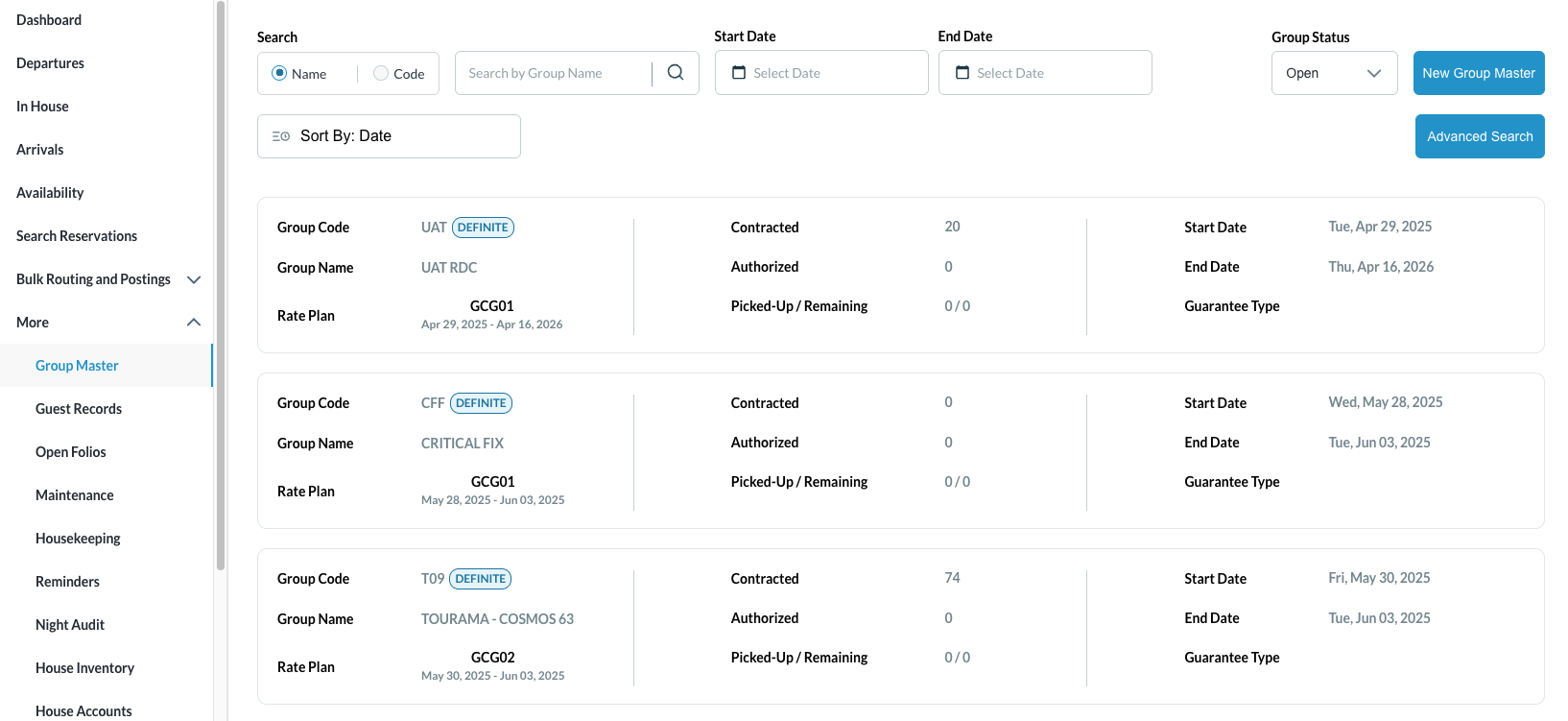
Search for the Group Master by Name, or Code, and/or Date. Select Status to refine the search. Select the Group Master from those listed. |
|
|
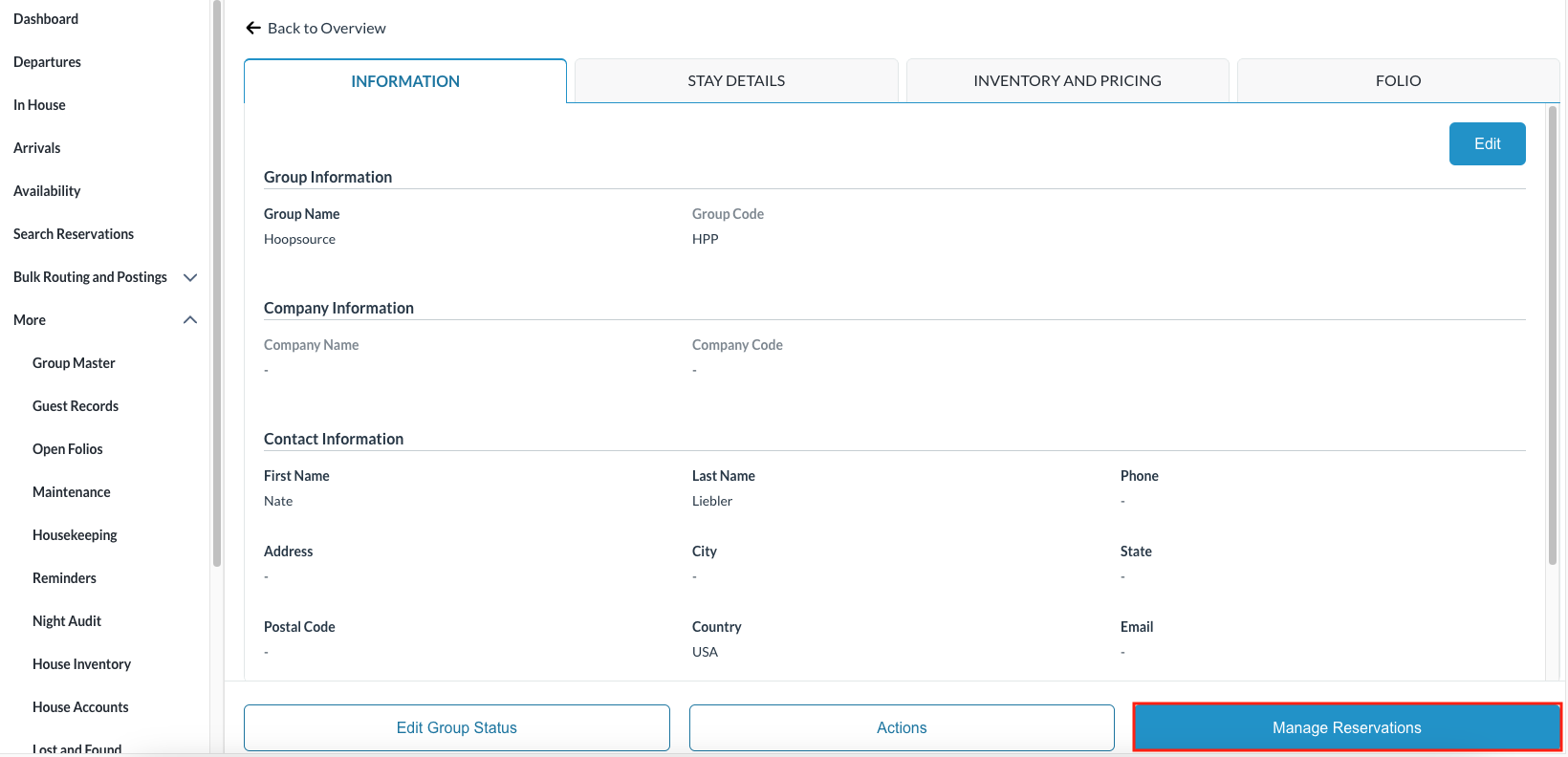
Once selected, the Information tab opens by default. Click on the Manage Reservations |
|
|
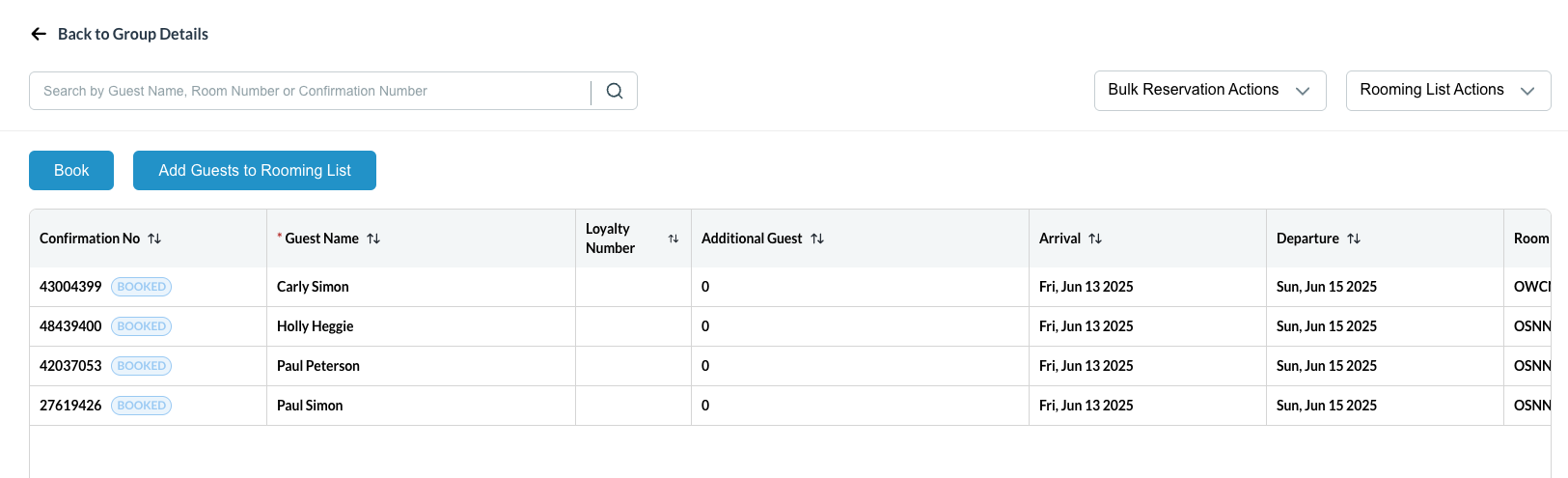
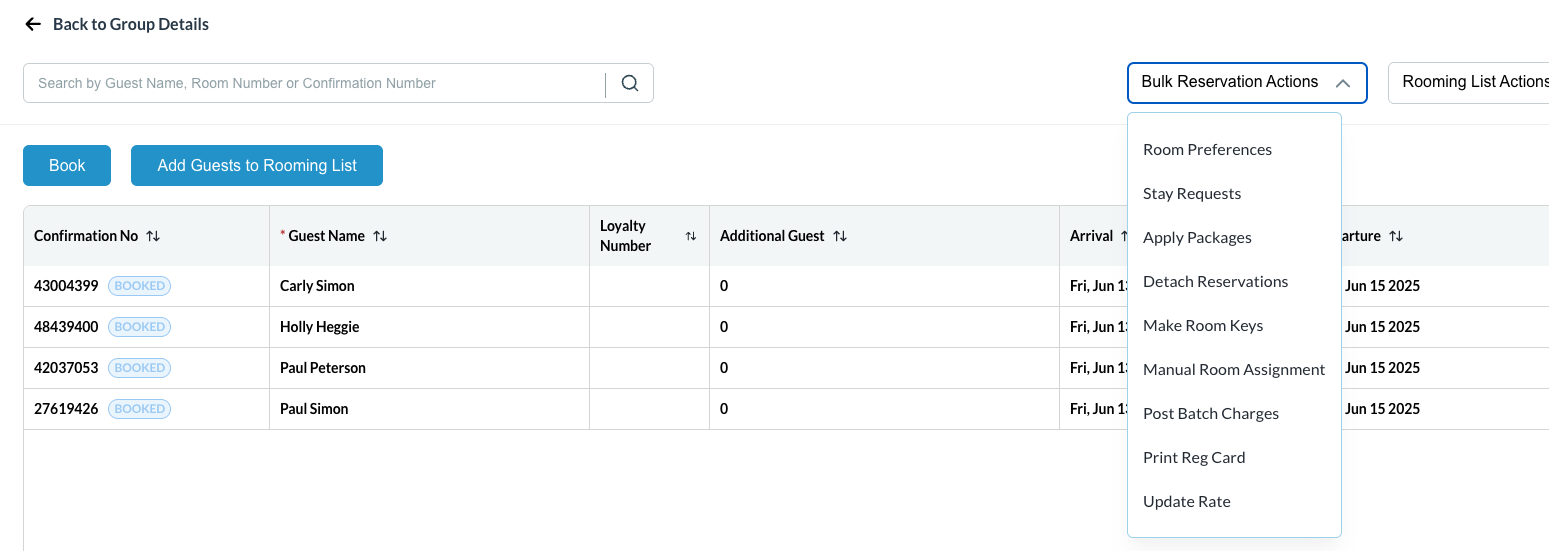
Reservations are listed and from this screen
You can manually assign room numbers, check in and check out the group on day of arrival by clicking on Bulk Reservation Actions |
|