
Revision Date:
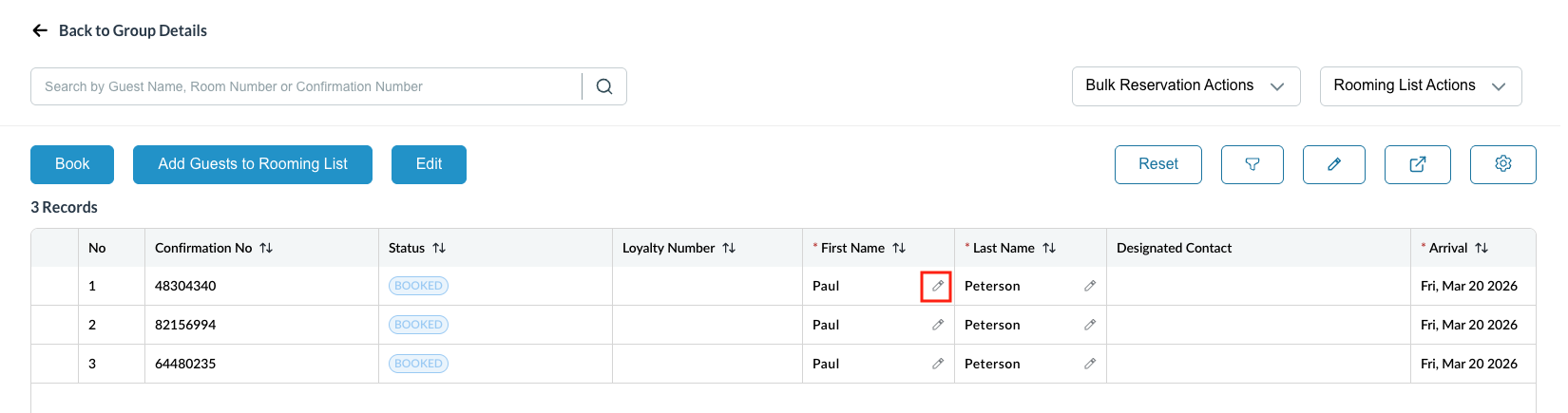
This feature enables users to quickly correct or update a guest’s First Name and Last Name directly from the Group Rooming List screen, eliminating the need to navigate into individual reservation detail pages. This improves operational efficiency during group handling, especially for large rooming lists where name corrections are frequent.
|
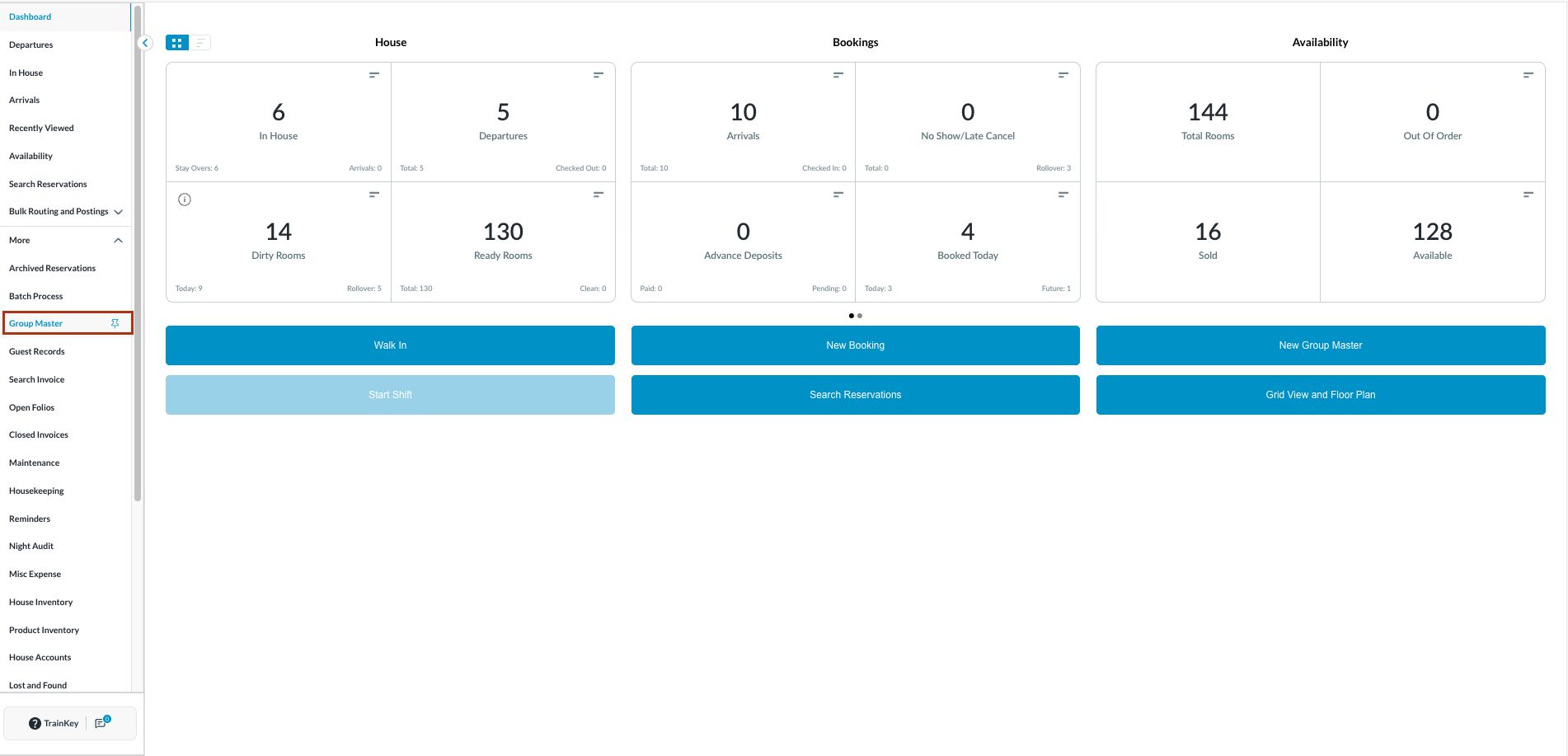
Navigate to Group Master from the left-side menu.
|
|
|
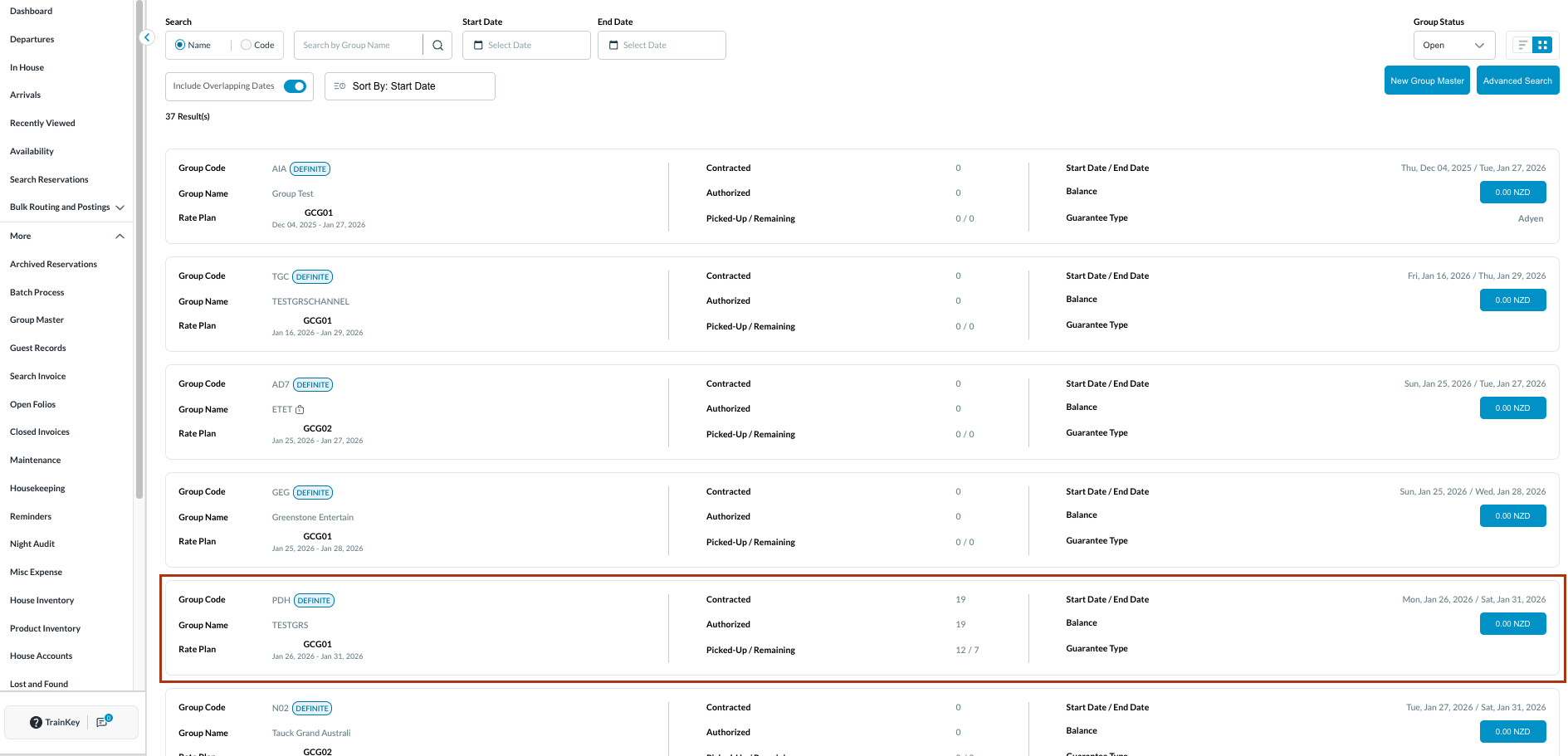
Open the relevant Group Reservation.
|
|
|
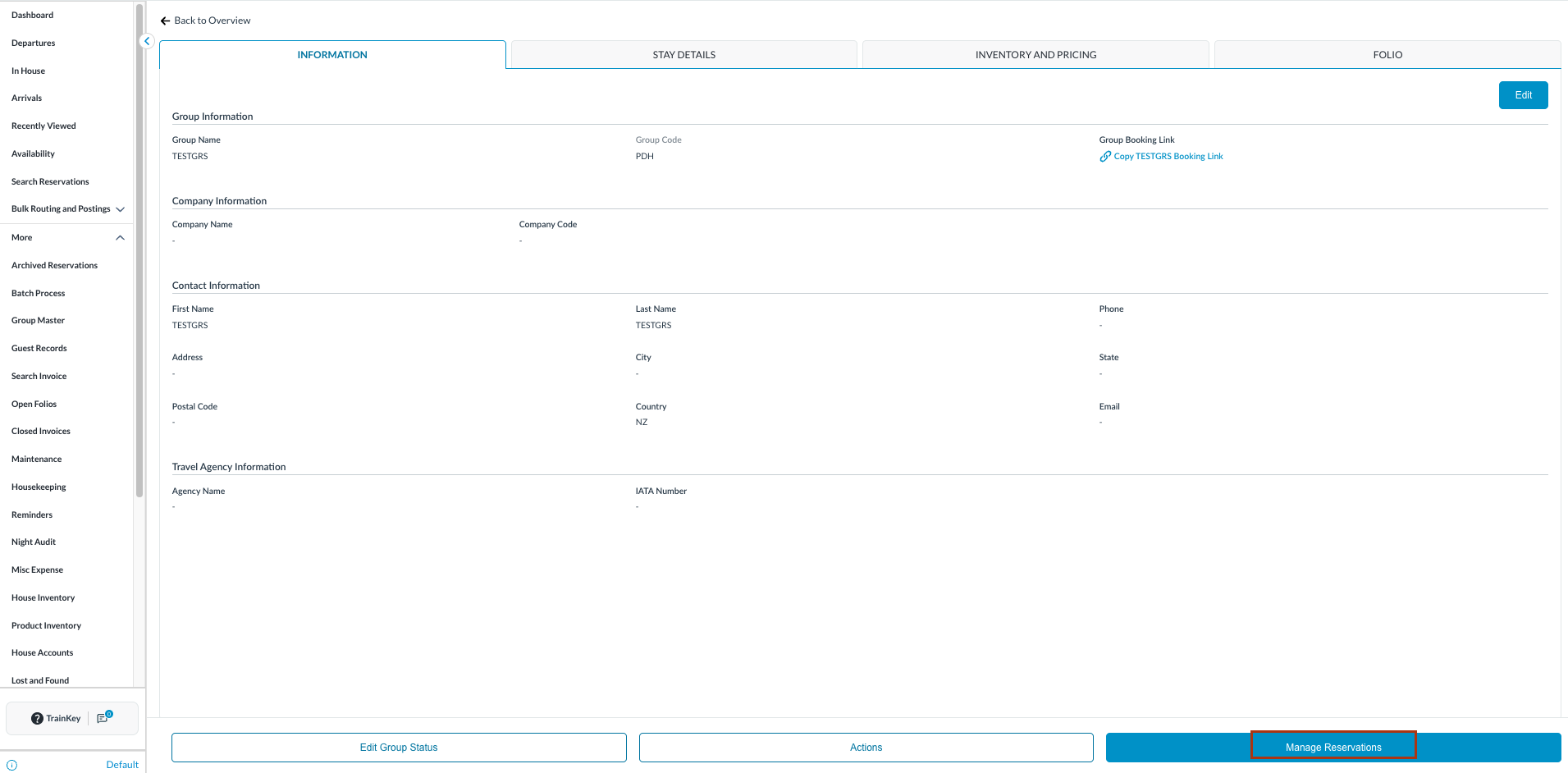
Select Manage Reservations to access the Group Rooming List. |
|
|
Locate the arrival reservations associated with the group.
Click anywhere outside the field to save.
|
Note:
|