
Revision Date:
Overview
The Suppress Rates on Group Confirmation Letters feature introduces a specialised control that allows hotel staff to hide sensitive pricing information when generating confirmation documents.
In many group booking scenarios, such as negotiated corporate rates or confidential wholesale pricing, hotels need to share itinerary and booking details with organizers or attendees without disclosing the specific financial arrangements. This feature eliminates the need for manual workarounds (like editing PDFs or creating separate templates) by providing a "Hide Rates" toggle directly within the printing and emailing workflow.
Execution Steps
Follow these steps to generate a Group Confirmation Letter with rate details suppressed:
|
From the Frontdesk Dashboard, navigate to the Group Master using the left-hand menu. |
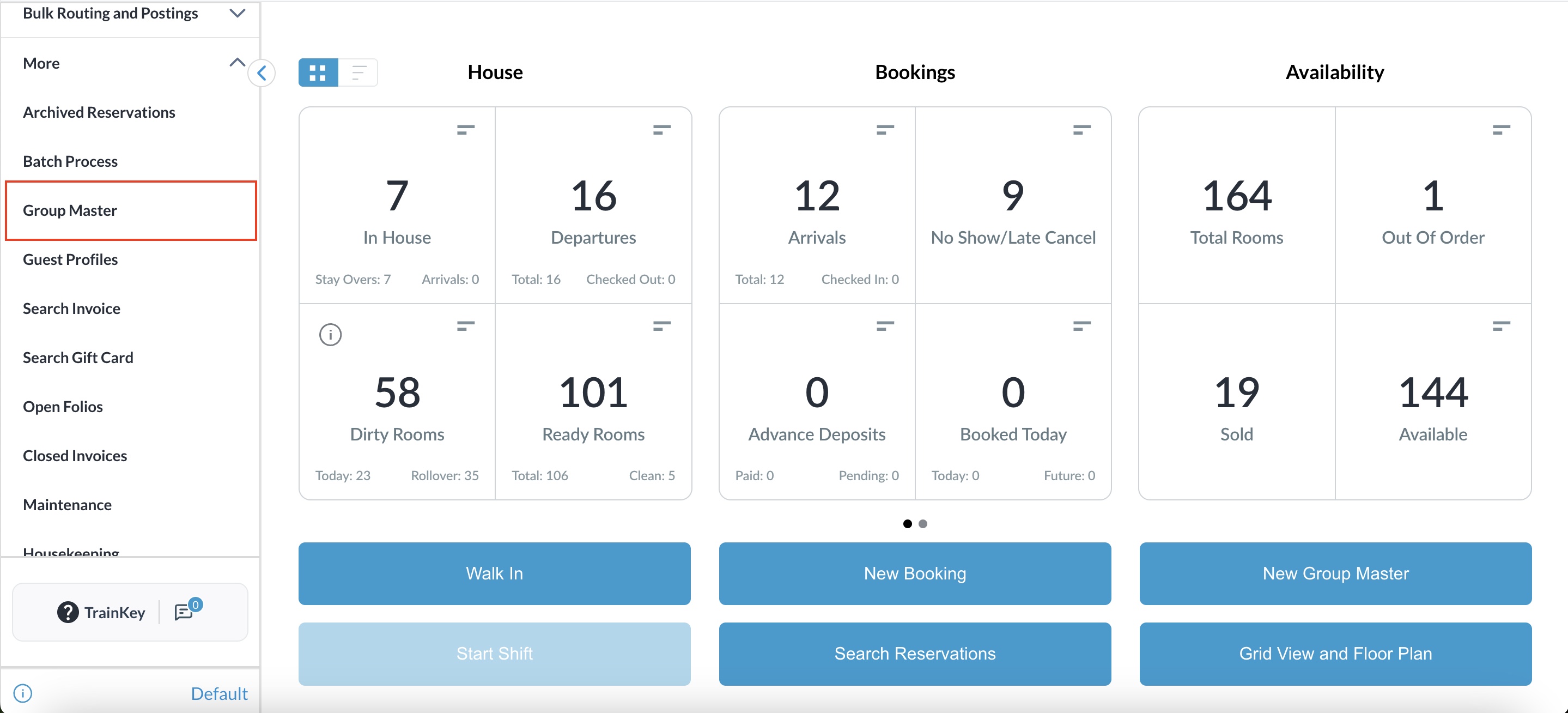
|
|
Select the desired group from the list. |
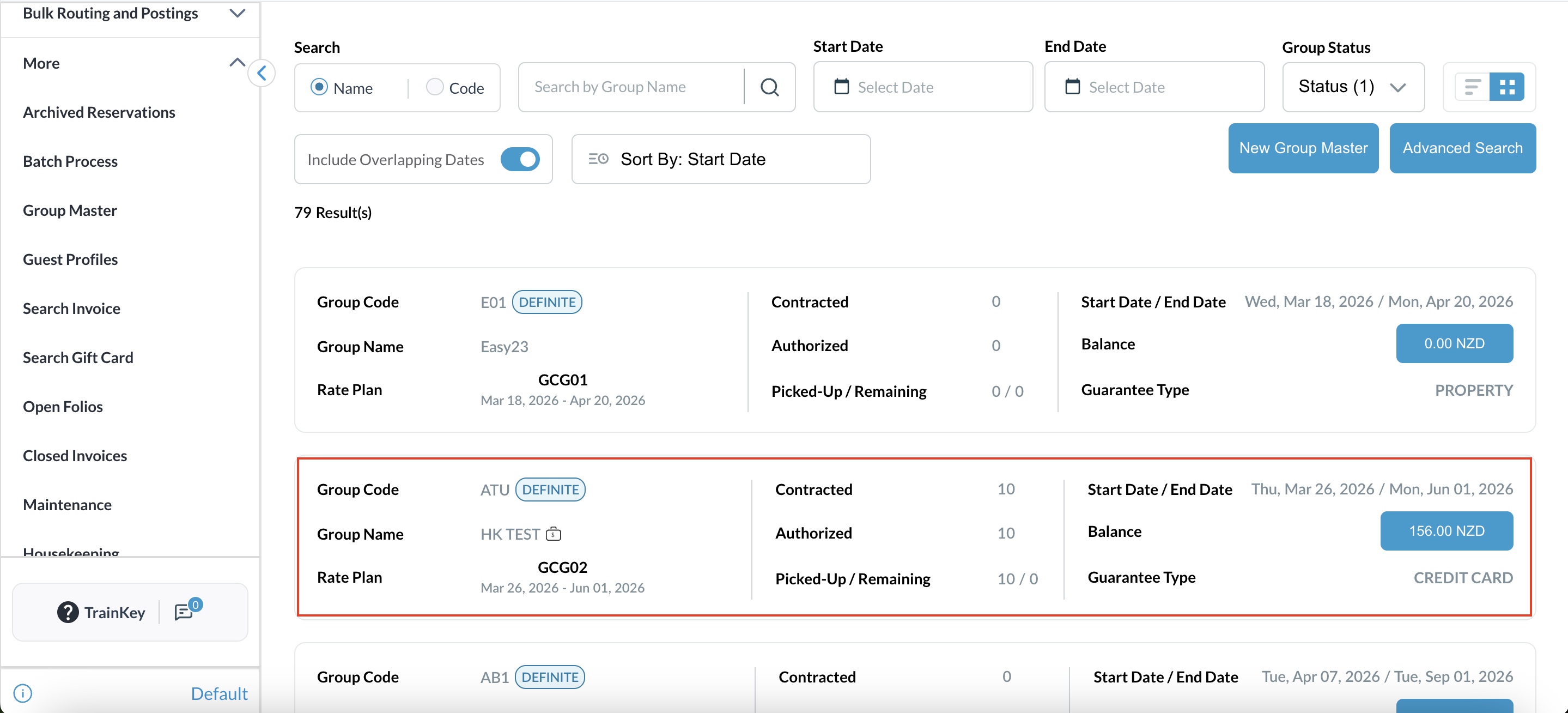
|
|
Click on the Actions menu |
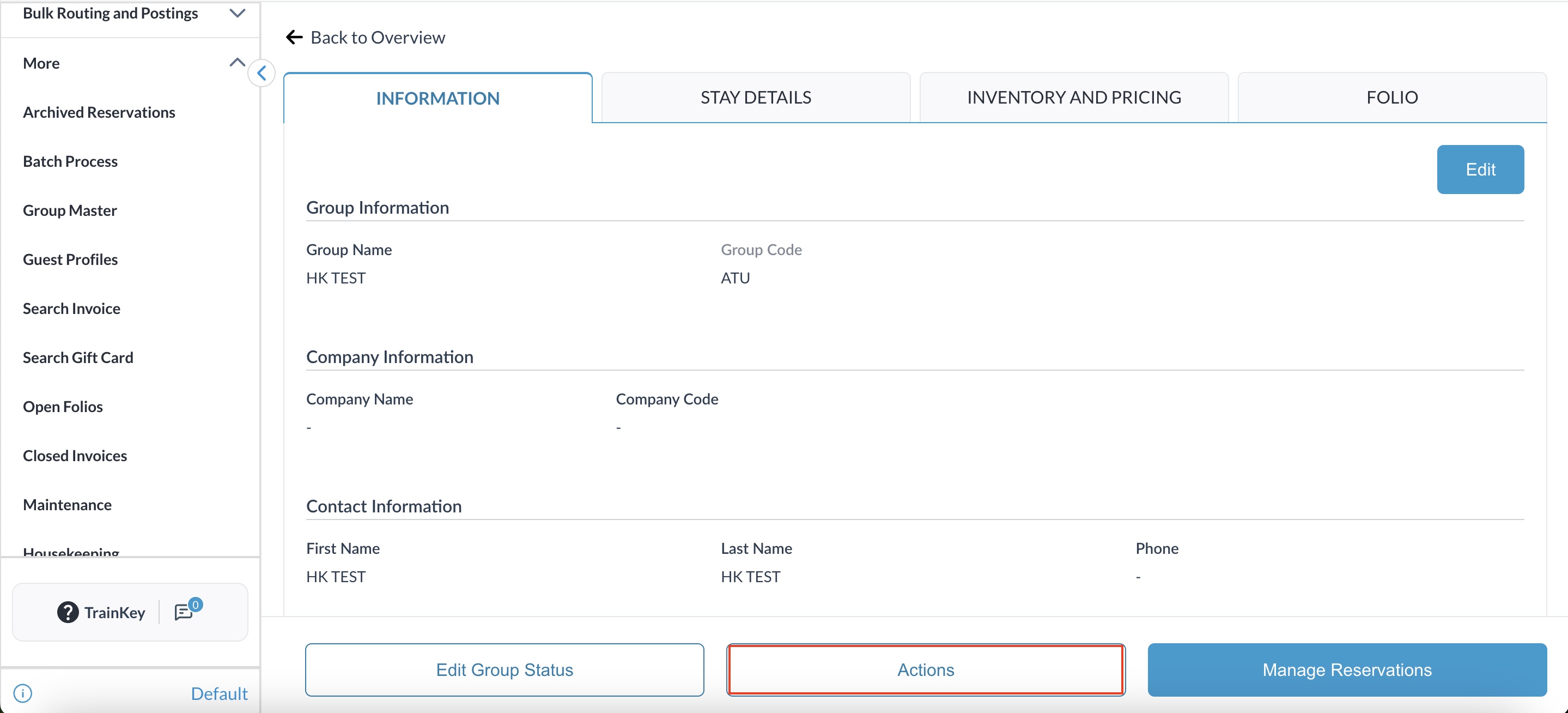
|
|
Select Confirmation Letter from the dropdown list. |
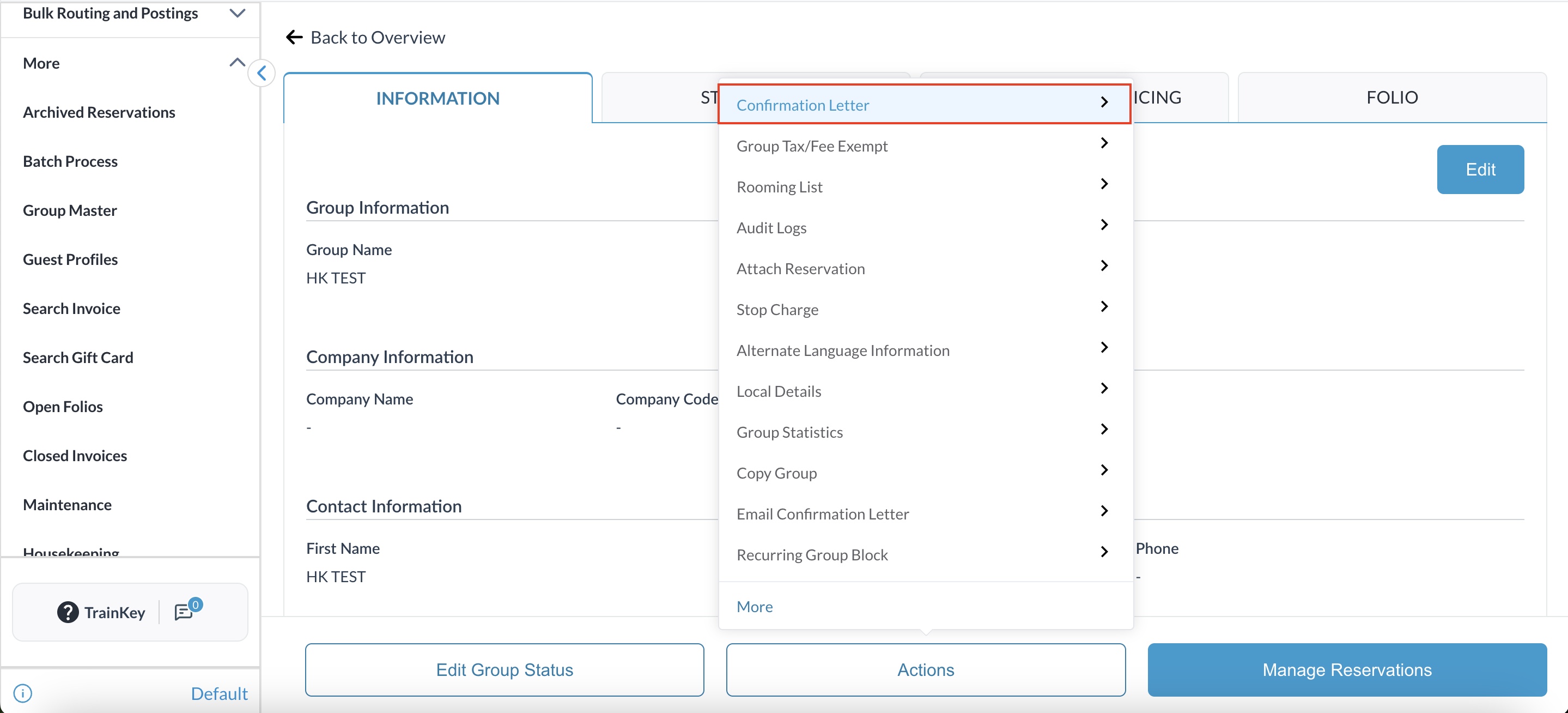
|
|
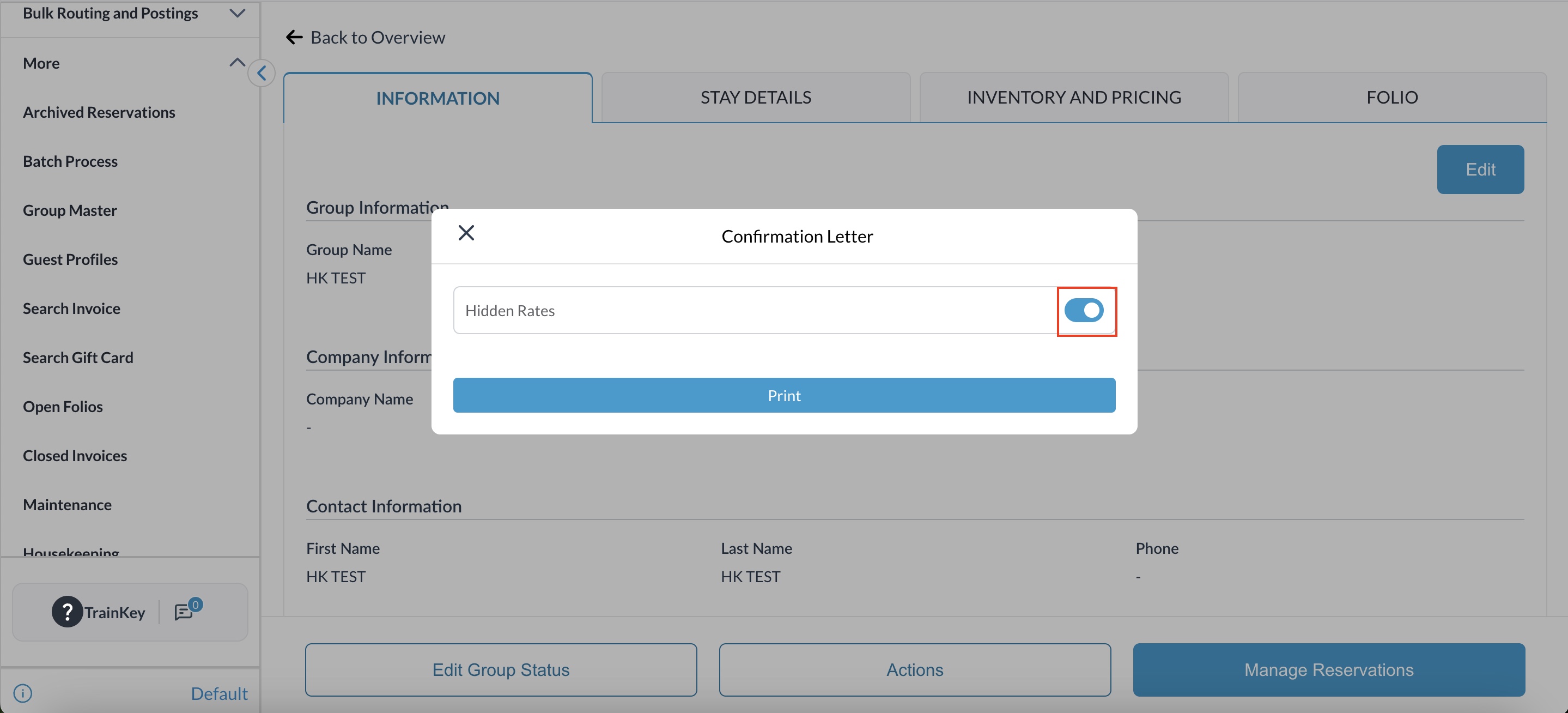
Locate the Hidden Rates toggle within the popup window. |
|
|
Review the Default State: The toggle defaults based on the Group Header level configuration.
Manually set the toggle to ON if you wish to suppress pricing for this specific output. |
|
|
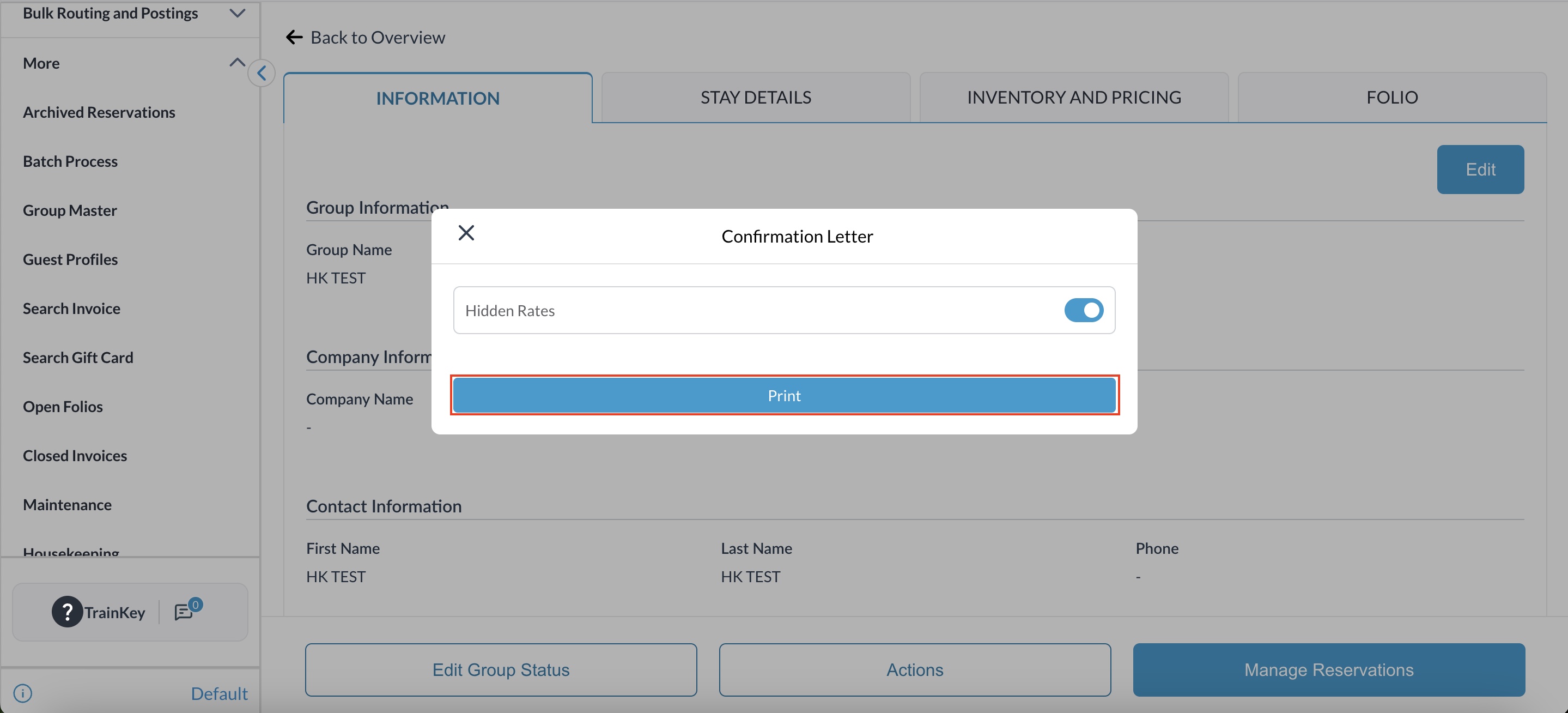
Click the Print button. The system will automatically generate the PDF and open it in a new browser tab. |
|
|
Review the generated document
|
|
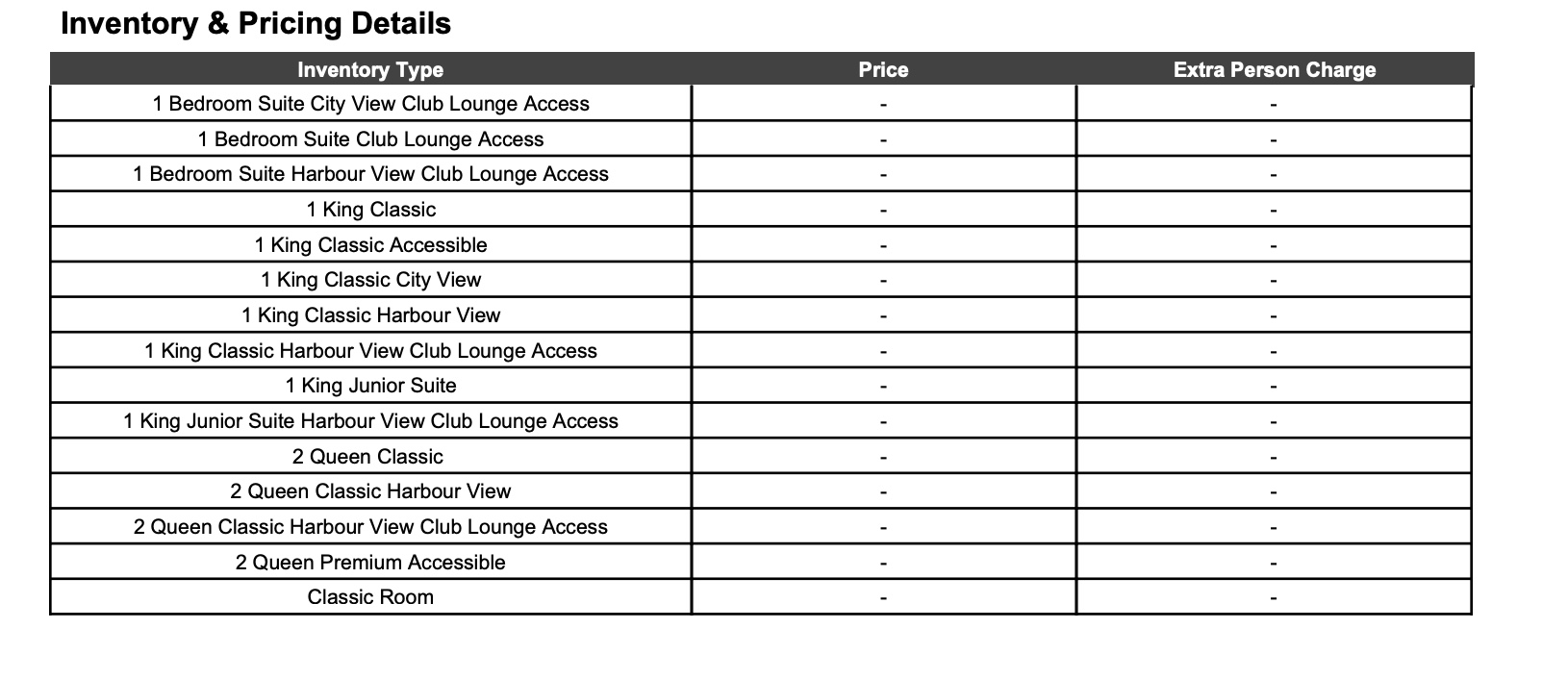
Verify the Output: When "Hide Rates" is active, the following changes occur on the document:
-
Group Master Prices: All rates, extra person charges, and child/extra adult prices are removed.
-
Individual Reservations: Specific room rates and taxes are hidden.