
📆 Revision Date:
Today’s Cut-Offs
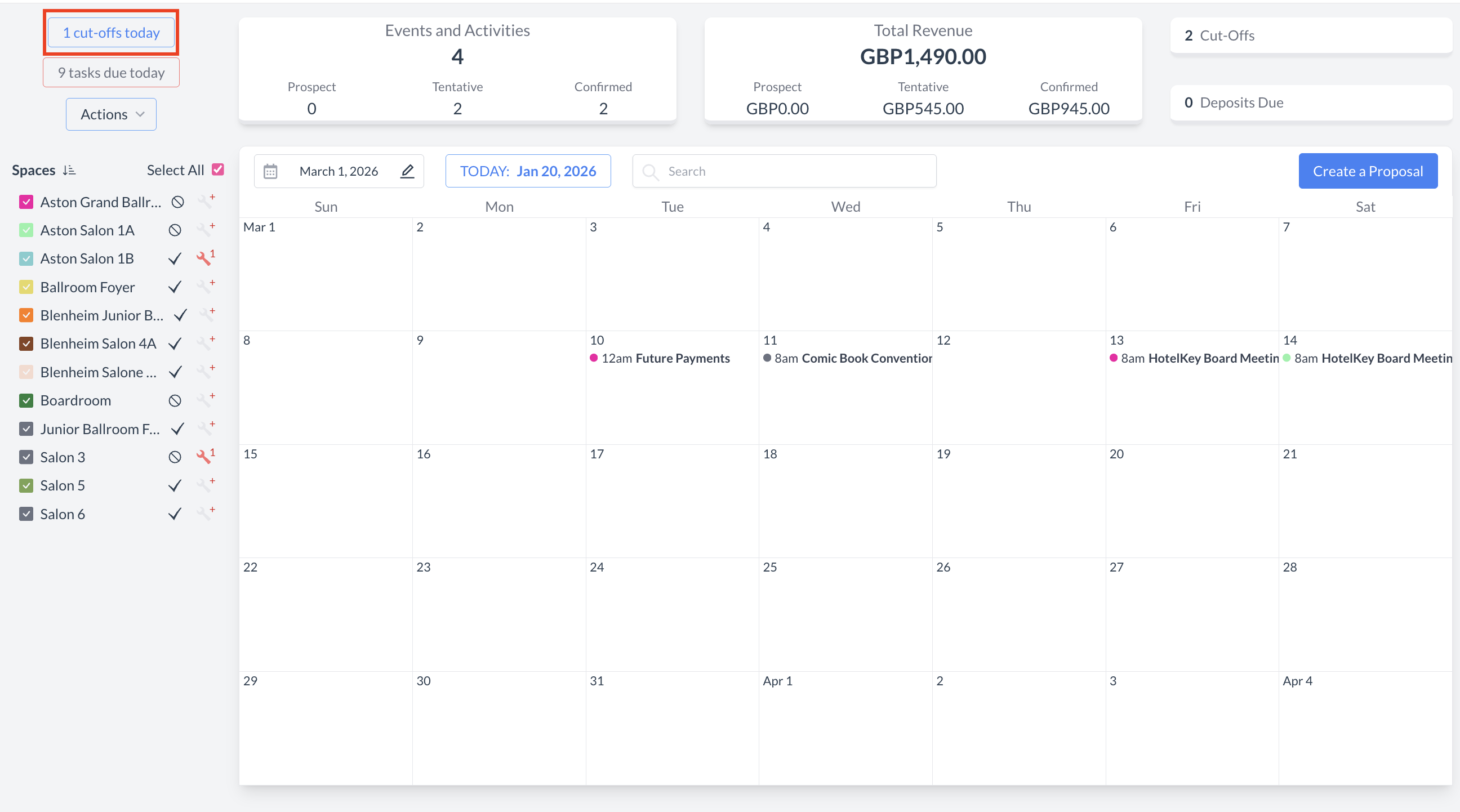
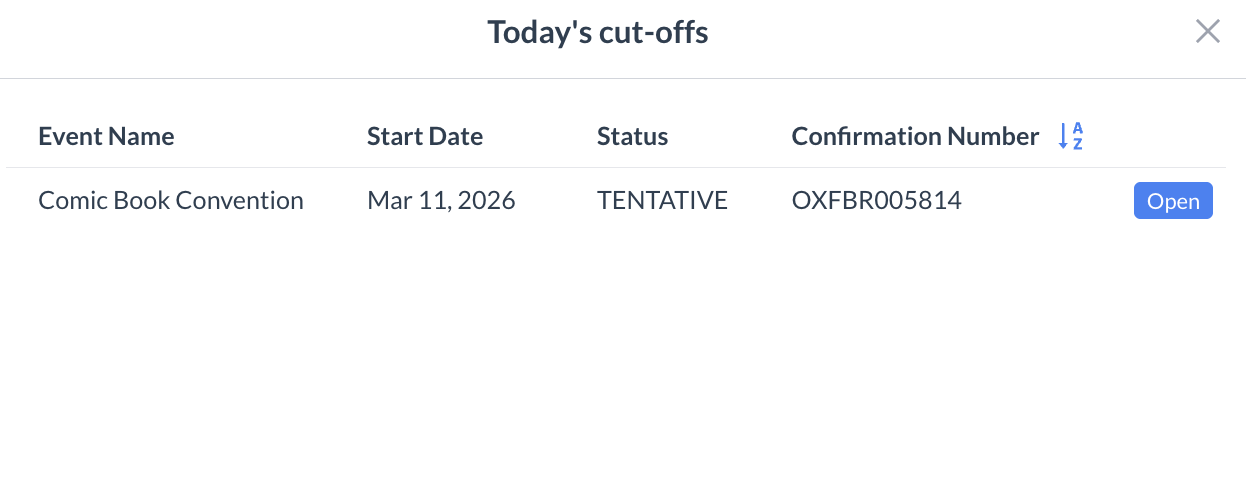
The Today’s Cut Off screen displays all events with a cut-off date set to the current business date that are still in Prospect or Tentative status. This view highlights events that require immediate review or action to determine whether they should proceed, be extended, or be released.
|
Navigate to Home > Event Management > Today’s Cut-Offs |
|
|
Today’s Cut-Offs Screen By design, the screen shows main events only (sub-events are excluded) and includes only events that have not yet reached Confirmed or Started status. The following columns are displayed:
|
|
|
Viewing or Updating an Event
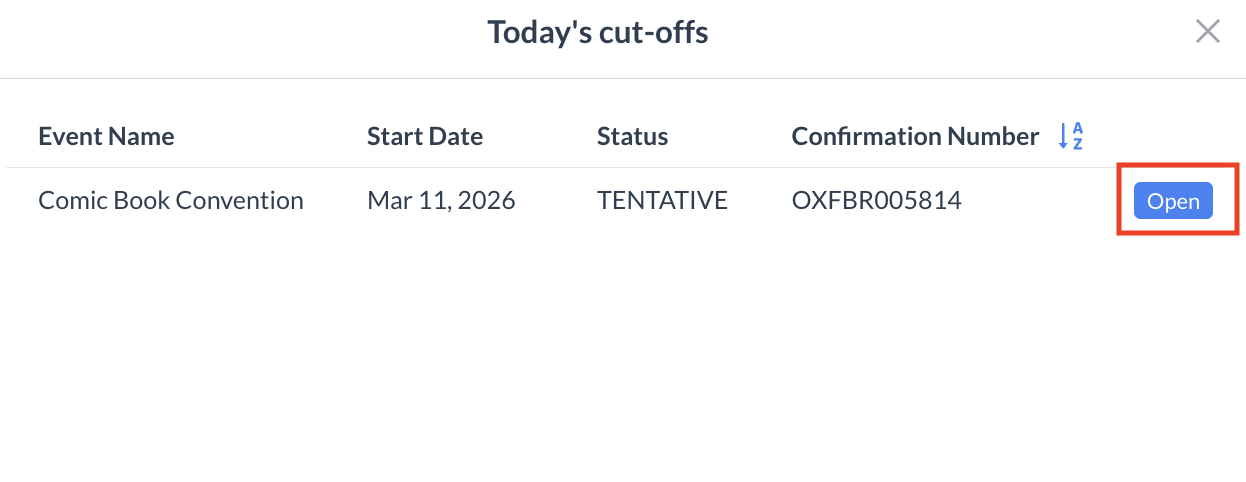
You will then be taken to the Event Reservation screen, where you can make the necessary updates. |
|